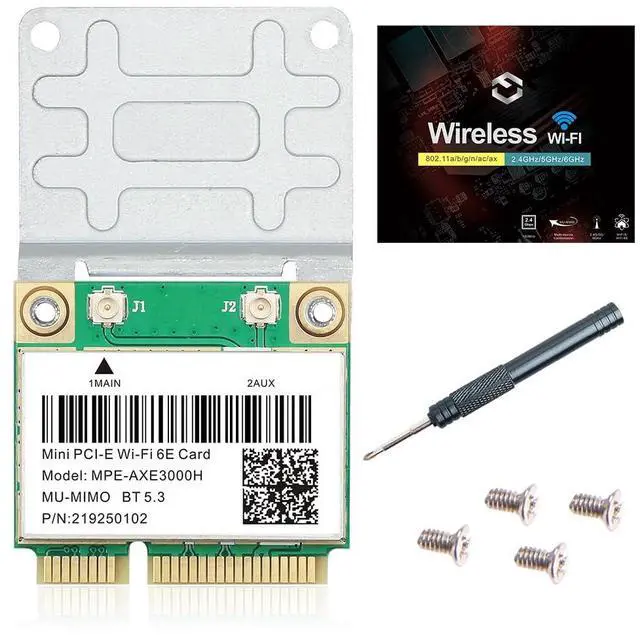
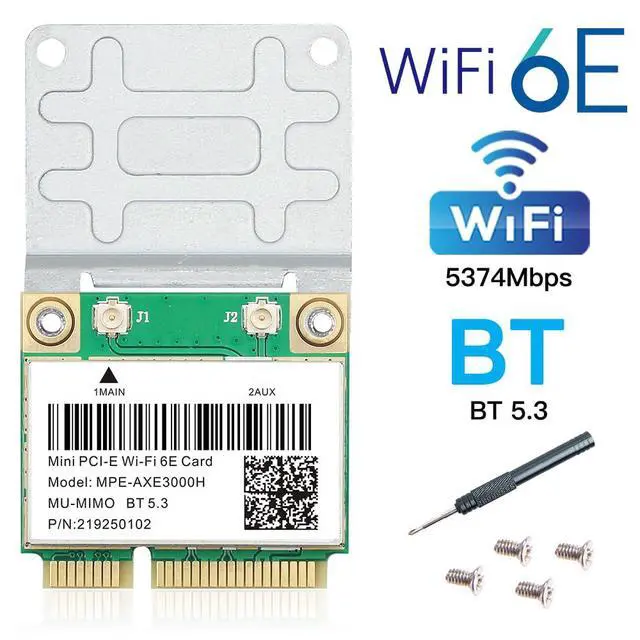
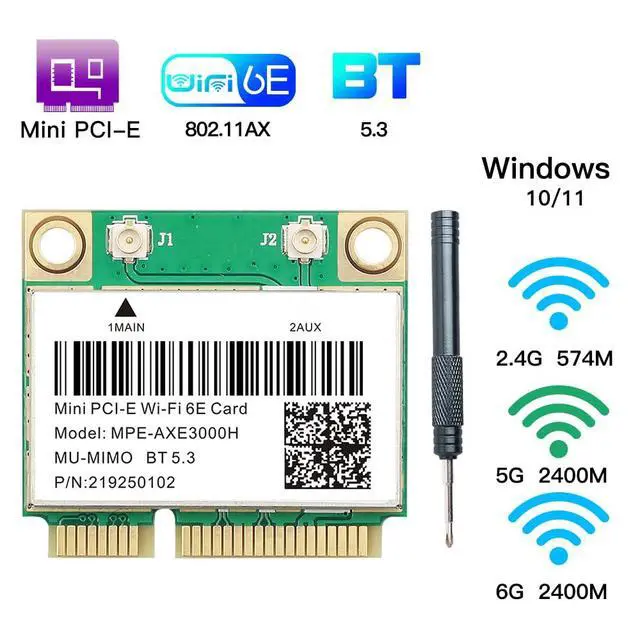
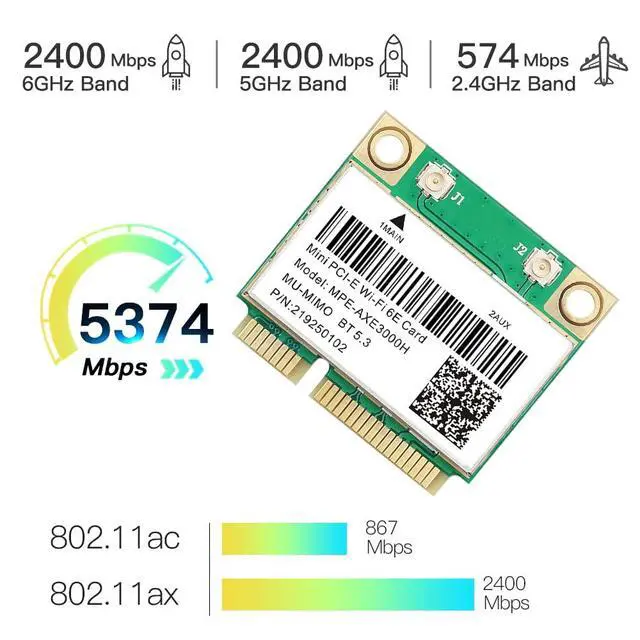
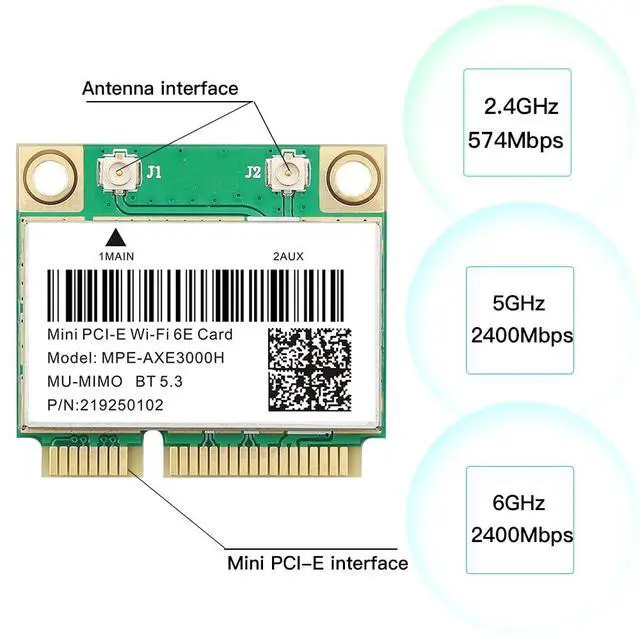
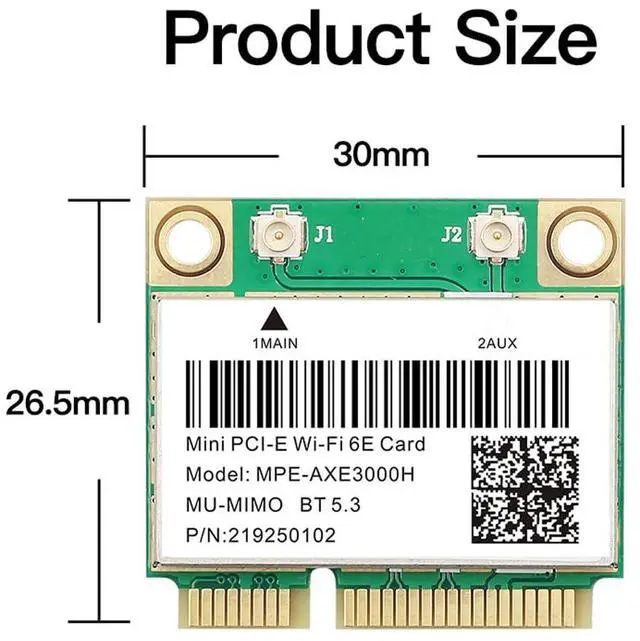
Product description REKONG MPE-AXE3000H WiFi 6E Mini PCIe Card | Tri-Band Ultra Low Latency Network Upgrade for 4K/8K Gaming Laptop 2.4 GHz - Throughwalls coverage, backward compatible with older devices ( 802.11 a/b/g/n). Best for smart home and general browsing. 5 GHz - Up to 2400 Mbps. Ideal for 4K streaming, online gaming, and video calls. Supports 160 MHz channel width. 6 GHz - 6 GHz Up to 2400 Mbps with 7 x 160 MHz channels. No congestion from neighbors. Requires a WiFi 6E router to use the 6 GHz band.
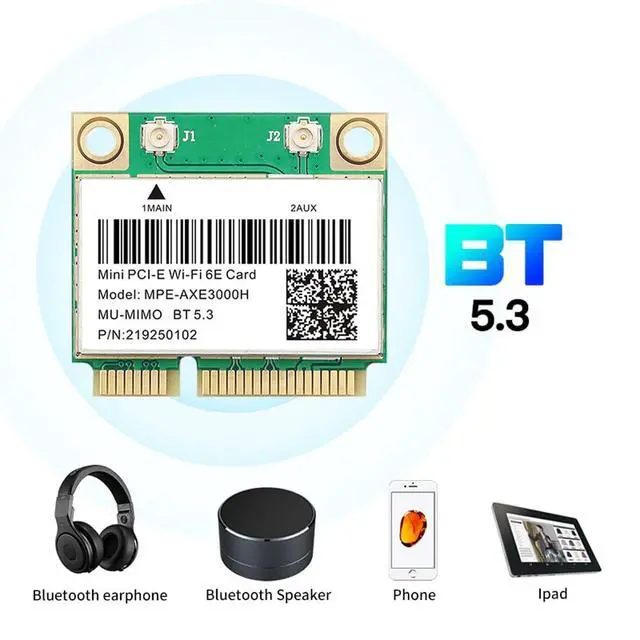
6 GHz networks are only available when connected to a WiFi 6E ( 802.11 ax) router. Your existing router will still work on 2.4 /5 GHz Bluetooth 5.3 Connect All Your Wireless Peripherals Pair your Bluetooth mouse, keyboard, stereo headset, and game controller simultaneously. 4× range compared to BT 4.2 stable connection across your home. Backward compatible with older Bluetooth devices.
Support Operating System: Windows 10 64bit / Windows 11 64bit only
Interface: Mini PCI Express (not M.
2) Driver: Download from Intel (search AX210 WiFi 6E) Fully Supported Brands (Mini PCIe Interface) for Samsung, Dell, Sony, ACER, ASUS, MSI, Clevo, Terransforce, Hasee etc. This MPE-AXE3000H WiFi 6E Mini PCIe card works perfectly with the above laptop models with a standard Mini PCIe slot and Windows 10/11 64-bit system, delivering stable WiFi and Bluetooth 5.3 performance after standard installation and driver setup. Unsupported Brands (BIOS Whitelist Restriction) Lenovo (Including All ThinkPad Series), HP, IBM These laptop brands adopt strict official BIOS whitelist mechanism, which will block and restrict all third-party Mini PCIe wireless cards. The network card cannot be recognized or used normally after installation, resulting in upgrade failure. Installation Instructions Step 1 Power off laptop Open back cover Locate the Mini PCIe slot. Step 2 Insert MPEAXE3000H into the Mini PCIe slot Connect antennas Secure with screws Reassemble laptop. Step 3 Turn on laptop Go to Intel Download Center Search AX210 WiFi 6E Select driver for Windows 10/11 64bit Download. Step 4 Run the installer Restart PC Done. Driver must be downloaded from Intel official website.
Search keyword: AX210 Wifi 6E
Q1: Do I need a special router to use the 6 GHz band?
A: Yes. You need a WiFi 6E ( 802.11 ax) router that broadcasts the 6 GHz band. Without one, the card will work on 2.4 GHz and 5 GHz bands only.
Q2: Will this card work in my Lenovo or HP laptop?
A: No. Lenovo (including ThinkPad), HP, and IBM laptops have BIOS whitelists that block thirdparty Mini PCIe WiFi cards. Please do not purchase for these brands.
Q3: Does this support Windows 10 or 11?
A: Yes, 64bit versions only. Windows 7 / 8 / 32bit are not supported.
Q5: Can I connect Bluetooth mouse and keyboard at the same time?
A: Yes, Bluetooth 5.3 supports multiple simultaneous connections mouse, keyboard, headset, and more.
Q6: My laptop is from Dell / ASUS will it work?
A: Most Dell, ASUS, Samsung, Acer, MSI, Clevo, Terransforce, Hasee laptops with a Mini PCIe slot are compatible. Please check your service manual first. MPE-AXE3000H WiFi 6E Card MPE-AX3000H WiFi 6 Card Wifi 5 7260HMW WiFi 6 AX200NGW Wi-Fi 6E AX210NGW WiFi 7 BE200 Add to Cart Add to Cart Add to Cart Add to Cart Add to Cart Add to Cart Customer Reviews 4.6 out of 5 stars 406 4.5 out of 5 stars 464 4.5 out of 5 stars 150 4.1 out of 5 stars 106 4.5 out of 5 stars 491 4.4 out of 5 stars 119 Price $ 26.99 $26. 99 $ 21.99 $21. 99 $ 15.99 $15. 99 $ 18.99 $18. 99 $ 22.99 $22. 99 $ 29.98 $29. 98 Interface Mini PCIE Mini PCIE Mini PCIE NGFF M. 2 NGFF M. 2 NGFF M. 2 Key E Wireless Wifi 6E Wifi 6 Wifi 5 AC1200 Wifi 6 Wifi 6E Wifi 7 BT 5.3 5.2 4.0 5.2 5.3 5.4 Supported operating systems Windows 10/11 64-bit Windows 10/11 64-bit Windows 7/8/10 64-bit Windows 10/11 64-bit Windows 10/11 64-bit Windows 10/11 64-bit Frequence 6GHz, 5GHz, 2.4GH z 5GHz, 2.4GH z 5GHz, 2.4GH z 5GHz, 2.4GH z 6GHz, 5GHz, 2.4GH z 6GHz, 5GHz, 2.4GH z