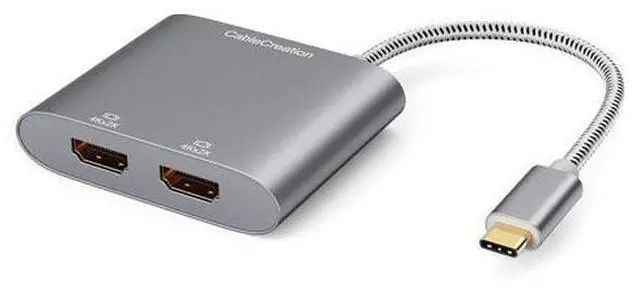
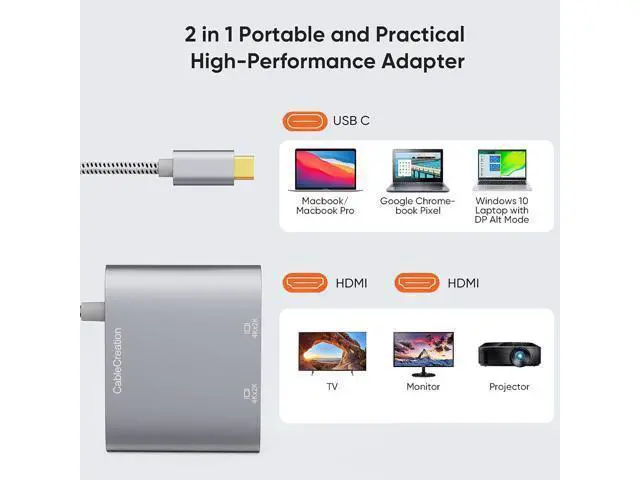
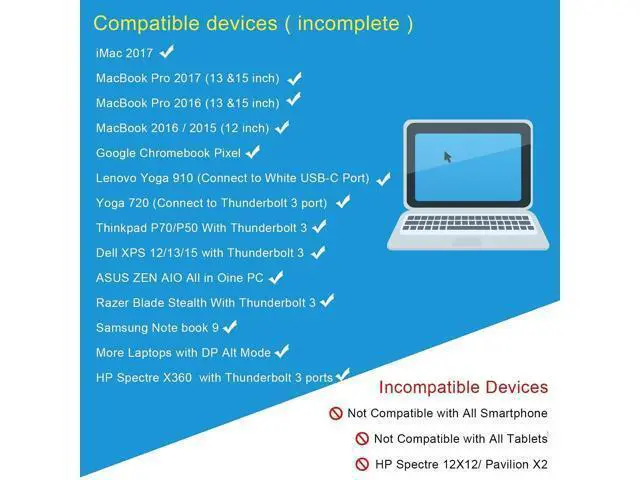
BEFORE PURCHASE NOTE: Make sure your laptop or PC supports Thunderbolt 3 or display output modeDP ALT mode. OTHERWISE it is NOT COMPATIBLE. If you don't know if your device is compatible with our products, send us a message via Amazon and we will help you; How to set Dual display on
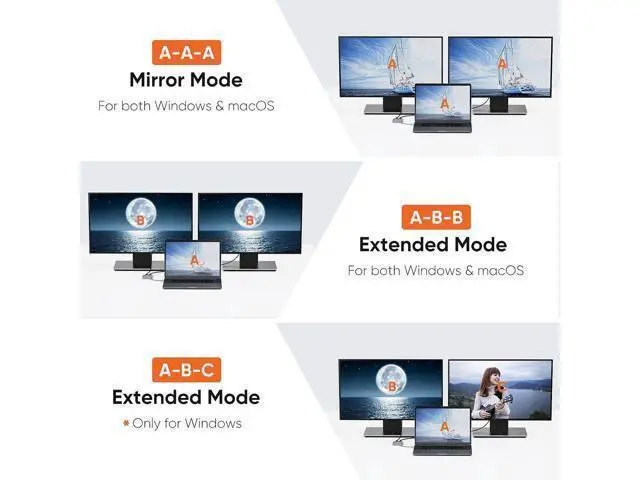
MacBook: Please noted that MacBook is NOT able to run EXTEND MODE if you enable 2 or above extension display. ONLY MIRROR MODE is available if you connected 2 or above extension display on MacBook. Steps Top left corner Apple iconSystem PreferencesDisplays Mirror or Extend Displays, both HDMI monitor are identical but different with laptop screen; How to set Dual display on
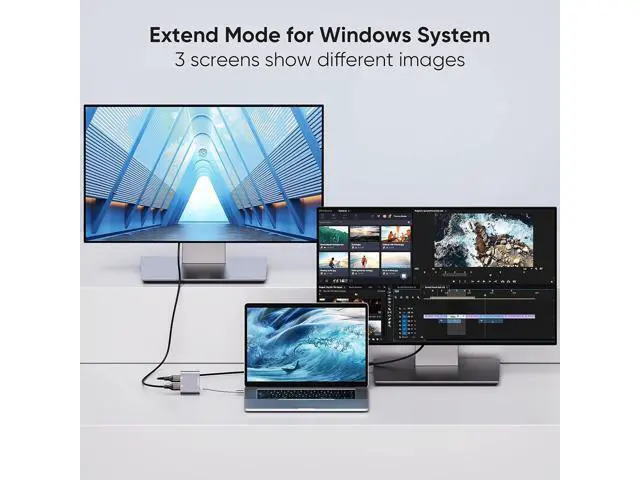
Windows: Both mirror and extend mode is available on Windows. StepsPress Windows key + P combination commandChoose Duplicate or Extend; Plug & Play, Vivid
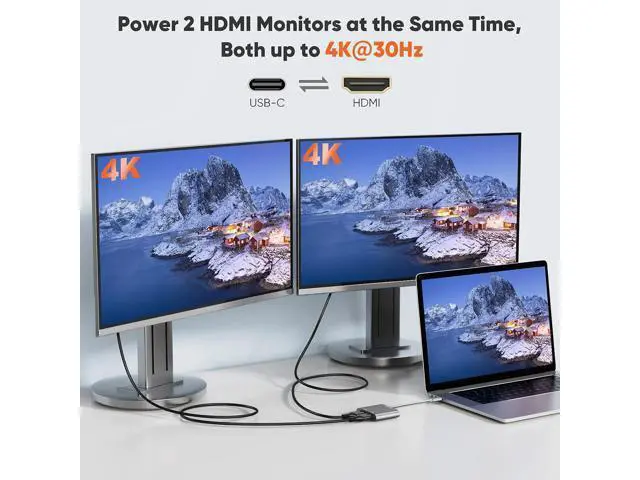
4K resolution: No driver or software needed. 2 extension display resolution is up to 4K@30Hz, please makre sure us HDMI 1.4 cable or above to avoid Screens flickering. If your source video or laptop is over 4K@30Hz.
Please lower the resolution as: For Windows Menu Setting Display Advanced Display Settings, set your laptop's resolution same as or lower the resolution of external monitor.
For MacOS: Left-upper Apple iconSystem PreferencesDisplaysMirror displays;
What You Get: We provide 24 months worry free warranty for this USB-C dual hdmiI convertor, please feel free to contact us if you have any question or suggestion, we will get ba



 All Categories