


Meet Your Seller

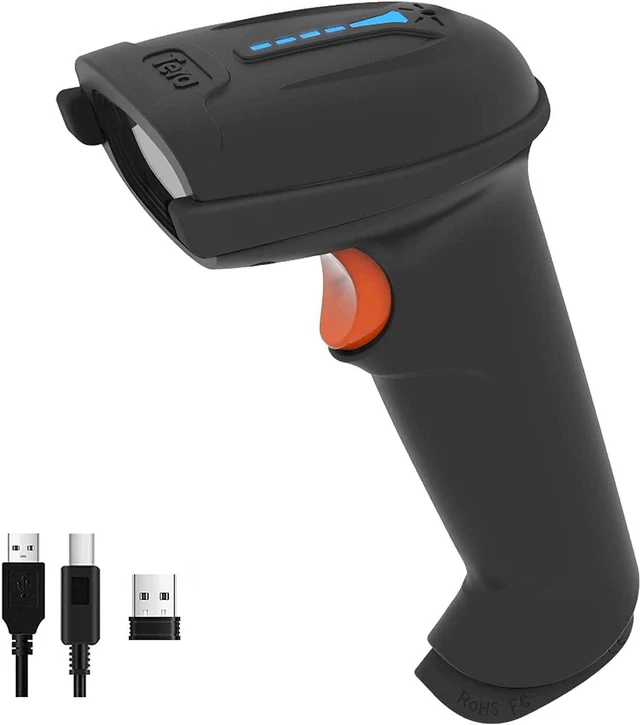


Barcode Scanner Wireless Versatile 2-in-1 (2.4Ghz Wireless+USB 2.0 Wired) with Battery Level Indicator, 328 Feet Transmission Distance Rechargeable 1D Laser Bar Code Reader USB Handheld (Black)
- Item #: 9SIV36AKE35252
- Mfr. Part #: MH-YXNS99
- UNSPSC: 43211701
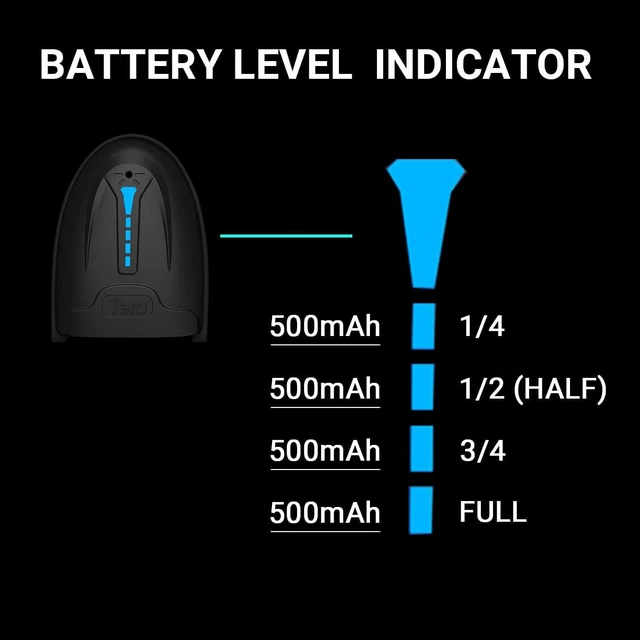
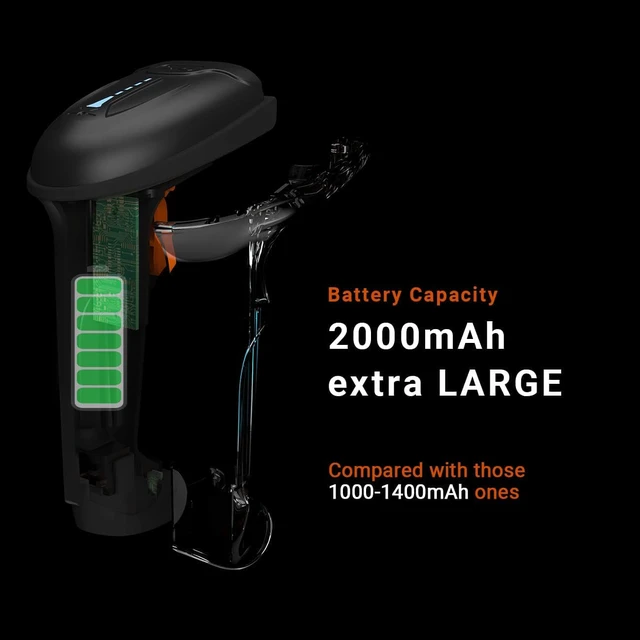
- Larger battery enables longer continuous usage and twice the stand-by time. With the unique battery indicator light showing the remaining battery level, no more Low Battery Anxiety.
- The curved handle is extended and thickened. Specially designed smooth and flat trigger for better grip.
- The orange anti-shock silicone protective cover can avoid scratches and friction while falling from the height of 6.56 feet. IP54 technology protects the wireless barcode scanner from dust.
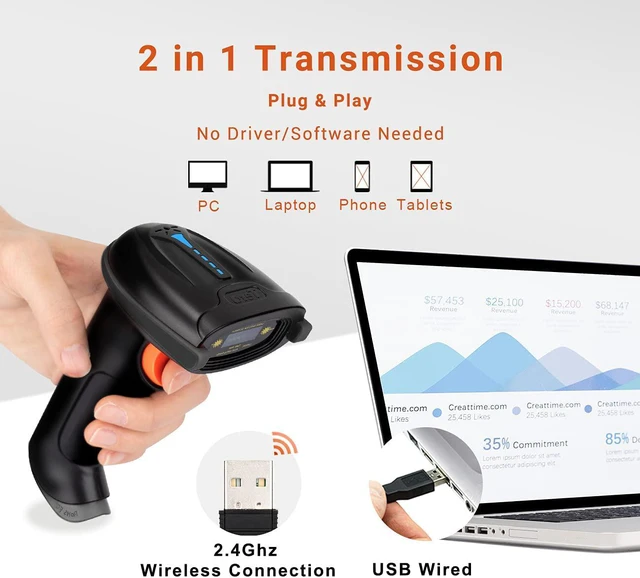
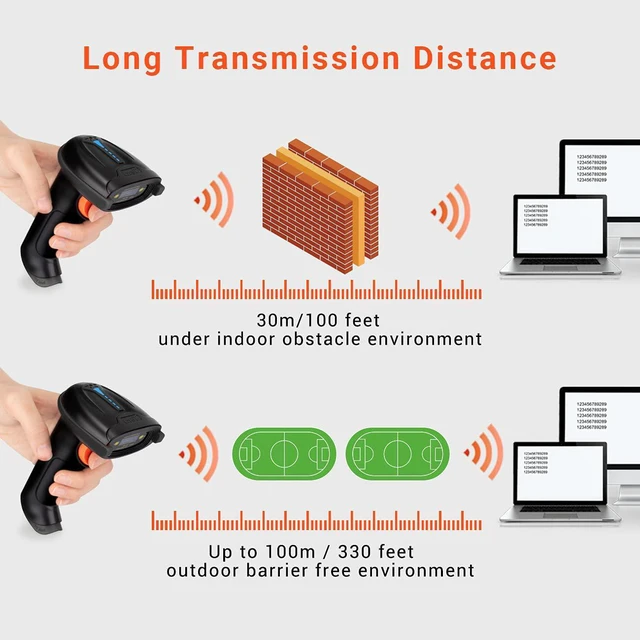
- Plug and play with the USB receiver or the USB cable, no driver installation needed. Easy and quick to set up. Wireless transmission distance reaches up to 328 ft. in barrier free environment.
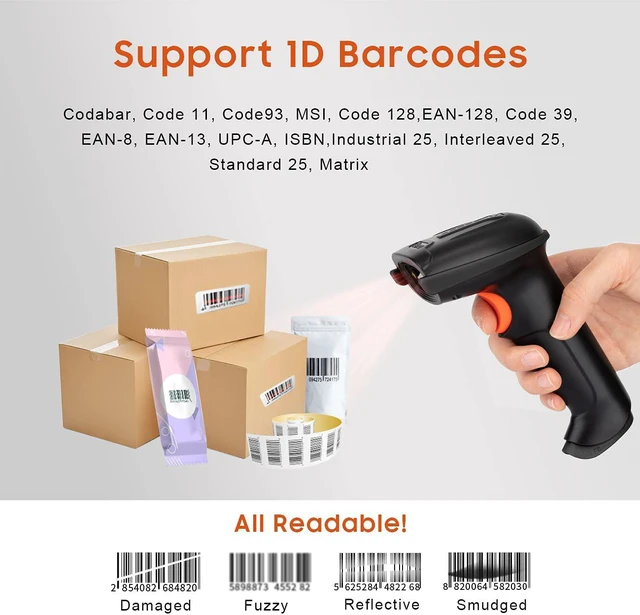
- Support almost all 1D Barcodes: Codabar, Code 11, Code93, MSI, Code 128, EAN-128, Code 39, EAN-8, EAN-13, UPC-A, ISBN, Industrial 25, Interleaved 25, Standard 25, Matrix. Read damaged, fuzzy, reflective and smudged barcodes.
+
+
Overview
Specs
Reviews
Tera 5100 1D Wireless & Wired Laser Barcode Scanner with Battery Level Indicator, Extra Large Battery Capacity and Ergonomic Handle
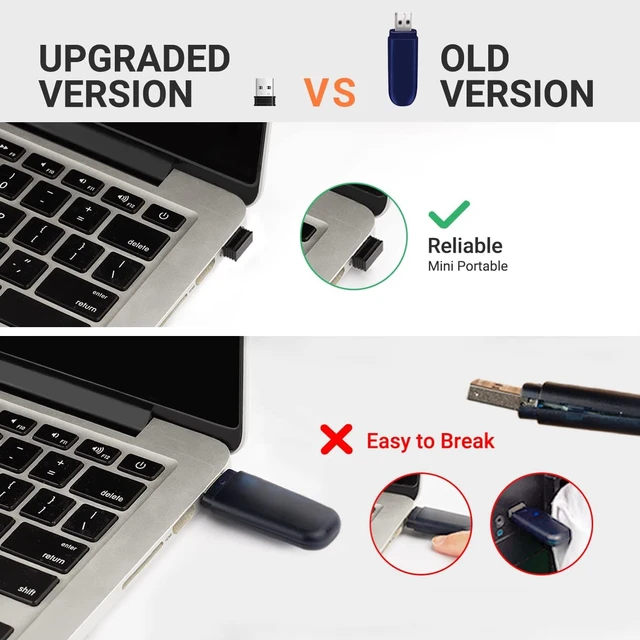
The upgraded version 2.4G Wireless Receiver is mini portable and reliable, easy to carry (it can be placed into the back of the scanner).
The old version wireless receiver is very large and easy to break.
Support 25 Languages
Support multiple languages including English, Spanish, German, French, Italian, Japanese, etc.
To get the correct output, make the scanner's keyboard language consistent with your computer's keyboard language.
The scanner's factory default language is English.
Support Customizable Volume
The scanner supports customizable volume, which allows you to turn the volume on/off based on the barcode in the user manual, as well as raise or lower the volume when scanning barcodes.
Support USB Virtual COM Port
The scanner needs to work with virtual serial port driver and serial port software. Even if you open other universal software such as excel, word, notepad, etc., the scanned information will be shown up in the window of the serial port software. USB Virtual COM Port works on Window 7/8/10/11/XP, not works on Mac OS.
Note: This scanner DOES NOT scan 2D, QR, or barcodes on digital screens.
Note: Not Compatible with Square POS system; DOES NOT Support Bluetooth Mode.
Note: When the scan result is different from the actual number (e.g. extra characters appearing at the front), conditionally, the barcode itself is as it's scanned. It's not the quality or scanning issue of the scanner itself. Tera scanners can be modified with a setting code to hide the extra characters, please see the manual or consult us for details.
Note: Tera 5100 1D wireless barcode scanner is capable of scanning colorful barcodes, except "red bars on white background" and "black bars on blue background".
Tera 5100 is easy to set up. Just plug and play. It is compatible with PC and Laptop where you can plug the 2.4GHz wireless dongle, not for smartphones and tablets. In addition, it supports iOS, Android, Linux, Windows, and Mac OS.
When connecting via 2.4GHz wireless, the transmission distance can be up to 328ft under a barrier-free environment and about 30-100ft under an indoor obstacle environment, depending on the complexity of the environment.
Warranty & Returns
Warranty, Returns, And Additional Information
Warranty
- Please contact the Seller directly for warranty information. Warranty information may also be found on the Manufacturer's website.
- CONTACT
Return Policies
- Return for refund within: 30 days
- Return for replacement within: 30 days
- This item is covered by Electronics World Return Policy
Manufacturer Contact Info
- For a directory of all our manufacturers, please click below.
- Manufacturers Directory
LOADING...