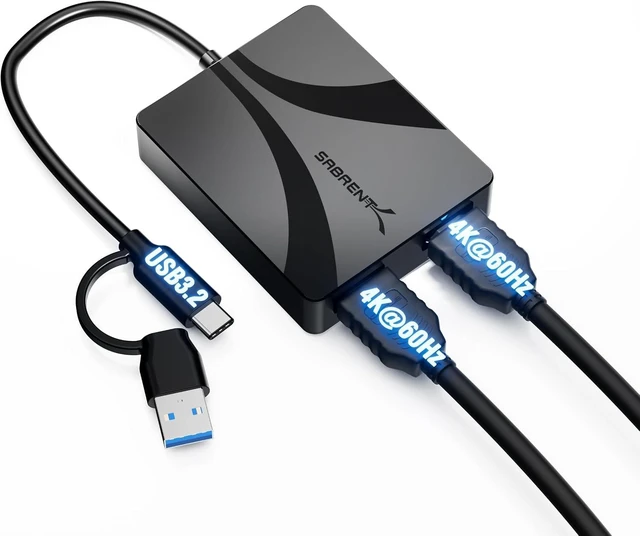
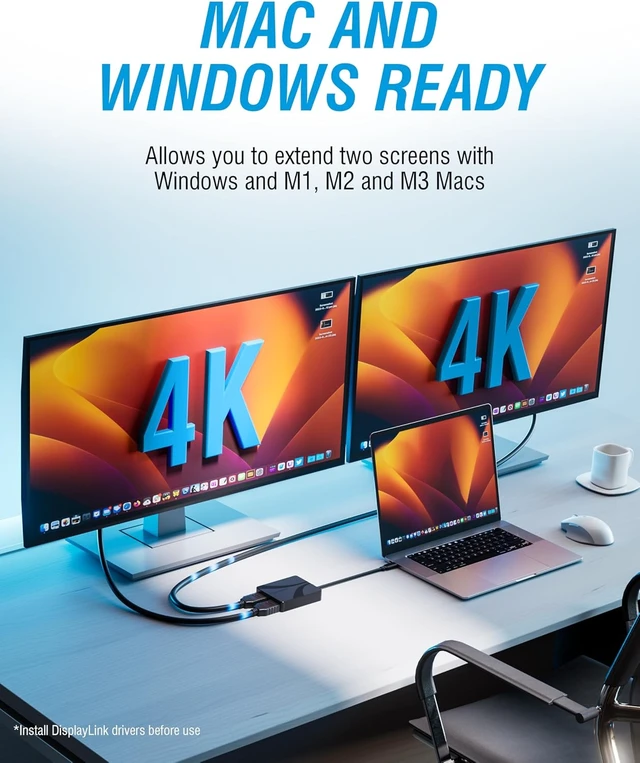
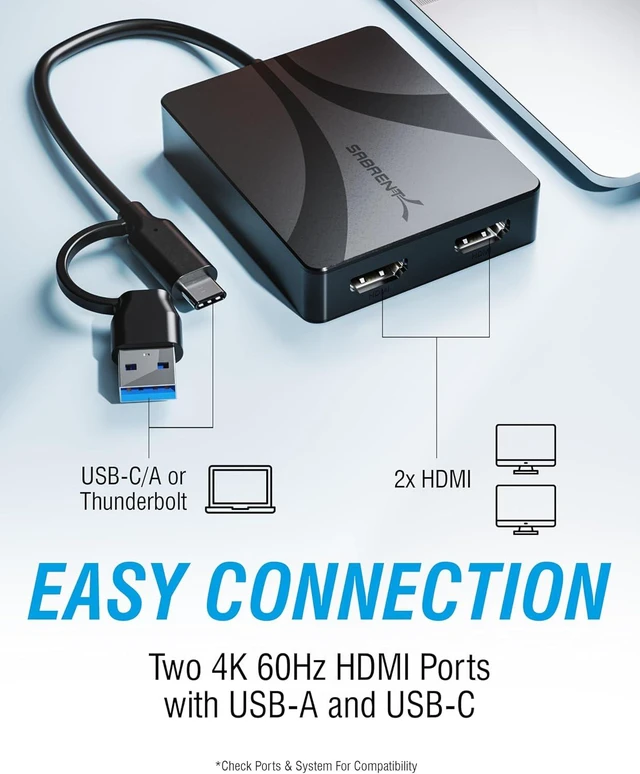
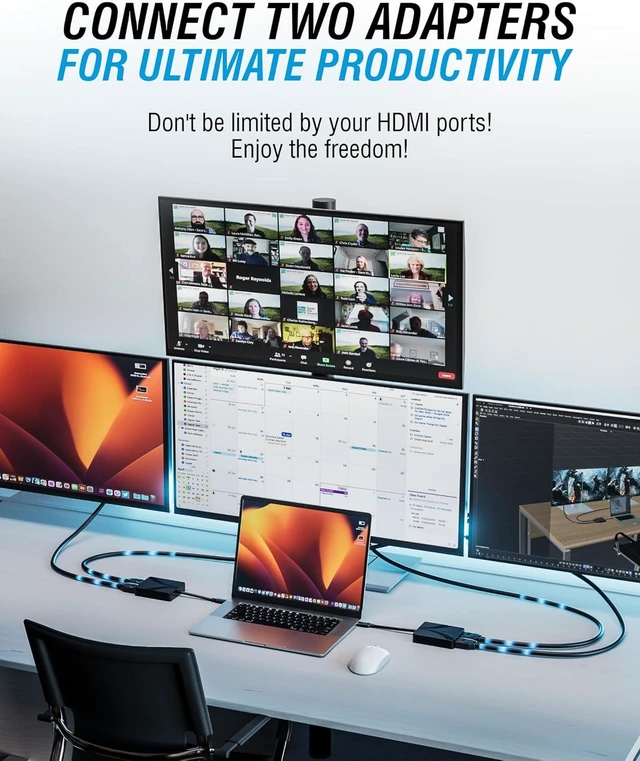
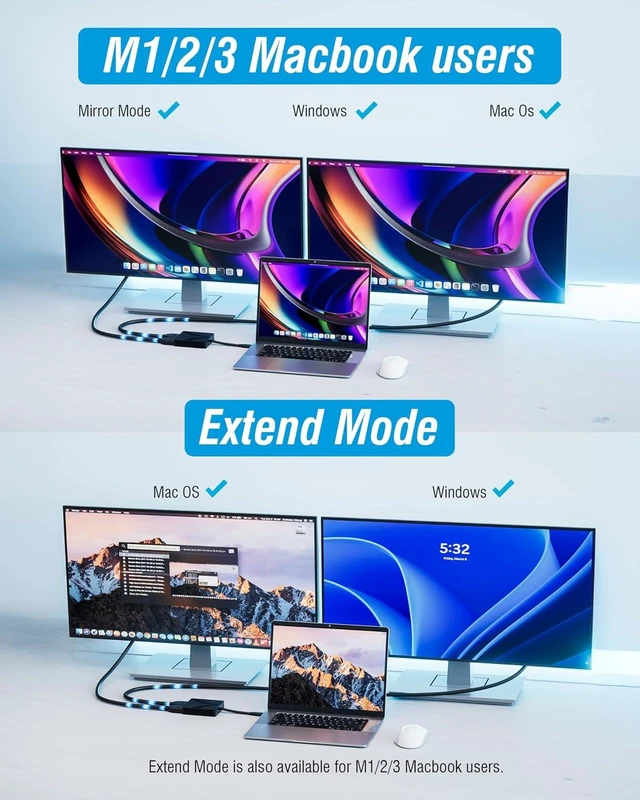
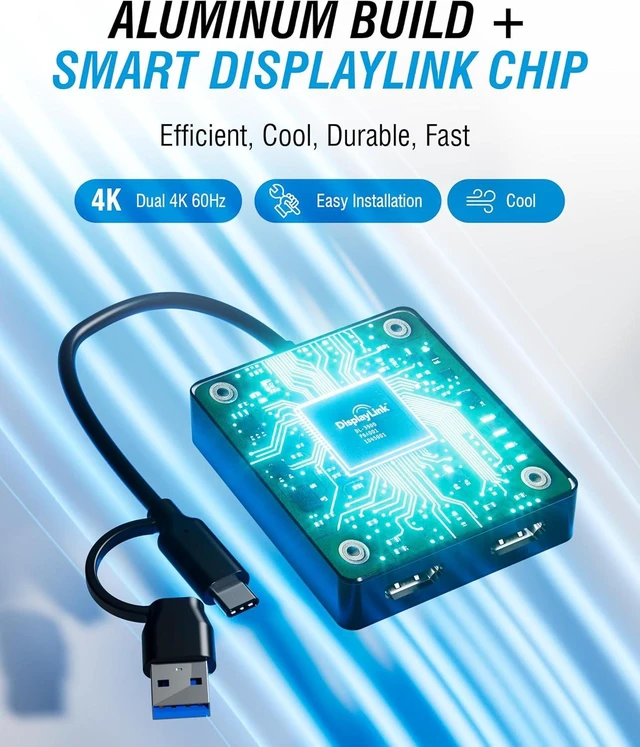
1EASY CONNECTION24K 60HZ CONTENT3SMART DISPLAYLINK CHIP4MAC AND WINDOWS5PORTABLE AND SLIM The SABRENT USB-C to Dual HDMI Adapter is designed to expand your workspace with two external displays from a single USB connection. It supports extended and mirrored display modes at up to 4K 60Hz, making it ideal for multitasking, productivity, trading desks, content creation, and professional work environments.
Using DisplayLink technology, this adapter enables dual-monitor setups on Mac M1, M2, and M3 systems as well as many laptops and desktops that do not natively support multiple external displays. This makes it a reliable solution for users who need more screen space without replacing their hardware.
The adapter works with both USB Type-C and USB Type-A connections. USB-C devices with DisplayPort Alternate Mode can output video directly, while USB-A connections use DisplayLink software to provide wide compatibility across Windows, macOS, and Linux systems.
Built with a compact aluminum housing, the adapter offers improved heat dissipation and stable performance during extended use. Audio pass-through and HDCP support allow playback of supported protected content, delivering a dependable dual-display solution for home, office, and mobile setups.
Product Type USB-C / USB-A to Dual HDMI Adapter Video Outputs 2 × HDMI Maximum Resolution Up to 4K @ 60Hz (host and display dependent) Display Technology DisplayLink and USB-C DisplayPort Alt Mode Host Interfaces USB Type-C, USB Type-A Supported Display Modes Extended and mirrored display Audio Support Stereo and multi-channel audio Content Protection HDCP 1.4 / 2.3 support Operating System Support Windows, macOS, Linux Mac Compatibility Supports extended displays on Mac M1, M2, and M3 systems using DisplayLink Housing Material Aluminum Power Source Bus-powered via USB Dimensions 2.94 × 2.40 × 0.63 inches Weight 2.99 oz Can this adapter run two external monitors from one USB port?
Yes. It supports dual HDMI displays using DisplayLink or USB-C DisplayPort Alt Mode, depending on the host device.
Does this work with Mac M1, M2, and M3 systems?
Yes. DisplayLink enables extended dual-monitor setups on Mac M-series systems that normally support only one external display.
Do I need to install software?
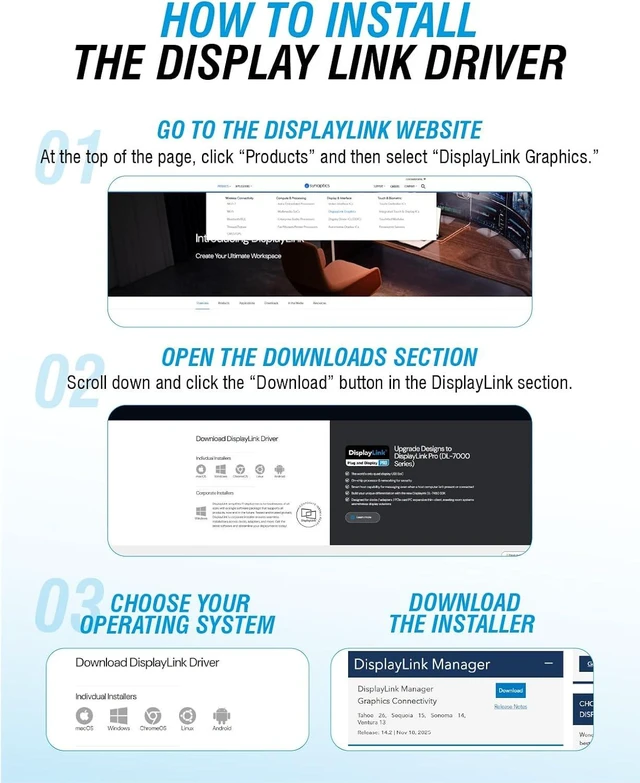
DisplayLink software is required for systems using USB-A or for Mac extended display functionality. USB-C Alt Mode video output does not require additional software.
Will this work with older laptops or desktops?
Yes. USB-A support with DisplayLink allows compatibility with many older systems that do not support native multi-display output.
Does it support audio and protected content?
Yes. The adapter supports audio pass-through and HDCP-protected content on supported platforms and applications.
Can this adapter run two external monitors from one USB port?
Does this work with Mac M1, M2, and M3 systems?
Do I need to install software?
Will this work with older laptops or desktops?
Does it support audio and protected content?



 All Categories