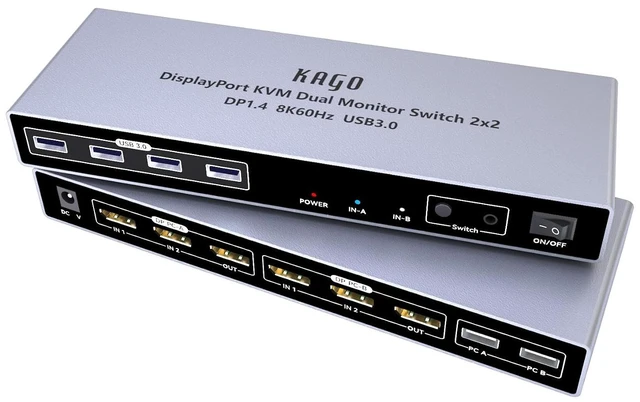
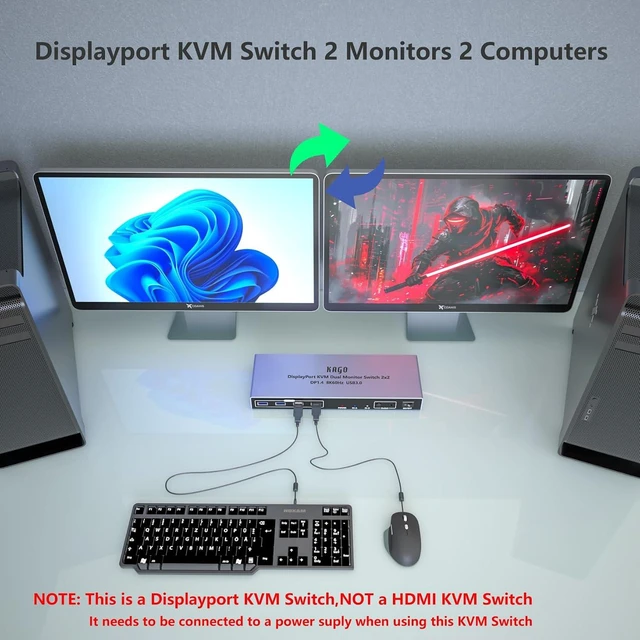
8K@60Hz Display port KVM Switch 2 Monitors 2 Computers
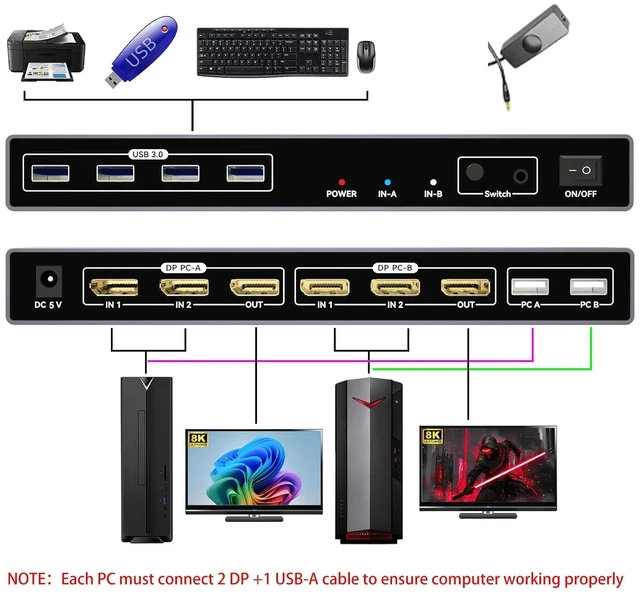
1: This KVM switch is a DisplayPort (DP) KVM switch. For it to work properly, the computer must output 2 DP signals and 1 USB-A data simultaneously. 2: It supports two computer combinations: 2 desktop computers; 1 desktop computer and 1 laptop; 2 laptops. If your computers have a mix of DP, HDMI, or USB-C outputs, please read the following carefully. 3: A desktop computer that can output two DP signals can be directly connected to this KVM switch. 4: Desktop computers with only one DP or HDMI output are not compatible with this KVM switch, as it can only display one screen. 5: For desktop computers with DP, HDMI, or dual HDMI outputs, this KVM switch does not support direct connection to the HDMI port and requires the use of an HDMI to DP converter adapter. 6: For a Windows laptop with dual USB-C outputs, you need to prepare two USB-C to DP adapters, and you must connect the USB-A port. If your laptop does not have a USB-A port, you must add a USB-C to USB-A OTG adapter and connect it to this KVM switch. 7: For Windows laptops with a single USB-C (video display) output, a USB-C dock that supports simultaneous dual DP output (MST) must be provided. 8: When the laptop is a MacBook Air M1/M2/M3 running macOS, it only supports one display output and is not suitable for use with this KVM switch. 9: For MacBook Pro/Max M1/M2/M3/M4 laptops (MacOS system), you need to prepare two USB-C to DP adapters or a USB-C hub with two DP ports, and the hub must support simultaneous video output from both DP ports (SST mode). If your laptop does not have a USB-A port, you need to add a USB-C to USB-A OTG adapter and connect it to this KVM switch. Each PC MUST connect 2 DP1.4 8K Cables and 1 UAB-A
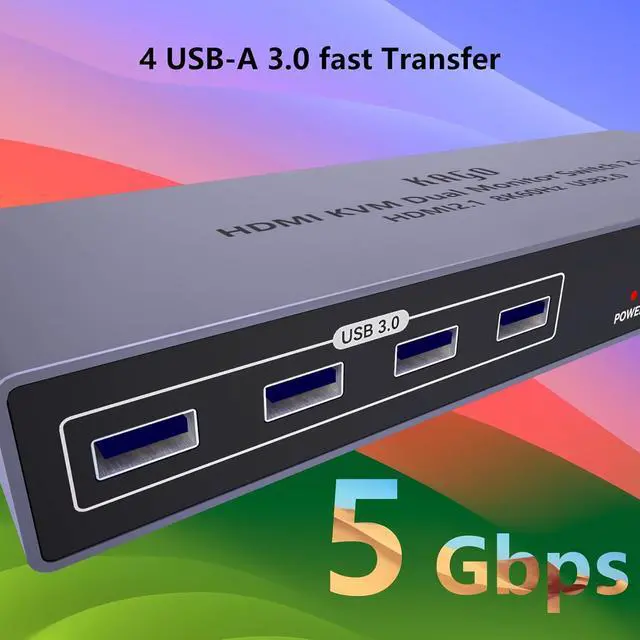
4 USB-A 3.0 Faster Data Transfer Rate
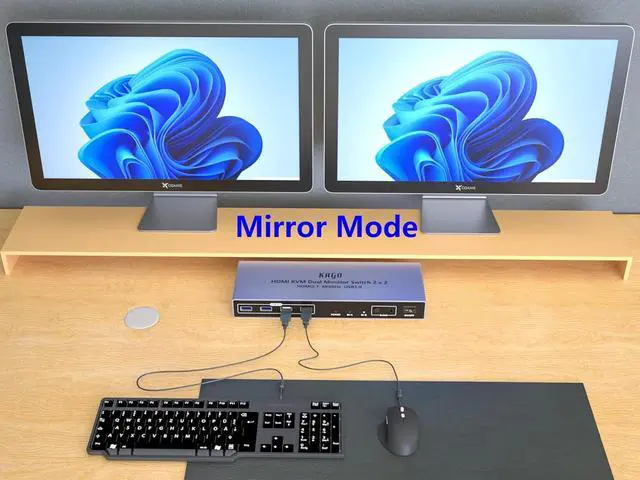
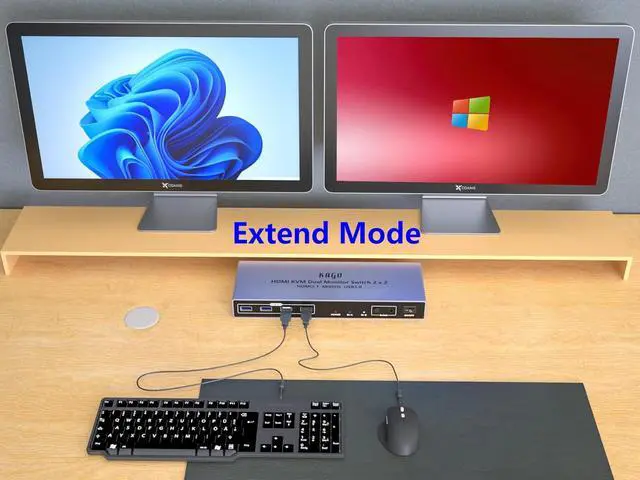
Multiple Screen Display Modes: Mirror Mode, Extended Mode
Correct Connect Tips
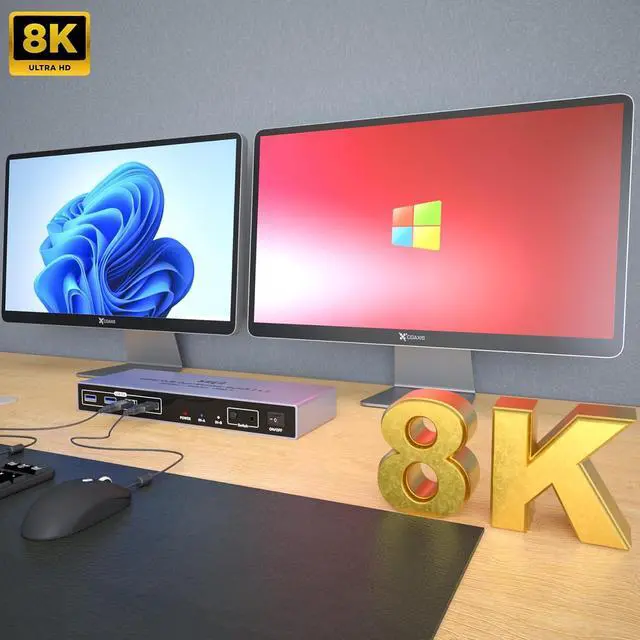
18K@60Hz 4K@120Hz2High Refresh Rate3Dynamic HDR Important Notice



 All Categories