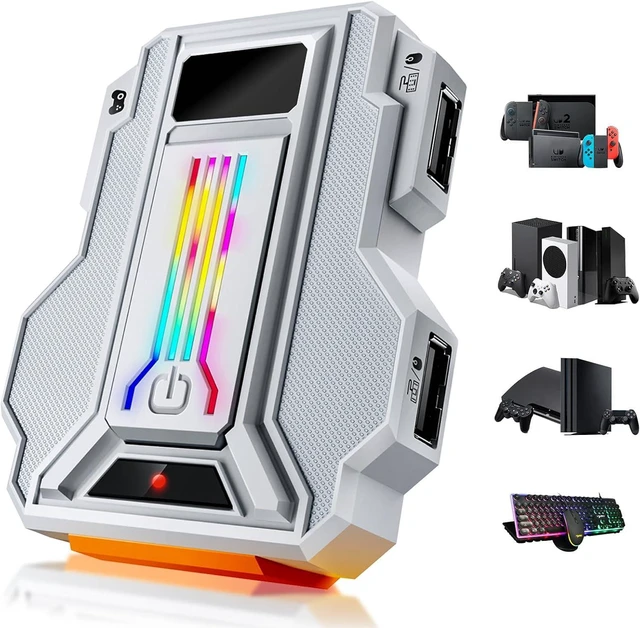
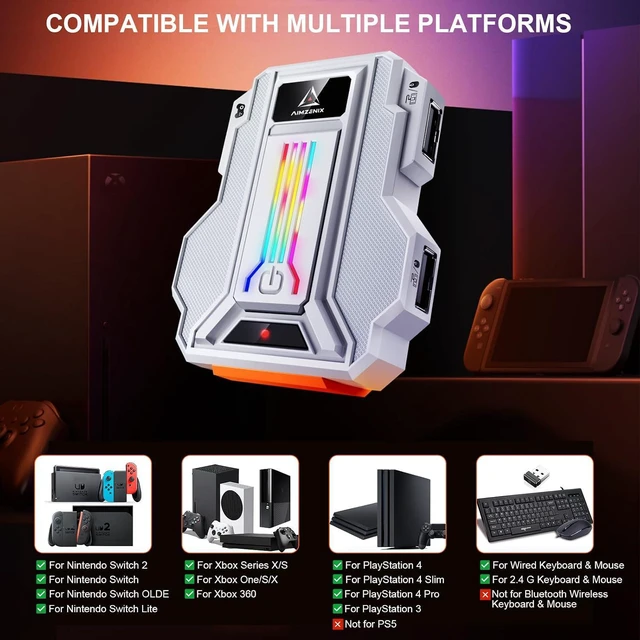
For Nintendo Switch 2, Switch, Switch OLED, Switch Lite
For Xbox One, Xbox One S, Xbox One X, Xbox 360, Xbox Series S, Xbox Series X
For PS4, PS4 Slim, PS4 Pro, PS3 [NOT for PS5]
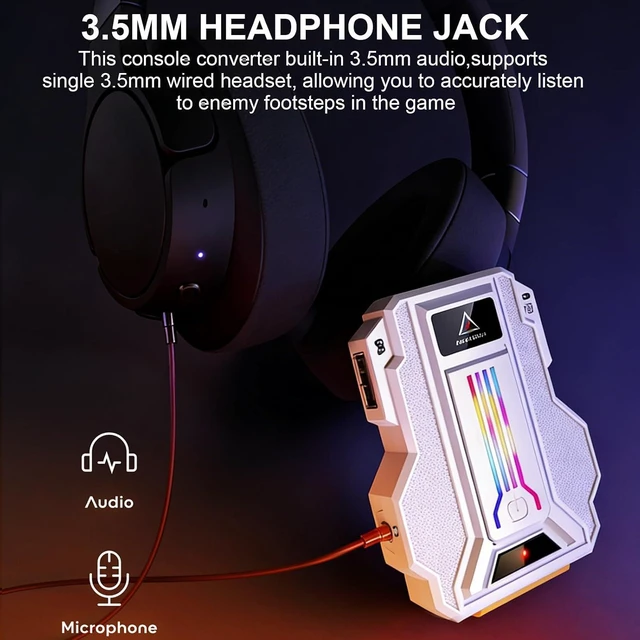
With 3.5mm headset jack, avoid environmental noise, real-time experience of the game's stereo sound, increasing the experience of the game
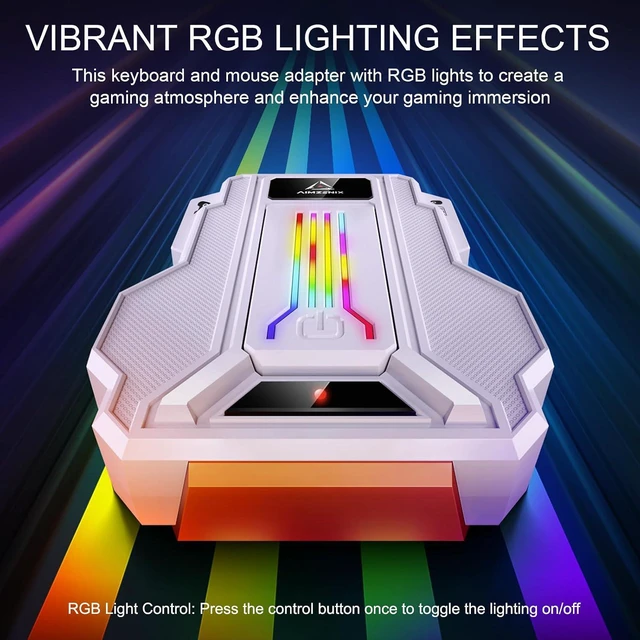
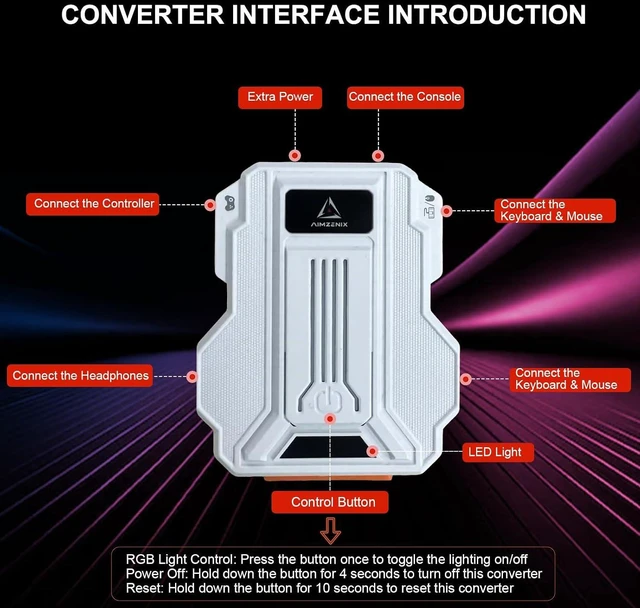
Press the "control button" once to toggle the lighting on/off
This switch converter is compatible with 2.4G wireless and wired keyboards and mouse.
Does not support Bluetooth wireless keyboards and mouse.
This ps4 adapter is compact in size, exquisite in appearance, made of high-quality ABS material, and has a long service life
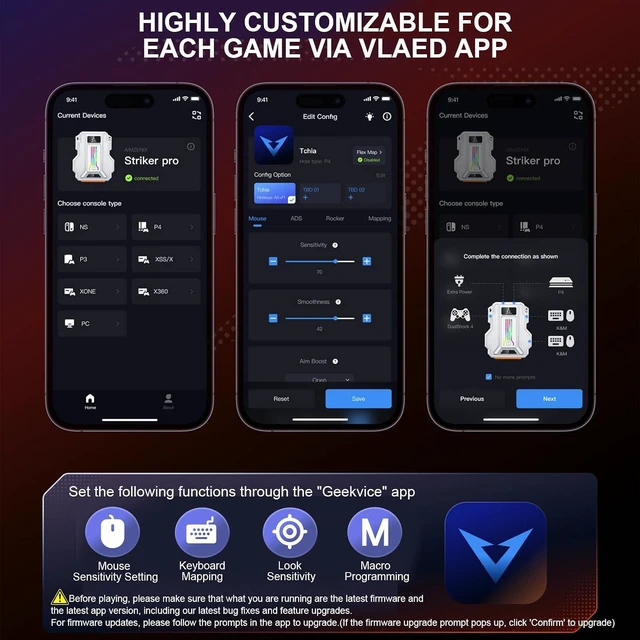
Supports keyboard mapping, mouse sensitivity setting, look sensitivity, macro programmingvia APP
Before playing, please make sure that what you are running are the latest firmware and the latest app version, including our latest bug fixes and feature upgrades.
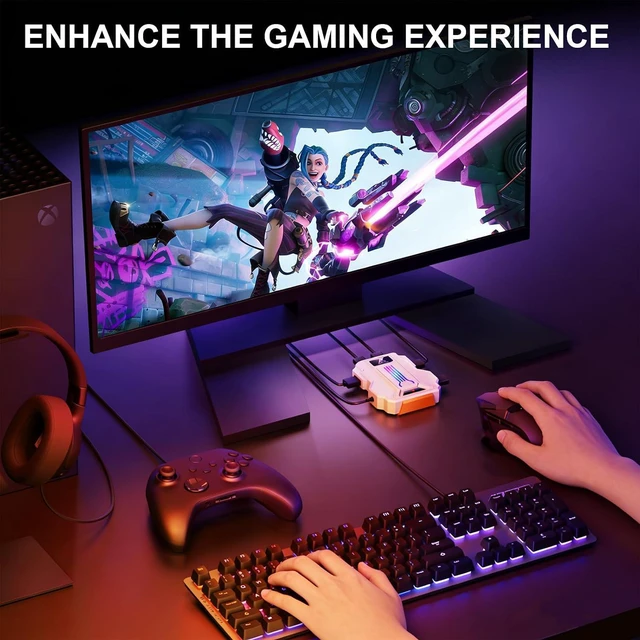
This keyboard mouse converter allows players to use a keyboard & mouse instead of a game controller to enjoy games on for PS4/PS3/Xbox/Switch.
Power Off: Hold down the control button for 4 seconds to turn off this converter
Reset: Hold down the control button for 10 seconds to reset this converter
1x Keyboard and Mouse Switch; 1x USB-C Cable (Includes a USB to Type C Adapter); 1x User Manual [Console, Controller and keyboard and mouse not included]
After connecting the Official controller, the converter will recognize NS mode, and the indicator light will display Solid Red light. lf the indicator light does not display Red, please reconnect the controller.
After completing the app setup, press "C" key on keyboard to active keyboard & mouse control and star your game.(In NS default mode, keyboards C key replaces the controller's A button.)
Official PS4/PS3 controllers must be used for operation.
After connecting the Official* controller, the converter will recognize Playstation mode, and the indicator light will display Solid Blue light. lf the indicator light does not display Blue, please reconnect the controller.
After connecting the Official* controller, the converter will recognize Xbox mode, and the indicator light will display Solid Green light. lf the indicator light does not display Green, please reconnect the controller.
Keyboard and Mouse Converter for Switch 2/Switch/PS4/PS3/Xbox Series/One/360 3.5 mm Audio jack RGB Lights 2.4G & Wired Keyboard Mouse High Quality Customize Key Mapping via the APP Enhance the Gaming Experience - Low Latency Packing List How to Connect Nintendo Switch 2/Switch/PS4/PS3/Xbox Series/One/360 Note Note Note



 All Categories