• $99.99
  • Free 30-day Returns
  • Ships from United States.

    Shipped by PartsPro Store

    MINIX 8K USB-C+HDMI KVM Switch 1 Monitor 2 Computers for Laptop PCAluminum

    • Item #: 9SIVU86M789624
    • Mfr. Part #: TONFB0H9LCPGVJ
    • UNSPSC: 26121604
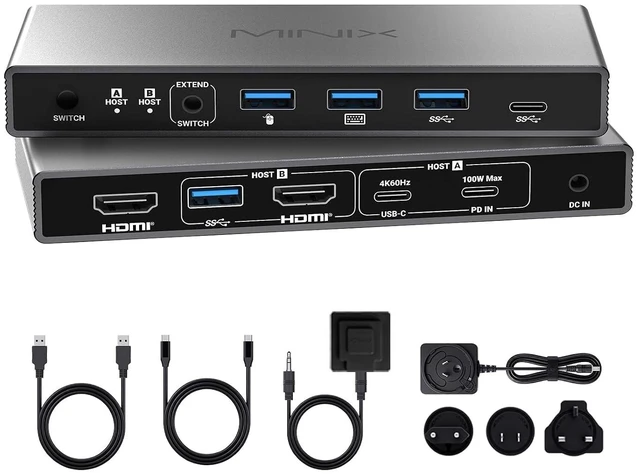
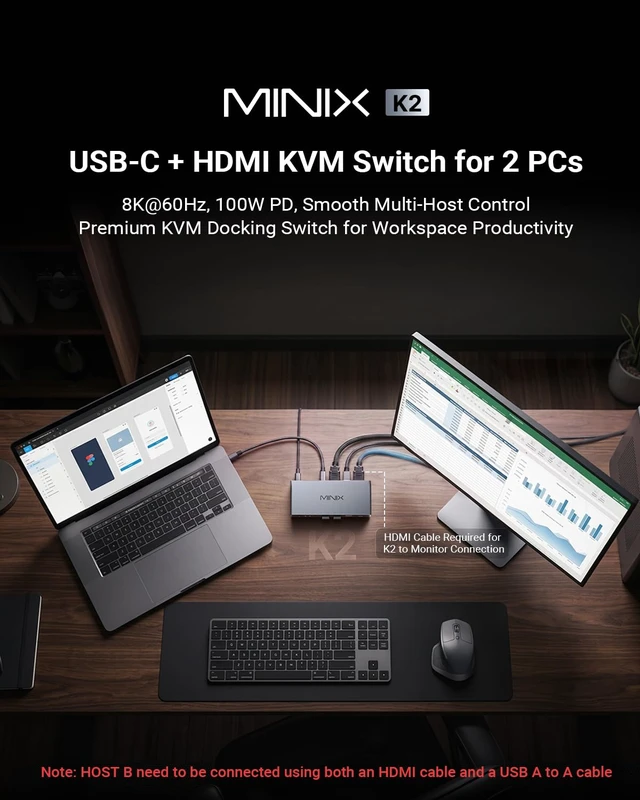
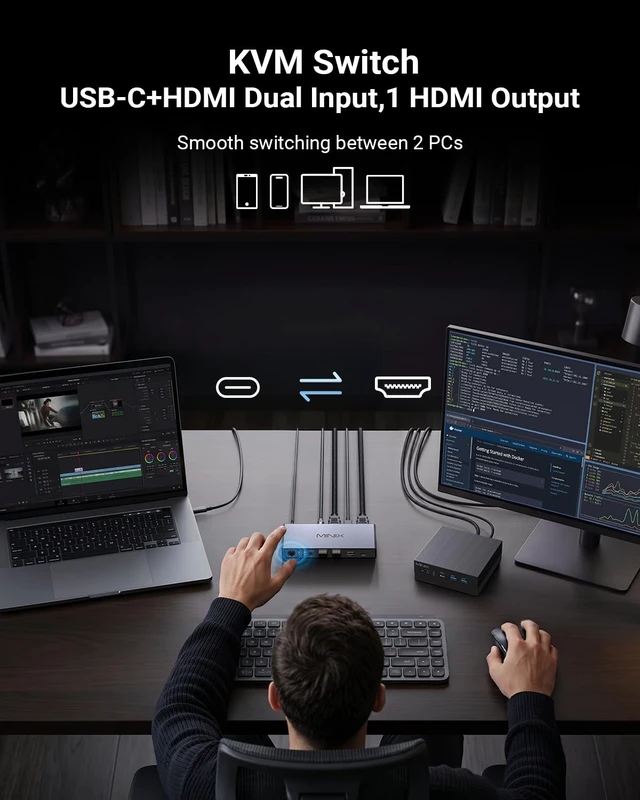
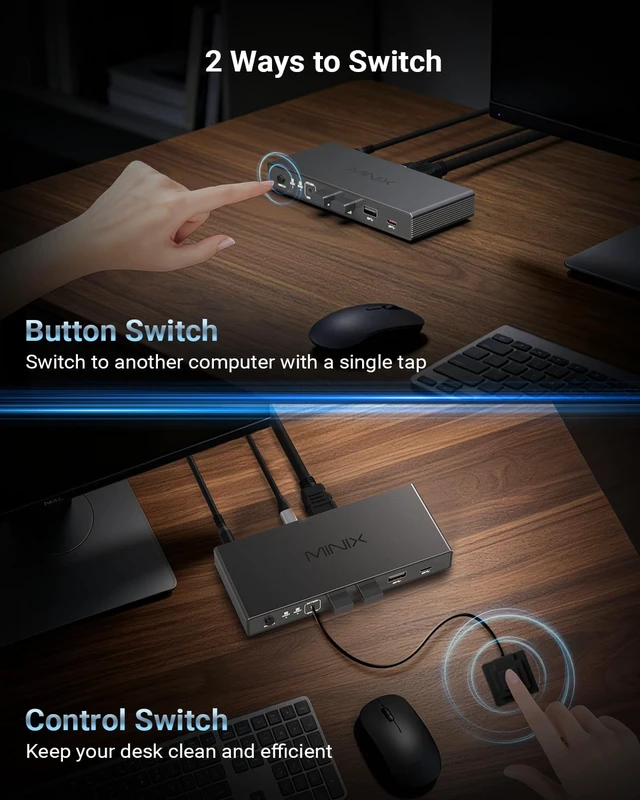
    • 2 Computers 1 Monitor Hub with Desktop ControllerMINIX K2 KVM Switch controls a USB-C laptop and HDMI PC seamlessly with one monitor, keyboard, mouse, and printer. No hotkey/auto-switch to ensure max stabilityeasily toggle via the physical button or the included desktop controller with one click
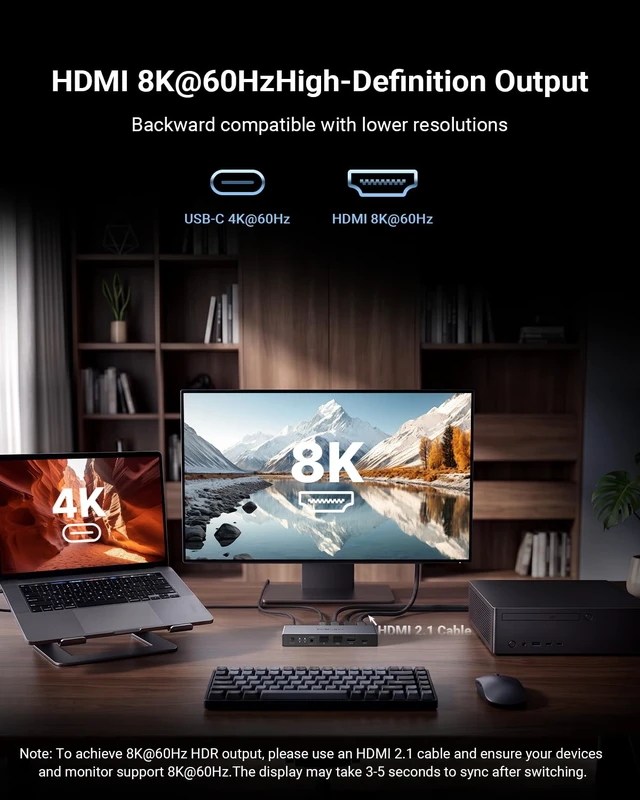
    • 8K@60Hz Ultra-HD Visual Feast Experience breathtaking 8K@60Hz clarity and HDR with the MINIX K2, backward compatible with 4K. Ideal for designers and gamers seeking low latency. [8K Setup Requirements]: Requires an HDMI 2.1 host PC (connected with USB A-to-A cable), an HDMI 2.1 monitor, and certified HDMI 2.1 cables
    • 100W PD Pass-Through ChargingThe rear panel features a dedicated 100W PD IN port designed strictly for wall charger input (no data transfer, charger not included). When connected, it delivers high-speed pass-through power to your laptop via the Host A USB-C port, keeping your mobile workstation always charged
    • USB-C & HDMI Inputs to 1 Monitor Perfect for remote workers a
    +
    +
    Overview
    Specs
    Reviews
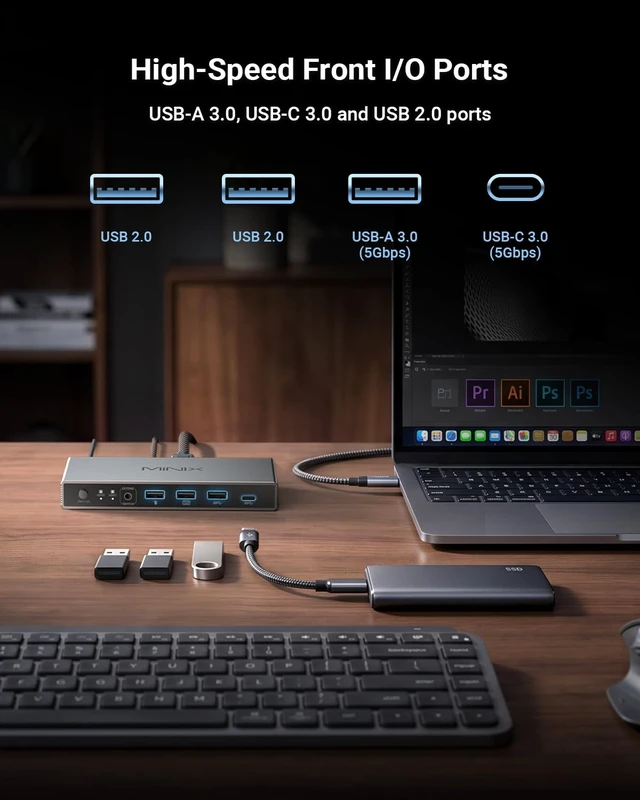
    1Business Meeting2Personal Office3Entertainment and games4Teaching1Connection Diagram2Package Contents1KVM Switch QA 12KVM Switch QA 2 Model Number K2 Input USB-C (HOST A) (4K60Hz), PD 3.0 20.0V 5.0A 100.0W Max (Loss 15W), HDMI (HOST B) (8K60Hz), USB-A 3.2 Gen1 (5Gbps) Weight 6.52 oz Dimensions 5.75 × 2.42 × 0.79 inches Note 1 It works with 2 computers and 1 monitor, and supports extended and mirror display modes. Note 2 The total HDMI Output supports up to 8K@60Hz. For inputs, HOST B (HDMI) supports up to 8K@60Hz, while HOST A (USB-C) supports up to 4K@60Hz.

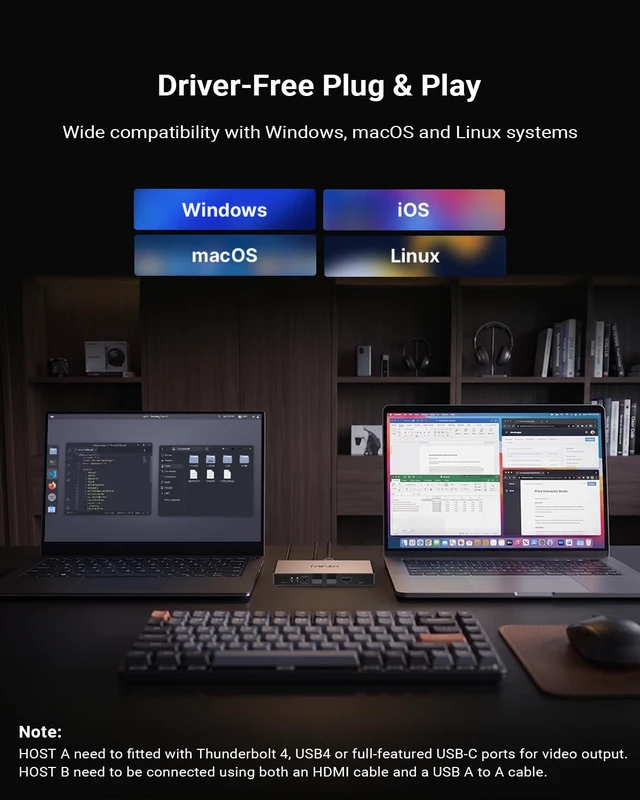
    Note 3 No driver installation is required. It is plug and-play and recognized directly by Windows, macOS, Linux and other systems without extra software. Note 4 Device switching is unavallable during sleep mode. Please wake up the host computer first to switch signals properly. Note 5 Not all laptop TypeC ports support video output. Only ports labeled FullFeatured USBC, DP Alt Mode or Thunderbolt can transmit video signals; ordinary TypeC ports are limited to charging and data transfer and cannot carry video signals.

    Specifications

    Warranty & Returns

    Warranty, Returns, And Additional Information

    Warranty

    • Please contact the Seller directly for warranty information. Warranty information may also be found on the Manufacturer's website.
    • CONTACT

    Return Policies

    Manufacturer Contact Info

    LOADING...