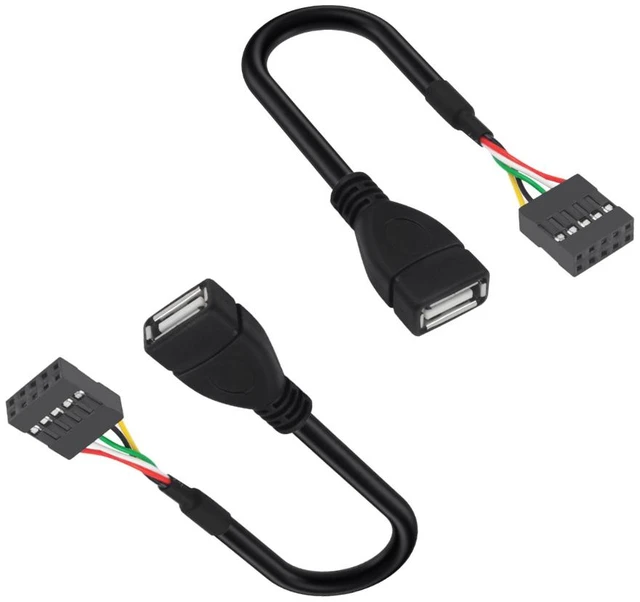
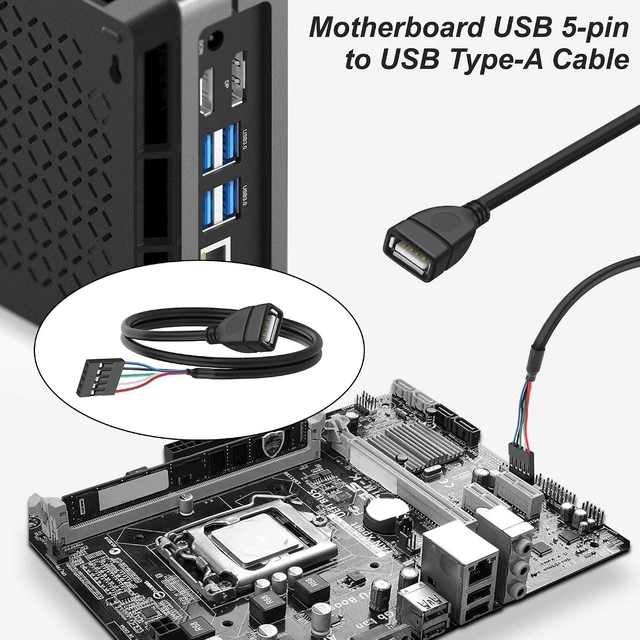
USB 2.0 Type-A to 5-pin motherboard cable, used to connect the motherboard USB to the front panel of a PC chassis, convert the USB Type-A port, connect USB devices for power supply, and transmit signals
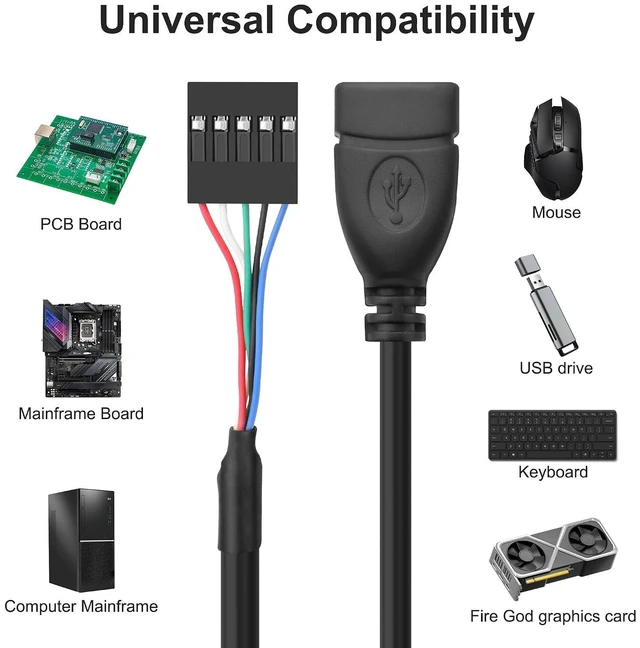
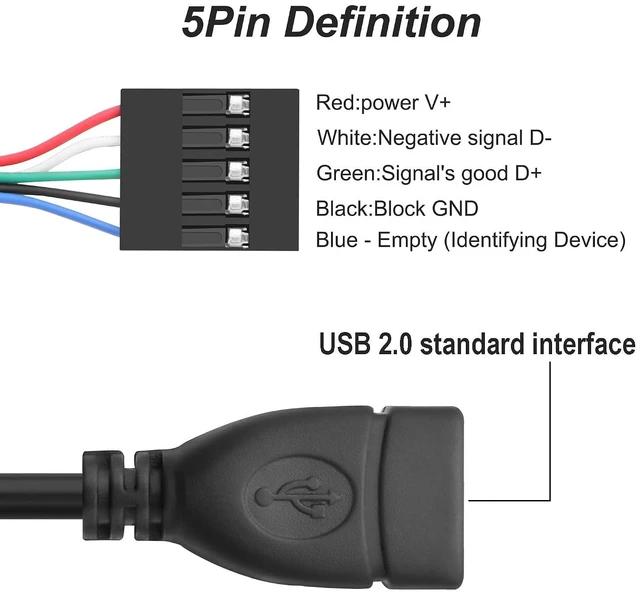
Wiring definition: Red USB power supply 5V (positive power supply V+); Green USB data cable (+Data D+); White USB data cable (- Data D -); Black grounding cable (ground GND); Blue USB data cable (for identifying device transmission data)
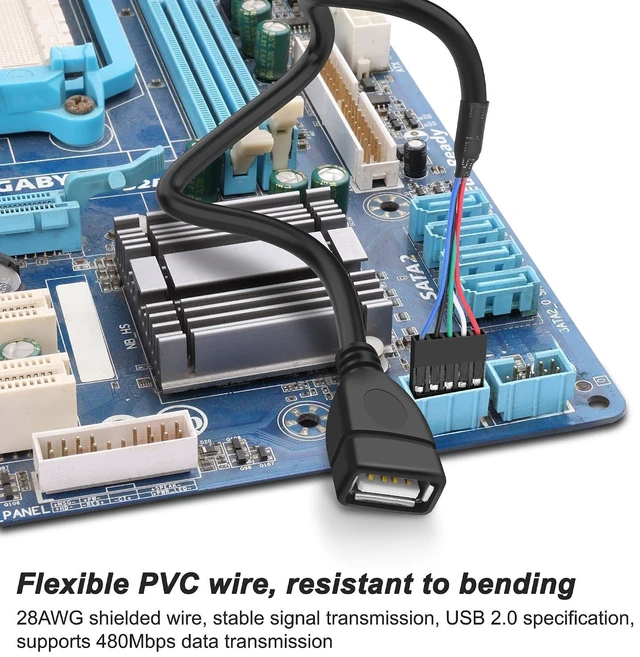
USB 2.0 to 5-pin cable features a black PVC casing and 28AWG shielded wire to reduce attenuation during signal transmission. USB 2.0 specification, supporting a maximum data transfer speed of 480Mbps
Motherboard USB 5-pin to USB A adapter cable is used to connect the motherboard's 5-pin interface, which can directly connect to peripheral devices such as USB flash drives and keyboards; In industrial equipment, devices such as PLCs and programmers can be connected to support serial communication and data exchange
Package Contents:2* USB2.0 to Dupont cable
+
+
Overview
Specs
Reviews
USB 2.0 to Motherboard 5Pin Header Adapter 5Pin Female 0.1inch / 2.54mm Pitch PCB Motherboard
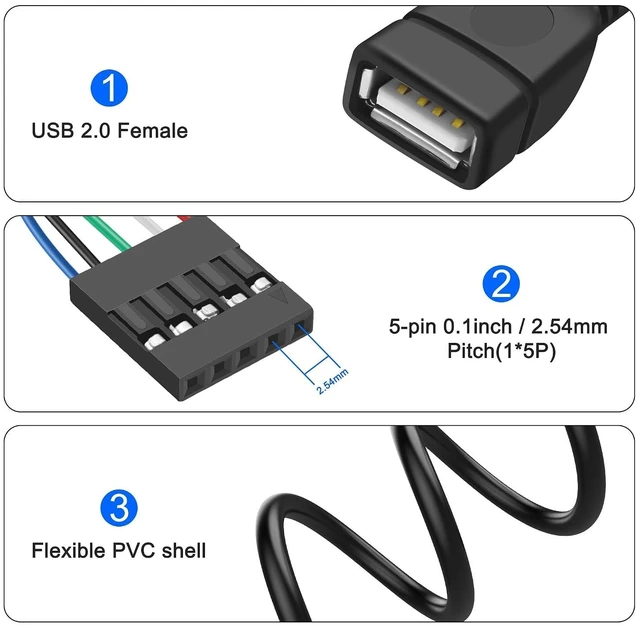
USB 2.0 female to motherboard 5-pin adapter cable is used to connect the motherboard power supply and convert it into a USB interface;
Using 28AWG bare copper wire braided shielding, the outer layer material is black PVC, which is sturdy, durable, flexible wire body, resistant to twisting, long service life, light weight, and beautiful appearance.
Specifications:
Connector 1: USB Type-A female
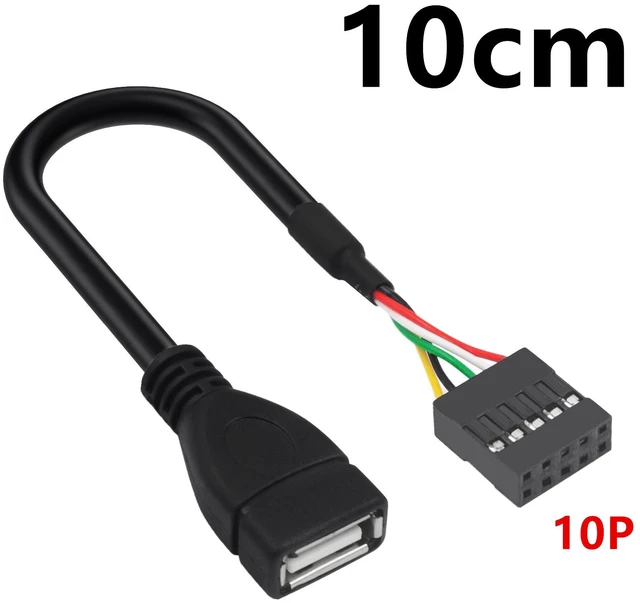
Connector 2: 2.54mm/1 * 5P female
Wire model: 28AWG
Conductor material: Tin plated copper
Voltage: 5V
Current: 3A
Red cable: positive power supply
White cable: - Data
Green cable:+Data
Black cable: grounding wire
Blue cable: identification device
Learn more about the Detailed Specifications
Details
Cable Length
3.93 in. (10cm)
Additional Information
First Listed on Newegg
October 19, 2026
There are no reviews yet.
Do you own this product?
Warranty & Returns
Warranty, Returns, And Additional Information
Warranty
Please contact the Seller directly for warranty information. Warranty information may also be found on the Manufacturer's website.



 All Categories