• $24.99
  • Free 30-day Returns
  • Ships from China.

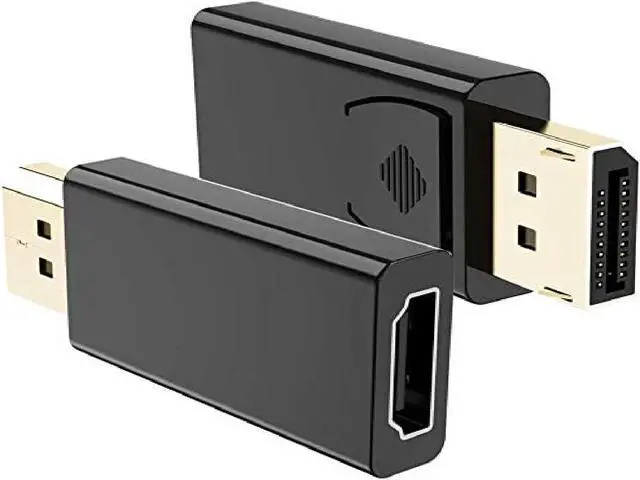
    Displayport to HDMI Adapter (2Pack) , 1080P Gold Plated Dp to HDMI Converter Male to Female 1.3V Black

    • Item #: 9SIV36AKE34340
    • Mfr. Part #: LK-LOPX025
    • UNSPSC: 26121604
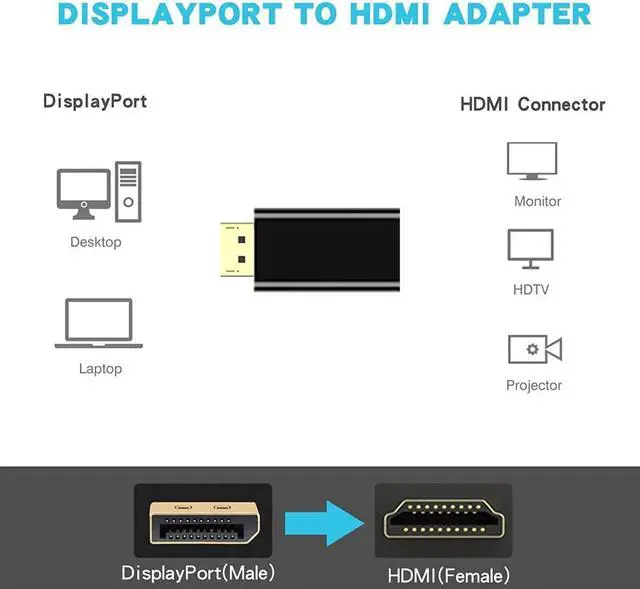
    • DisplayPort to HDMI Adapter:transmits both audio and video from computer to monitor, HDTV, or projector with HDMI(Only DisplayPort to HDMI display,Not HDMI display to DP DisplayPort
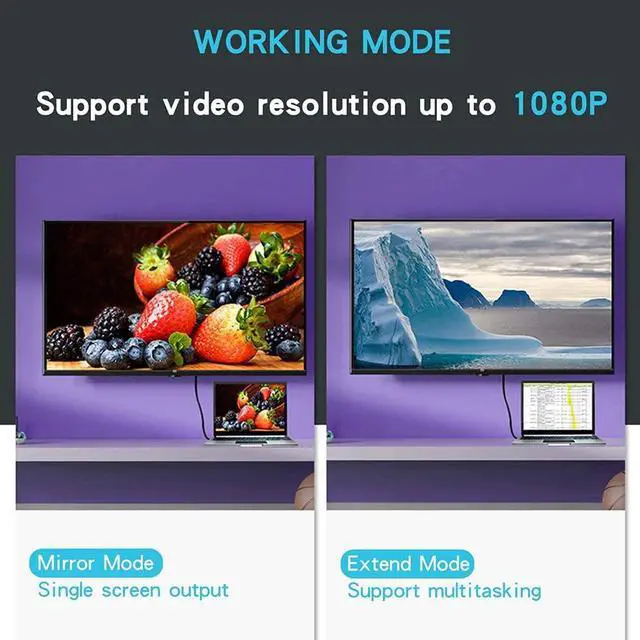
    • 1080P@60Hz High Resolutionsupports: displayport input and HDMI 1.3v output, transmits video from computer or tablet to HDMI monitor display, support resolution up to 1080P (Full HD) resolution at 24bpp,50/60Hz at 15 meters
    • Unidirectional:connect the DisplayPort male to a DisplayPort source device, and connect the HDMI female to display by HDMI M/M cable (not inculded HDMI cable)
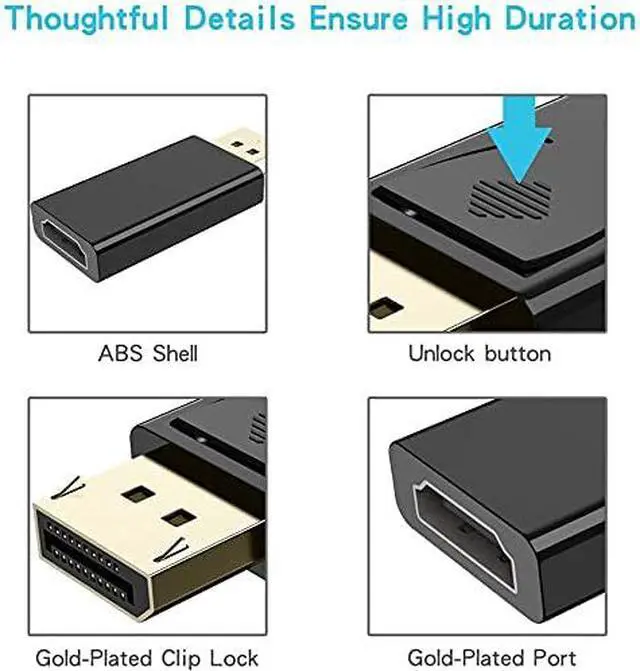
    • Gold-plated connectors :provide durability and improve the signal transmission, low profile dongle design, light weight and compact to carry
    • What you get :MCSPER DP to HDMI Adapter 2 Pack ,worry-free two years warranty,Any question, do contact our customer support team, we will response within 24 hours by email.
    +
    +
    Overview
    Specs
    Reviews
    Support 1080P video output

    This DP to HDMI adapter can support 1080P@60Hz Full HD video resolution. A small product but big function that can be used in living room, office or classroom.

    Kindly NOTE: this adapter only stream audio and video from DisplayPort source side to HDMI display side, can Not connect from an HDMI PC to a DP display


    When your product not working, what should you do?

    Please make sure the direction first, this adapter ONLY stream signals from Displayport source devices (like laptop, PC) to HDMI monitors, displays or projectors.

    If you want to get 1080P resolution, make sure both your computer and HDMI monitor supports 1080P resolution firstly, and choose a reputable HDMI cable. Make sure connection stable and securely. If you probably could not find a better HDMI cable, just feel free to settings and lower down the resolutions.

    If you get a flicker or black screen, please go to your latops' official website and update the BIOS and Graphics card driver, then restart to try again. if possible you could also try another HDMI cable to confirm if the problem lies in the HDMI cable.


    Mirror Mode

    Enjoy the perfect big screen visual feast


    Extend Mode

    You can work and play at the same time

    Warranty & Returns

    Warranty, Returns, And Additional Information

    Warranty

    • Please contact the Seller directly for warranty information. Warranty information may also be found on the Manufacturer's website.
    • CONTACT

    Return Policies

    Manufacturer Contact Info

    LOADING...