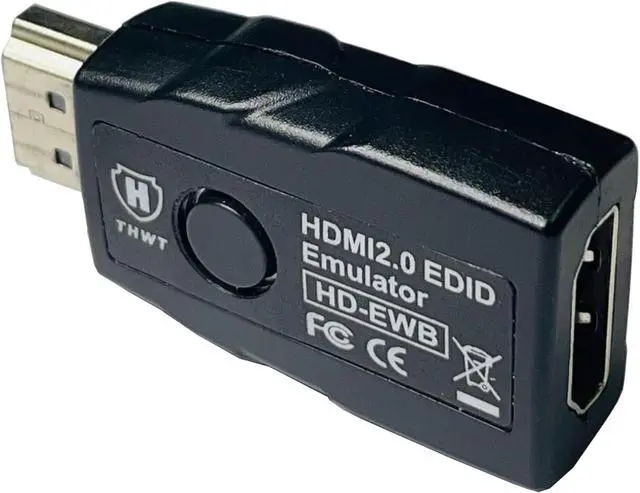
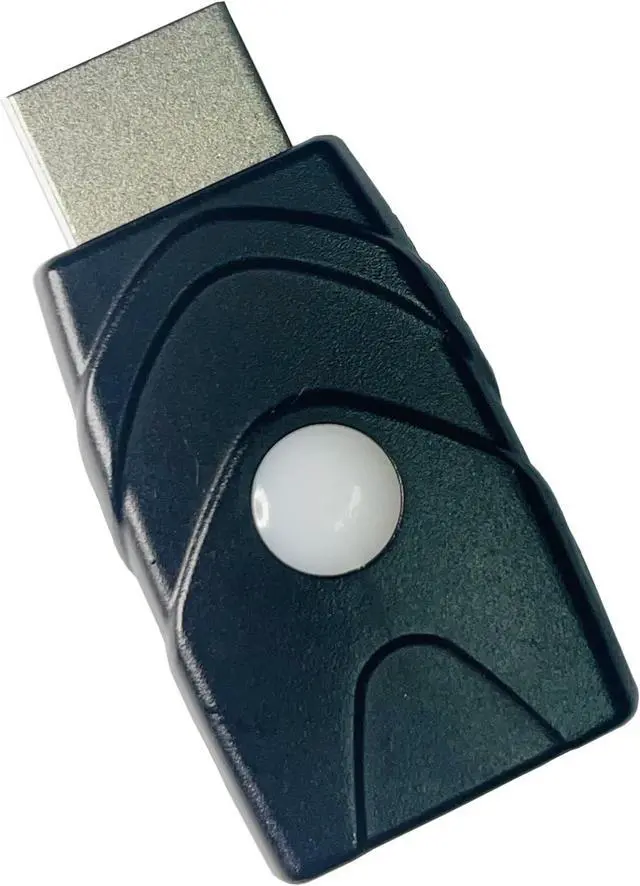
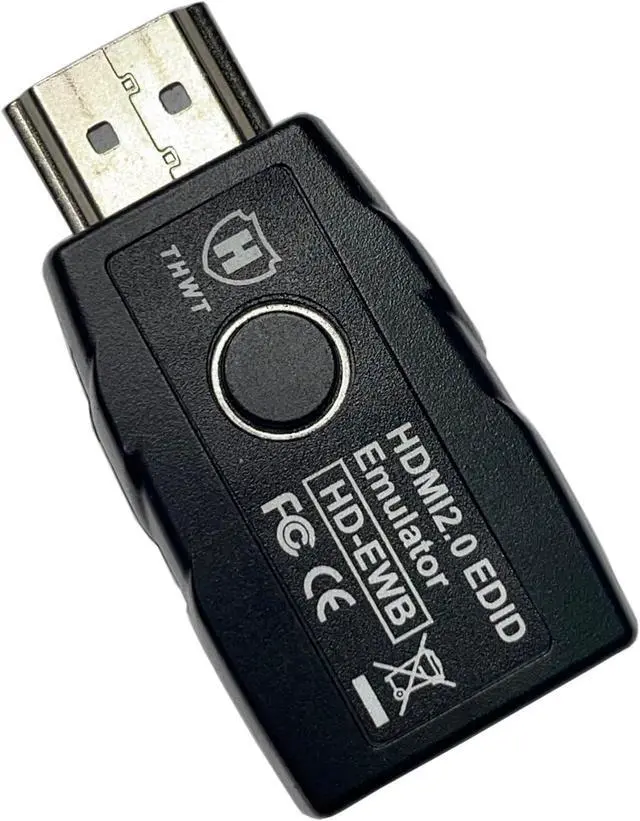
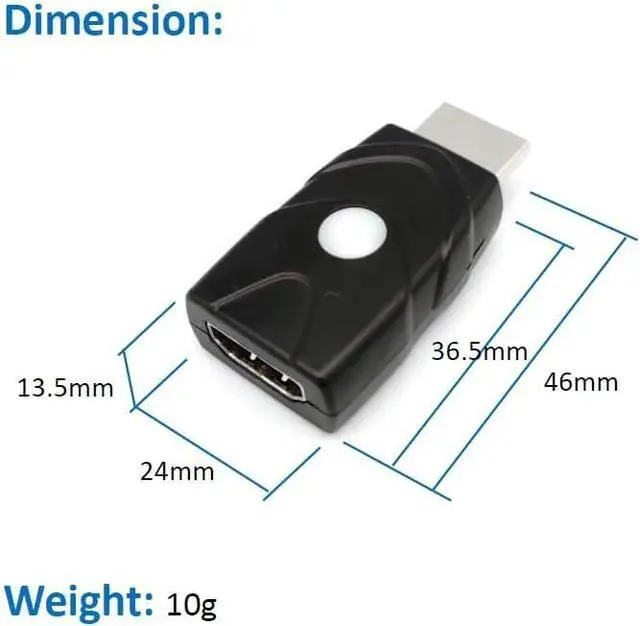
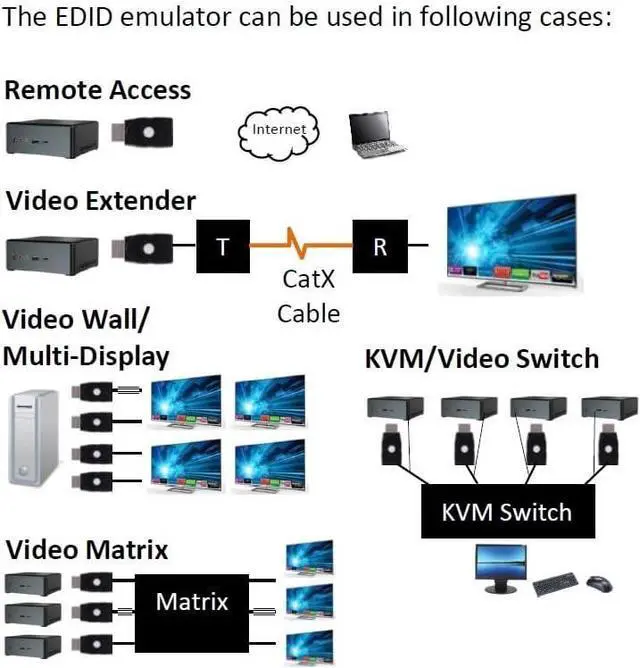
To Prevent EDID Loss: Supports copying and emulating EDID when connecting devices such as splitters switchers and extenders. Cable quality and old screen might affect the success of EDID copy please try another proper setup.
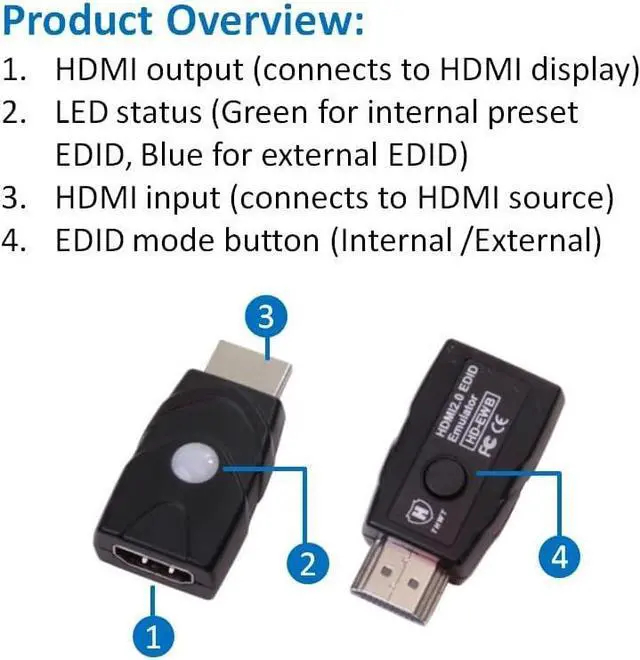
Simple to Use: One button to switch between internal and external EDID. The preset internal EDID is 1080p @ 60Hz 4:4: 4 with 2.1 ch audio and the preset external EDID is 4K @ 60Hz 4:2: 0 with 2.1 ch audio. Pressing the button for 3 seconds will activate the copy mode to save the latest external monitors EDID in the emulator and ready to emulate.
HDMI 2.0 compliant: This product meets HDMI 2.0 and HDCP 1.4 and 2.2 standards. It supports resolutions up to 4K@60Hz / 1080p@240Hz
YCbCr 4:4: 4 and 3D functionality. It supports HDCP pass-through an HDMI output device can read the display's HDCP key with a correct connection. If HDCP is not available the screen will go blank or lower resolution please try another set. This product does not support HDMI 2.1 devices and may cause constant signal interruptions due to SCDC checking.
Under 4K@60Hz 4:4: 4 resolution the monitor may not support replug because it needs SCDC handshake to perform different ( 1:40 or 1:10 ) clock/data ratio; you may need a powered HDMI switch or insertor to solve.
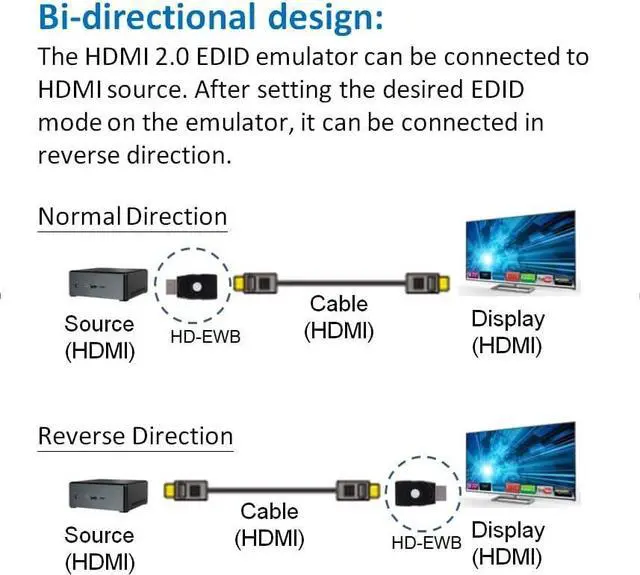
Bi-directional design: It automatically detects the input and output links. After setting the desired EDID mode on the emulator it can be connected in reverse direction. This is ideal for resolving signal handshake issues between a source and a display. Headless operation supported; no monitor connection needed. Powered by the HDMI source device; no external power supply needed. If the monitor's EDID can't be copied please try another monitor good HDMI cable or use internal EDID for testing.



 All Categories