


Meet Your Seller

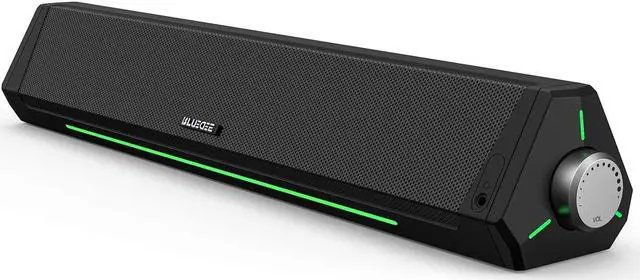
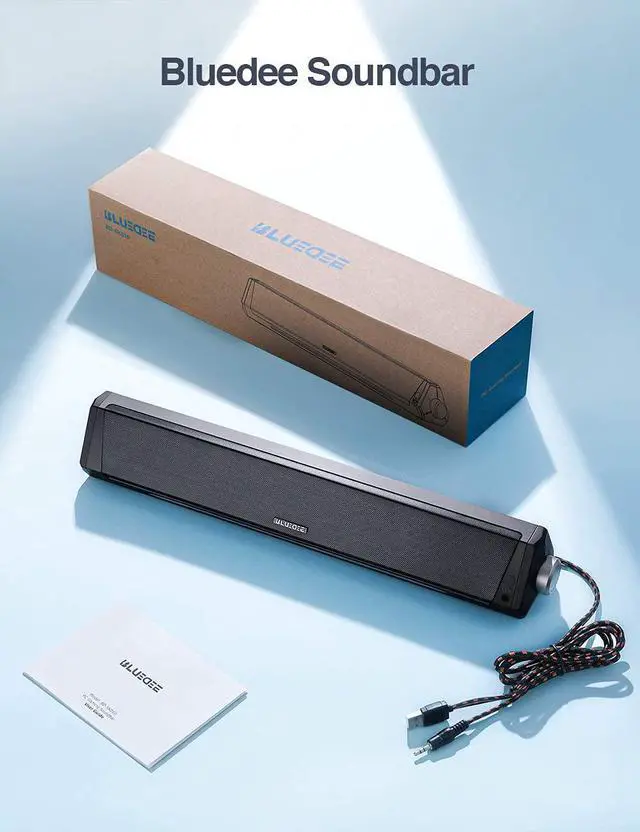


Computer Speakers, Dynamic RGB Computer Sound Bar, HiFi Stereo Bluetooth 5.0 & 3.5mm Aux-in Connection, USB Powered Computer Speakers for Desktop, PC, Monitor, Laptop
- Item #: 9SIV36AKE34091
- Mfr. Part #: FL-SPKWQ328-BL
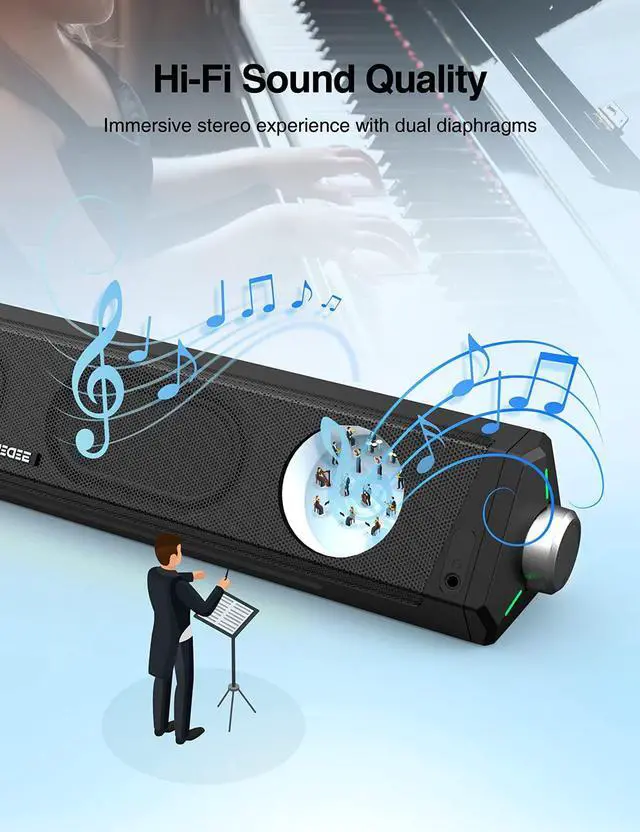
- Hi-Fi Sound Quality:Dual drivers & Dual diaphragms provide a perfect performance of high-pitch and deep bass. By using anti-magnetic technology to suppressing static and other noise, Make the sound more vivid. Bring a fantastic dynamic audio experience
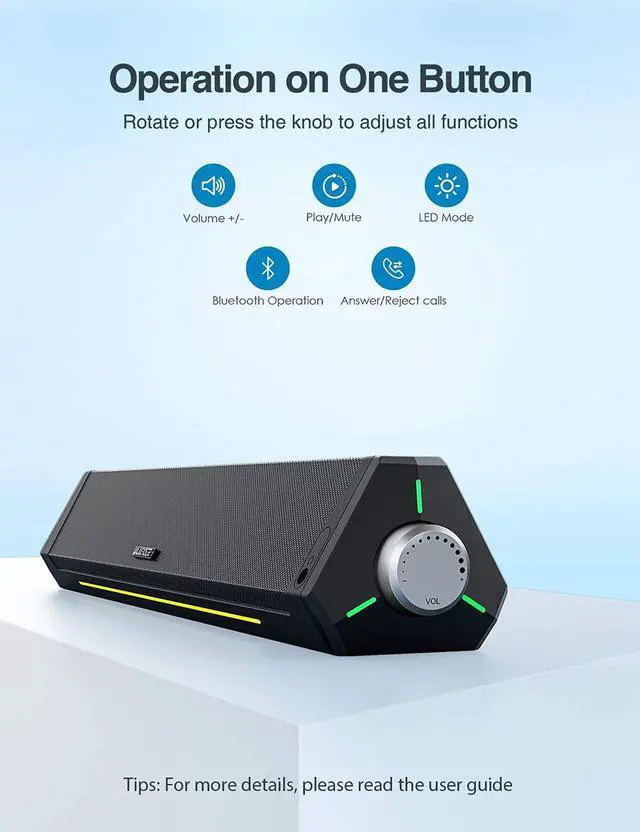
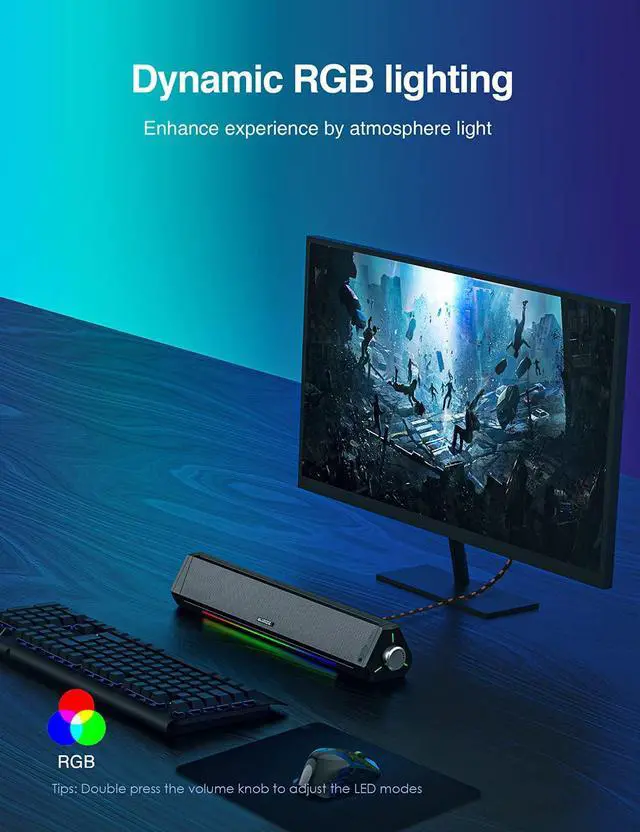
- Dynamic RGB Lighting:The colorful RGB breathing light of the pc speakers creates an immersive experience of music and games effectively. Quickly double-click the knob twice can turn off the light. Plus a fashionable design style, you will feel that is fantastic!
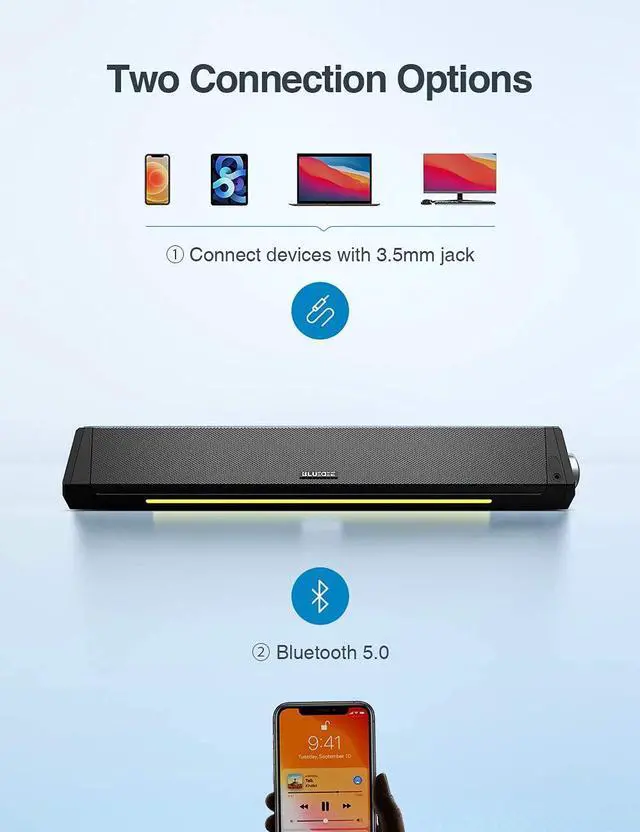
- Bluetooth 5.0 & 3.5mm plug Connect:The desk speakers Bluetooth & 3.5mm plug is compatible with most devices, make your choice of audio source more convenient
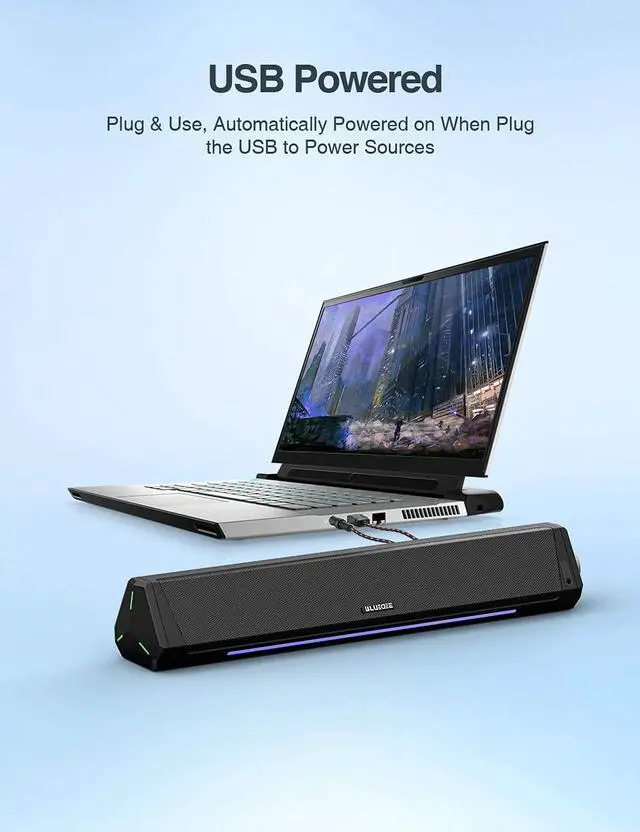
- Plug & Use USB Powered:The computer speaker turns on automatically after plugging in the USB port (such as a laptop, PC host, power bank, adapter). No drivers or software need to be installed, just plug in and work
+
+
Overview
Specs
Reviews
Frequent Questions & Answers
? No sound from the speaker?
1. Please configure the sound output device on your device (System>Sound >Output>Choose your output device).
2. Raise the volume on your soundbar, device, or application.
? How to change the light mode or turn off the light?
Press the knob twice quickly can change light mode & turn off the light.
? How to connect Bluetooth?
Hold the button for 3 seconds then release it. The Bluetooth mode is on when the light flashes blue/red. Turn on the Bluetooth of your device. Find "SK010" in the search results and tap to connect.
? What device is compatible with speakers?
All Bluetooth-enabled devices are compatible with speakers, such as mobile phones, tablets, and computers. All 3.5mm jack devices are compatible with speakers, such as PS4/PS5 controllers, computers.
Warranty & Returns
Warranty, Returns, And Additional Information
Warranty
- Please contact the Seller directly for warranty information. Warranty information may also be found on the Manufacturer's website.
- CONTACT
Return Policies
- Return for refund within: 30 days
- Return for replacement within: 30 days
- This item is covered by Electronics World Return Policy
Manufacturer Contact Info
- For a directory of all our manufacturers, please click below.
- Manufacturers Directory
LOADING...