• $39.99
  • Free 30-day Returns
  • Ships from China.

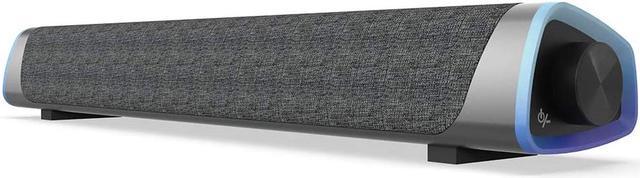
    R30 Computer Speakers, USB Powered Small PC Speakers, Colorful RGB Lights with Switch Button, Surround Sound Portable Computer Sound Bar Speaker for Desktop Laptop

    • Item #: 9SIV36AKE32461
    • Mfr. Part #: ID-SJDNIO1451
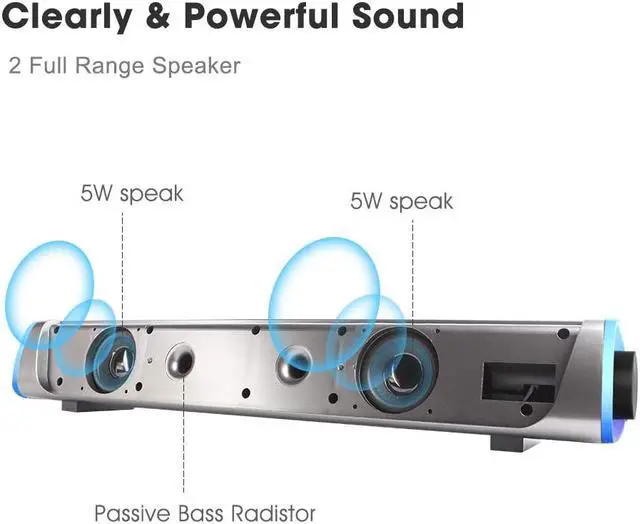
    • Clearly & Powerful Sound: Soulion sound bar is driven by the exclusive booster technology and with 2 full-range speakers, to make the sound be more stunning, crisp and mesmerizing even at low volumes.
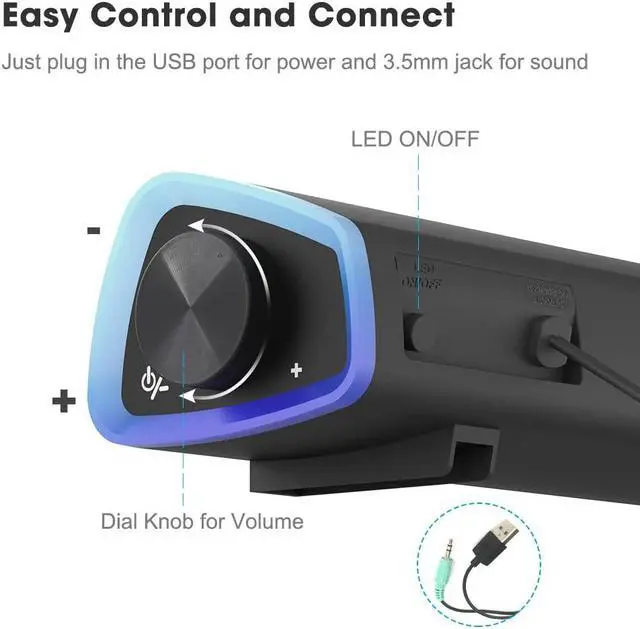
    • Easy Control & Connect: Just plug in the USB port for power and 3.5mm jack for sound. Rotate the knob for volume to start the oomph. A small switch button to turn ON/OFF the RGB lights power.
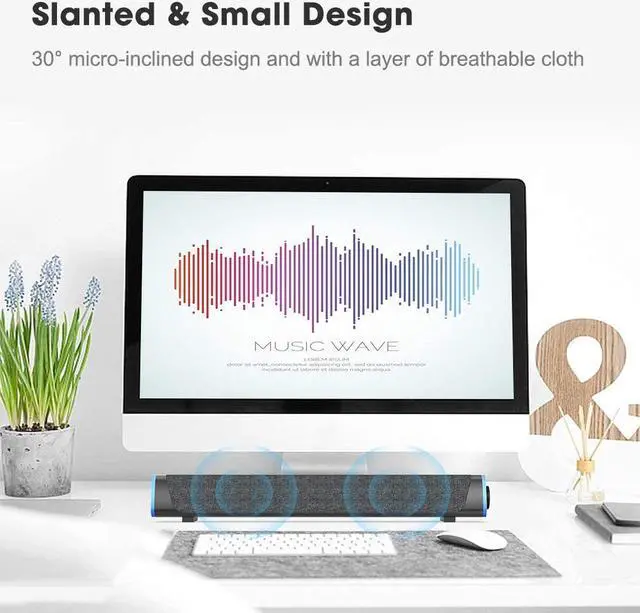
    • Slanted Design: The 30-degree micro-inclined design allows the sound to be better conveyed. There is a layer of breathable cloth on the outside of the speaker to avoid the dust. The material of the whole soundbar provides a comfortable and slippery touch.
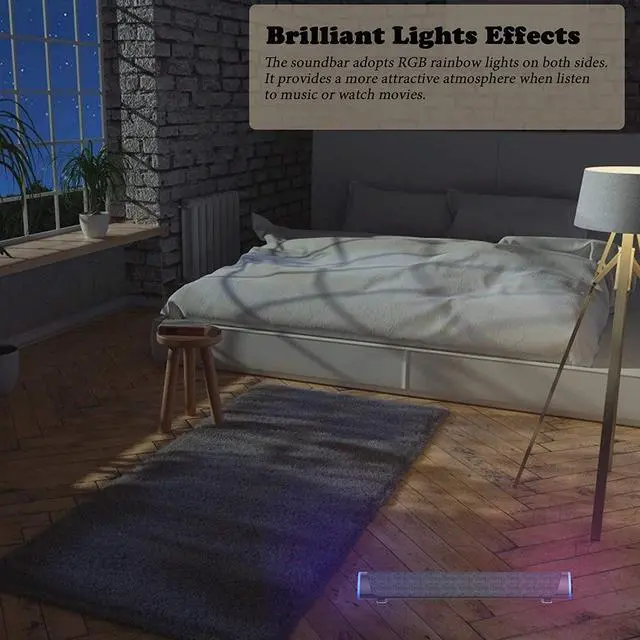
    • Brilliant Lights Effects: The soundbar adopts RGB rainbow lights on both sides. It provides a more attractive atmosphere when listen to music or watch movies. There is a small button behind the sound bar that controls the light switching on and off.
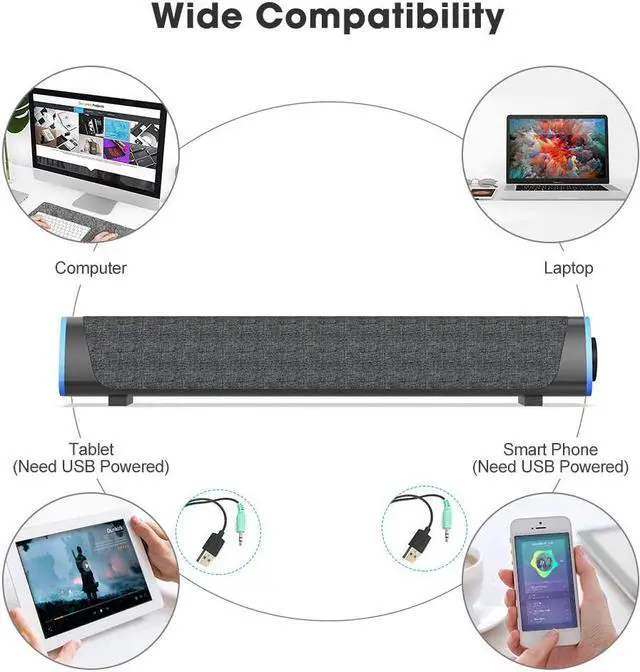
    • Wide Compatibility: The sound bar supports most of the devices with standard 3.5mm jack.
    +
    +
    Overview
    Specs
    Reviews
    Specification

    Output Power(rms): 3W*2

    Speaker unit: 2x2

    Frequency response: 60Hz~20KHz

    Power supply: DC 5V

    Speaker size: W415*D78*H68mm


    Package:

    Speaker Unit*1

    User Manual*1


    How to make it work?

    [PC]: Plug 3.5mm cable into audio input and USB cable input of your desktop. (USB plug for powered and RGB Lights)

    [Mobile phones]: Make sure there is a device can be USB powered. Plug 3.5mm jack to the smart phones then.

    [TV]:

    1.Ensure your TV has 3.5mm jack and a RCA 2-in-1 adapter cable (NOT INCLUDED). 2.Plug the RCA 2-in-1 adapter cable into the 3.5mm jack of the sound bar, and connect with TV then.

    Warranty & Returns

    Warranty, Returns, And Additional Information

    Warranty

    • Please contact the Seller directly for warranty information. Warranty information may also be found on the Manufacturer's website.
    • CONTACT

    Return Policies

    Manufacturer Contact Info

    LOADING...