• $28.20
  • Free 30-day Returns
  • Ships from China.

    Computer Speakers for Desktop, Powerful Bluetooth 5.0 & Wired PC/Laptop Speakers Built in Microphone Stereo Soundbar with RGB Lights

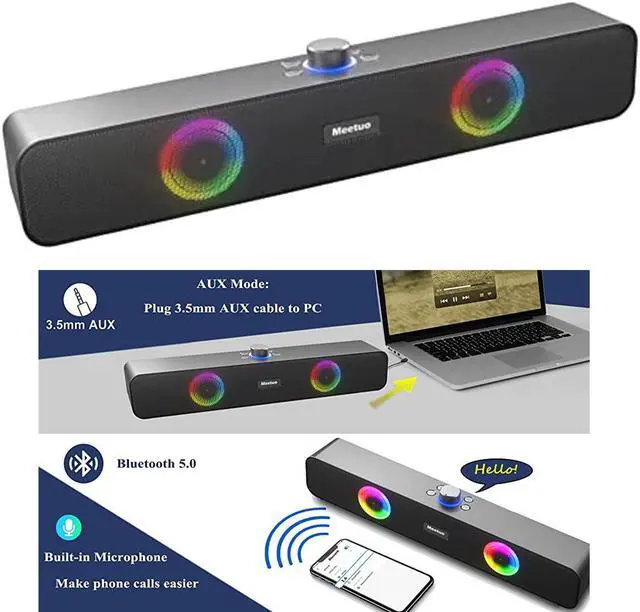
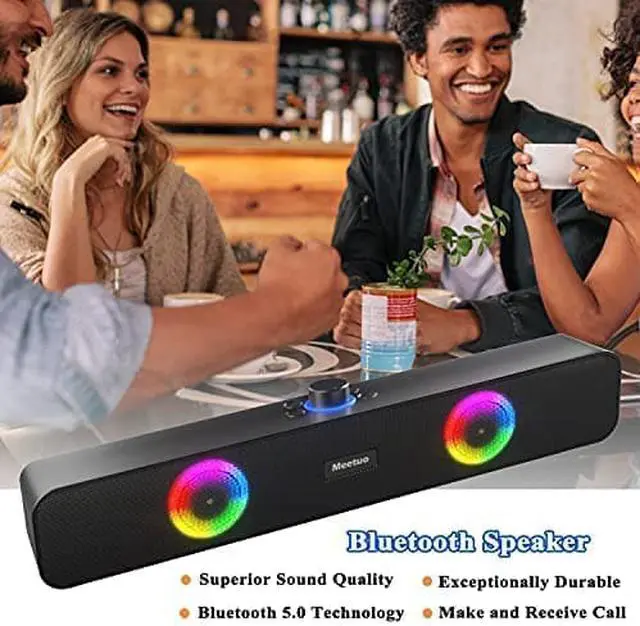
    • Powerful Stereo Sound Built-in 2 high-quality speakers and diaphragms, professional tuning test, this Bluetooth computer speaker has a powerful and clear sound. Compared with other speakers, the diaphragms make this computer speaker have a more shocking sound, allowing you to enjoy the music. Watching a movie in front of the computer and TV, or listening to music outdoors in the garden, the high-quality sound can satisfy you. Please do not insert the USB charging cable when using the speaker.
    • Bluetooth 5.0 Stable Connection This Bluetooth soundbar uses the latest Bluetooth 5.0 technology and high-quality chips. Compatible with most Bluetooth devices on the market, and has very good stability without interference and noise. In Bluetooth mode, it can be connected to a mobile phone or computer, and the signal can be received stably within 10 meters. 7-12 hours of playing time allows you to enjoy high-quality music while basking on the beach or hiking and camping outdoors.
    +
    +
    Overview
    Specs
    Reviews
    Meetuo Computer Speakers for Desktop, Bluetooth 5.0 Wireless & Wired USB Powered RGB Soundbar
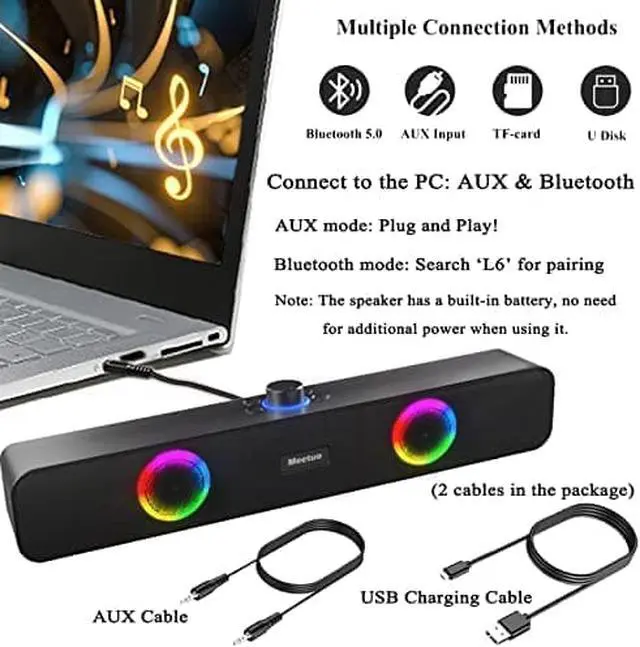
    This computer speakers supports BT/3.5mm wired/TF Card/U Disk Connection and gives you stereo surround sound experience.

    Powerful Balanced Stereo Surround Sound
    Built-in 10W Loud speakers and enhanced diaphragms ensure a clear stable lossless sound quality.

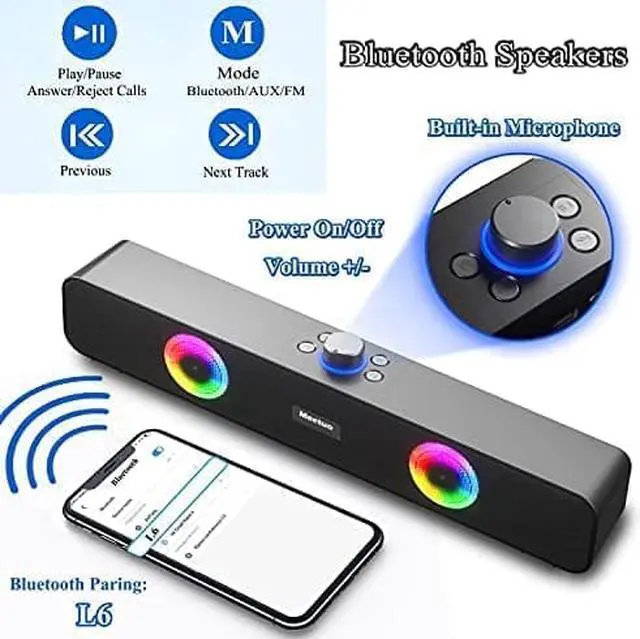
    Computer speakers with Microphone, Large Volume Knob
    Easily control the volume with the large knob on the top. Besides, you can turn on/off the speakers with this large volume knob.

    Dynamic RGB Light Effect

    How to use this bluetooth computer speakers?
    The speakers has rechargeable battery, no need to plug the usb cable for power.

    Bluetooth Mode:

    (1)Turn on the speakers and hear bluetooth mode voice(volume adjustable)

    (2)Turn on the bluetooth on computer/smartphone.

    (3)Find the speaker bluetooth name: L6, and pair them.

    AUX Connection:

    (1)Use the aux cable connect to the speaker and computer/smartphone.

    (2)Click the M" button and switch to aux mode.

    Other Connection:

    Insert the TF Card/U disk to the slot back of the speakers

    Warranty & Returns

    Warranty, Returns, And Additional Information

    Warranty

    • Please contact the Seller directly for warranty information. Warranty information may also be found on the Manufacturer's website.
    • CONTACT

    Return Policies

    Manufacturer Contact Info

    LOADING...