Built for How Business Buys.
Your Browsing History
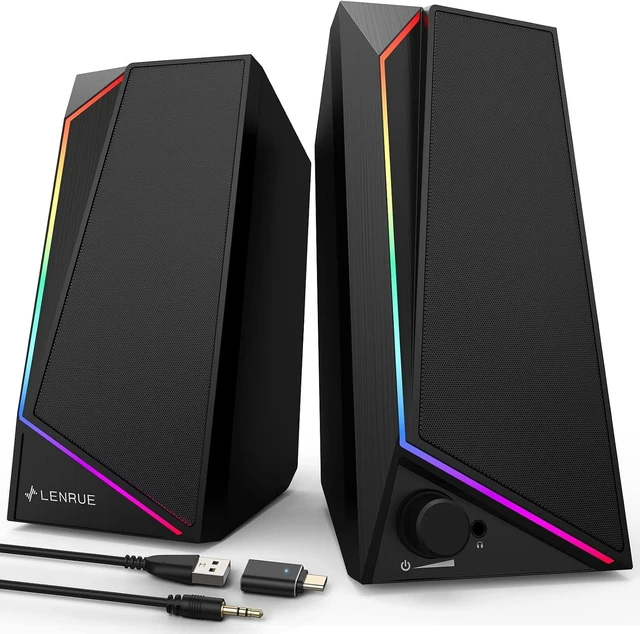
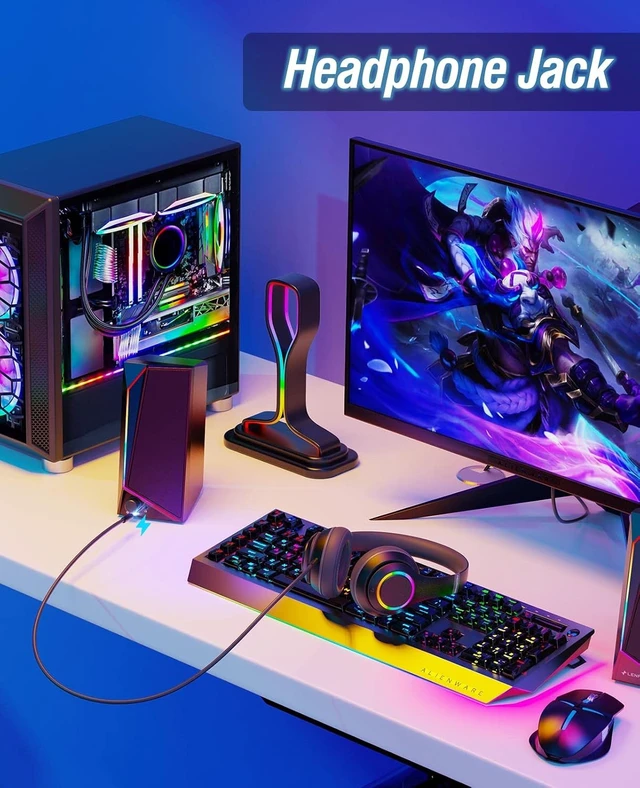
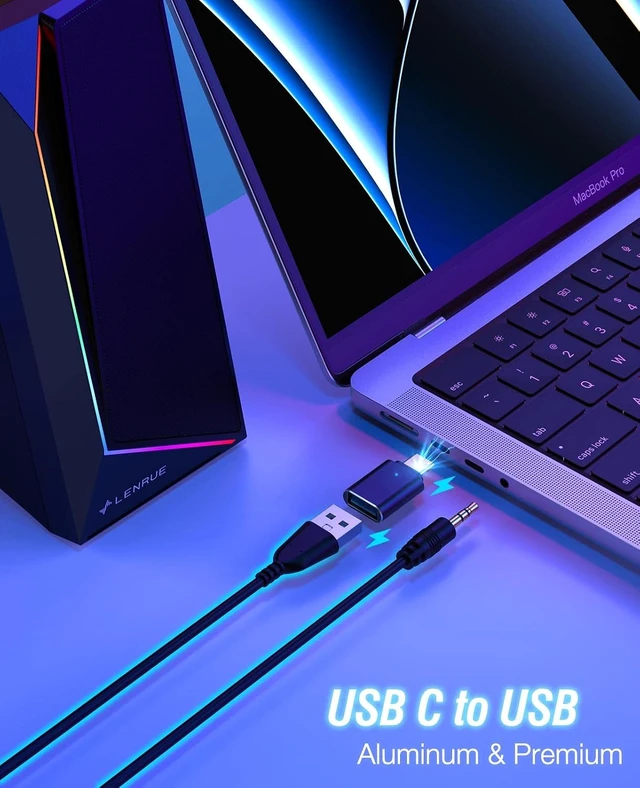
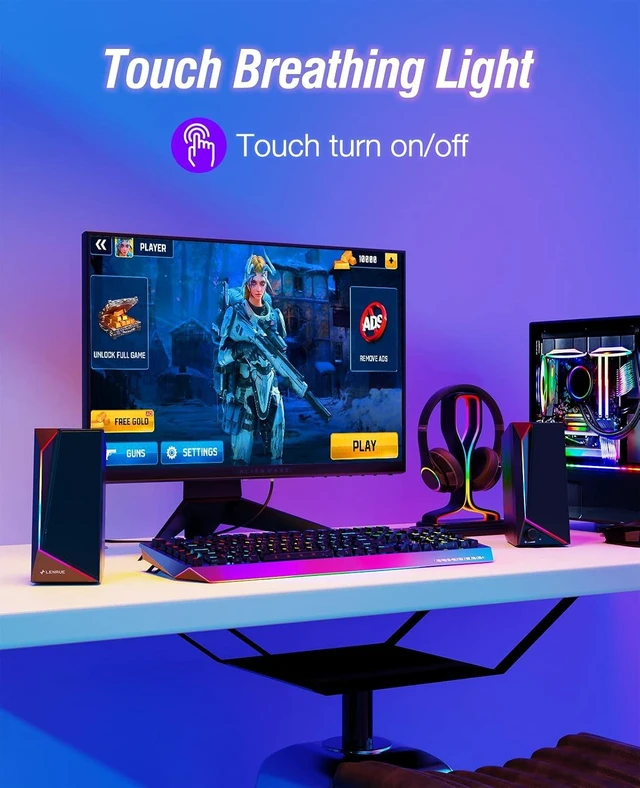
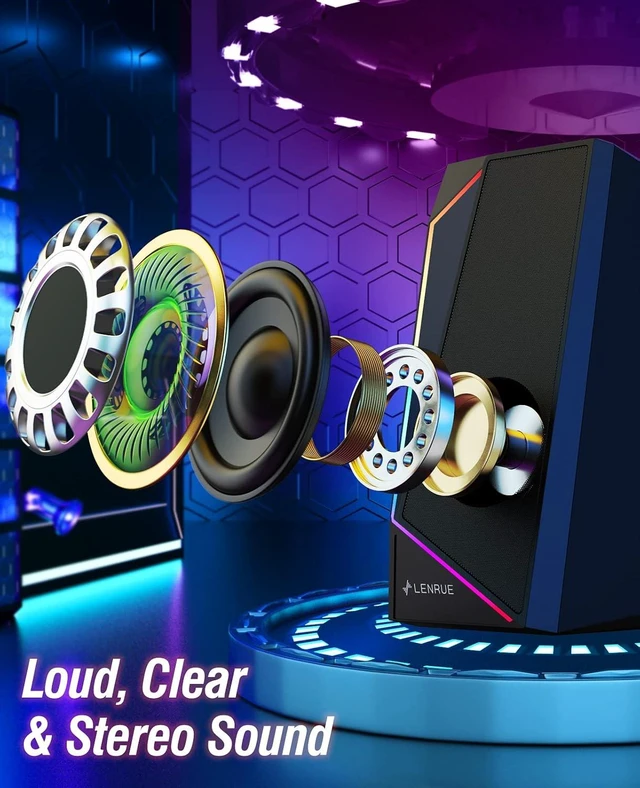


 360° Stereo Sound: Super cost-effective stereo sound quality, 5×2W drivers and noise-free technology, get louder and clearer!
 Colorful Lights Show: Cool breathing light, colorful lights change constantly to increase the sense of atmosphere.
Independent Light Button: one key to switch lights on and off.
 Knob Control: Computer Speakers increase the volume knob to adjust the volume at any time.
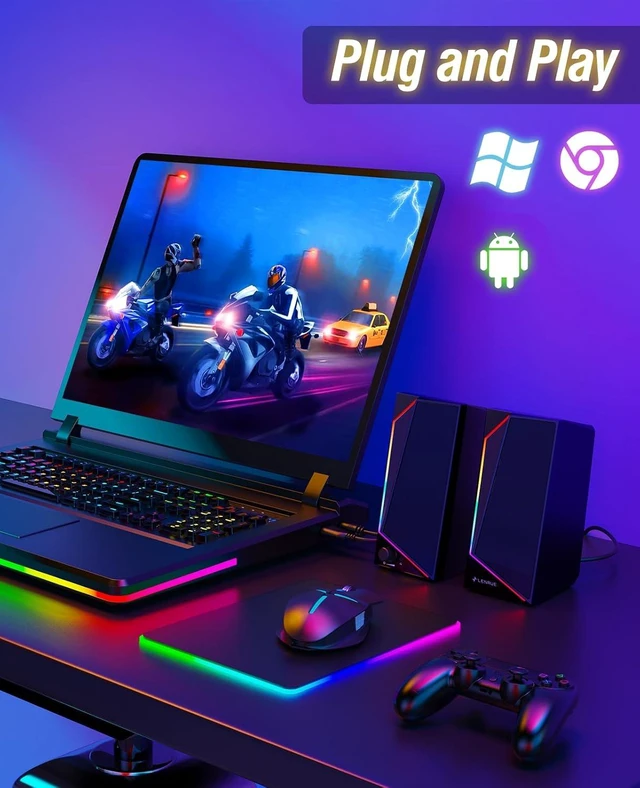
Plug and Play without Drives: Plug in and power on! You don't need to install any additional plug-ins.
Multi Compatible: Desktop, Computer, PC, Laptop, etc.
 Easy to Setup without Sound
1 - Host backend: Connect BOTH the AUX plug and USB plug to the Host backend, more stable power supply and audio output.
2 - Click Speaker Icon in the taskbar.
3 - Select the " Speaker " as your computer playback device.
4 - Make sure the computer speaker is on and not at minimum volume.
5 - Make sure the computer or other device is not muted or at minimum volume.

 Model: LENRUE E-1059 | Computer Speakers
Product Specifications
Power Source : USB
Audio Source : 3.5mm
Colored Lights: Touch to turn on/off
Vol Control: Knob Control
Output-Power : 10W
Enhanced Bass : 2 × Passive Radiator
Frequency Range : 120 Hz-20 KHz
Input-Power : 5V,1A