


Meet Your Seller


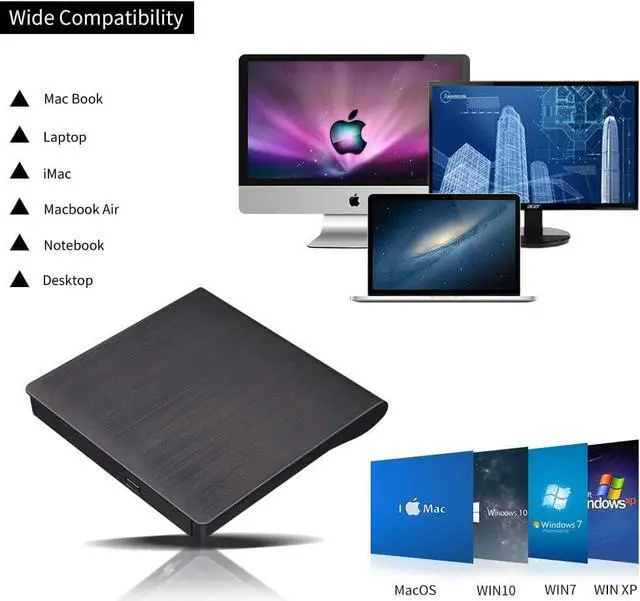


Lightscribe External CD DVD Drive Burner, USB 3.0 Type-c lightscribe Drive Ultra-Slim Portable Optical Drive CD DVD +/-RW ROM Reader Compatible with PC Laptop Desktop MacBook Mac Windows 7/8/10 Linux
- Item #: 9SIV36AKE36426
- Mfr. Part #: HA-NMFGXZA361
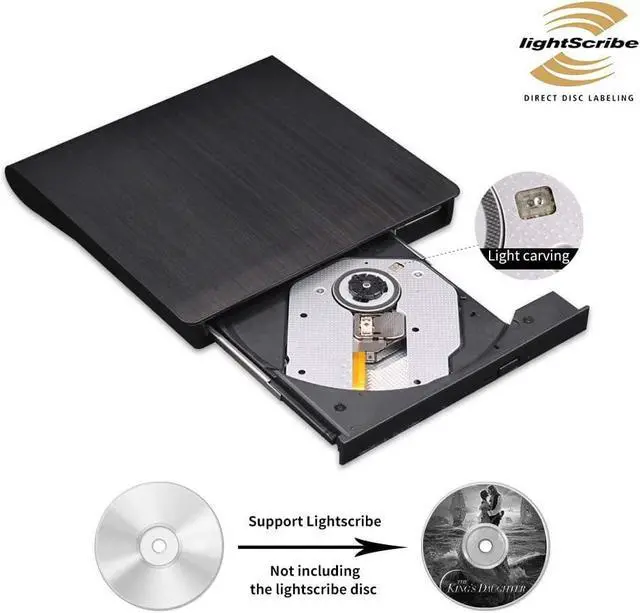
- Lightscribe Function: This lightscribe drive support read and write on CD DVD, also support lightscribe function. Lightscribe laser etches labels of your own design right into the surface of the disc. Lightscribe DVD drive support create special disc when you want creating music /movie/ Game/Data backup disc,Lightscribe software and Disc required (Note:Lightscribe feature incompatible with OS X El Capitan 10.11 or later ).
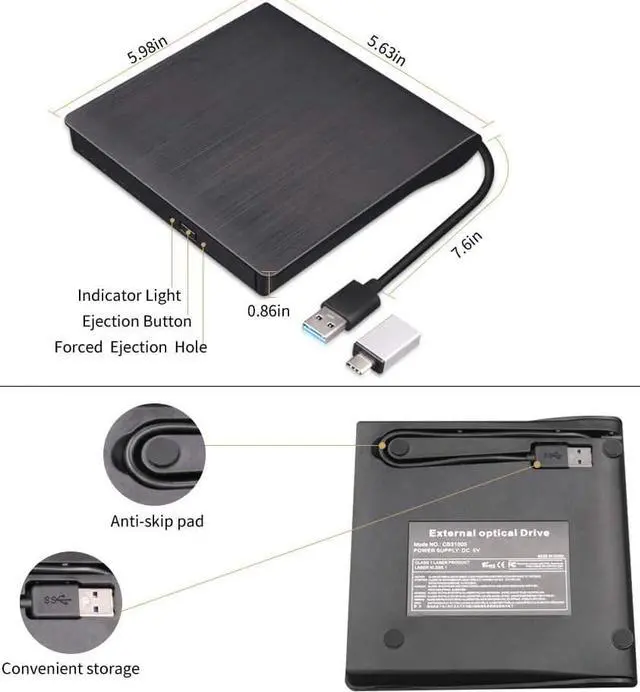
- Perfect Design: Ultra slim and portable CD/DVD drive with an embedded USB cable. The design makes the DVD writer/burner and USB cable are combined in one device, fashionable and scratch-proof. You can put the lightscribe drive in the travelling bag or on your desk, which only needs a little space.
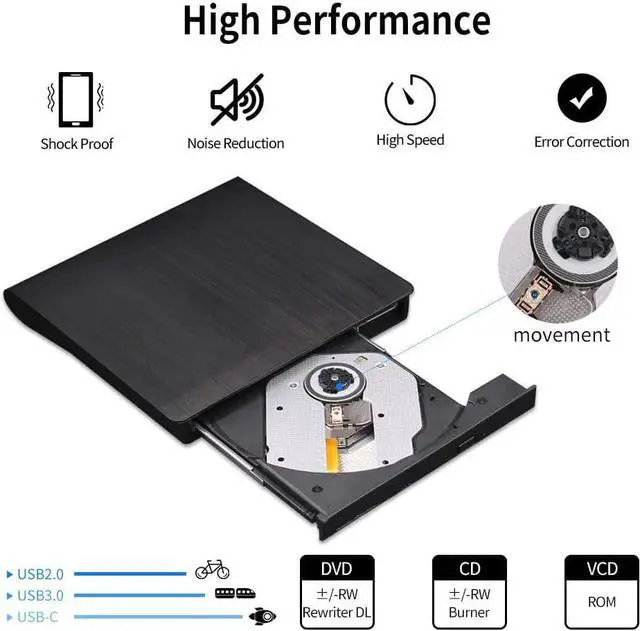
- High Speed USB3.0 Interface: Wintale lightscribe drive featuring USB 3.0 with 5Gbps high speed, allowing up to 10x the speed of USB 2.0, while being backwards compatible with USB 2.0 and USB 1.0/1.1
+
+
Overview
Specs
Reviews
Please Note:
1. Please connect the device directly to the USB port of your computer. If you connect it to a USB hub or extension cords, this device may malfunction.
2. For the desktops, please connect the device to the USB port of the motherboard for normal use.
3. Lightscribe feature incompatible with OS X El Capitan 10.11 or later, Lightscribe softeware is not included, Nero software is recommended.
Lightscribe Function:
Label your CDs and DVDs with LightScribe labeling. you need three components:
1.A LightScribe-enabled drive
2.LightScribe labeling software(Lightscribe softeware is not included. You can get all free software and Information&Help related to lightScribe on a website called "lightscribesoftware.org". You can search it on Google.)
3.LightScribe media (available where computers aresold)
Warranty & Returns
Warranty, Returns, And Additional Information
Warranty
- Please contact the Seller directly for warranty information. Warranty information may also be found on the Manufacturer's website.
- CONTACT
Return Policies
- Return for refund within: 30 days
- Return for replacement within: 30 days
- This item is covered by Electronics World Return Policy
Manufacturer Contact Info
- For a directory of all our manufacturers, please click below.
- Manufacturers Directory
LOADING...