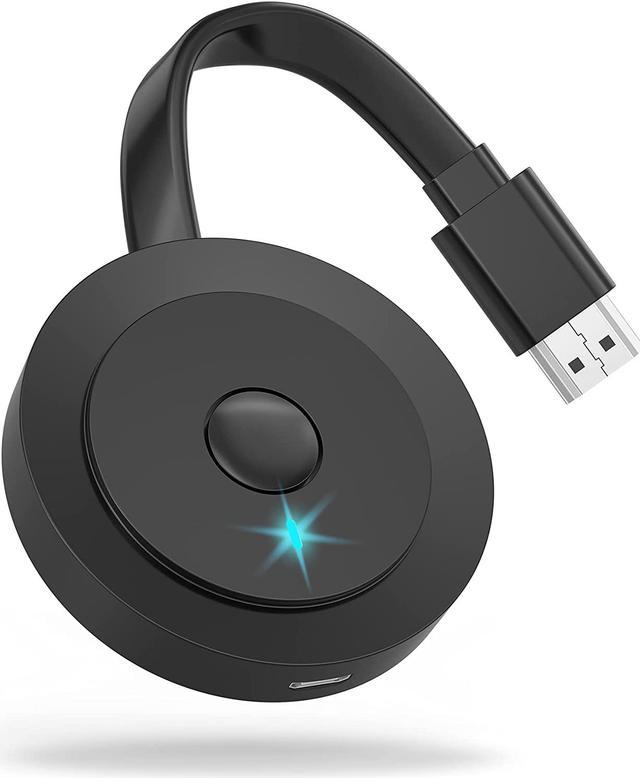
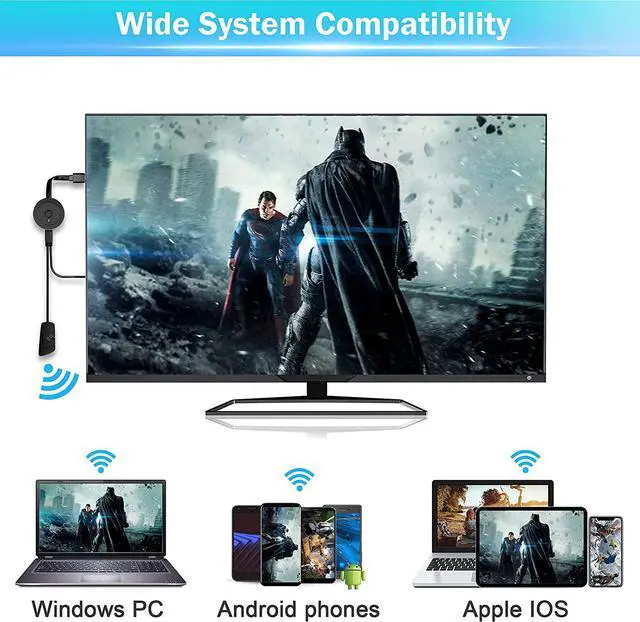
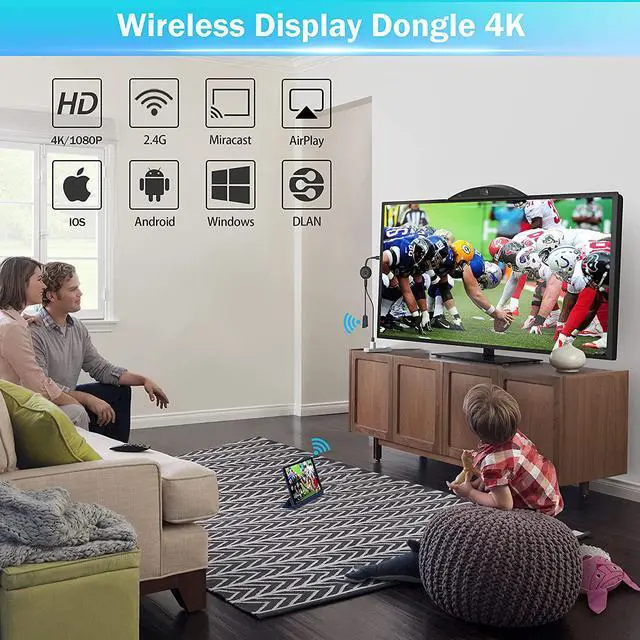
This 4K Wireless HDMI Dongle supports most resolutions, including 4K x 2K@30hz, 1080P @60hz,1080P @30hz, 3D /720P, you can stream most luxurious video and audio with your friends or family via the connection of router and devices.
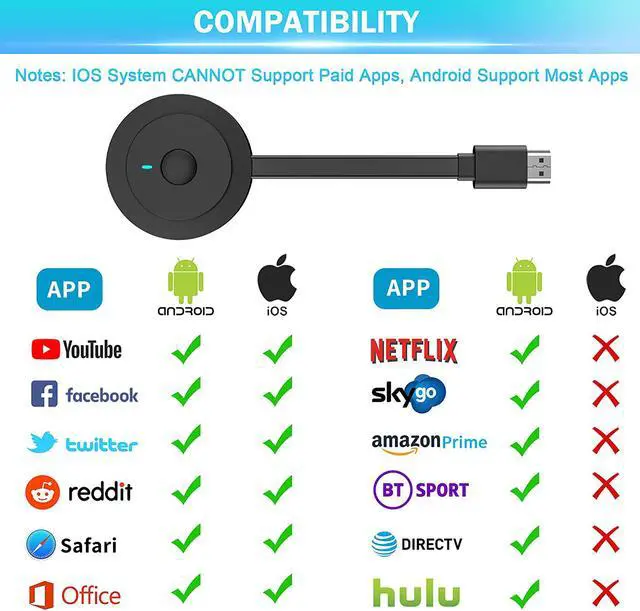
Android device could work with most video Apps;
Apple device are not compatible with Apps which have subscription service for watching TV, like Netflix, Amazon video, Sky Go, BT Sport, DIRECTV, HULU, Comcast tv, Xfinity, Vudu, Movistar, or other App which have "HDCP" video copyrights protection.
How to setup for i-OS(i-Phone/i-Pad)/Mac i-OS?
How to setup for Android?
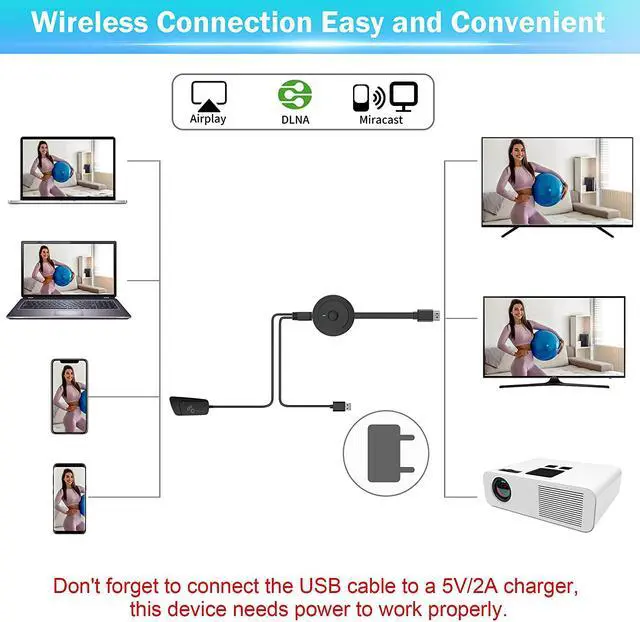
Please connect the USB cable to a 5V/2A charger, and then connect the HDMI interface to the HDMI port to your device. You would see a blue screen.
Open your phone and search the WiFi name MiraScreen XXX enter password 12345678.
Find the “Cast” function on your phone / laptop / PC. Select MiraScreen as target, then done.
How to setup for Windows?
Please connect the USB cable to a 5V/2A charger, and then connect the HDMI interface to the HDMI port to your device.You would see a blue screen.
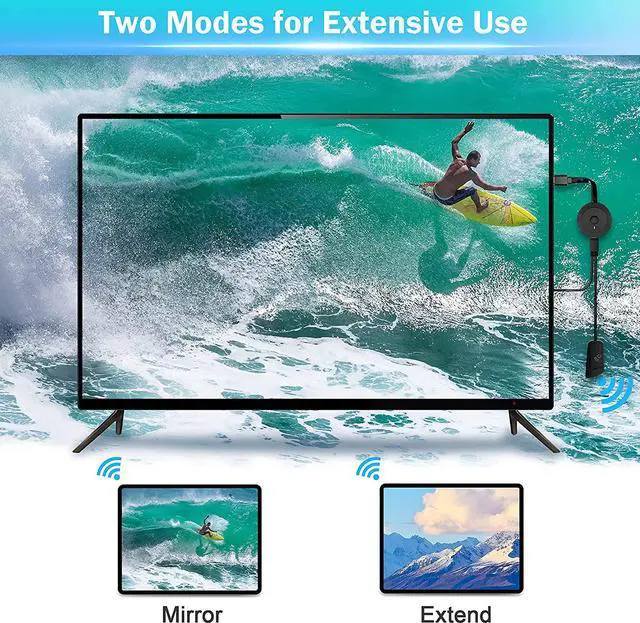
Click Windows+P, you will see the project function, please click wireless display, then choose "Mirascreen" as target. Then choose the mode you like. (“Duplicate” for mirror mode, or “Extend” for extend mode.)
Q: Why does my screen go black?
A: Please check whether you have plugged the USB cable into the USB charger for power supply. Please don’t plug the USB cable into the TV’s USB Port, because this might cause insufficient power supply. Please connect the USB cable to a 5V/2A USB charger.
Q: Why my laptop/PC can't find connection with this adapter?
A: Please check if your device has the Bluetooth or Wi-Fi function. If no, then it would need a Wi-Fi receiver to set up the connection.
Q: Why there is only sound or image when watching Netflix, Amazon Video, Disney+, Sky go or other similar apps?
A: If you are using Apple devices, please note that because of "HDCP" video copyright protection, for Apple devices, this product is not compatible with those subscription-based apps that needs paying for watching.