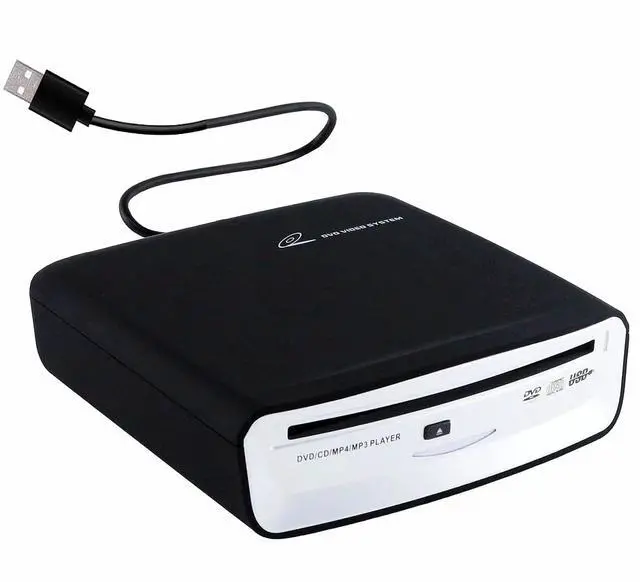
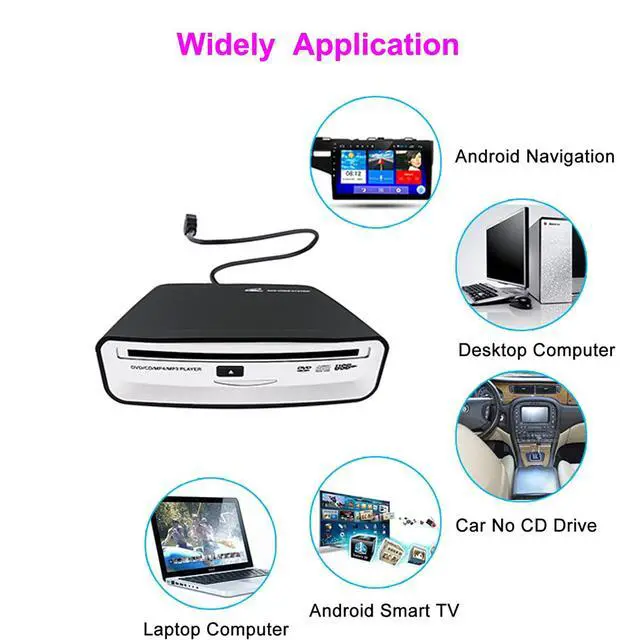
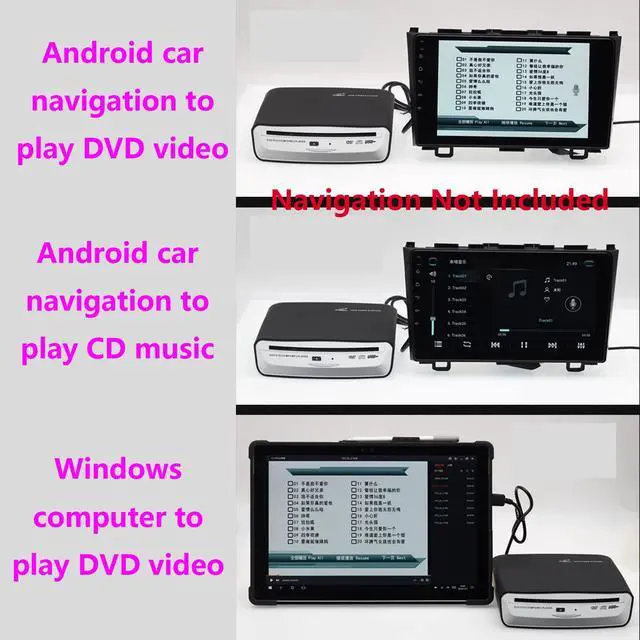
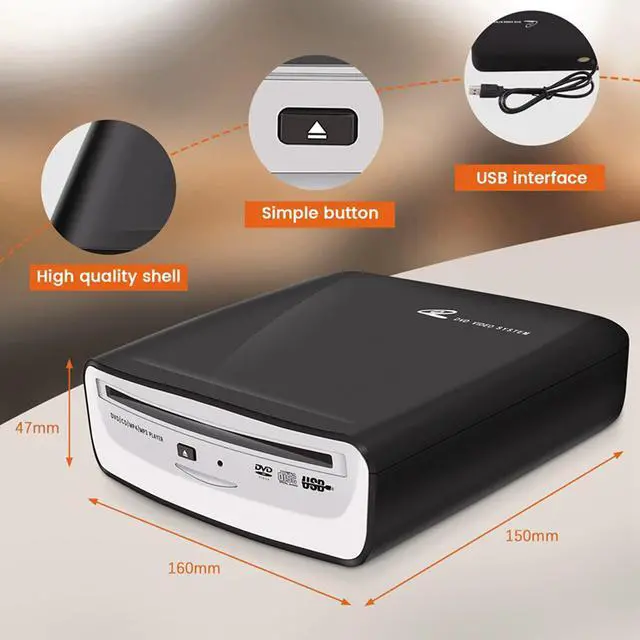
Good VersatilityIt is not only suitable for cars or SUVs with a car Android multimedia navigation large screen with USB interface, but also compatible with Windows desktops, laptops and Android smart TVs.
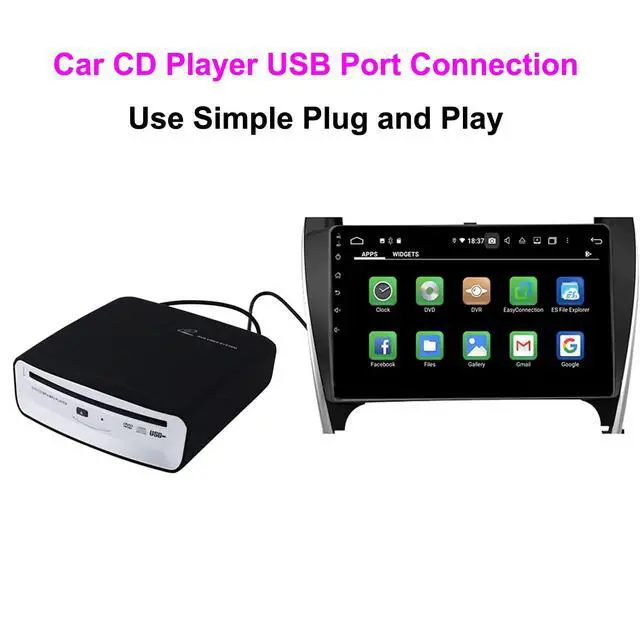
Plug and PlayNo additional driver and power supply are required, just insert the CD player into the USB interface of the car Android navigation host, the CD player will automatically recognize it and data will be displayed on your screen. (Android version 4.4 and above)
Multiple Disc FormatsCD Player adopt advanced technology,supported CD-ROM, CD-R, CD-RW.(TVs and cars need to support the ability to read USB flash drives before they can use this device to play CD.The device using the optical drive must have a player capable of supporting the format of the disc being played.)
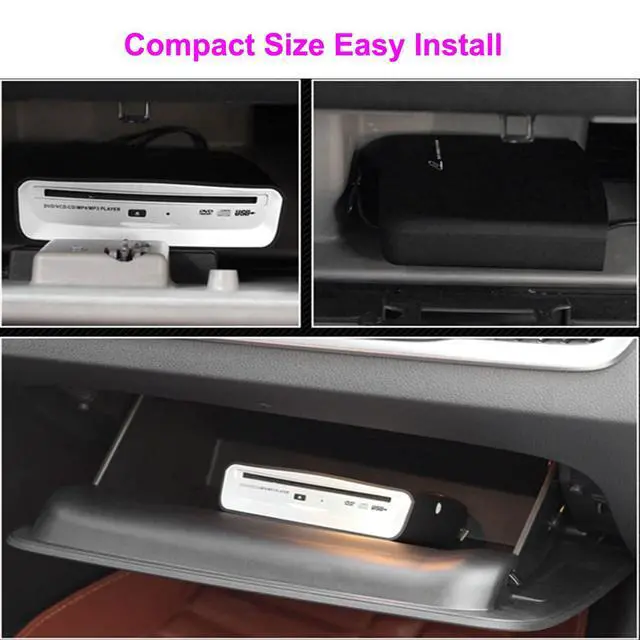
Portable and Compact, Easy to UsePlug in the USB interface to use, no external power supply required. Small in size, it can be placed in the glove box or fixed in other locations. Cable embedded design, never forget to lose the cable.
Electronic Shock Resistance, Strong Error CorrectionVehicle-specific movement, the fuselage is placed horizontally/vertically/inclined, and the bumps of the car will not affect the reading of the disc.
Good After-sales ServiceAfter receiving the product, if you have any questions, please contact us via Amazon email in time. We will reply to your questions within 24 hours, so that customers can shop without worries and have a pleasant shopping experience.
+
+
Overview
Specs
Reviews
External Car Universal CD Player Machine, Vehicle External USB CD Player for Car Android Navigation-Plug and Play(Android Version 4.4 and Above)
Learn more about the Detailed Specifications
General
Color
blackwhite
Features
Features
MP3, WAV
Skip Protection
false
Headphones Included
true
Connections
DC in
USB 2.0
Headphone Jack
No headphones jack
Power
Power Requirements
CD player
Dimensions & Weight
Dimensions
16 in x 15.5 in x 4.8 in
Weight
700 grams
Additional Information
First Listed on Newegg
May 20, 2026
There are no reviews yet.
Do you own this product?
Warranty & Returns
Warranty, Returns, And Additional Information
Warranty
Please contact the Seller directly for warranty information. Warranty information may also be found on the Manufacturer's website.