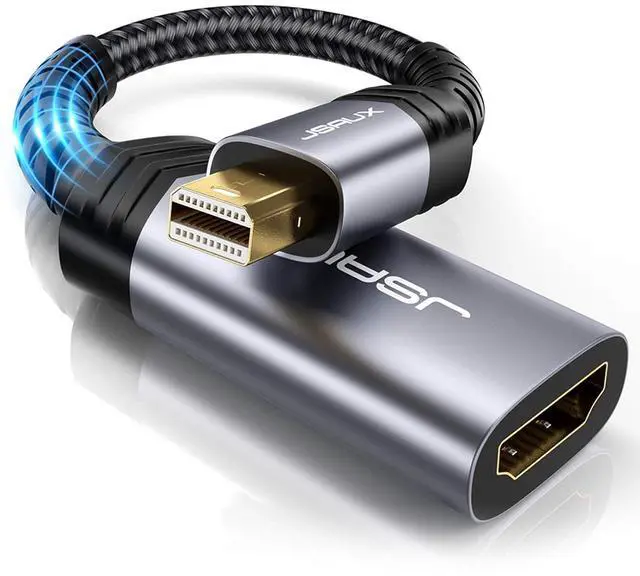
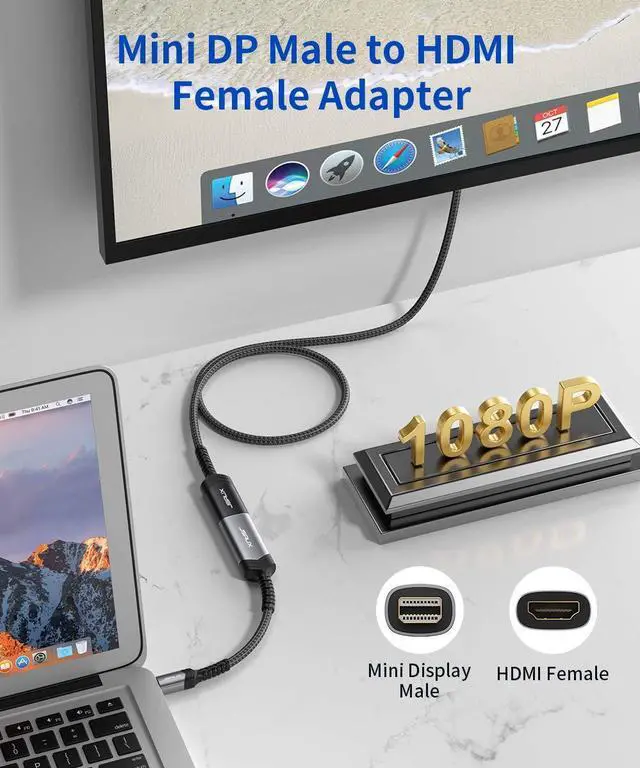
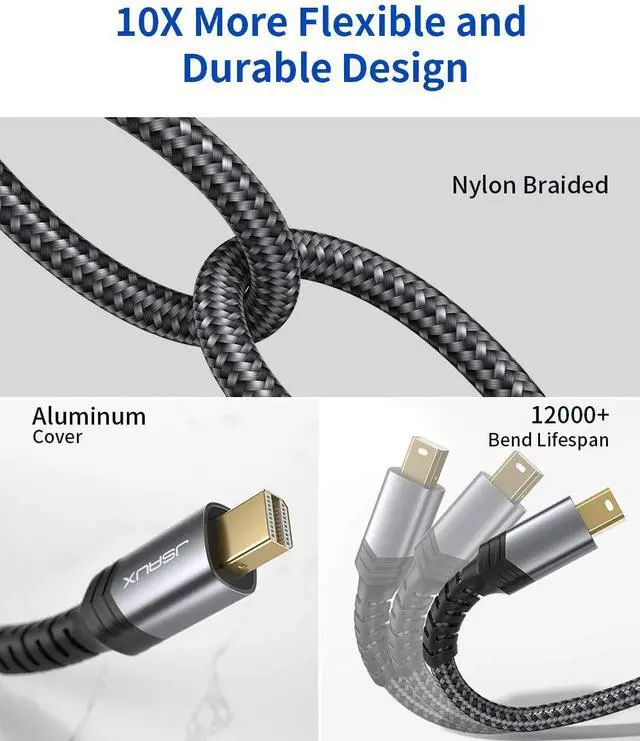
Product description
IMPORTANT NOTE:
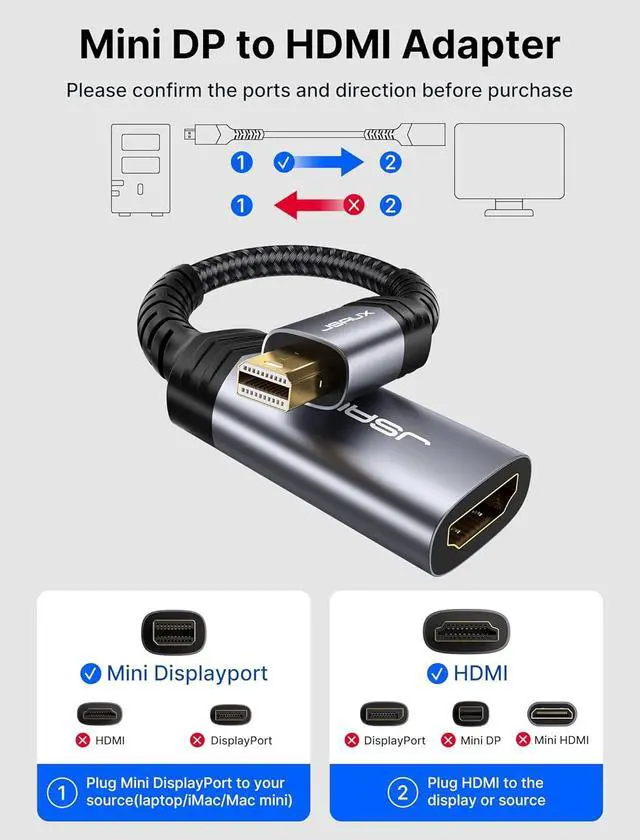
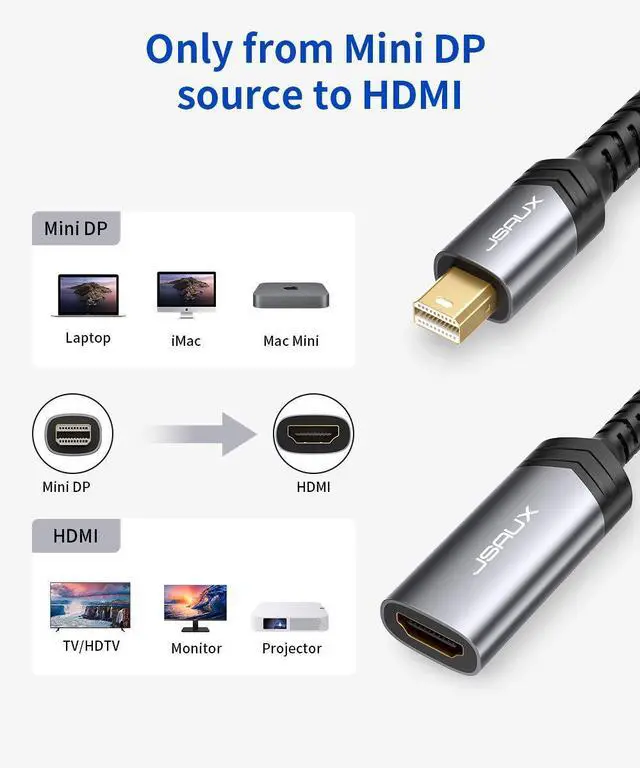
Transmission: NOT Bi-directional (Only from a Mini DisplayPort/Thunderbolt/Thunderbolt 2 to an HDMI).
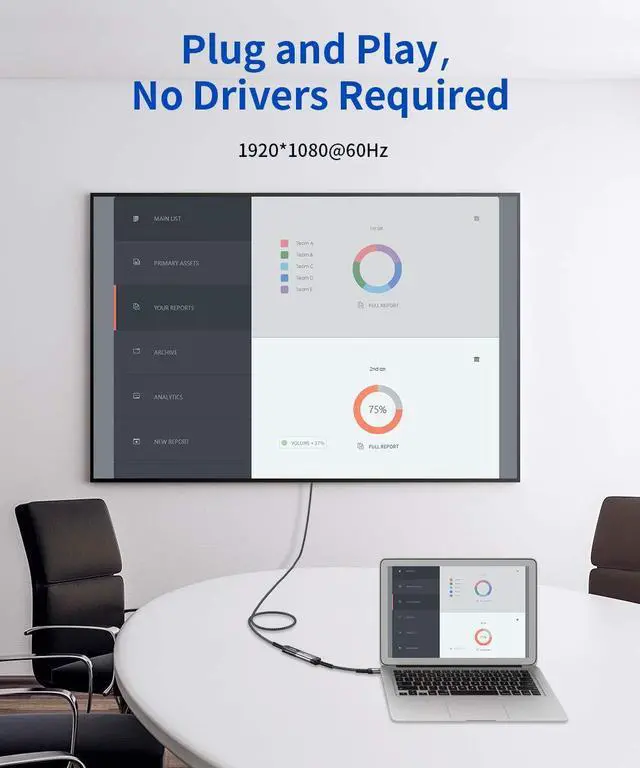
Audio: System Preferences Sound Output. Change the audio output from your laptop to TV or other devices. NOT compatible with thunderbolt 3 (USB-C). Support 1080P@60Hz video output (NOT 4K). Please use with HDMI-HDMI cable.
Specifications
: -
Input (from video source): Mini DisplayPort Male (Thunderbolt 2 Compatible) -
Output (to monitor): HDMI Female -
Video&Audio Support: Yes -
Installation: Plug and
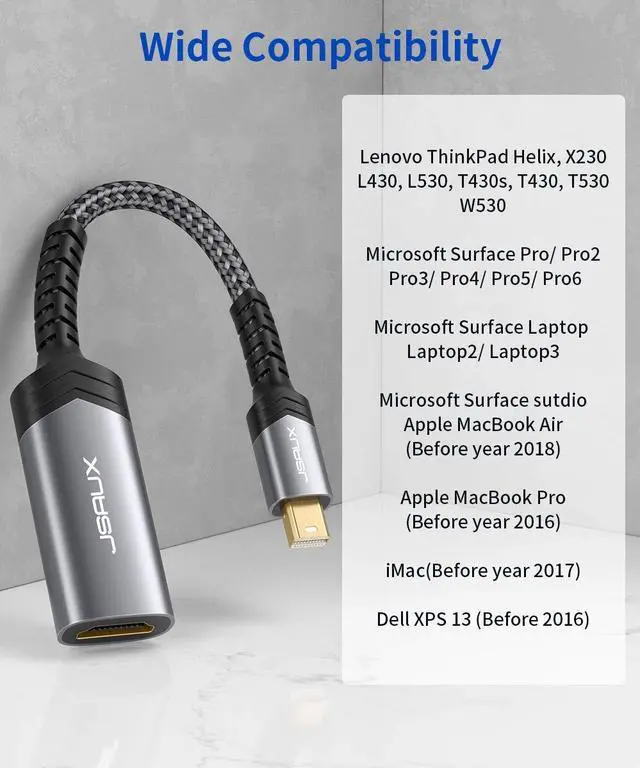
Play WIDE COMPATIBILITY: Apple MacBook Air (BEFORE 2018) APPLE Macbook Pro (BEFORE 2016) iMac (BEFORE 2017) Mac Pro / Mac Air Surface Book (NOT Surface Book 2) Microsoft Surface Pro / Pro 2 / Pro 3 / Pro 4 / Pro 5 / Pro6 Surface Laptop / Laptop 2 (NOT Surface 2) Surface 3 (NOT Surface) Surface Studio Lenovo ThinkPad Helix, X230, L430, L530, T430s, T430, T530, W530 Dell XPS 13 (BEFORE 2016) If your laptop not included in the list, please feel free to let us know, we are very gladly to help you to check if your device can work with the adapter. Support Mirror & Extend Dual Mode: Mirror
Mode: Makes your holiday photos and favorite films so much more interesting and enjoyable on the big screen!
Extended Mode: Works like a charm for multitasking. Mirror and
Extend Mode Settings: For MacOS, Top left corner Apple icon System Preferences Displays Mirror or Extend Displays; For Windows 10, press Windows key + P combination command choose Duplicate or Extend; For Windows system laptop, if the external monitor could not work, please update the BIOS and graphic card driver from laptop official website.



 All Categories