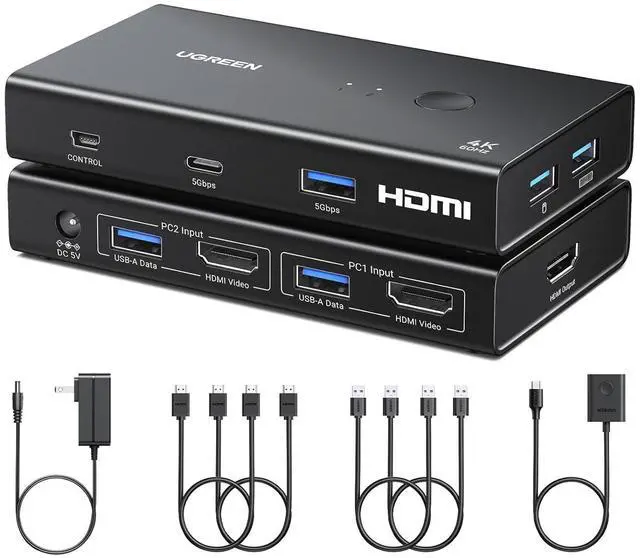
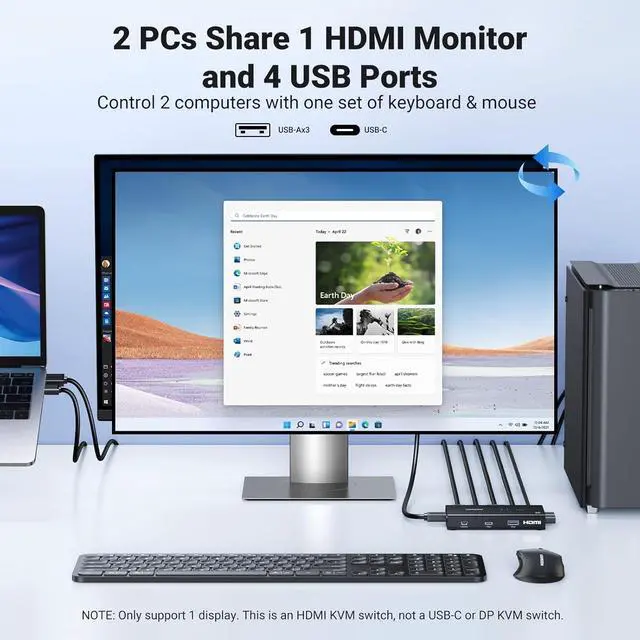
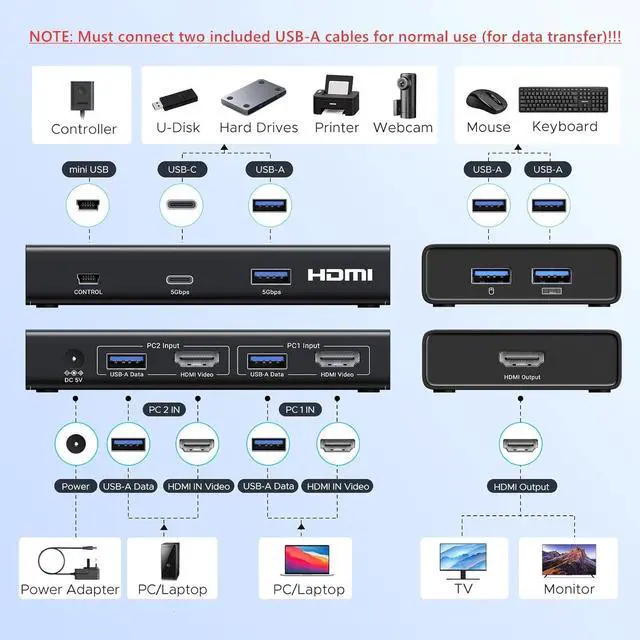
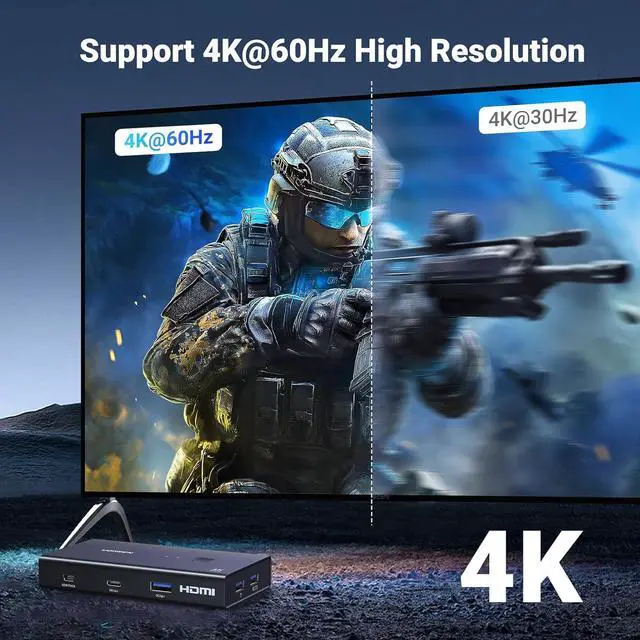
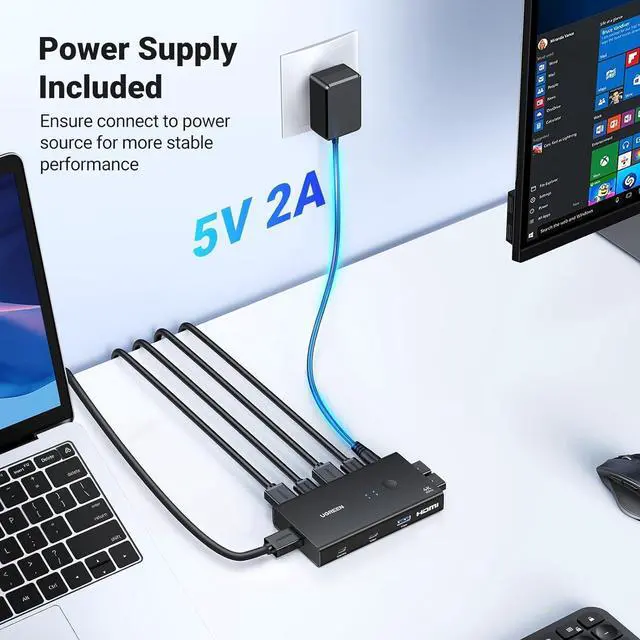
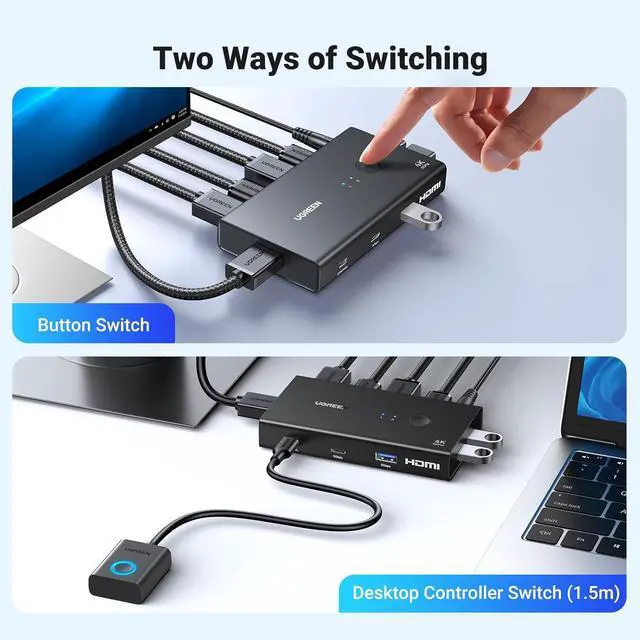
NOTE: 1, Each PC must be connected with an HDMI cable (for video transfer) and a USB cable (for data transfer) for normal use. 2, For stable use, please use the power adapter to connect to the power source for power supply. 3, Not supported for use with docking station. 4, This KVM switch is NOT a DP KVM switch or USB-C KVM switch. 5, Do not press the button on the switch or the desktop controller while connecting devices and cables; KVM Switch 1 Monitors 2 Computers: This HDMI KVM Switch can control 2 computers to share 1 monitor and 4 USB 3.0 devices such as a set keyboard, mouse, hard drives, U disk, and printer. It's not only a keyboard mouse switch Switch, but also an HDMI switch. You can easily switch between two hosts, which keeps your workspace tidy, and helps to maximize productivity; Support Up to HD 4K@60Hz: KVM switches support resolution up to 4K@60Hz, and can also be backward compatible with 4K@30Hz, 2560*1440@120Hz or lower resolution. This KVM switch HDMI also supports HDMI 2.0, HDCP2.2/1.4, 3D and HDR, which makes images display more exquisite and realistic, color is more bright and moving. NOTE: Please ensure that the resolution of the two devices at the input and the device at the output is consistent; Sharing 4 USB 3.0 Ports: This USB switch has 3 USB-A ports and 1 USB-C port for sharing USB flash drives, printers, mobile hard drives, U-disk, and other USB devices. USB 3.0 offers data transfer speeds of up to 5Gbps, while USB 2.0 is only 480Mbps. It allows
+
+
Overview
Specs
Reviews
Product description 1 Up to 4K@60Hz 2 Support HDR Usage Scenario Use Contrast Switching Mode Correct Connection Connect with USB-C Laptop Wire Gauge & Package List Wide Compatibility Play Games at Home Home Office Office Conference
Learn more about the Detailed Specifications
Additional Information
First Listed on Newegg
September 02, 2026
There are no reviews yet.
Do you own this product?
Warranty & Returns
Warranty, Returns, And Additional Information
Warranty
Please contact the Seller directly for warranty information. Warranty information may also be found on the Manufacturer's website.



 All Categories