


Meet Your Seller







HP USB-C Mini Dock
- Item #: 9SIVU6VM1C5468
- Mfr. Part #: TOLJB076H18FKW
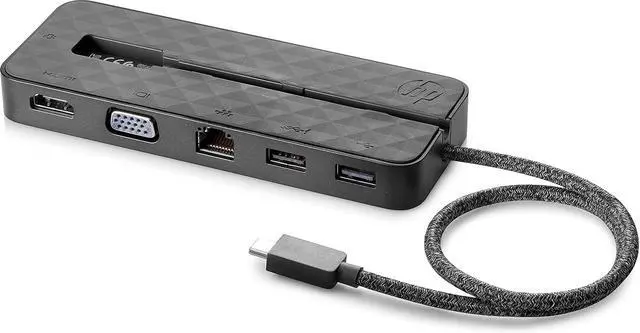
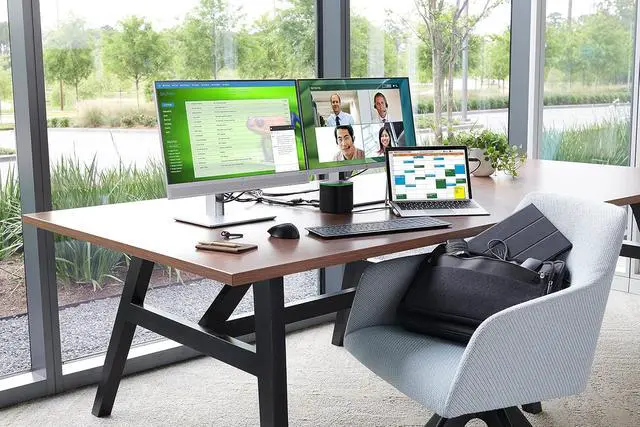
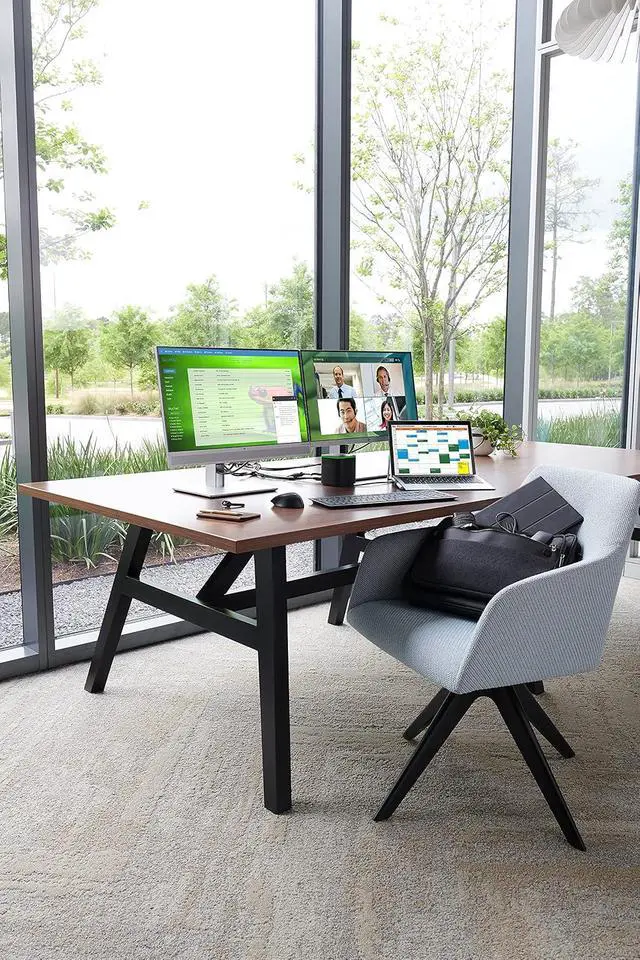
- Drive an external display with HDMI support up to 4K or VGA support up to 1080p
- Support network manageability[3] of your device and the dock with PXE boot support, Wake-on LAN, MAC Address Pass-Through, and LAN/WLAN switching.[4]
- Deliver pass-through charging to your notebook PC or tablet when you connect its USB-C AC adapter to the docks USB-C port.
- Connect to your Gigabit Ethernet through the RJ-45 port and your accessories through a USB-C or USB port.
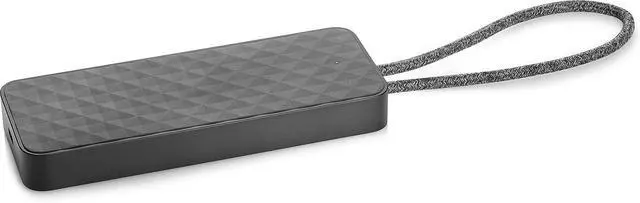
- Carry the dock by hand with the soft-coated USB-C cable that loops and folds neatly into a channel on the bottom of the dock to become a comfortable wrist strap, or pack it to go in your bag alongside your mobile device.
+
+
Overview
Specs
Reviews
Drive an external display with HDMI support up to 4K or VGA support up to 1080p
Support network manageability[3] of your device and the dock with PXE boot support, Wake-on LAN, MAC Address Pass-Through, and LAN/WLAN switching.[4]
Deliver pass-through charging to your notebook PC or tablet when you connect its USB-C AC adapter to the docks USB-C port.
Connect to your Gigabit Ethernet through the RJ-45 port and your accessories through a USB-C or USB port.
Carry the dock by hand with the soft-coated USB-C cable that loops and folds neatly into a channel on the bottom of the dock to become a comfortable wrist strap, or pack it to go in your bag alongside your mobile device.
Warranty & Returns
Warranty, Returns, And Additional Information
Warranty
- Please contact the Seller directly for warranty information. Warranty information may also be found on the Manufacturer's website.
- CONTACT
Return Policies
- Return for refund within: 30 days
- Return for replacement within: 60 days
- This item is covered by PrimeVolt’Shop Return Policy
Manufacturer Contact Info
- For a directory of all our manufacturers, please click below.
- Manufacturers Directory
LOADING...