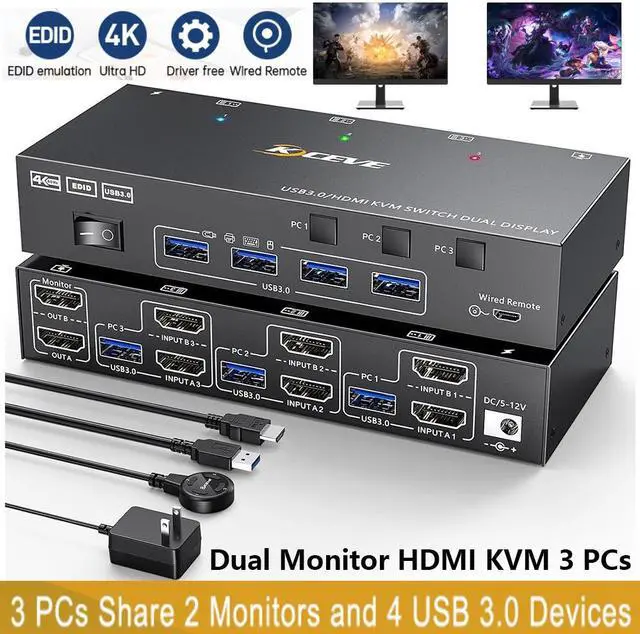
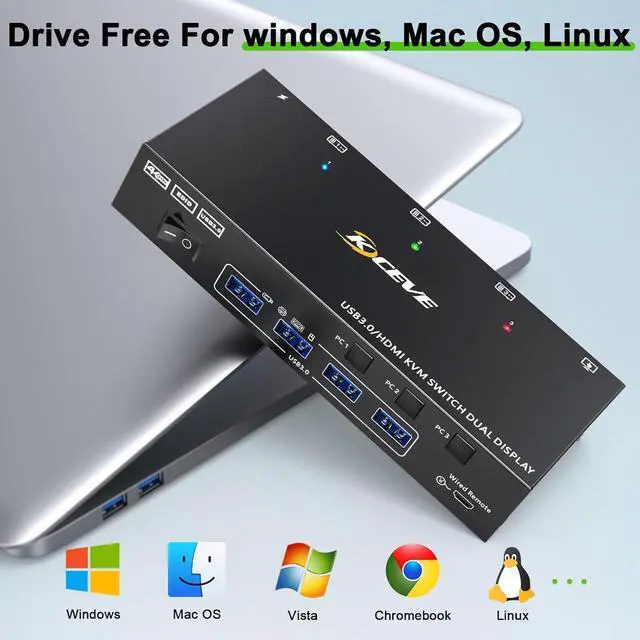
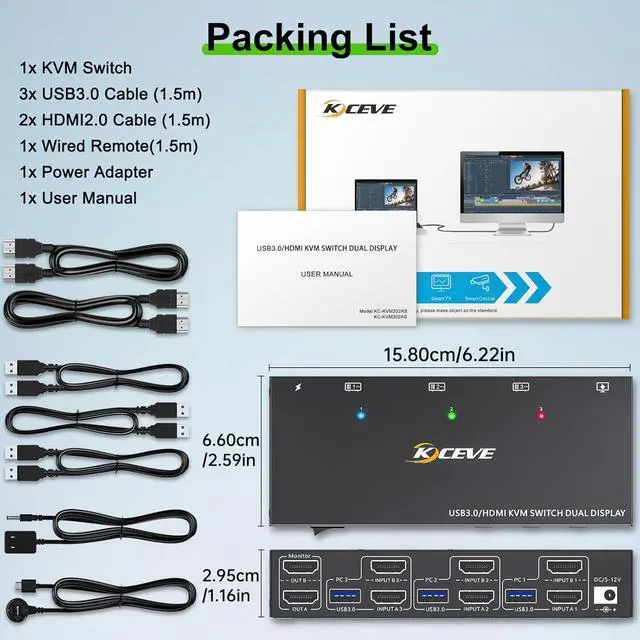
USB 3.0 Dual monitor HDMI KVM switch is specially designed for users who have 3 PCs and 2 monitors.
Features:
Plug and play, 3 computers share one set of wired/wireless keyboard, mouse and 2 monitors.
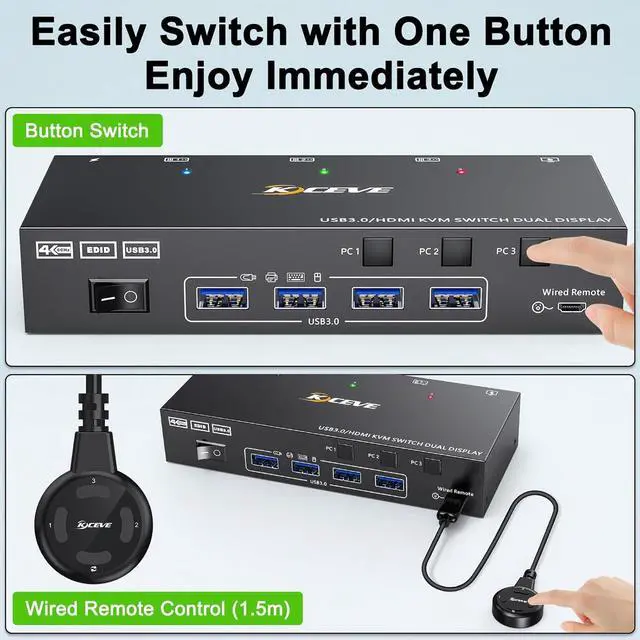
With just a click of the panel button or wired remote, you can easily switch between 3 computers.
Cross support most major OS including Windows, Linux, Mac
With 4 USB 3.0 ports for USB peripherals.
Support max up resolution 4K@60Hz, 2560×1440@120Hz, @144Hz, 1920x1080P@120Hz, @144Hz, downward compatible.
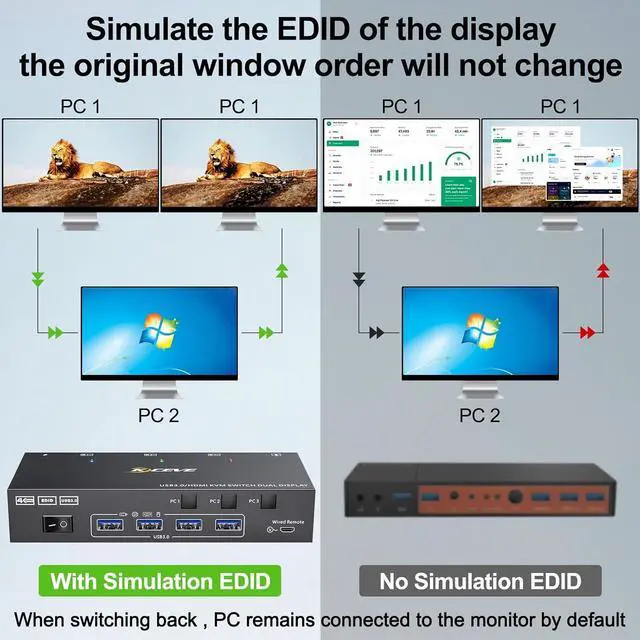
Support EDID emulation, USB 3.0 dual monitor KVM switch can simulate the EDID of the display, when the monitor is switched between three computers, the original window order will not be changed.
How to connect with the KVM Switch:
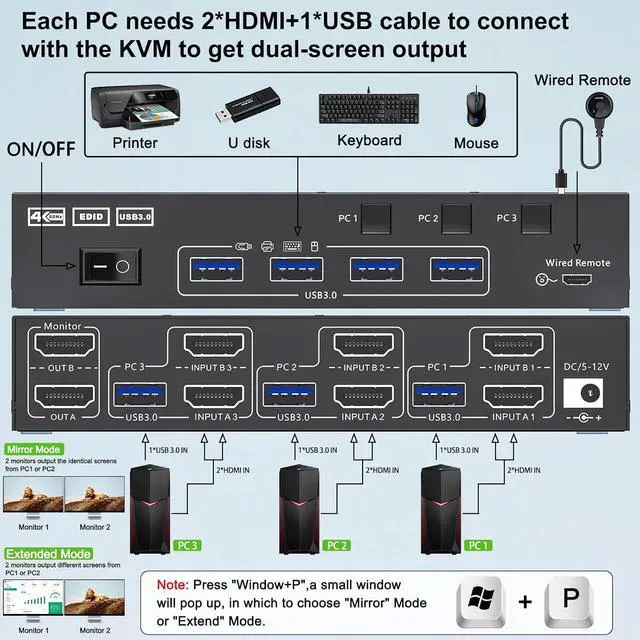
Step 1. Connect 2*HDMI cables+1*USB cable between PC 1 and KVM (USB 3.0, INPUT A1, INPUT B1).
Step 2. Connect 2*HDMI cables+1*USB cable between PC 2 and KVM (USB 3.0, INPUT A2, INPUT B2).
Step 3. Connect 2*HDMI cables+1*USB cable between PC 3 and KVM (USB 3.0, INPUT A3, INPUT B3).
Step 4. Connect 2*HDMI cables between the KVM (OUT A, OUT B) and the monitors.
Step 5. Connect the keyboard, mouse and other USB devices to the USB 3.0 ports on the KVM.
Step 6. Insert the wired remote to remotely switch between PC 1, PC 2 and PC 3.



 All Categories