8K Displayport KVM Switch for 2 Computers Share 2 Monitors and 3 USB 3.0 devices, Audio & Microphone
Does Everything You Need!
Features:
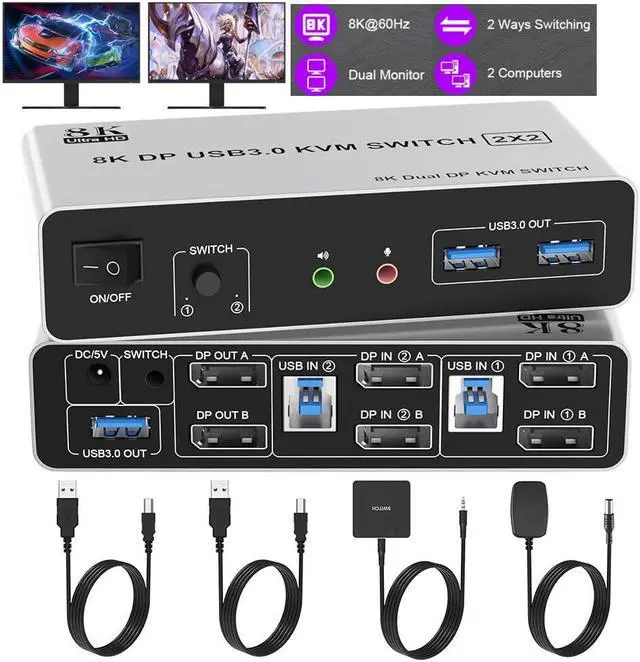
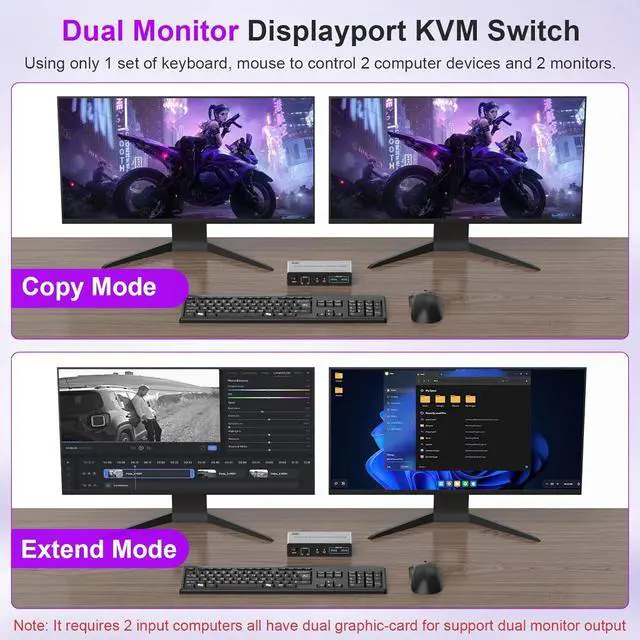
Share one set of keyboard, mouse and dual monitors between 2 computers or laptops;
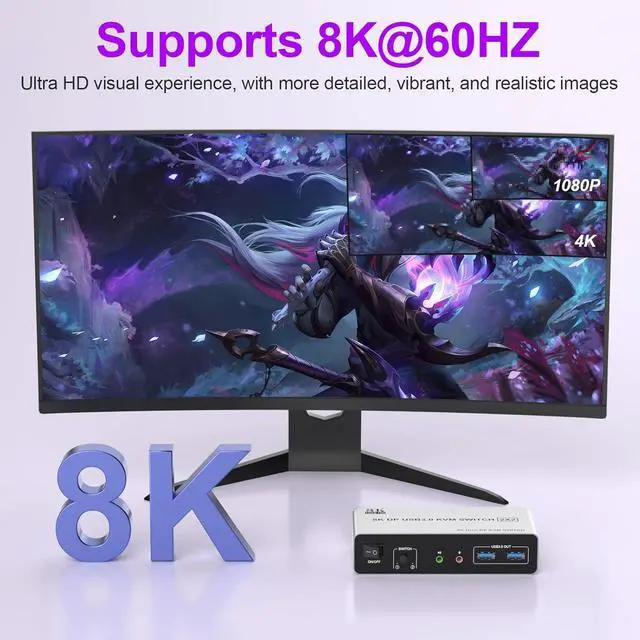
Dual monitors output support up to 8K@60Hz for extended, mirrored or spliced display;
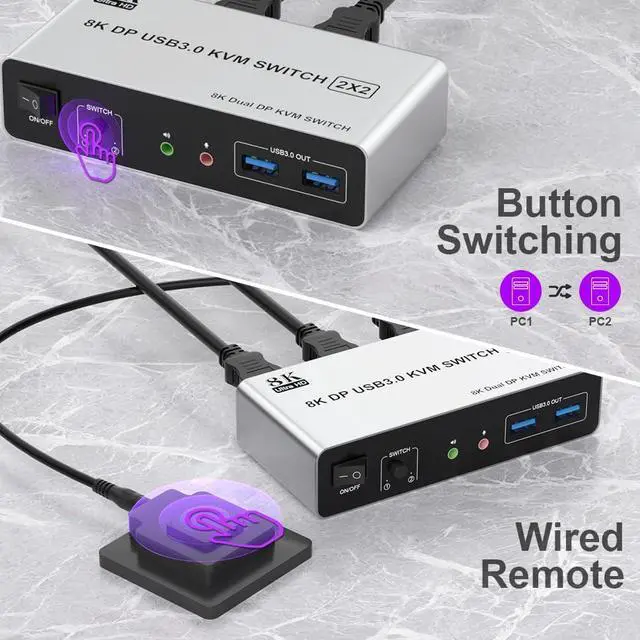
Switching modes: Buttons on the front panel and wired remote;
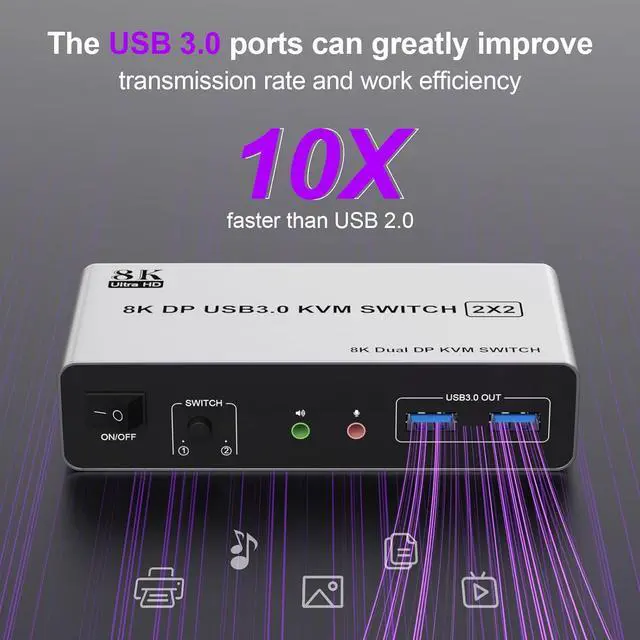
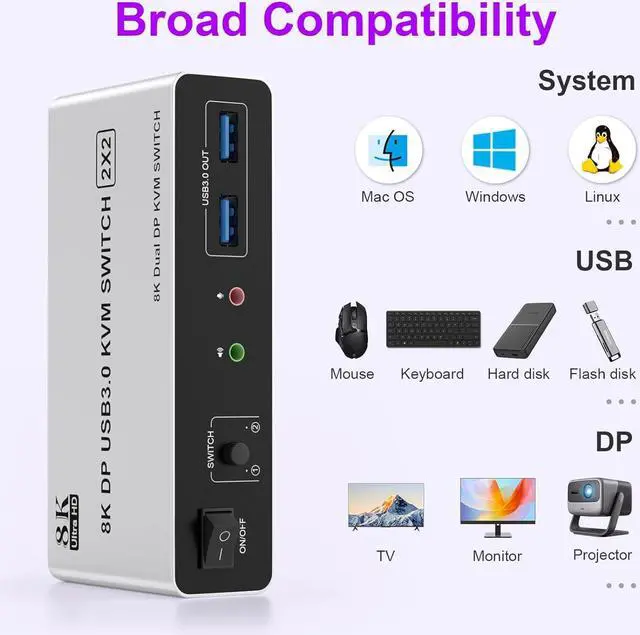
With extra 3 USB 3.0 and Audio Microphone output;
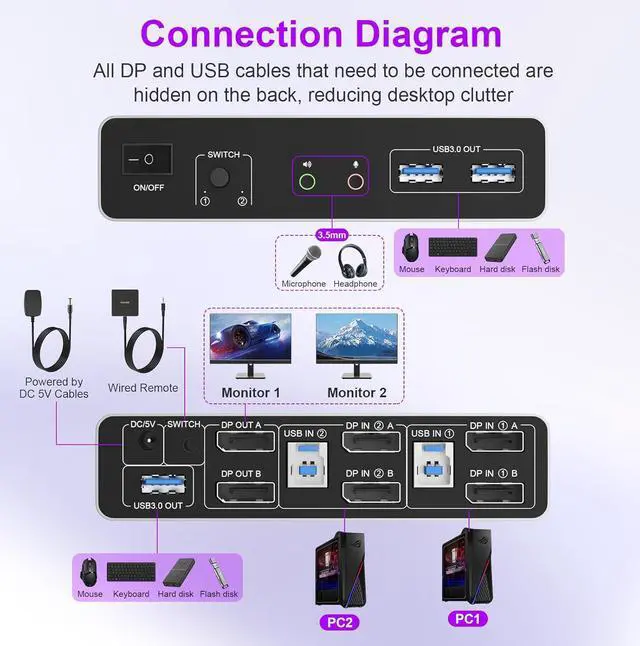
The ports that need to plug in DP/USB cables are all hidden behind the KVM, so the desktop doesn't get cluttered.
Connection Steps & Notes
1. Insert the adapter into the KVM;
2. Plug the DP cable into the KVM and monitor; (Output)
3. 1). Connect PC1 Firstly (Input)
Use 1 DP cable to connect the "DP IN 1 A" input interface and PC1 DP A output interface,
Use 1 DP cable to connect the "DP IN1 B" input interface and PC1 DP B output interface.
Use 1 "USB-a to USB-b" USB cable to connect the "USB IN 1" input interface and PC1 USB interface.
2)Then, Connect PC2 according to the connection steps of PC1.
4. Insert the mouse and keyboard into the KVM switch
5. If needed, you can connect a microphone and audio port