• $188.88
  • Free 30-day Returns
  • Ships from China.
    Sold by fadaoe

    Shipped by fadaoe

    Meet Your Seller

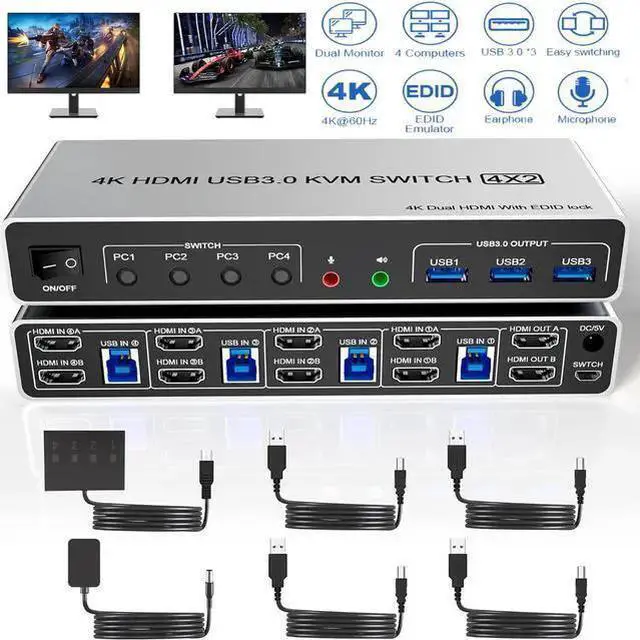
    IHDAPP USB 3.0 HDMI KVM Switch 2 Monitors 4 Computers, Supports EDID, 4K@60Hz Dual Monitor HDMI KVM Switch 4 in 2 Out with Audio Microphone and 3 USB 3.0 Ports, 4 Port Dual HDMI Monitor Switch for 4PC

    • Item #: 9SIVTT5M1W9687
    • Mfr. Part #: 402HD KVM Switch
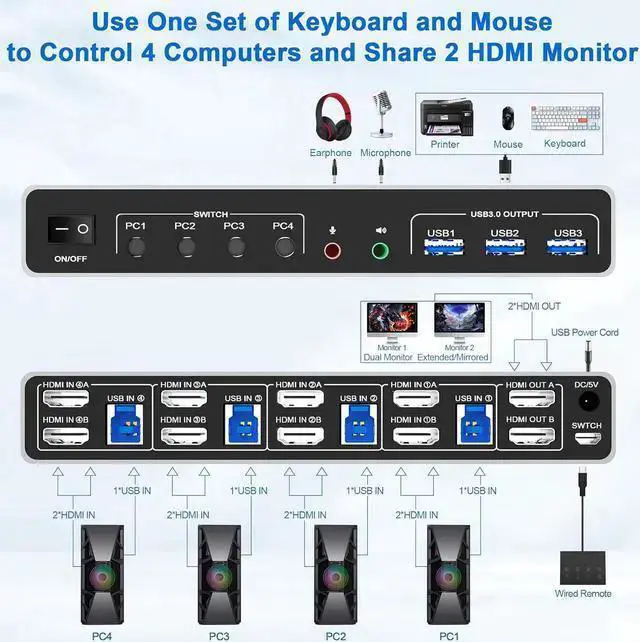
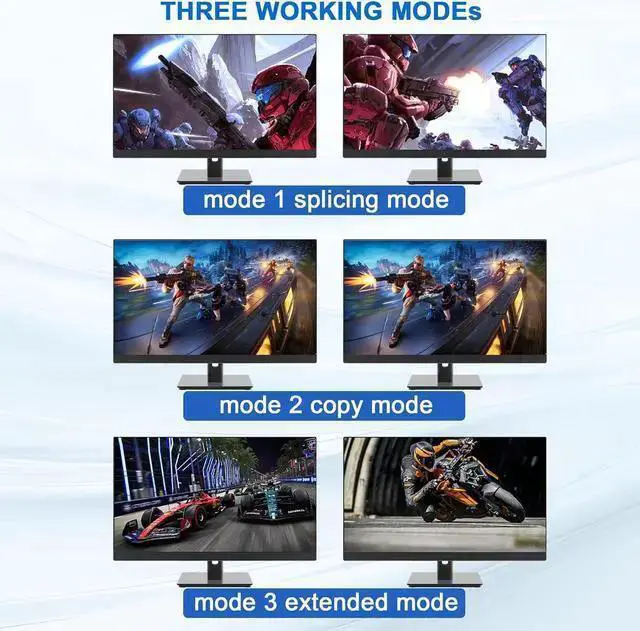
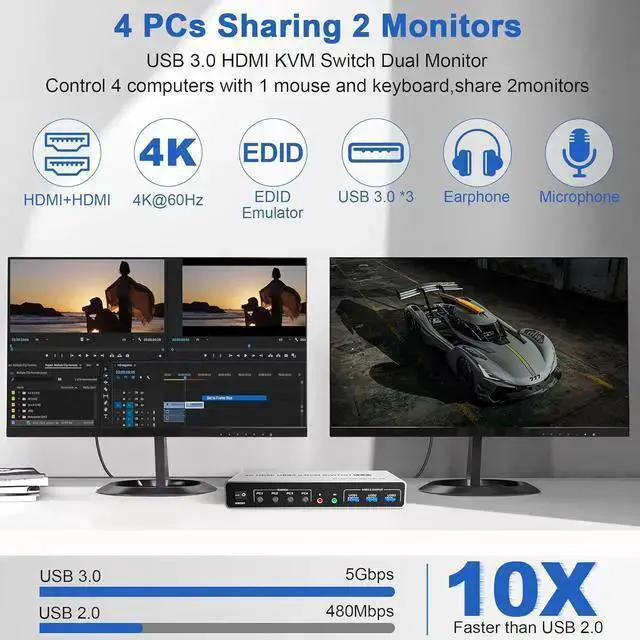
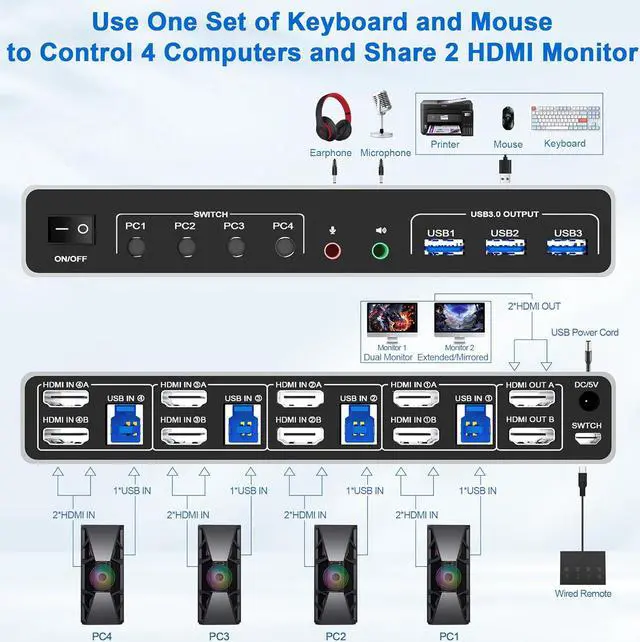
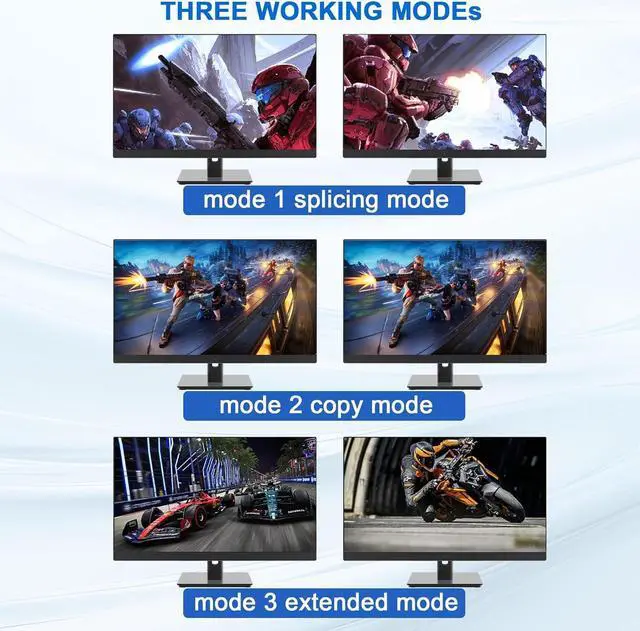
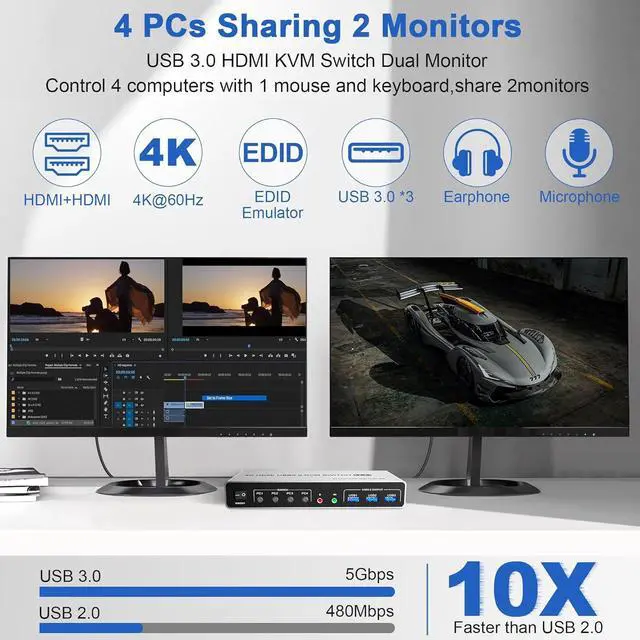
    • KVM Switch 2 Monitors 4 PC: This KVM Switch allows you to control 4 computers or laptops with one set of keyboard, mouse, and dual monitors. Only when your computer supports dual display or multi display, you can use this KVM to achieve share 2 monitors.
    +
    +
    Overview
    Specs
    Reviews
    USB 3.0 4 Port HDMI + HDMI Dual Monitor KVM Switch 4K@60Hz for 4 Computers

    Product Features:

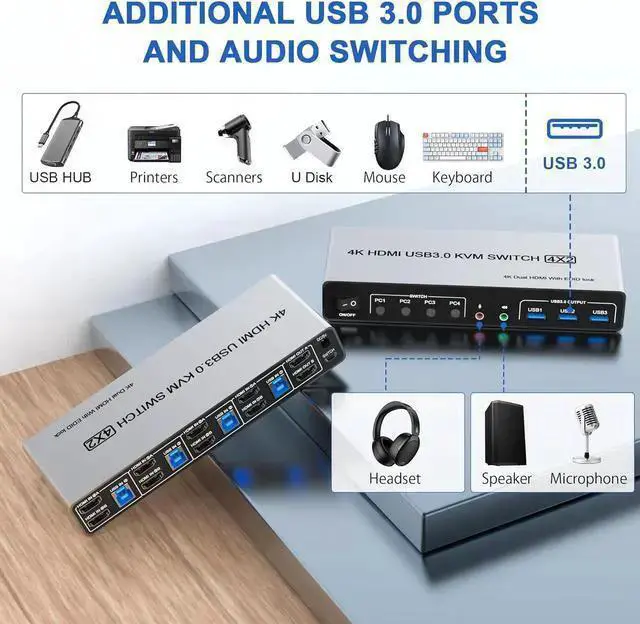
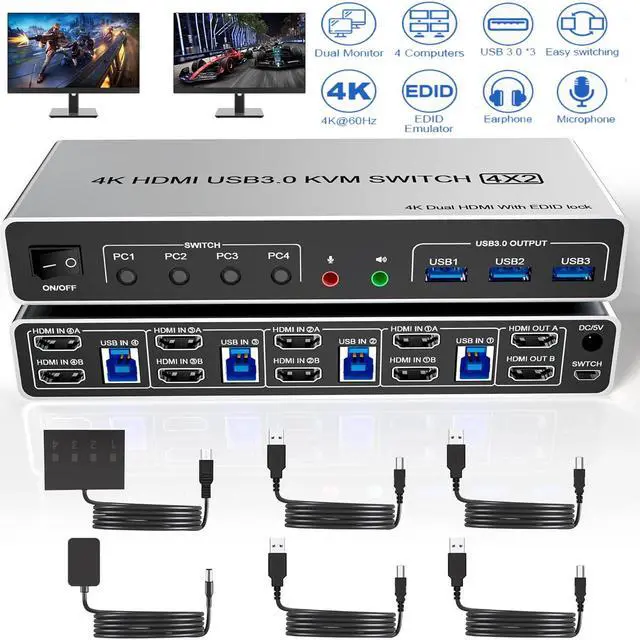
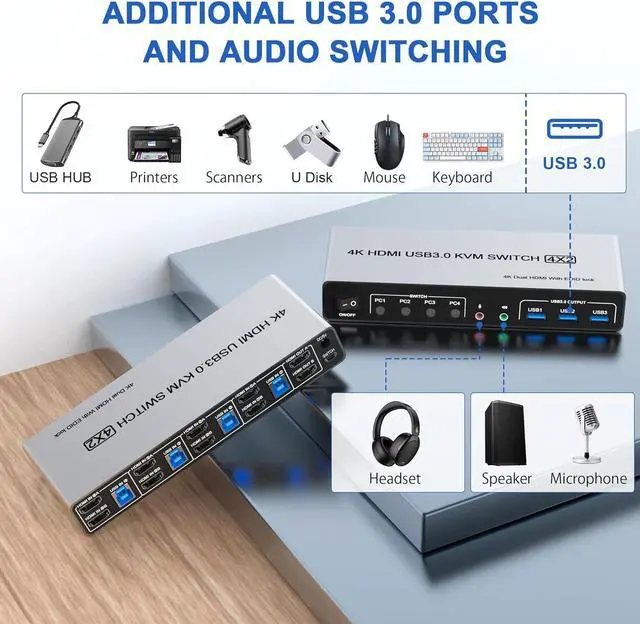
    4 computers/laptops share one set of keyboard, mouse and dual monitors, USB 3.0 ports, microphone and audio port;


    installation steps:

    1. Insert the DC/5V adapter into the KVM;

    2. Plug the HDMI cable into the KVM and monitor; (Output)

    3. Plug the HDMI cable and USB cable into the KVM and your computer/laptop (HDMI cables are not included) (Input)

    HDM1 IN1 A + HDM1IN1 B + USB IN1=PC1
    HDM1 IN2 A + HDM1IN2 B + USB IN2=PC2
    HDM1 IN3 A + HDM1IN3 B + USB IN2=PC3
    HDM1 IN4 A + HDM1IN4 B + USB IN2=PC4
    4. Insert the mouse and keyboard into the KVM switch

    5. If needed, you can connect a microphone and audio port


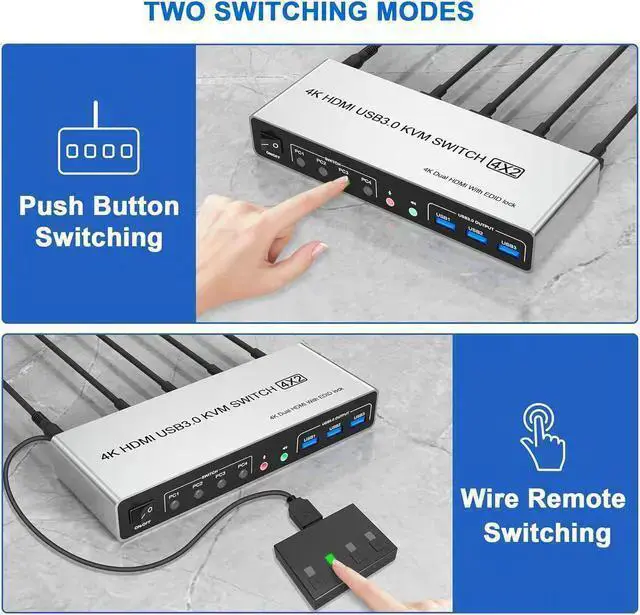
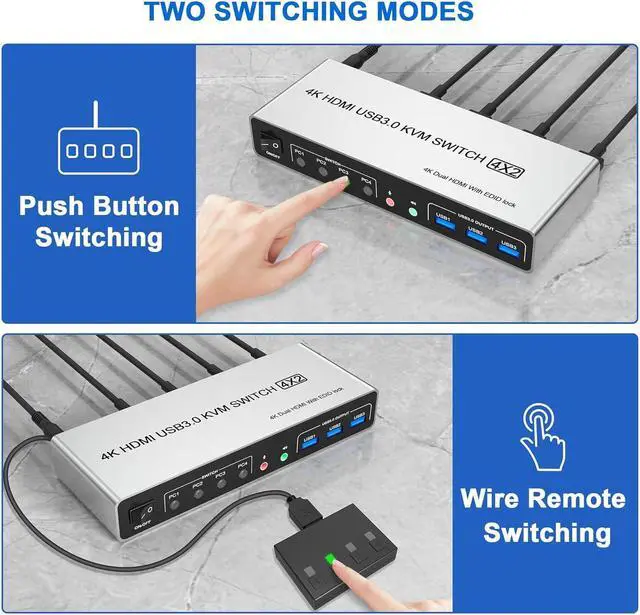
    Package includes 1x USB 3.0 HDMI+ HDMI dual monitor KVM switch, 1x Power adapter, 1x Wired Remote Switch, 4x USB 3.0 Type-A to B cable, and 1x User Manual.

    Warranty & Returns

    Warranty, Returns, And Additional Information

    Warranty

    • Please contact the Seller directly for warranty information. Warranty information may also be found on the Manufacturer's website.
    • CONTACT

    Return Policies

    • Return for refund within: 30 days
    • Return for replacement within: 30 days
    • This item is covered by fadaoe Return Policy

    Manufacturer Contact Info

    LOADING...