8K DP 1.4 Dual Monitor KVM Switch DisplayPort 2 computers share 2 monitor
Does Everything You Need!
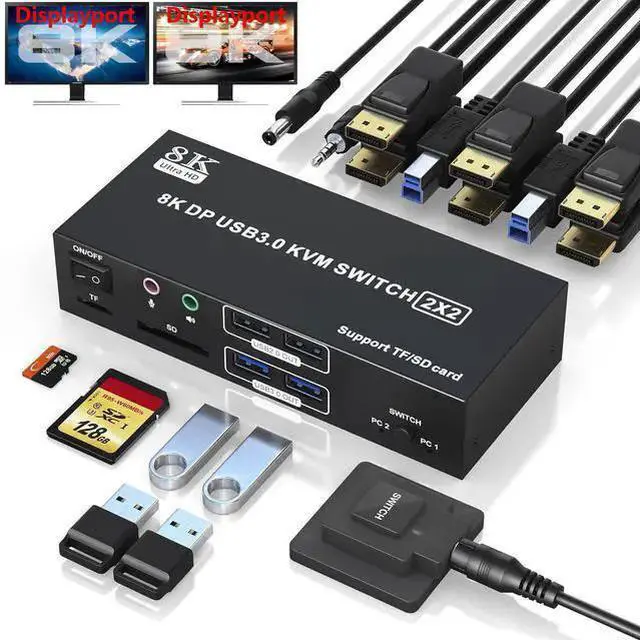
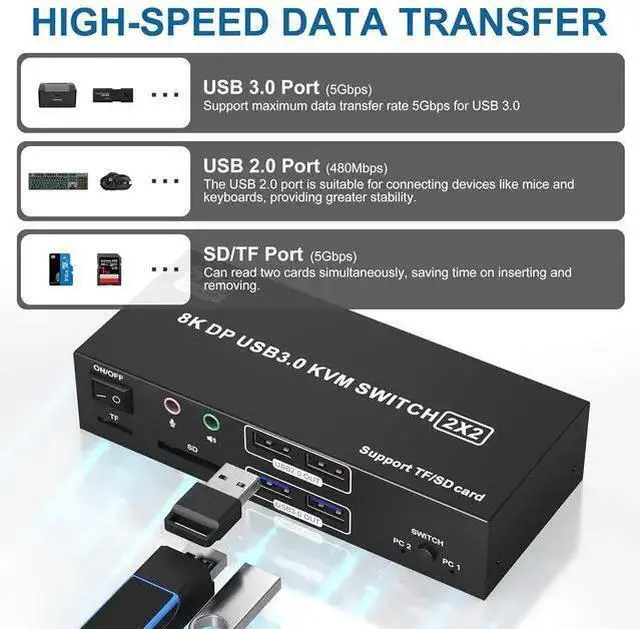
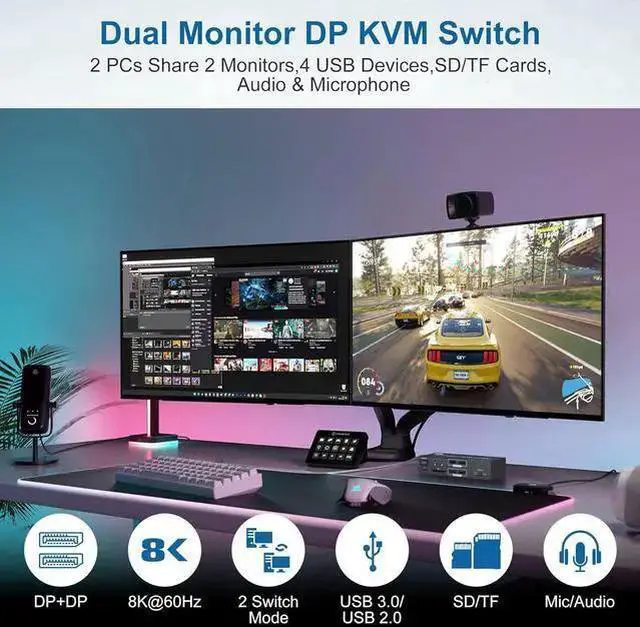
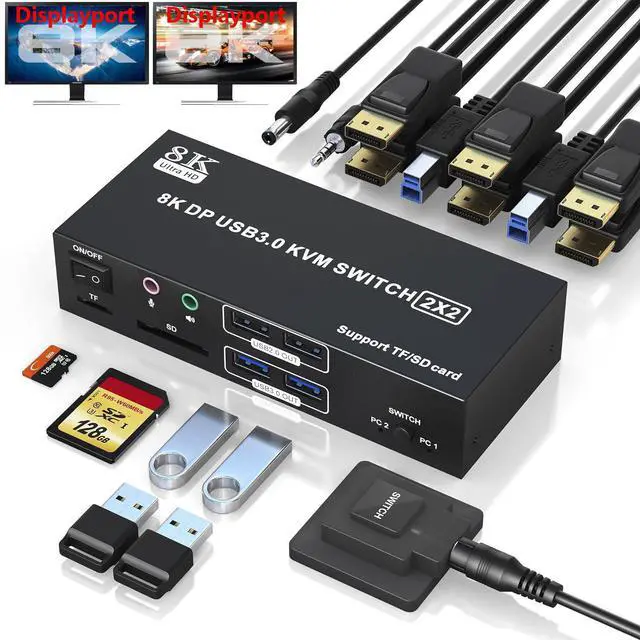
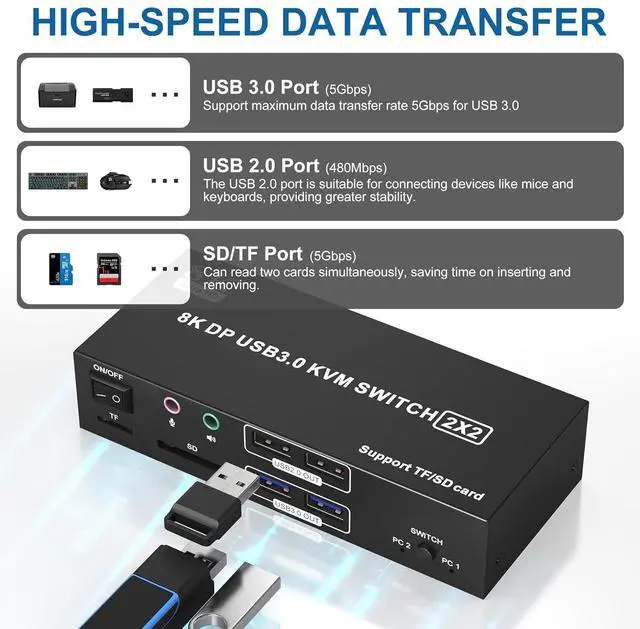
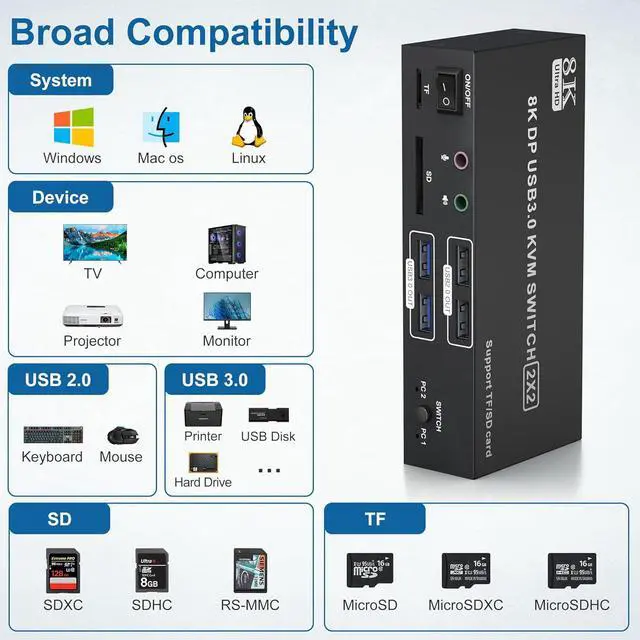
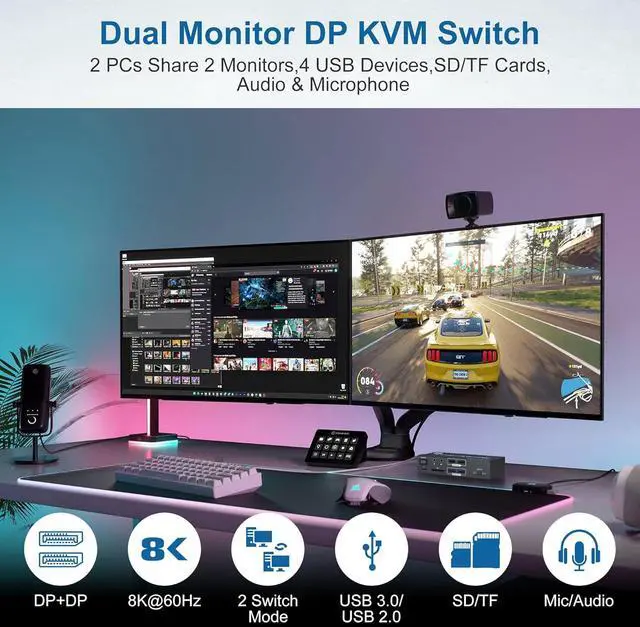
2 computers/laptops share 4 USB devices and 2 monitors, and with extra Audio Microphone output and SD/Micro SD card slot;
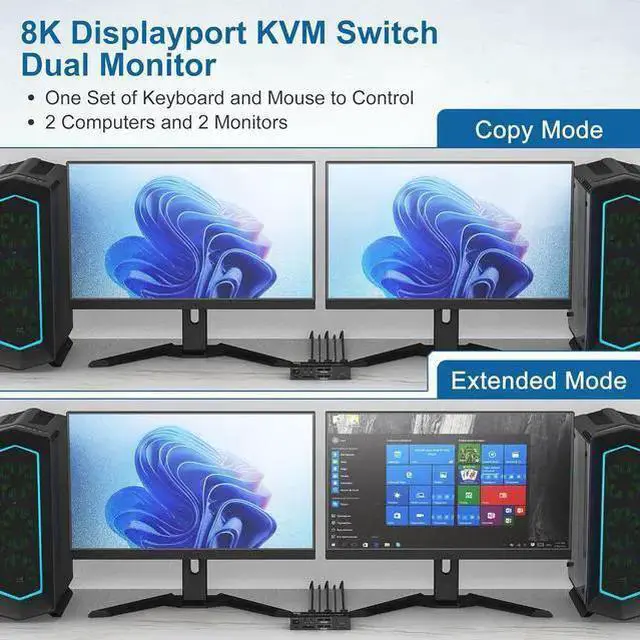
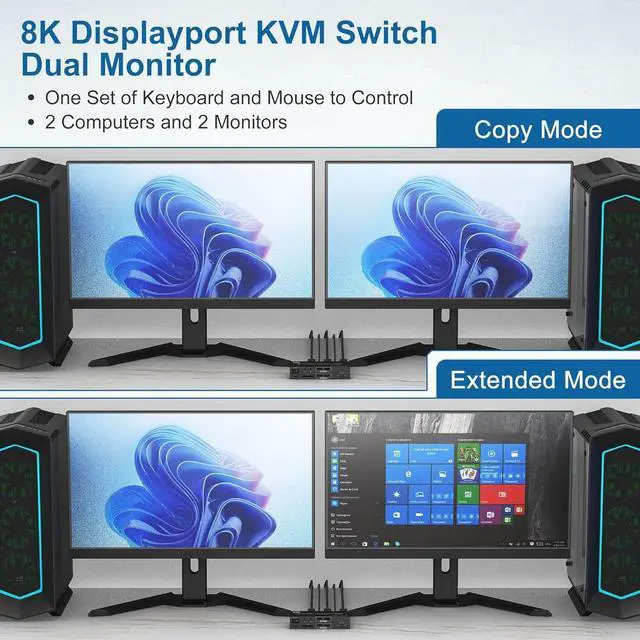
Supoort DP 1.4 and downward compatible. Dual monitors output support up to 8K@60Hz for extended, mirrored or spliced display(Depends on your computer's graphics card. );
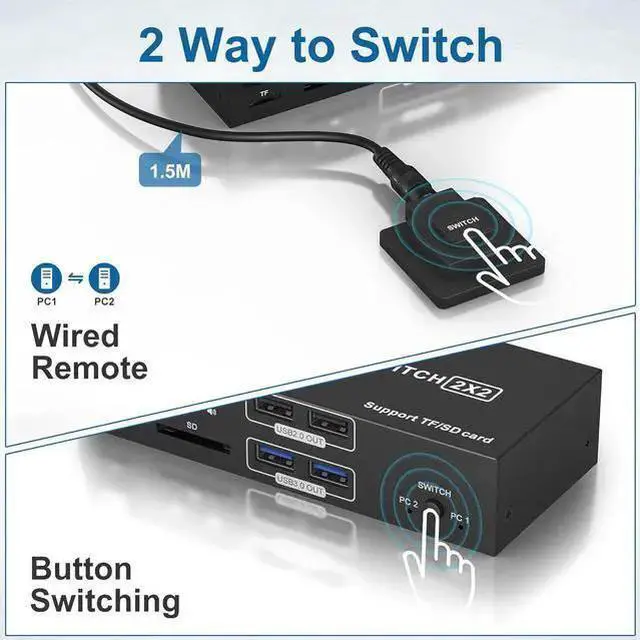
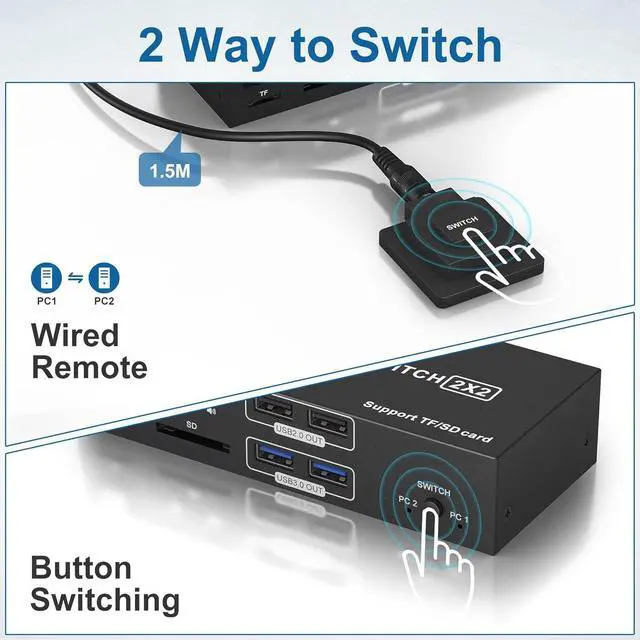
Switching mode: push-button switch and wired remote control;
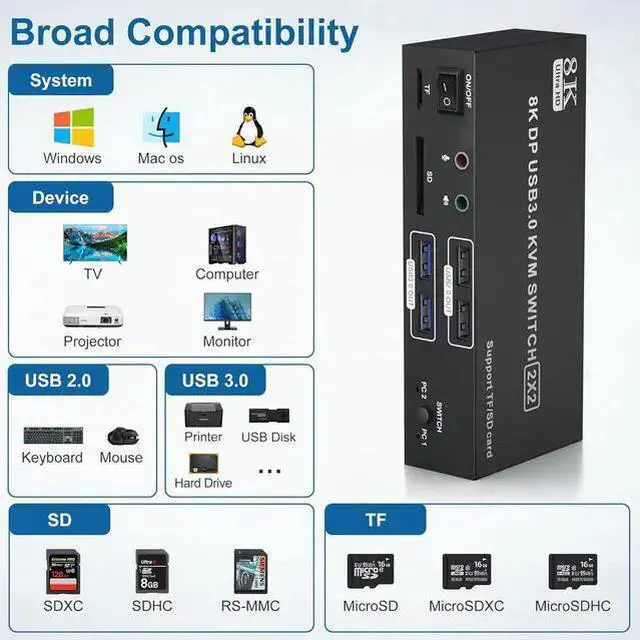
Support for most major operating systems, including Windows, Linux, and Mac.
Connection Steps & Notes
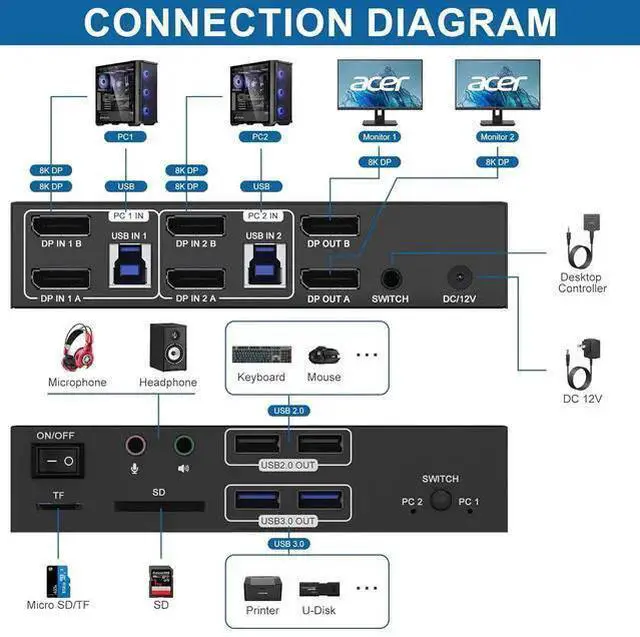
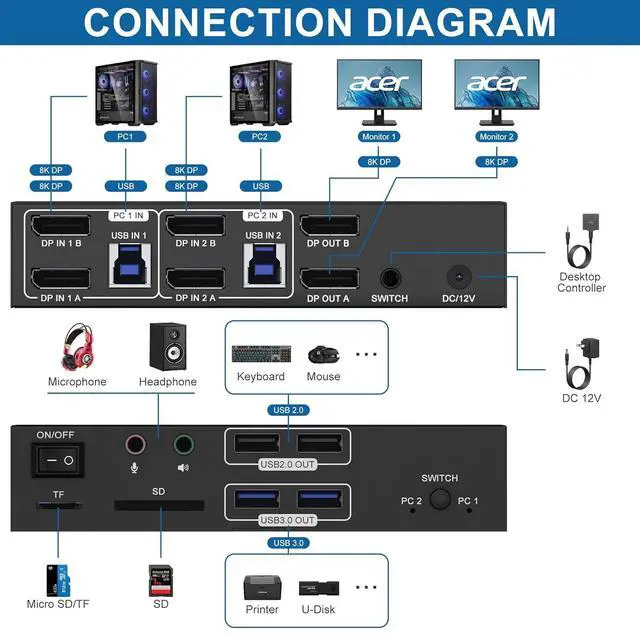
1. Insert the 12V adapter into the KVM;
2. Plug DP cable into the KVM and monitor; (Output)
3. 1)Connect PC1 Firstly (Input)
Use 1 DP cable to connect the "DPIN 1 A" input interface and PC1 DP A output interface,
Use 1 DP cable to connect the "DPIN 1 B" input interface and PC1 DP B output interface,
Use 1 "USB-a to USB-b" USB 3.0 cable to connect the "USB IN 1" input interface and PC1 USB 3.0 interface.
2)Then, Connect PC2 according to the connection steps of PC1.
4. Insert the mouse and keyboard into the KVM switch
5. If needed, you can connect a microphone/audio port/SD/TF card
Note:
1. Please make sure both of your computer has 2 DP Ports + USB A Port.
2. Please make sure both of your monitors have an DP Port.
3. HDMI to DP or DP to DVI/VGA cable are not recommended.
4.
Note: DP cables are not included



 All Categories