


Meet Your Seller

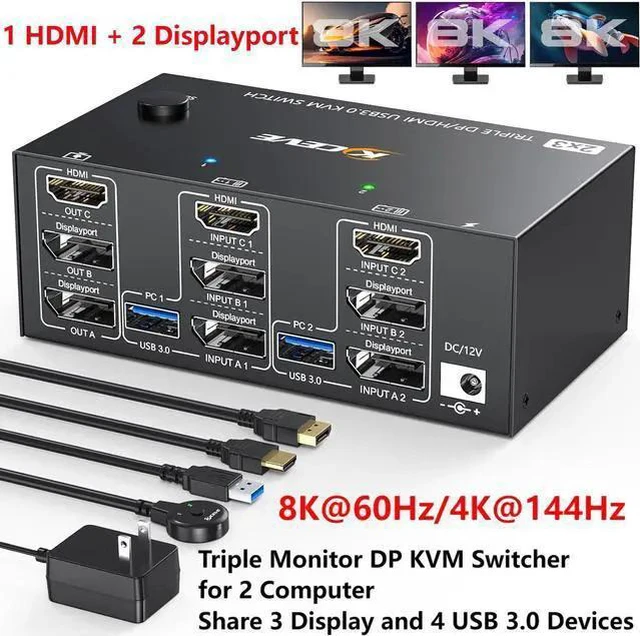
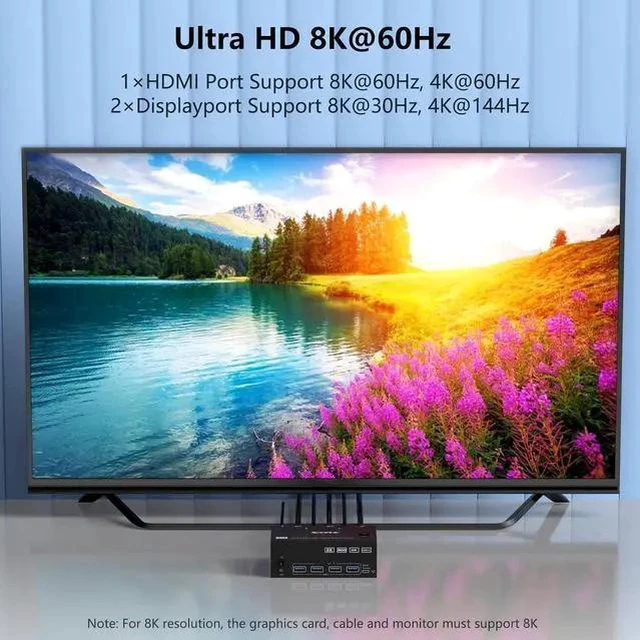
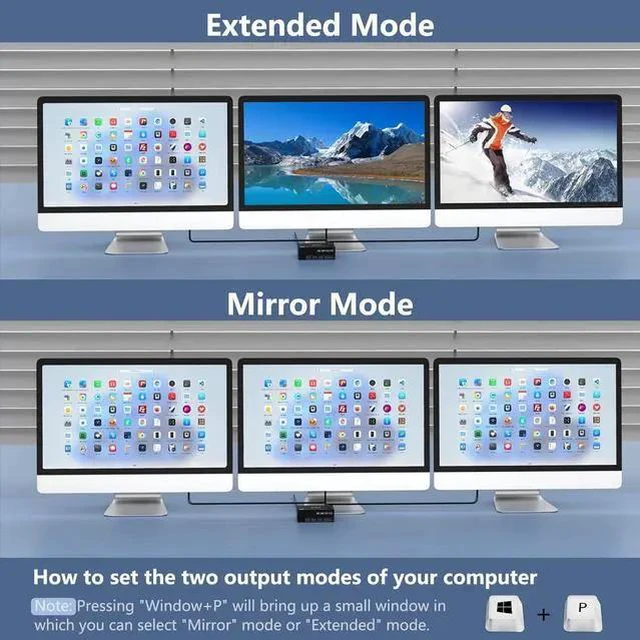
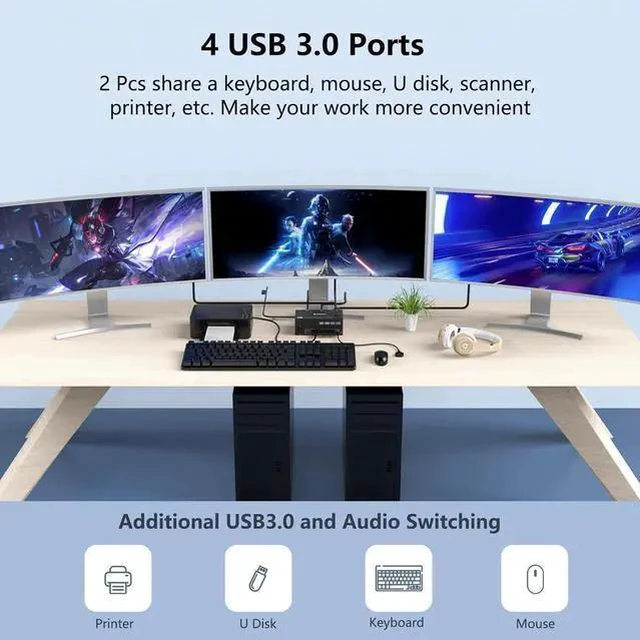
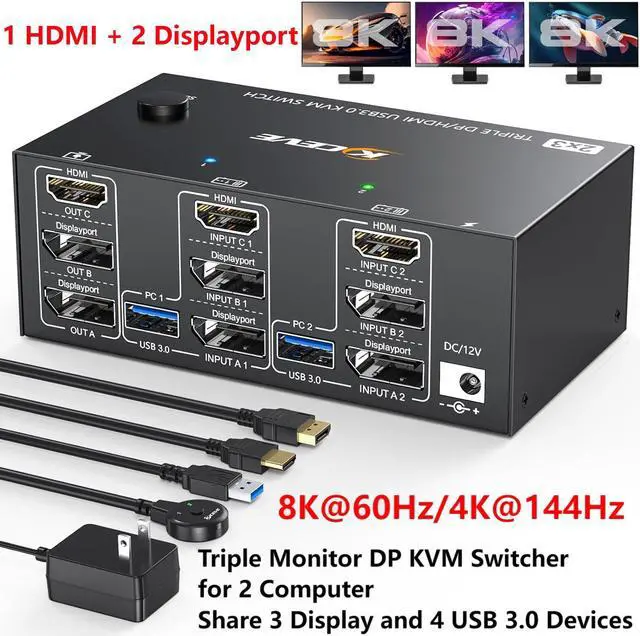


Hitoor KVM Switch 3 Monitors 2 Computers 8K@60Hz 4K@144Hz, 1 HDMI + 2 Displayport KVM Switcher for 2 Computers Share Triple Monitor and 4 USB 3.0 Devices Supports Extended and Duplicate Mode
- Item #: 9SIVTT5M1W9984
- Mfr. Part #: Triple Monitor KVM 2 PC
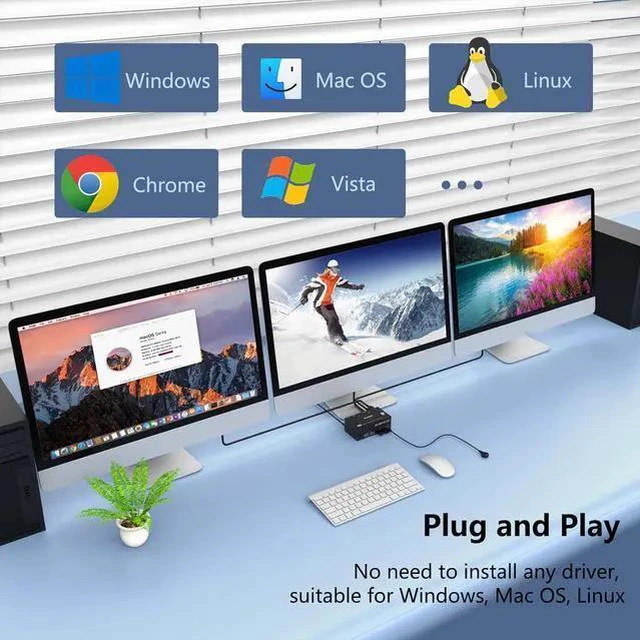
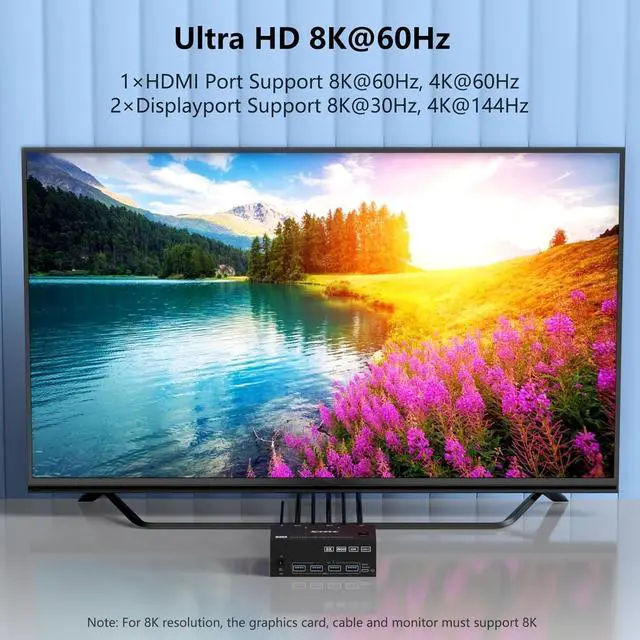
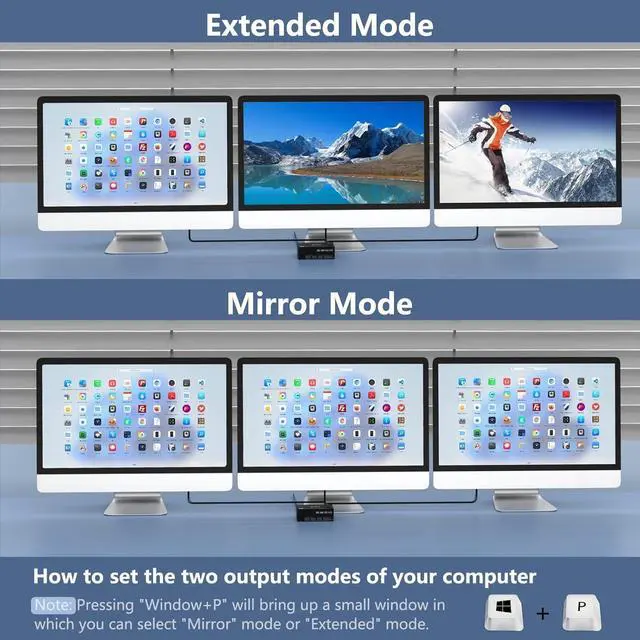
- [KVM Switch 3 Monitors 2 PC] The KVM Switch perfect for 2 Computers (desktops or laptops)Share 3 Monitor and 4 USB Ports. Support extended and copy display mode. (Note: Requires 2 Displayport +1 HDMI ports for each connected computer and make sure your PC
+
+
Overview
Specs
Reviews
Package contents:
1x Triple Monitor KVM Switch, 1x HDMI 2.1 Cable, 2x DP 1.4 Cable, 2x USB 3.0 Cable, 1x Wired remote, 1x Power Adapter, 1x User's manual.
How to connect the KVM:
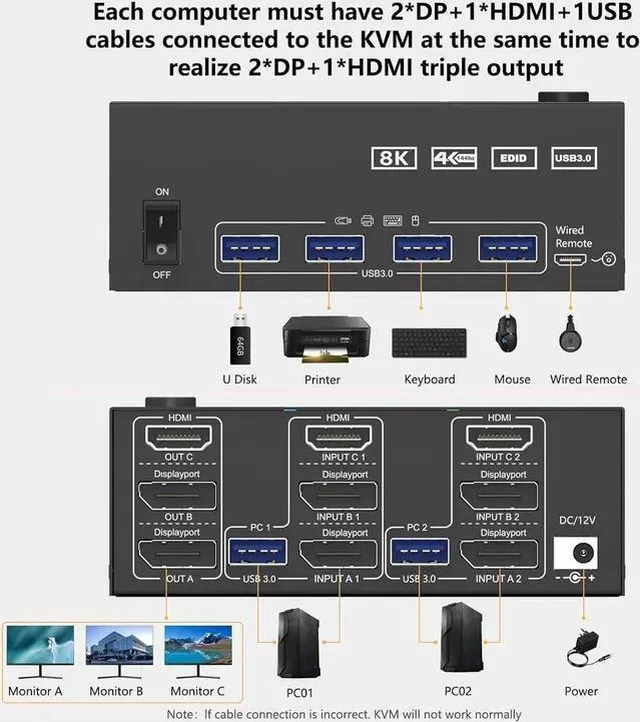
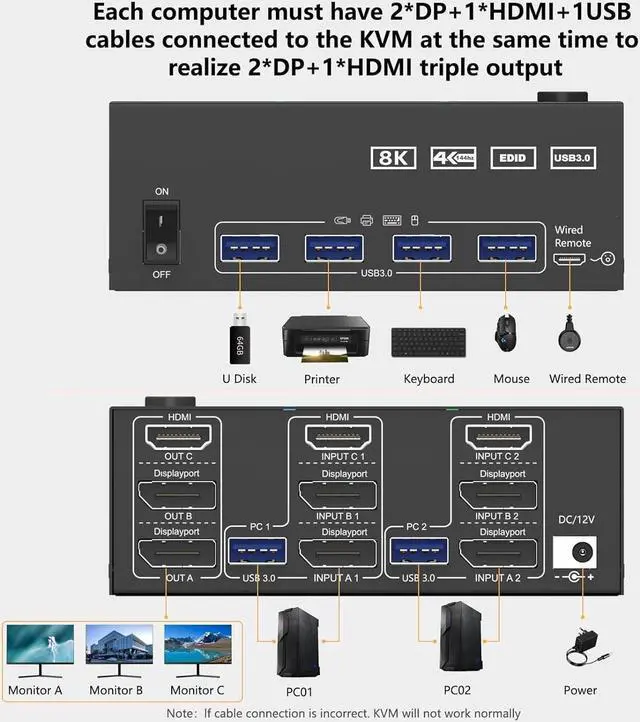
For input, each computers needs 2 DP + 1 HDMI connection, for output needs 2 DP monitors + 1 HDMI monitor
Each computer needs 1 HDMI cable + 2 DP cables + 1 USB cable to connect the KVM switch.
Step 1: Connect 1 HDMI cable + 2 DP cables + 1 USB cable to PC 1 and KVM switch (INPUT A1, INPUT B1, INPUT C1, USB 3.0 ).
Step 2. Connect 1 HDMI cable + 2 DP cables + 1 USB cable to PC 2 and KVM switch (INPUT A2, INPUT B2, INPUT C2, USB 3.0 ).
Step 3. Connect 1 HDMI cable and 2 DP cables to the KVM switch (OUT A, OUT B, OUT C) and three monitors.
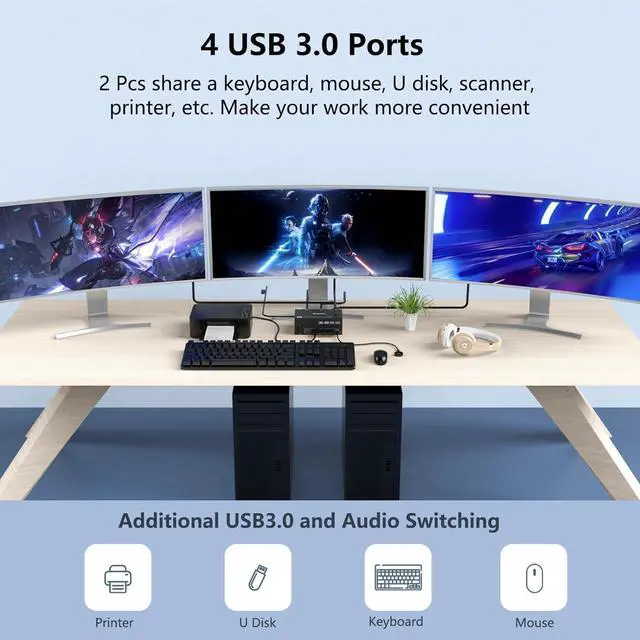
Step 4: Connect your USB device (keyboard and mouse) to the USB 3.0 port on the KVM switch. You can connect up to 4 USB 3.0 devices at the same time. Compatible with USB 2.0 / 1.1 devices.
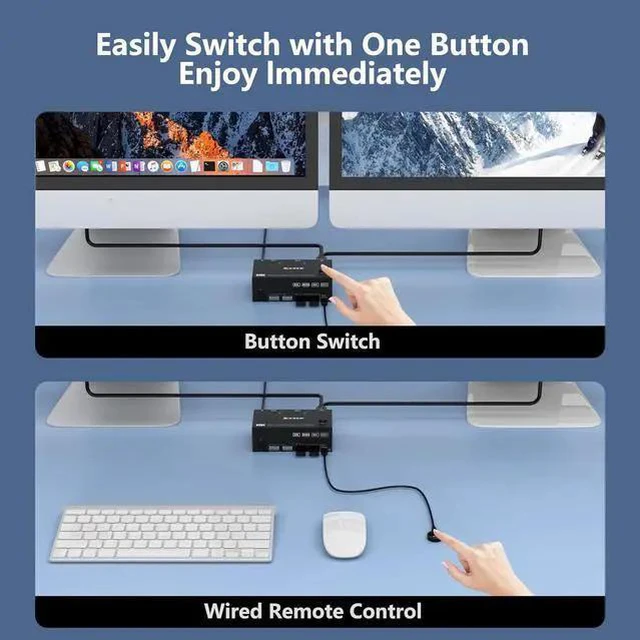
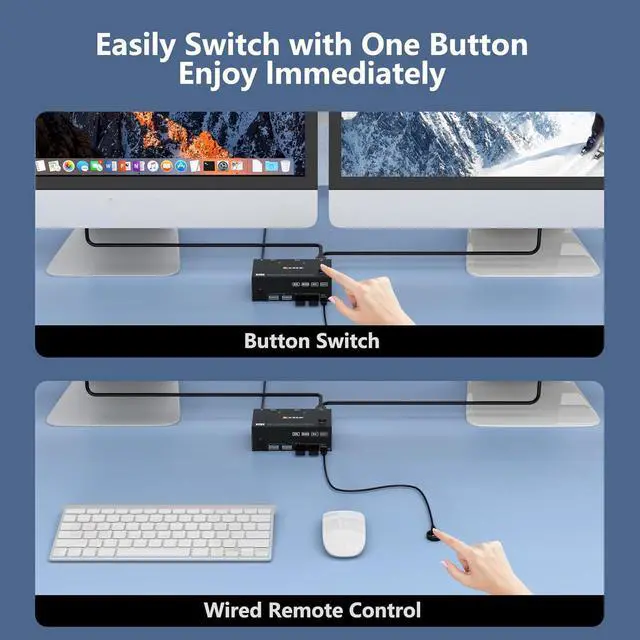
Step 5. Connect the wired remote control
Note: Please connect the 12V DC power adapter to provide sufficient power. Using a shorter 8K HDMI + DP cable can make the KVM switch more stable.
Warranty & Returns
Warranty, Returns, And Additional Information
Warranty
- Please contact the Seller directly for warranty information. Warranty information may also be found on the Manufacturer's website.
- CONTACT
Return Policies
- Return for refund within: 30 days
- Return for replacement within: 30 days
- This item is covered by fadaoe Return Policy
Manufacturer Contact Info
- For a directory of all our manufacturers, please click below.
- Manufacturers Directory
LOADING...
LOADING...