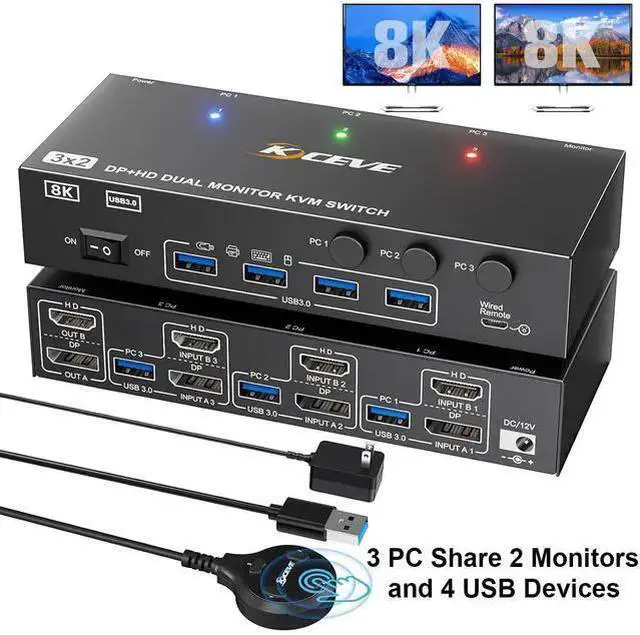
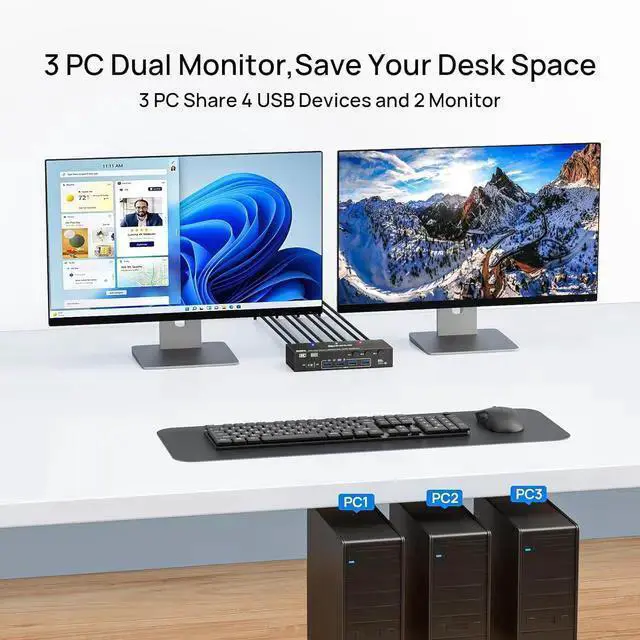
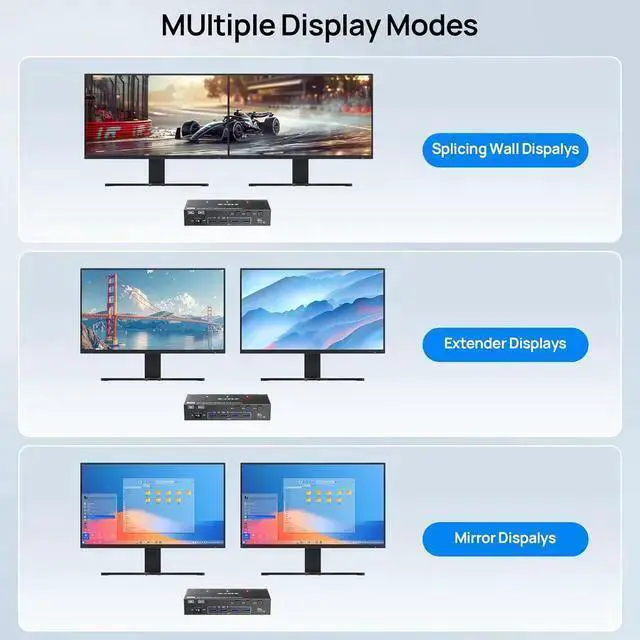
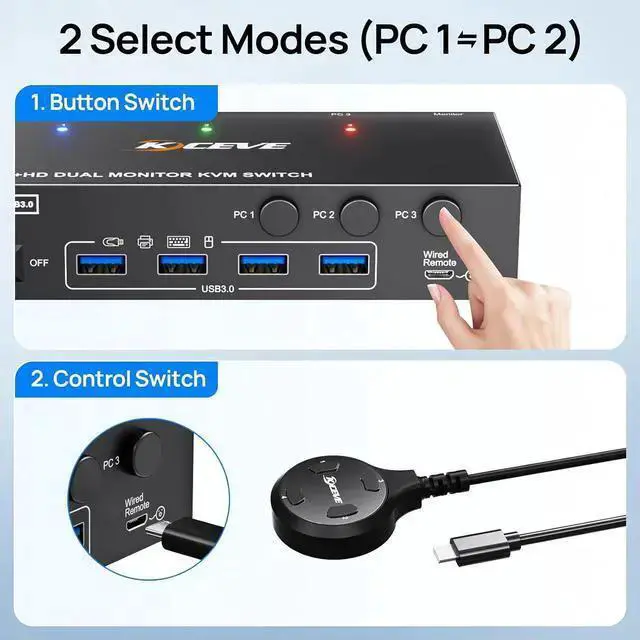
KVM switch 3 computers 2 monitors perfect for hooking up 3 desktops or laptops to share one set of wired or wireless keyboard mouse and 2 monitors, helping you balance work and play.
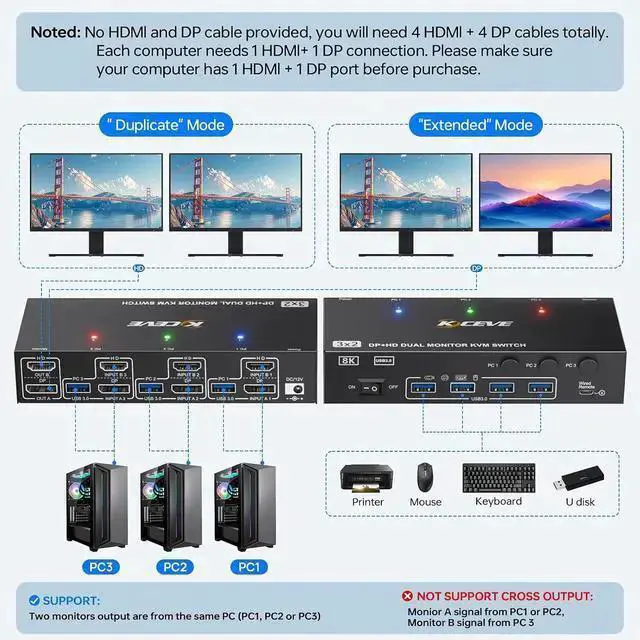
Each PC needs 1*HDMI +1*DP +1*USB cable to connect to this KVM switch
The computer requires 1*DP +1*HD cables connected to the INPUT A /INPUT B and INPUT C respectively on the KVM to get 2 screens.
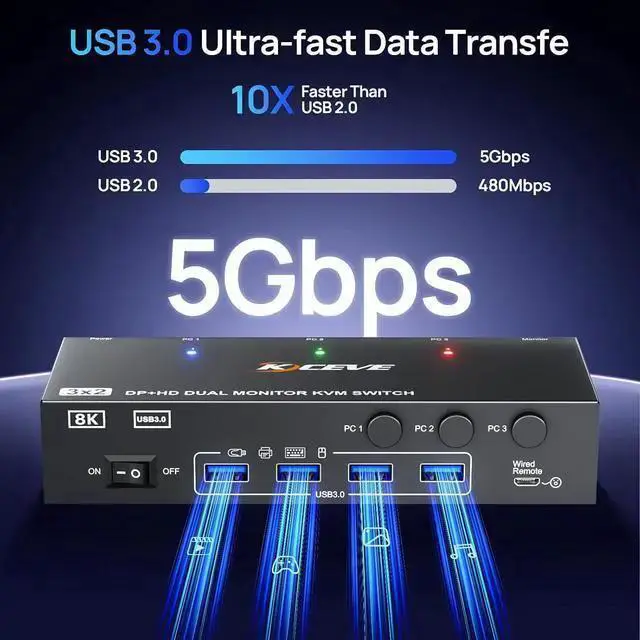
The USB cable need to be connected from each PC to the KVM to supply enough power for the KVM switch, and make the USB HUB function work at the same time.
Dual monitors KVM switch supports the use of variety of converters and docking stations, such as DP to HDMI, USB C to HDMI, USB C to DP and USB C docking station.
To achieve higher resolution and refresh rate, please use HDMI 2.1 Displayport 1.4 cables and conversion cables or converters with good compatibility.
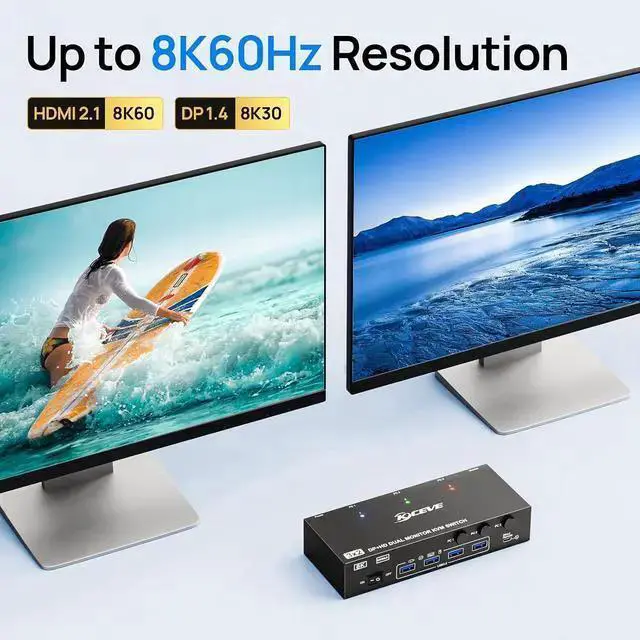
Ultra HD 8K@60Hz/4K@144Hz Visual Experience
This 3 in 2 out KVM switch output max resolution up to 8K@60Hz/4K@144Hz, each details can be displayed without any latency.
Displayport 1.4 support max resolution up to 8K@30Hz/4K@144Hz and backward compatible.
HDMI 2.1 supports max 8K@60Hz/4K@60Hz and down compatible with lower resolution.
Note: HDMI part does not support 4k@144Hz or 4K@120Hz



 All Categories