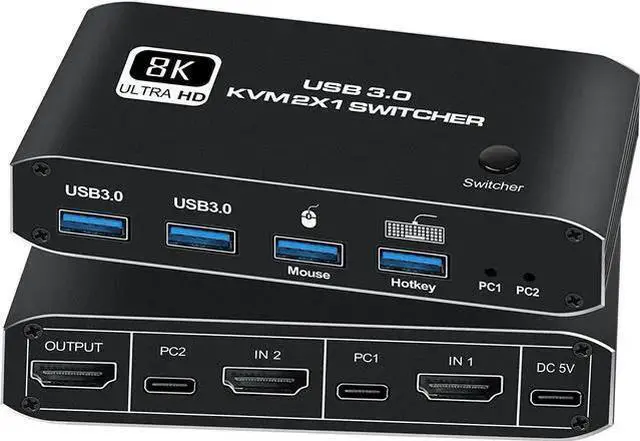
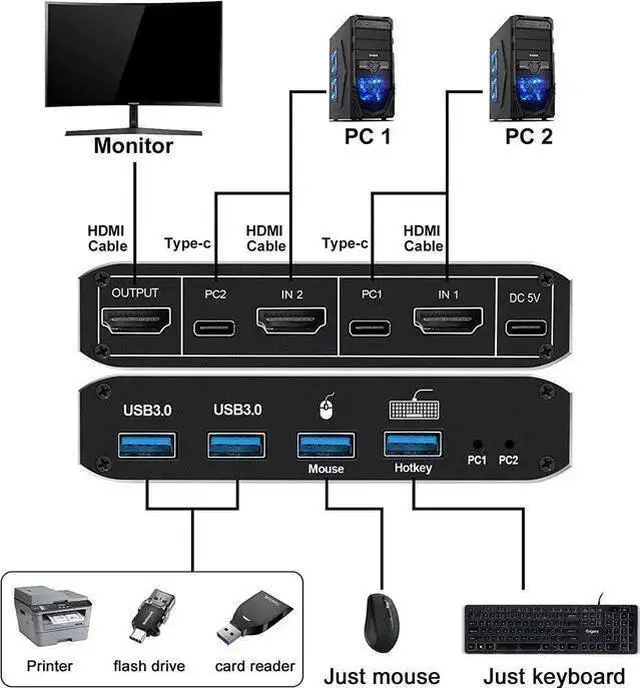
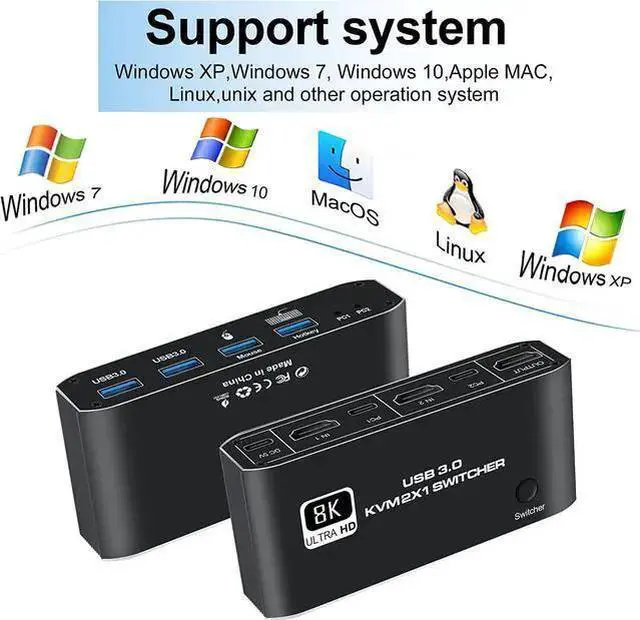
HDMI KVM switch connects two computers to keyboard, mouse and monitor
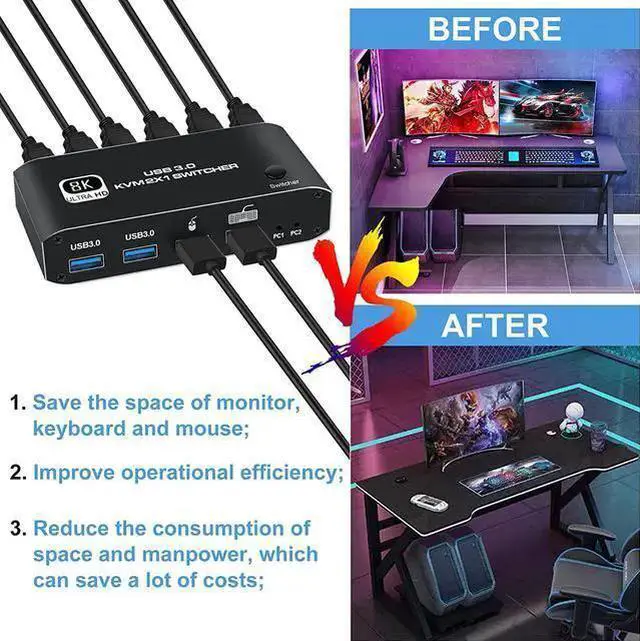
An ideal device for connecting two HDMI signal source output devices (such as computers, laptops, video recorders, etc. ) and outputting HDMI signal sources to one HDMI display device (such as TV, projector, LCD monitor, etc. ). Switch between games and office directly and freely.
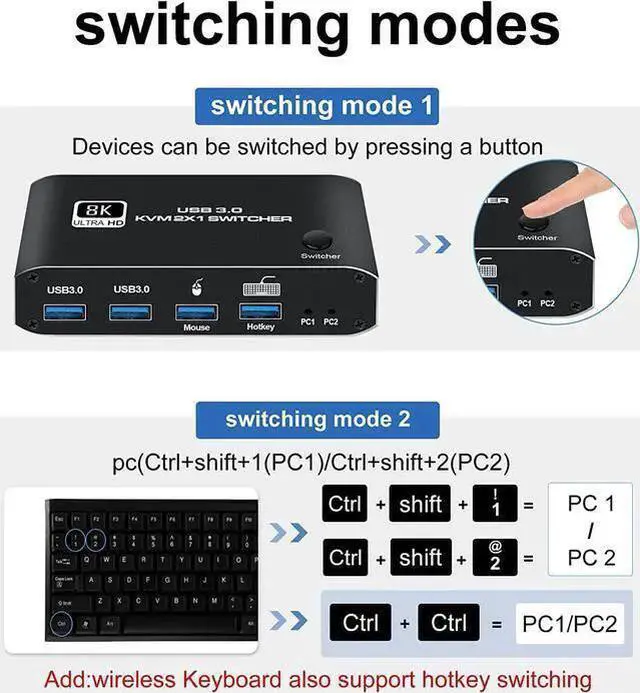
otkey Switching
Supports Keyboard hotkey switch to another pc
Ctrl+shift+1 switch to PC 1
Ctrl+shift+2 switch to PC 2
NOTE: Using the hotkey function requires a keyboard to be connected to the keyboard port
Button Switching
The HDMI KVM switch operates with manual switching buttons
Switch between two HDMI sources at the touch of a button for easy play and work time
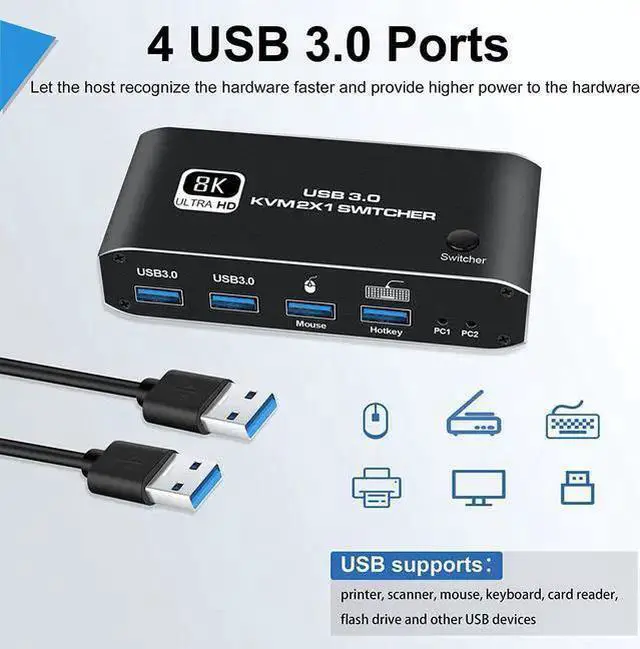
4 X USB 3.0 ports
The maximum transmission bandwidth of USB 3.0 is as high as 5.0G bps (500MB/s), which is 10 times that of USB 2.0
NOTE: USB 3.0 -related functions can only be used after installing USB 3.0 -related hardware devices on the computer
An extra power supply (DC 5V) is needed whenpower-hungry devices are connected, to ensure stable video transmission and better performance. ( included power Adapter )
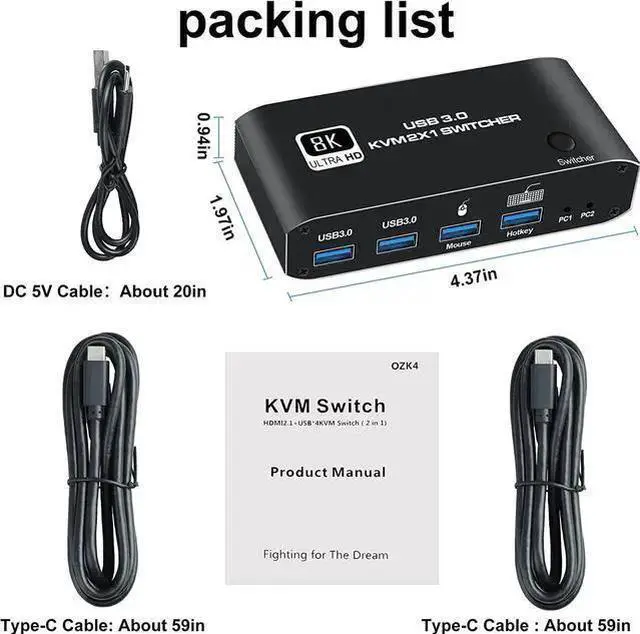
Package included:
2 in 1 out HDMI USB KVM switch x1, USB data cable x2, user manual x1.



 All Categories