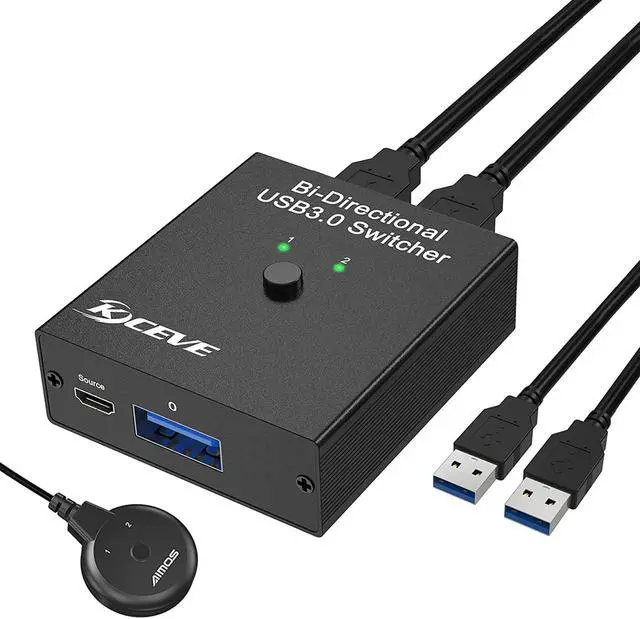
USB 3.0 Bidirectional Sharing Switch
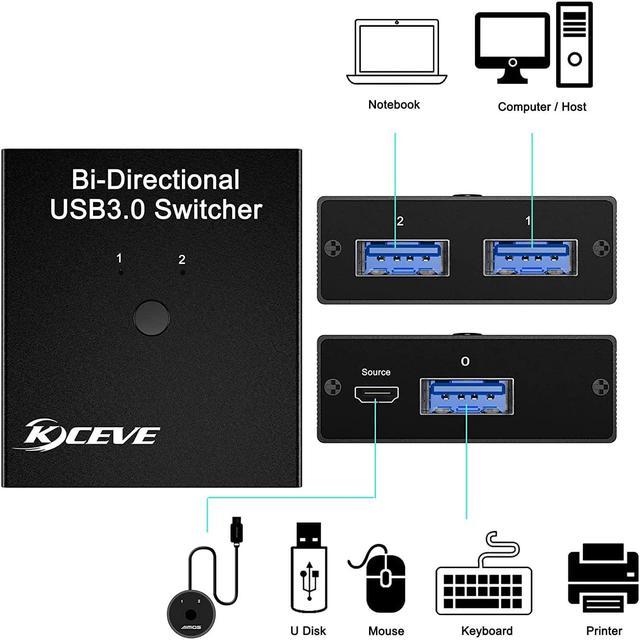
This USB switch allow 2 computers to share 1 USB device, such as printer, scanner, mouse, keyboard, card reader, USB flash drive and other USB deivces, or share 1 computer between 2 USB devices.LED indicator allows you to know which computer is in control easily.
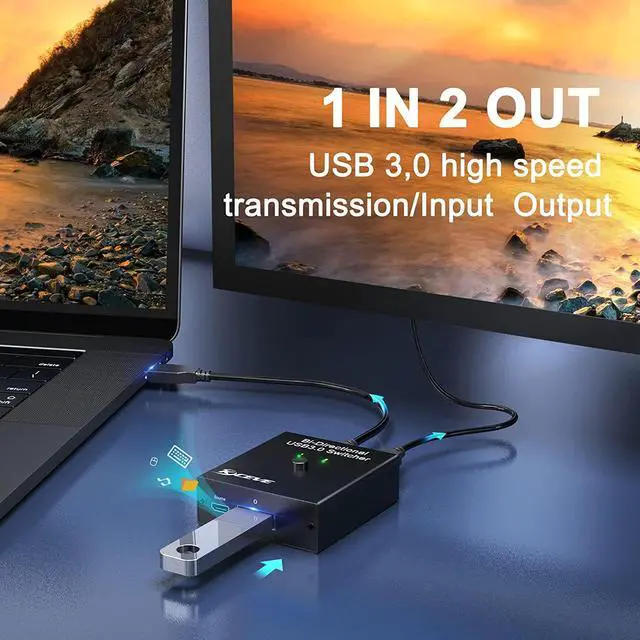
---Data transfer speeds up to 5Gbps with USB 3.0 cable & devices,10 times faster than USB 2.0. Backward compatible with USB 2.0/1.1 devices.
---Plug and play.Driver-free for Windows, Mac OS, Linux and Chrome OS etc.
---Without constantly swapping cables or set up complicated network sharing software. Its a great for use at office or home if you need to switch between computers.
---USB bus power supply, no power adapter required.
---Equipped with a safety system that provides surge protection, overload protection and overheat (High temperature) protection.
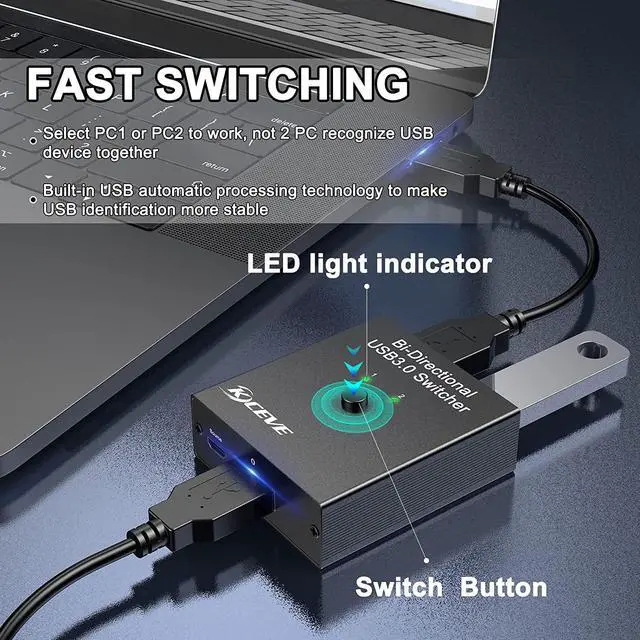
---This new USB switch has updated the built-in USB automatic recognition processing technology, which fundamentally solve the problem of not identifying after switching.
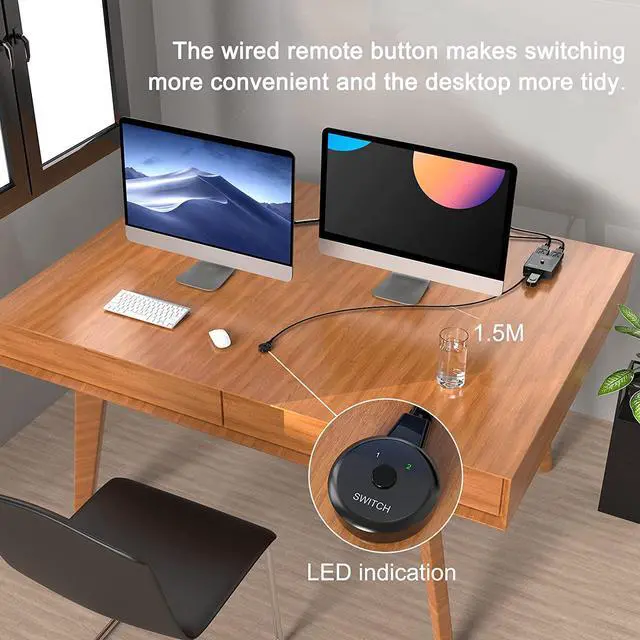
---Equipped with a desktop extension switcher (1.52m). Make your switch more convenient, while keeping your desktop tidy.
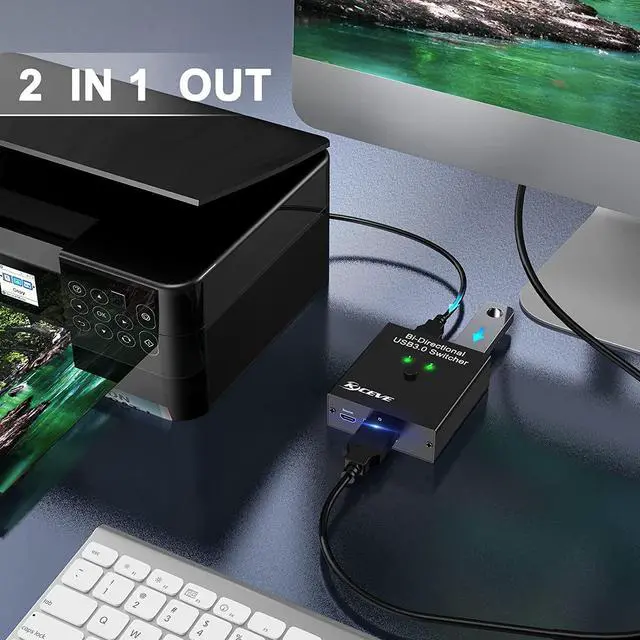
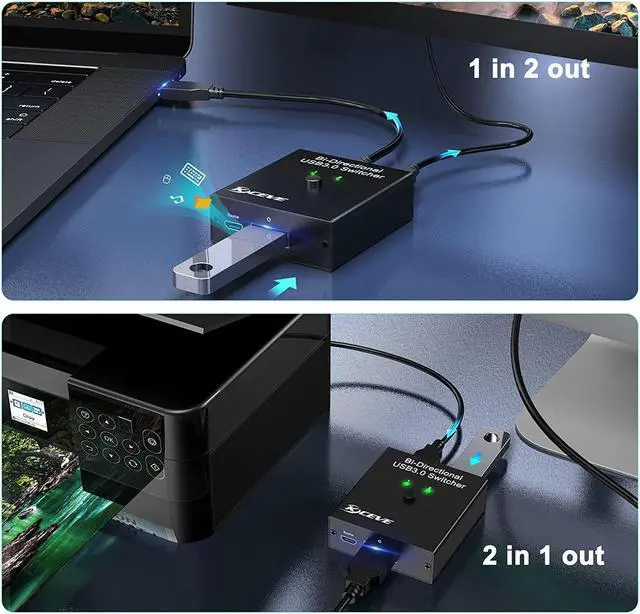
USB3.0 Switch Selector 2 in 1 out :Bidirectional USB switch with one button swapping, 2 computers share keyboard, mouse, scanner, printer;
USB Switch 3.0 Selector 1 in 2 out :Share one computer between 2 USB devices.
packing list:
1x Bi-Directional USB 3.0 Switcher
2x USB 3.0 Cable(0.8M)
1x Desktop Extension Switcher(1.5M)
1x Instruction Manual
Note:
It is not that 2 computers share 1 USB device at the same time, or 2 USB devices share a computer at the same time.
Please don't press the switch button when you transferring data.
The maximum transmission distance of the USB 2.0 cable does not exceed 5 meters, and the transmission distance of the USB 3.0 cable does not exceed 3 meters.
If you want to get 5 gbps data transfer rate, please make sure connect USB 3.0 cable and USB 3.0 device.
With a single click on the button or the desktop switching controller, you can control printer between two computers,LED indicator allows you to know which computer is in control easily. Saving your money and time, reduce plug and unplug.
Our USB 3.0 switch is a bidirectional switch, is can used at two way. It can allow 2 computers share 1 USB device or two USB devices share one computer. It's easy to use and brings great convenience to your work.
Compatible with most USB devices: Keyboard, Mouse, USB Printer, Scanner, USB Drive, Card Reader etc. Can be used at various work places, such as: Control Room, Office, Library, School.