
Built for How Business Buys.
Your Browsing History


Sharing Keyboard, Mouse and Dual Monitors between Home Desktop, Work Laptop and Gaming Computers
Does Everything You Need!
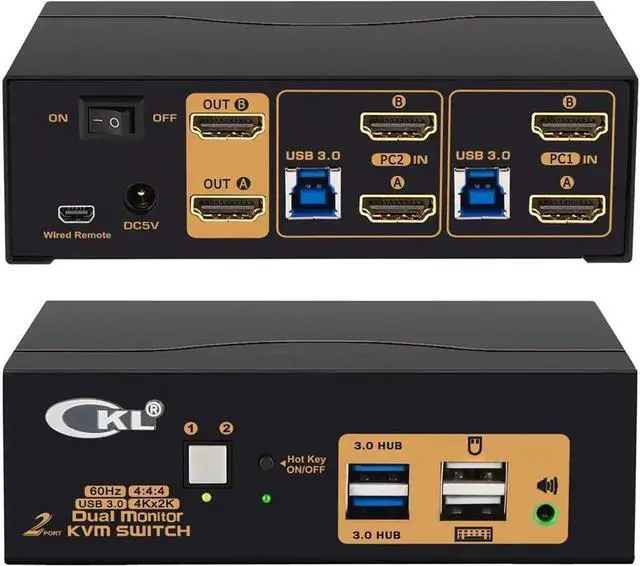
2 computers / laptops share one set of keyboard, mouse, dual monitors and more USB 3.0 peripherals;
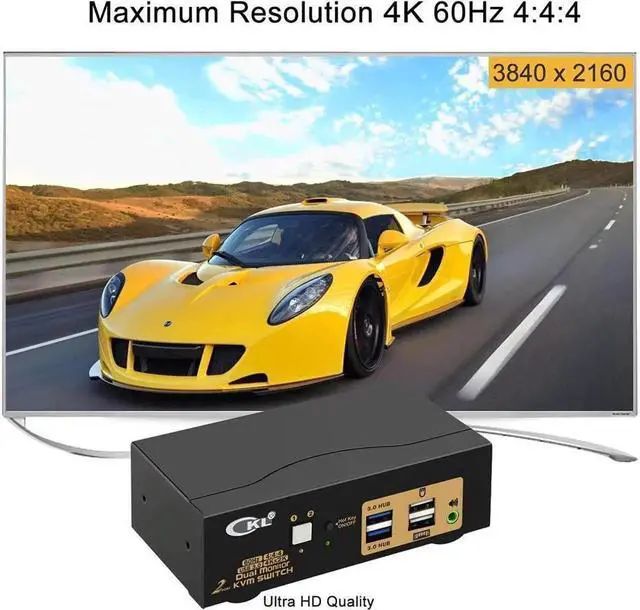
Dual monitor outputs support up to 4Kx2K (3840*2160) @60Hz (HDMI 2.0 ) for extended, mirrored or spliced display;
Support wired or wireless keyboard and mouse with USB pass-though technology;
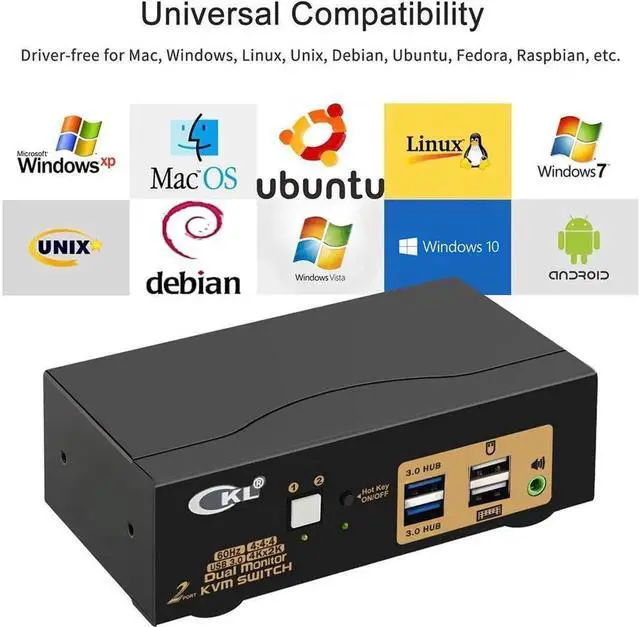
Cross support most major OS including Windows, Linux, Mac;
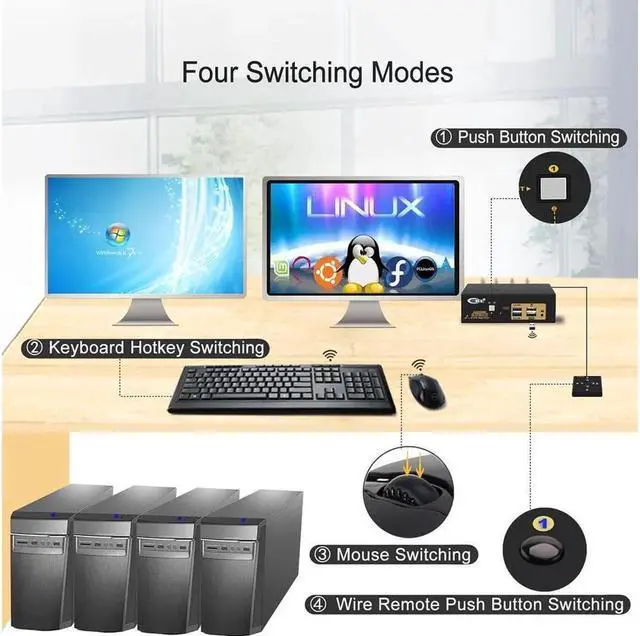
Advanced switching modes: keyboard Hotkey, mouse clicks, push button, auto scan and wired remote;
With 2 extra USB 3.0 HUBs for high speed data transfer up to 5Gbps (10 times faster than USB 2.0 );
The USB 3.0 cable Also draws power from USB 3.0 port on computers to drive the KVM switch;
Support HDMI digital audio (default) and swapping between computers.
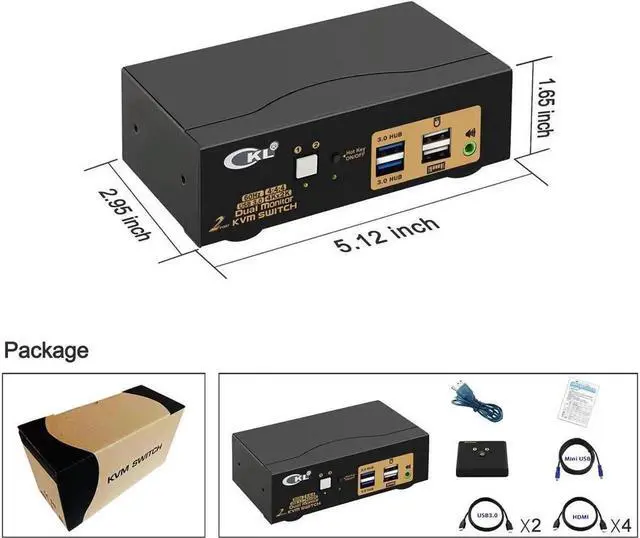
Include all cables needed except cable for monitors.
Installation Proceedures
Power off everything before installation;
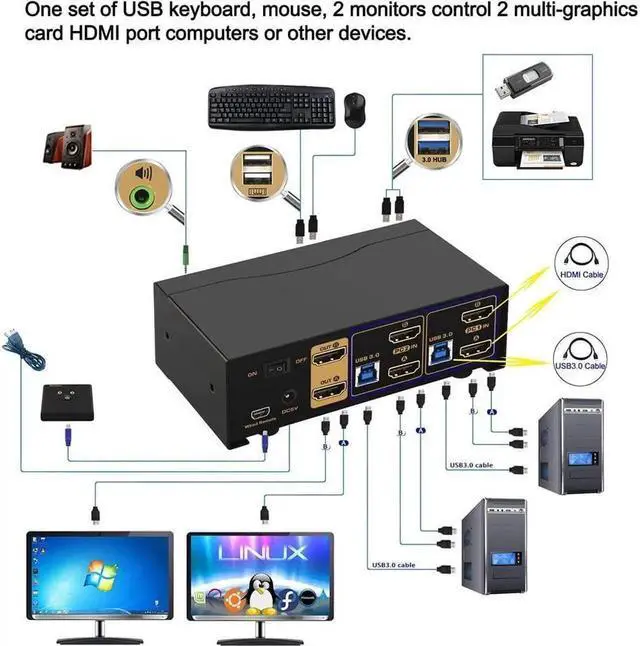
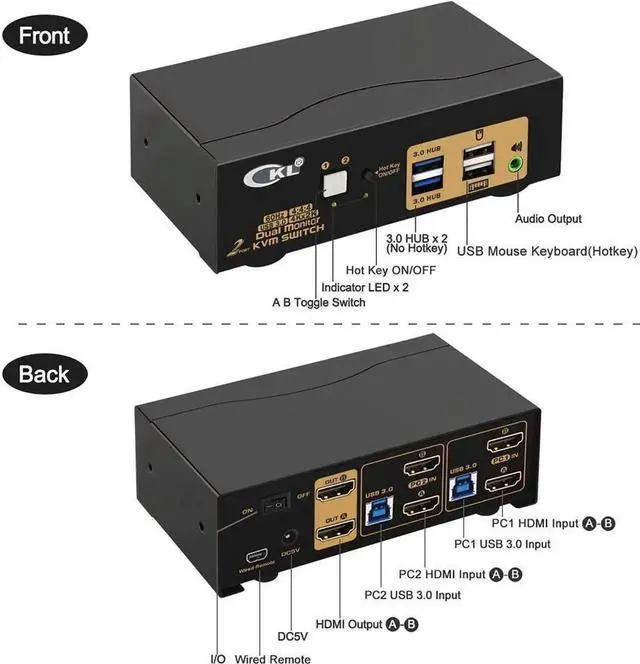
Computer 1: Connect 2 HDMI outputs from computer 1 to HDMI IN 1 A and HDMI IN 1 B ports; Connect USB A-male to USB 3.0 port on computer 1, and USB B-male to USB 1 input on the KVM switch;
Computer 2: Connect 2 HDMI outputs from computer 2 to HDMI IN 2 A and HDMI IN 2 B ports; Connect USB A-male to USB 3.0 port on computer 2, and USB B-male to USB 2 input on the KVM switch;
Primary Monitor: Connect primary monitor to HDMI Out A;
Extended Monitor: Connect extended monitor to HDMI Out B;
Keyboard and Mouse: Connect keyboard and mouse into USB keyboard and mouse port respectively;
Connect USB peripherals to USB 3.0 ports if needed (optional);
After cables being connected, power on the kvm switch first, then monitors, then computers.
Friendly Reminder:
1. Some keyboard with special features like gaming, programing, multi-media, mechnical, back lights may not be well supported on the USB keybaord and mouse port which
