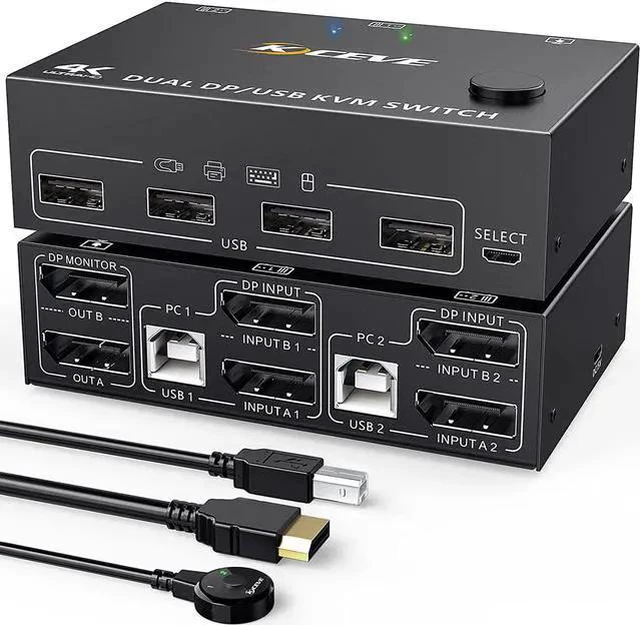
2 ports dual-monitor DP KVM Switch (DP + DP to DP+DP)
Features:
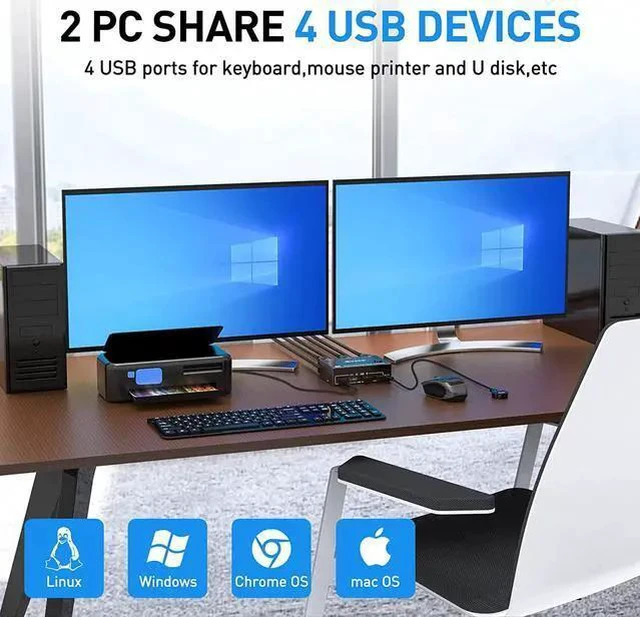
2 computers share a wired/wireless keyboard, mouse and 2 monitors.
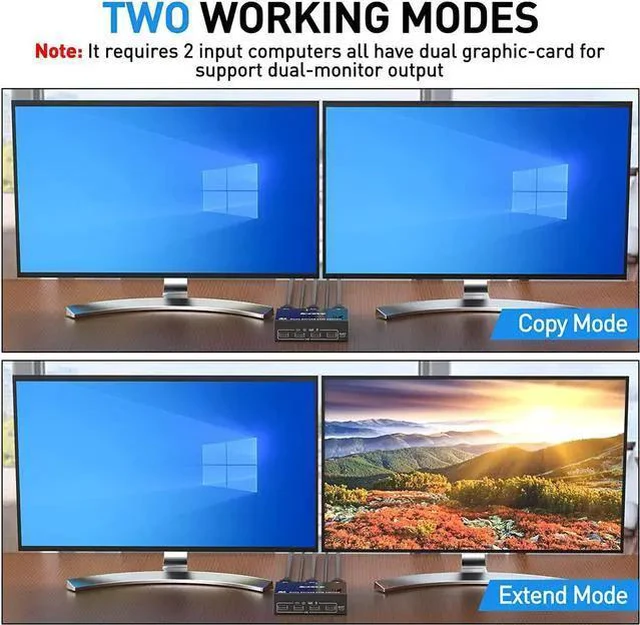
Dual monitor output supports extended and mirrored display.
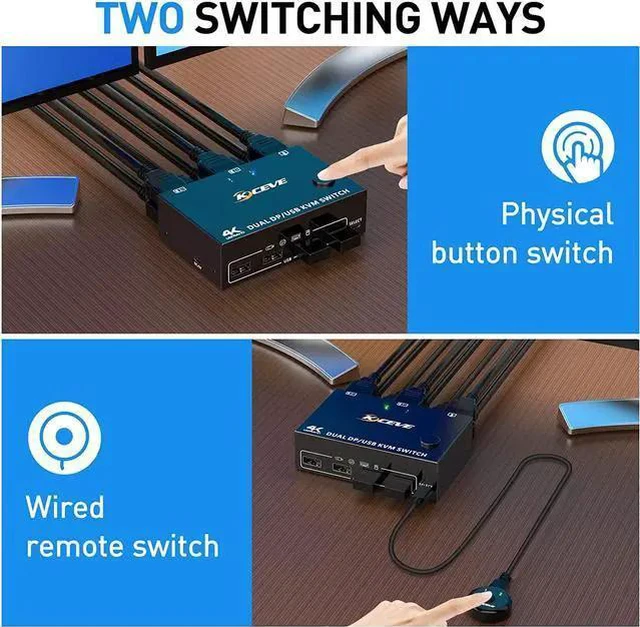
Switching mode: push-button switch and wired remote control.
Supports wired or wireless keyboard and mouse.
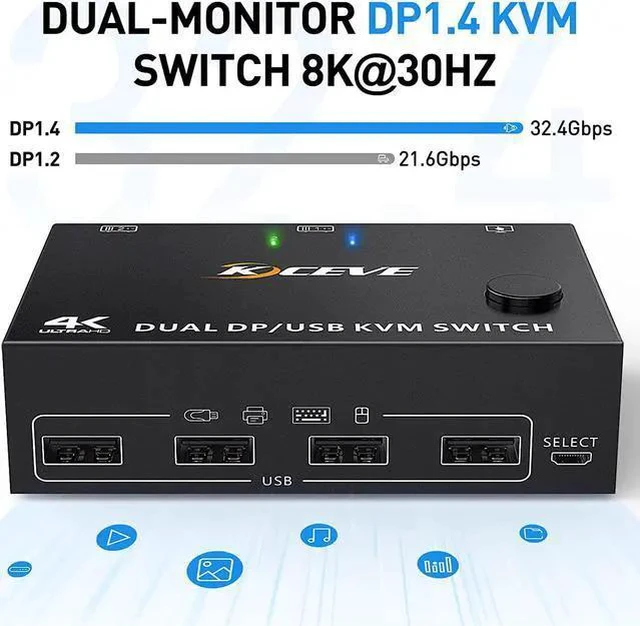
Support the highest resolution 8K@30Hz, 4K@144Hz downward compatible.
Supoort DP 1.2 and downward compatible
Connection steps:
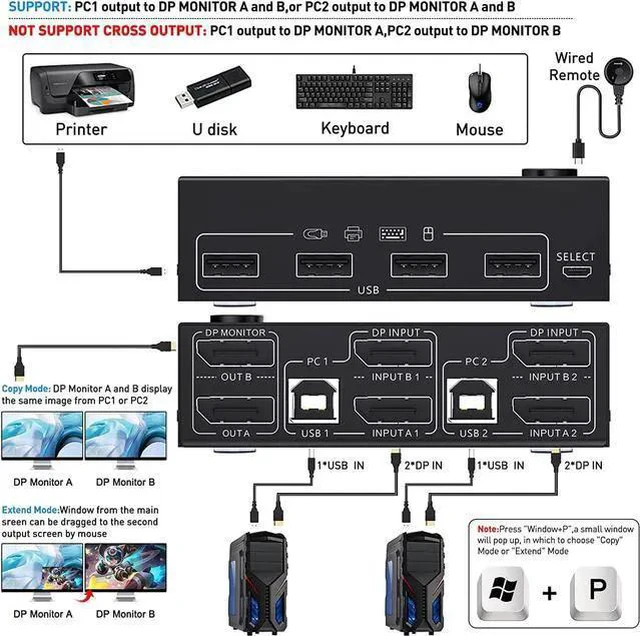
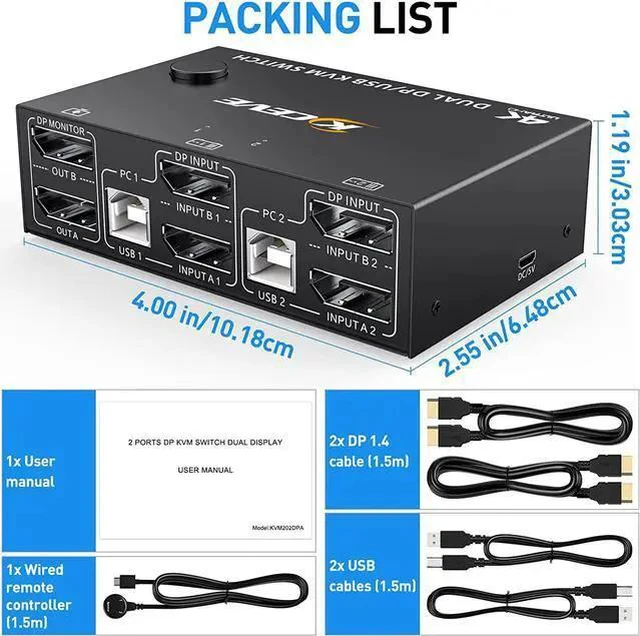
Step 1. Connect 2 x DP cable +1 x USB cable to PC 1 and KVM (USB 1, INPUT A1, INPUT B1).
Step 2. Connect 2 x DP cable +1 x USB cable to PC 2 and KVM (USB 2, INPUT A2, INPUT B2).
Step 3. Connect A 2 x DP cable between the KVM (OUT A, OUT B) and the monitors.
Step 4. Connect the keyboard and mouse to the USB ports on the KVM.
Step 5. Insert the USB devices into the USB port on the KVM.
Step 6. Plug the desktop controller into the SELECT port and remotely switch between PC1 and PC2.



 All Categories