Key Features:
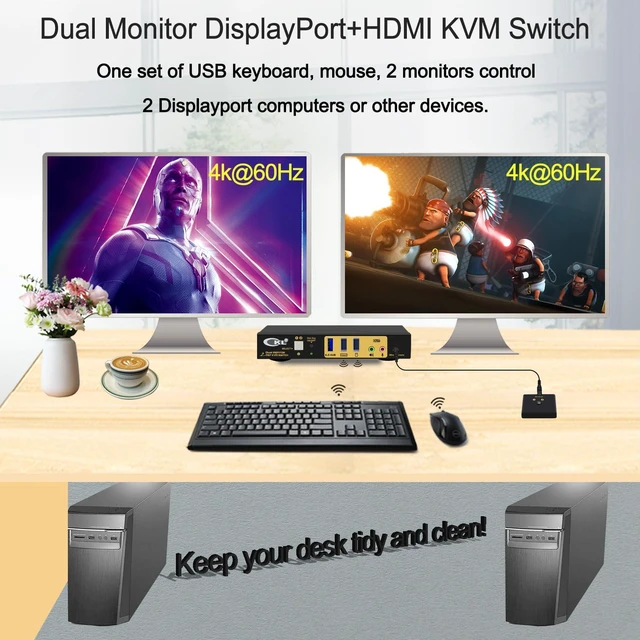
Control 2 computers with one independent set of wireless or wired keyboard and mouse;
One DP input to DP + HDMI outputs (MST Technology) for each computer
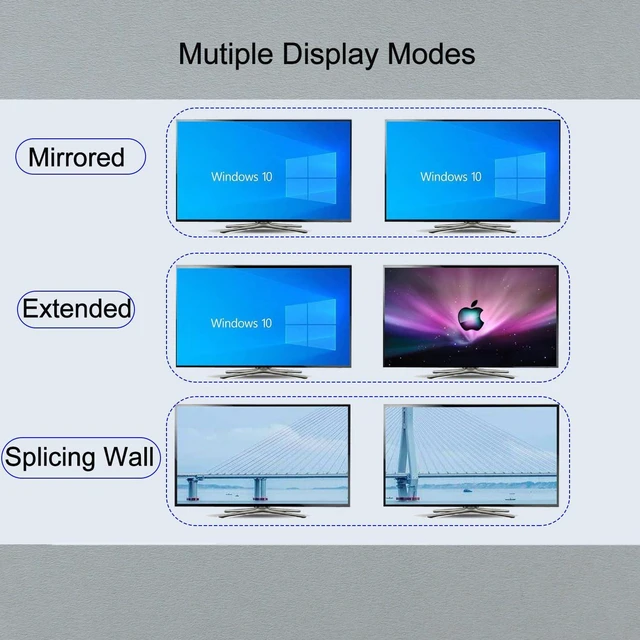
Dual monitor outputs for extended or mirrored display, each output supports resolution up to 4K@60Hz;
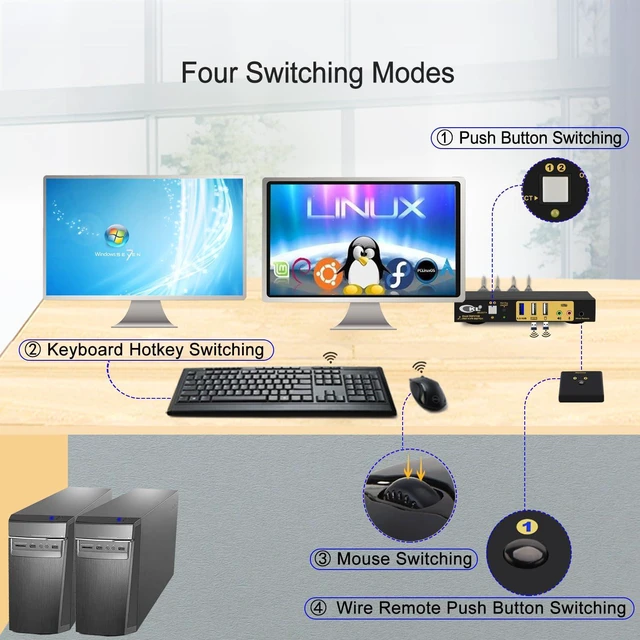
4 switching modes: keyboard hotkey, mouse hotkey, wired remote and push button;
With an integrated USB 3.0 HUB port for high speed data transfer and peripheral sharing;
Supports separate audio and microphone outputs;
Cross support multip platforms, plug and play without software needed;
Include power adpater and cables needed for set-up.
MST (Multi-Stream-Transport) allows users to adopt a single DisplayPort 1.2 or 1.4 video source to Multiple Monitors, providing an extended desktop mode and mirrored mode for multitasking across two displays while reducing bulky cable connections and adpaters.
How to install:
Power off everything before installation
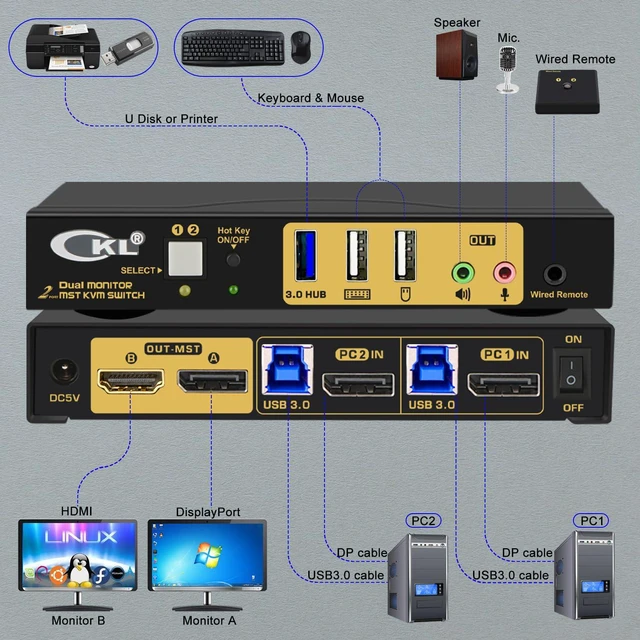
Connect PC 1 to PC 1 IN using the included DP 1.4 cable and USB 3.0 cable
Connect PC 2 to PC 2 IN using the included DP 1.4 cable and USB 3.0 cable
Connect Monitor A and Monitor B to DP Out A and B using DP 1.4 and HDMI 2.1 cables
Connect keyboard to USB keyboard port, mouse to the USB mouse port. If you are using wireless set of keyboard and mouse that shares one unified dongle, plug it into the USB keyboard port (with hotkey), or plug it into the USB 3.0 HUB port (without hotkey)
Connnect the power adapter and other periperrals as shown in above
Power on the KVM switch, then monitors, then computers.
Note:
Some keyboards and mice with special features may not work well with the hotkey, if that is the case, please turn off the hotkey then the USB keyboard and mouse ports will turn into USB 2.0 HUB ports. Without hotkey, you can either use the push button or the wired remote to switch between computers
For laptops with only USB C output, please use USB C to DisplayPort adapter.
Final resolution depends on graphic card, monitor, cable quality and adapters used (if any)
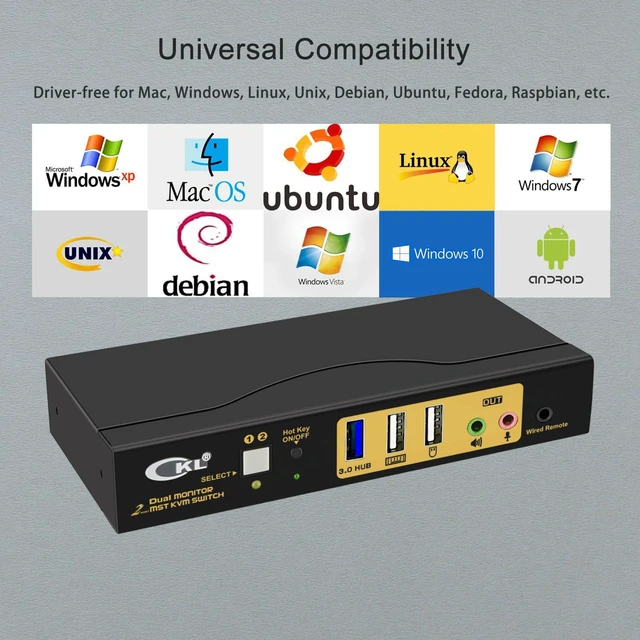
Cross support most major OS including
Windows, Linux, Mac and more.
Extended Display
Mirrored Display
Spliced Display
Keyboard Hotkey
Double Click mouse roller
Push Button on front panel.
Wired remote switch
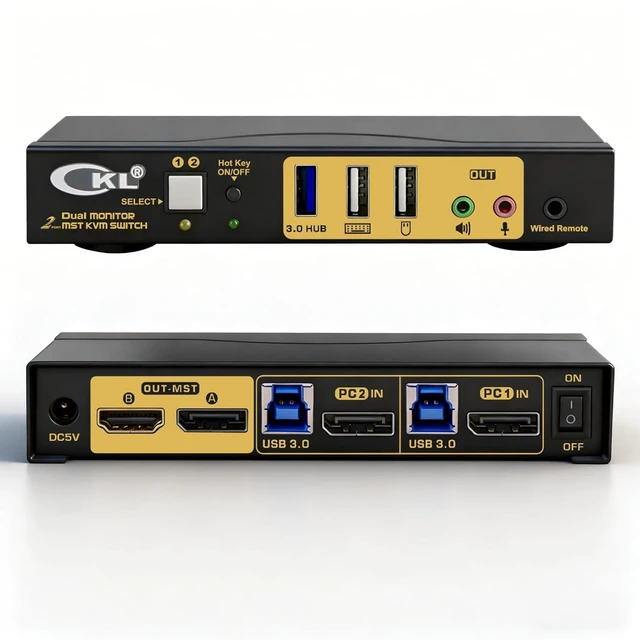
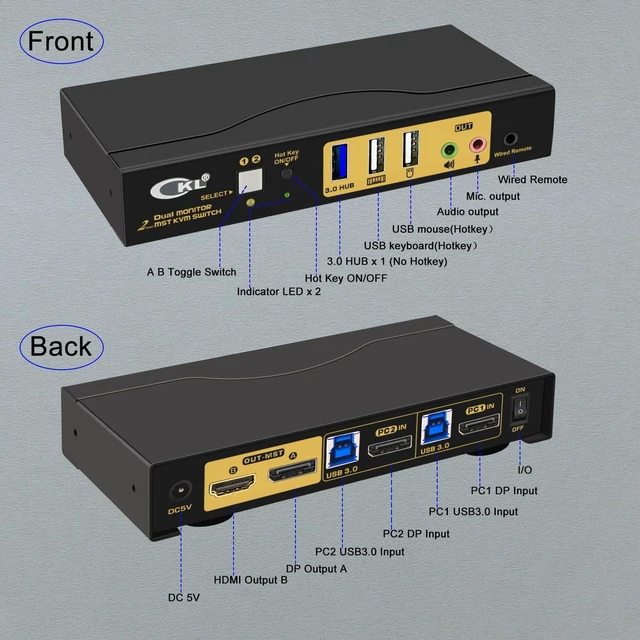
CKL 2 Port DisplayPort1.4 MST KVM Switch Dual Monitor 4K@60Hz (1 DP in, DP + HDMI Out for 2 Computers) Build a Clean and Tidy Work Space for Your Personal Computer and Work Laptop Front and Back View Connection Diagram Enjoy High Resolution Up to 4K@60Hz for Both Monitors Universal Compatibility 3 Display Modes 4 Switching Modes Box Content