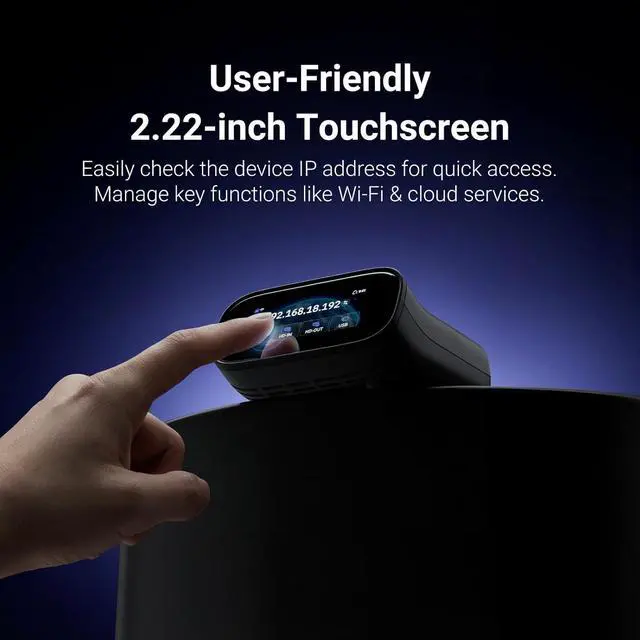
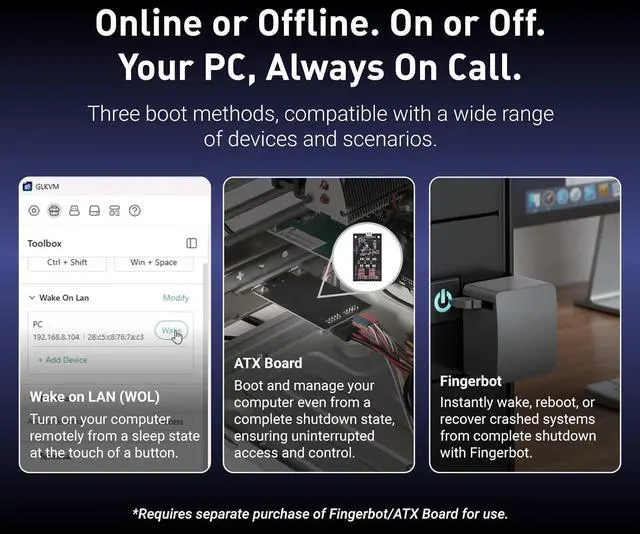
1Multiple Login Options2Booting Devices Remotely3Seamless Device Switching
How is Comet Pro different from software-based remote access tools
Unlike software relying on the host OS and network, Comet Pro is an out-of-band hardware. When the controlled device's system crashes or becomes unresponsive, it allows you to remotely power it on via a Fingerbot/ATX board and then take full control.
What does "Zero-Installation" mean for practical use?
This feature allows you to manage a remote device directly from any web browser by logging into Comet Pro. No client software needs to be pre-installed on your local machine, making it ideal for secure environments, emergencies, or public computers.
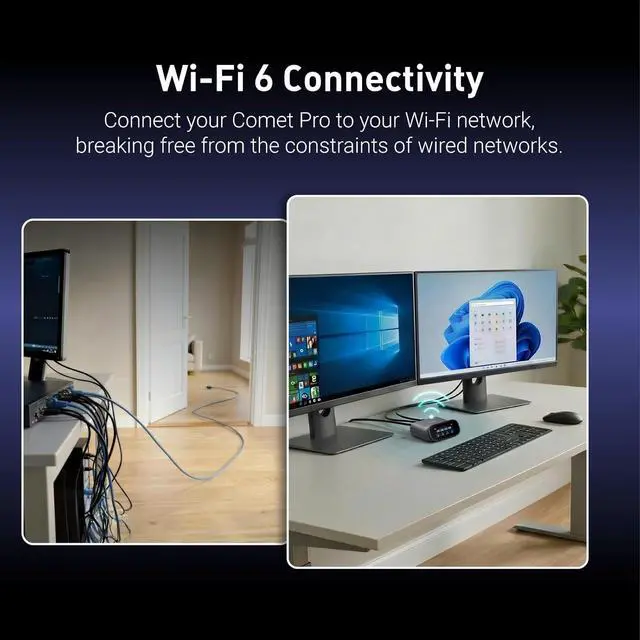
How does the dual connectivity types (wired & wireless) ensures uninterrupted access?
It creates a redundant network path by automatically failing over between the primary wired connections and Wi-Fi 6 connections. This eliminates the network as a single point of failure, ensuring it remains active when one connection fails.
If my computer crashes, blue screens, or loses connection, can I still remote access it via Comet Pro?
Yes.This is Comet Pro's core advantage as a hardware. Even if the target computer crashes or loses network connectivity, Comet Pro enables you to remotely reboot, access the BIOS, and perform root-cause troubleshooting to restore system functionality
Wi-Fi 6 Remote KVM with Touchscreen How is Comet Pro different from software-based remote access tools
What does "Zero-Installation" mean for practical use?
How does the dual connectivity types (wired & wireless) ensures uninterrupted access?
If my computer crashes, blue screens, or loses connection, can I still remote access it via Comet Pro?



 All Categories