


 All Categories
Built for How Business Buys.
All Categories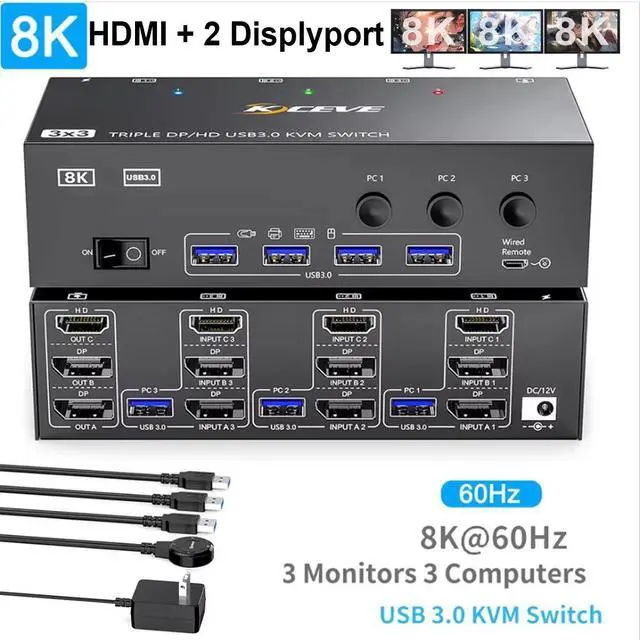
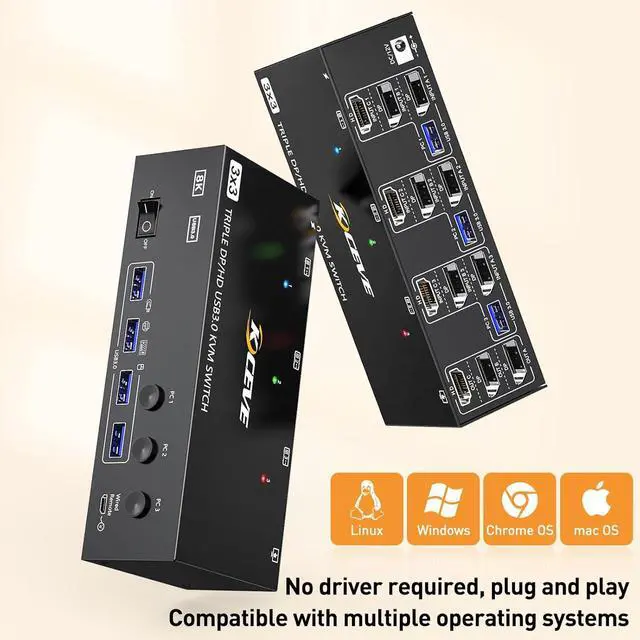


3 Monitor USB 3.0 HDMI+2 Displayport KVM Switch
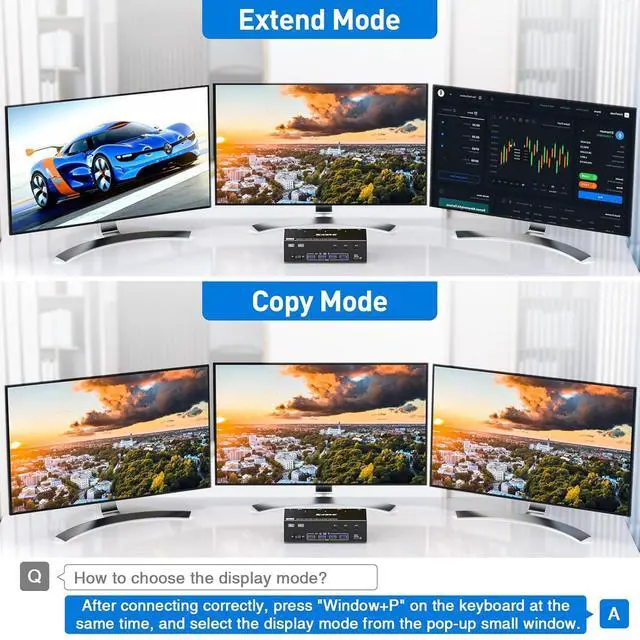
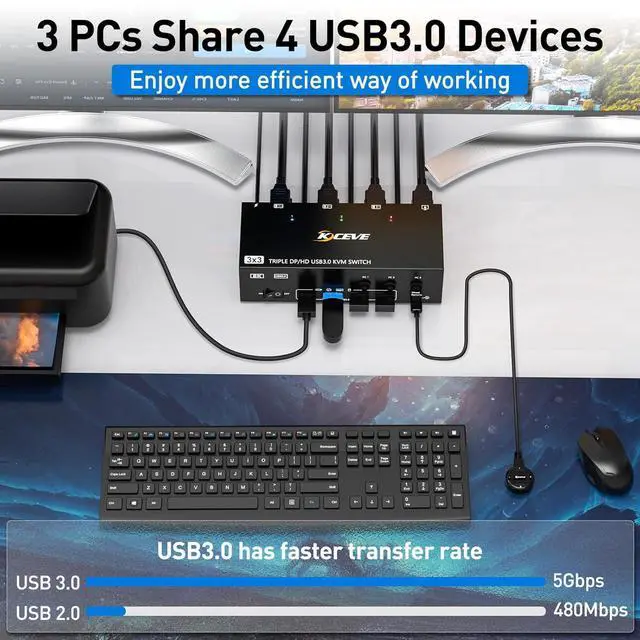
3 Computers Share 3 Monitors and 4 USB 3.0 Devices
This 2 Displayport+HDMI triple monitor KVM switch is perfect for 3 computers or laptops to share 3 monitors and 4 USB 3.0 devices (keyboard, mouse, printer, scanner and other USB devices.
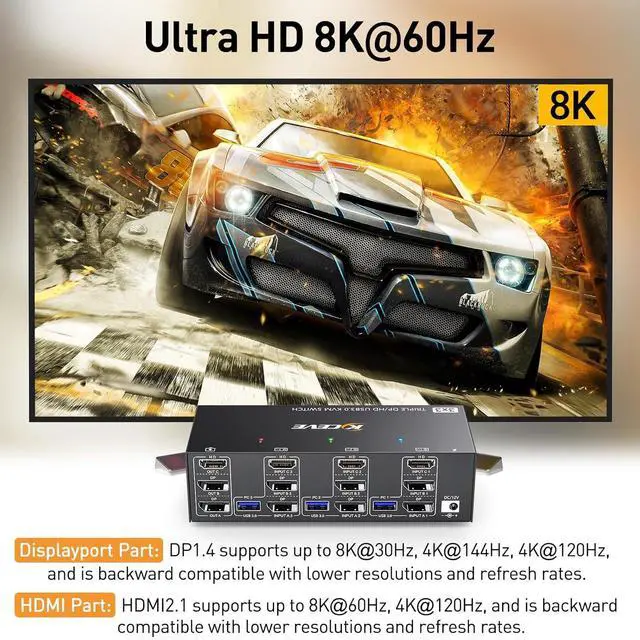
Ultra HD 8K@60HZ/4K@144Hz Visual Experience
This 3 in 3 out KVM switch output max resolution up to 8K@60Hz/4K@144Hz, each details can be displayed without any latency.
Displayport 1.4 support max resolution up to 8K@30Hz/4K@144Hz and backward compatible.
HDMI 2.1 supports max 8K@60Hz/4K@60Hz and down compatible with lower resolution.
Note: HDMI part does not support 4k@144Hz or 4K@120Hz
Important Note: The final resolution is subject to your graphics card, cables, monitors and adapters.
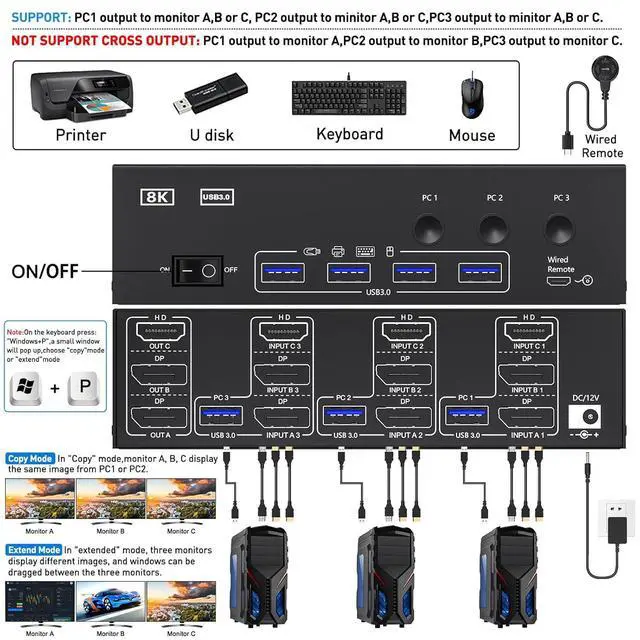
How to connect:
Step 1: Connect 1 HDMI cable + 2 DP cables + 1 USB cable to PC 1 and KVM switch (INPUT A1, INPUT B1, INPUT C1, USB 3.0 ).
Step 2. Connect 1 HDMI cable + 2 DP cables + 1 USB cable to PC 2 and KVM switch (INPUT A2, INPUT B2, INPUT C2, USB 3.0 ).
Step 3. Connect 1 HDMI cable + 2 DP cables + 1 USB cable to PC 3 and KVM switch (INPUT A2, INPUT B2, INPUT C2, USB 3.0 ).
Step 4. Connect 1 HDMI cable and 2 DP cables to the KVM switch (OUT A, OUT B, OUT C) and three monitors.
Step 5: Connect your USB device (keyboard and mouse) to the USB 3.0 port on the KVM switch. You can connect up to 4 USB 3.0 devices at the same time. Compatible with USB 2.0 / 1.1 devices.
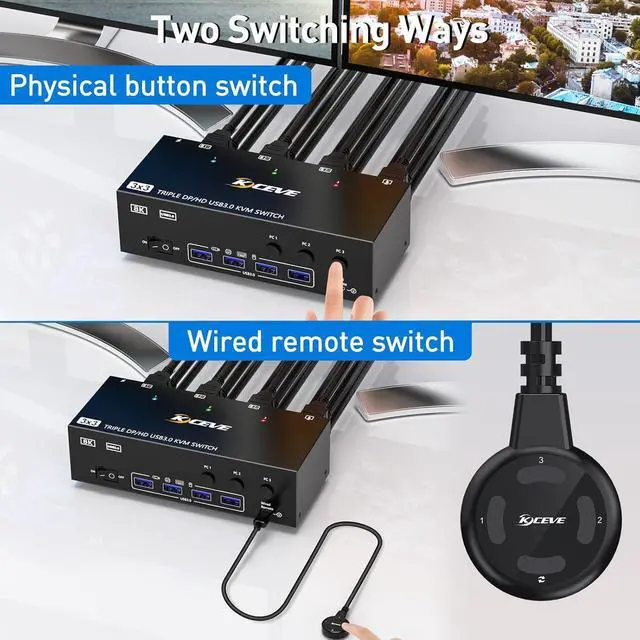
Step 6. Connect the wired remote control
