- Free 30-day Returns
Meet Your Seller
Displayport KVM Switch 2 Monitors 2 Computers 4K 60Hz HDMI+DP Dual Monitor 4 USB3.0 KVM Switcher 2 DP in HDMI+ DisplayPort Out KVM Switcher for 2 PC Sharing Keyboard Mouse, Mic and Audio Output
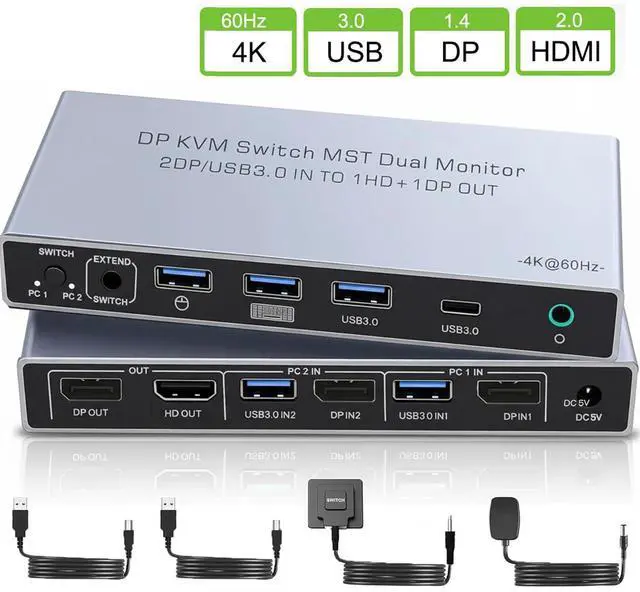
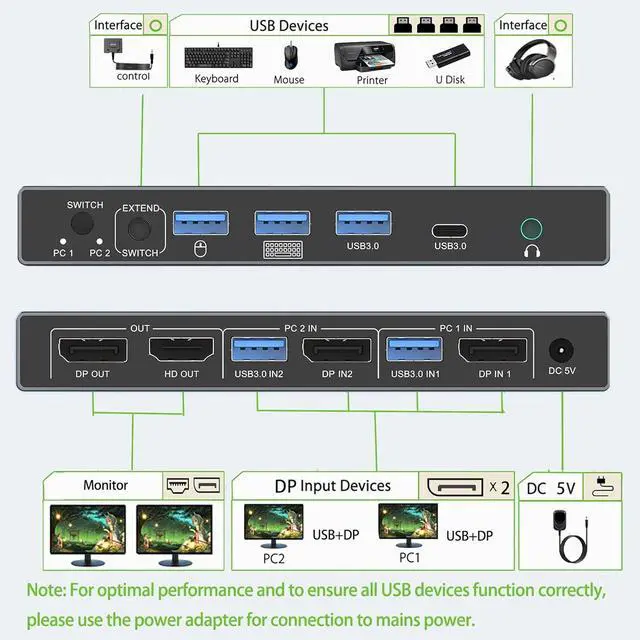
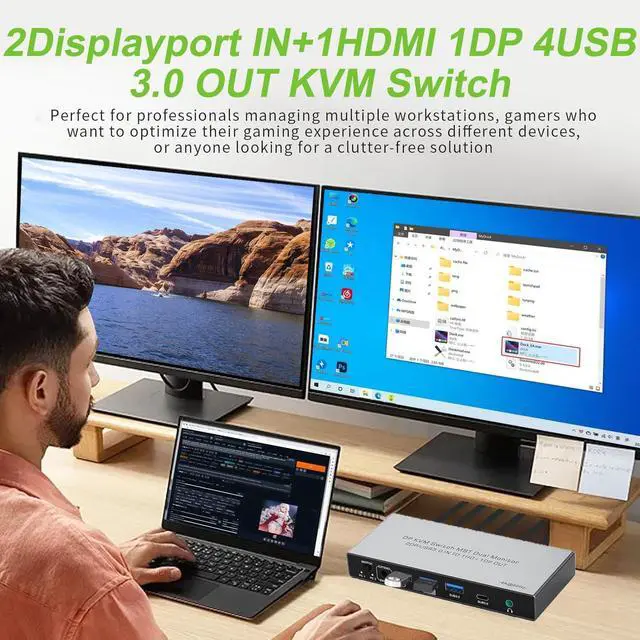
- DisplayPort KVM Switch for 2 Computers & 2 Monitors: Effortlessly control two computers with just one keyboard and mouse, while seamlessly managing 2 monitors. (Important Note: This is a DisplayPort KVM Switch. It features 2 DisplayPort inputs (to connect your two computers) and 1 HDMI output + 1 DisplayPort output (to connect your two monitors).
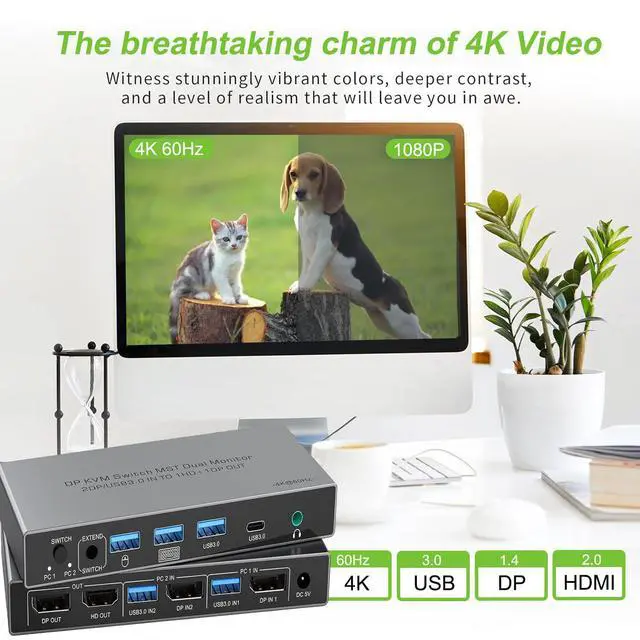
- 4K@60Hz: This KVM switch delivers True 4K Ultra HD Clarity at 60Hz, ensuring your visuals remain crisp, fluid, and artifact-free during switching. It fully supports HDMI 2.0 standards, HDR10+, and advanced color reproduction for professional-grade video editing.
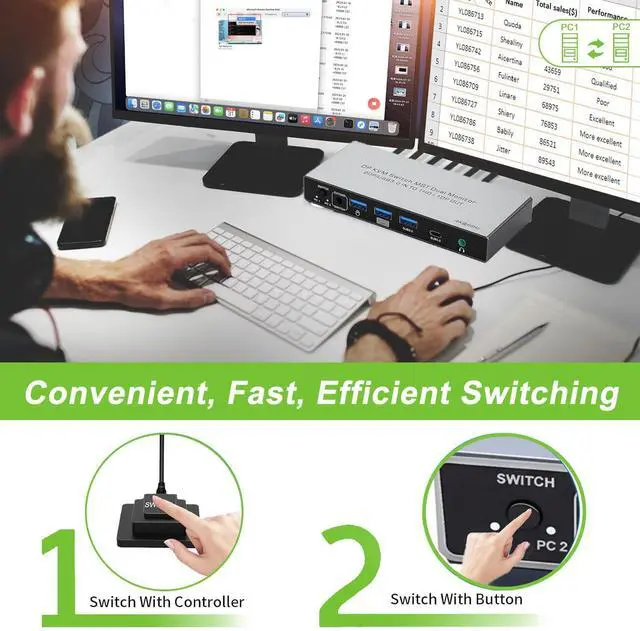
- Flexible Switching Options for Convenience: Switch seamlessly between 2 computers with the switching button or the included wired remote. The one-touch button provides quick access, while the wired controller can be placed outside your main work area, keeping your desk clutter-free. (Note: Do not support hotkey switching.)
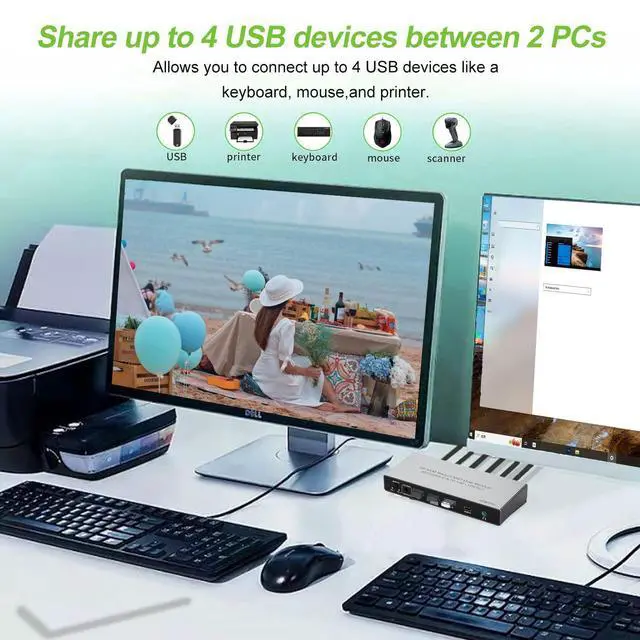
- ast USB 3.0 Sharing for Efficient Transfers: Featuring 4 USB 3.0 ports (3x Type-A + 1x Type-C), The KVM switch 2 monitors 2 computers supports data transfer speeds up to 5Gbps, perfect for sharing peripherals like printers, cameras, and USB drives between two computers-10 times faster than USB 2.0.
- Suitable for Various Scenarios: Our Displayport KVM switch is plug-and-play with no drivers needed, suitable for office environments, classrooms, conference rooms, gaming setups, and labs, offering versatile use wherever multiple devices need to be managed.
Precautions for Dual Monitor KVM Switch 2 Monitors 2 Computers (Dual DisplayPort Input, HDMI + DP Output)
1.Dual-Screen Support Required: Ensure that each of your computers independently supports dual-screen output.
2.Computer Port Requirements: Each computer must have 1 DisplayPort video output and 1 USB-A port (for connecting the KVM control cable).
3.Connection Method (Critical): For Each Computer: You must connect 1 DP cable (to DP IN) + 1 USB-A cable (to the corresponding USB IN). For Each Monitor: Connect 1 HDMI or DP cable (to HDMI OUT or DP OUT).
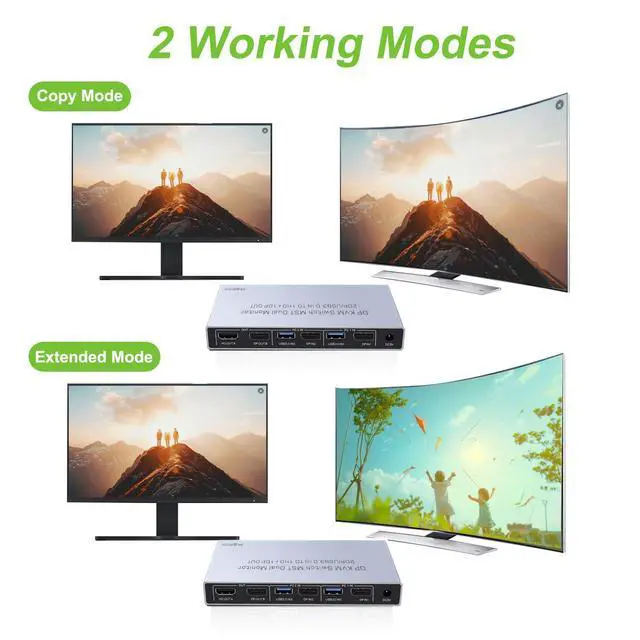
4.Display Logic: Both monitors will simultaneously display the signal from the same computer. It is not possible to have one monitor show PC1 and the other show PC2.
5.Power Connection: To ensure proper functionality, you must power the KVM switch using the included power adapter.
Warranty & Returns
Warranty, Returns, And Additional Information
Warranty
- Please contact the Seller directly for warranty information. Warranty information may also be found on the Manufacturer's website.
- CONTACT
Return Policies
- Return for refund within: 30 days
- Return for replacement within: 30 days
- This item is covered by Lou Di Shi Lou Xing Qu Liu Li Shang Mao Return Policy
Manufacturer Contact Info
- For a directory of all our manufacturers, please click below.
- Manufacturers Directory