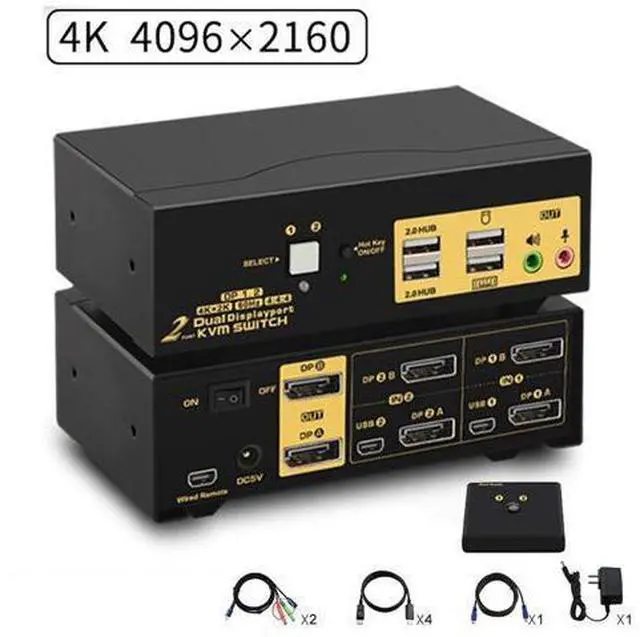
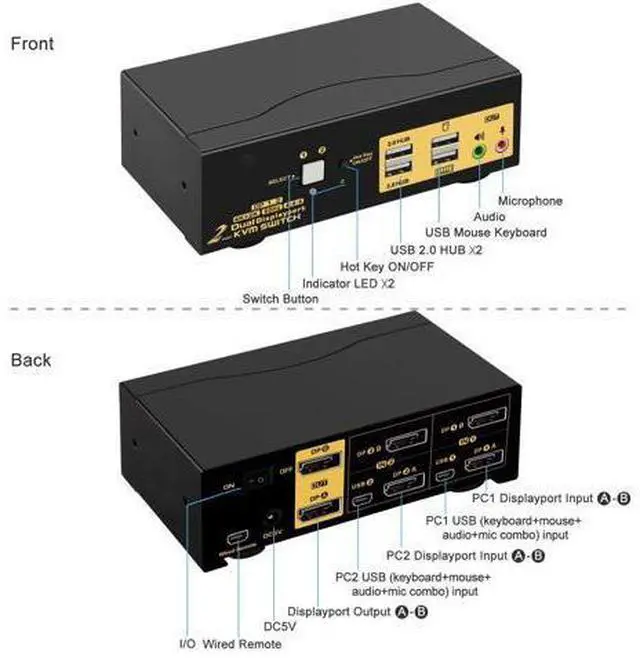
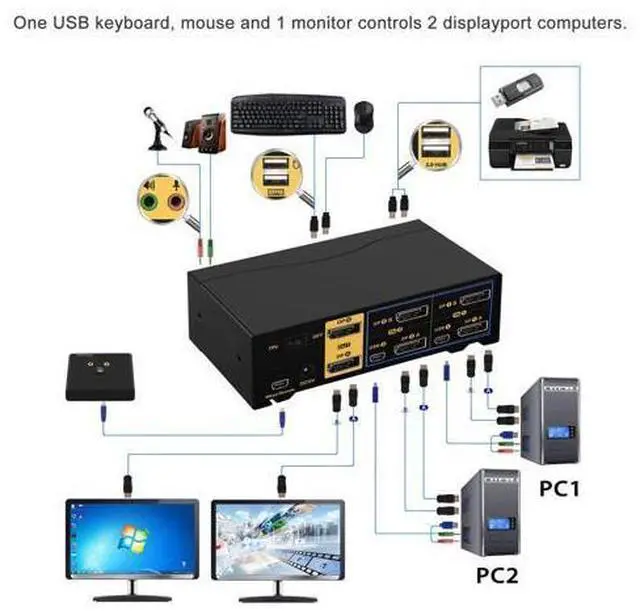
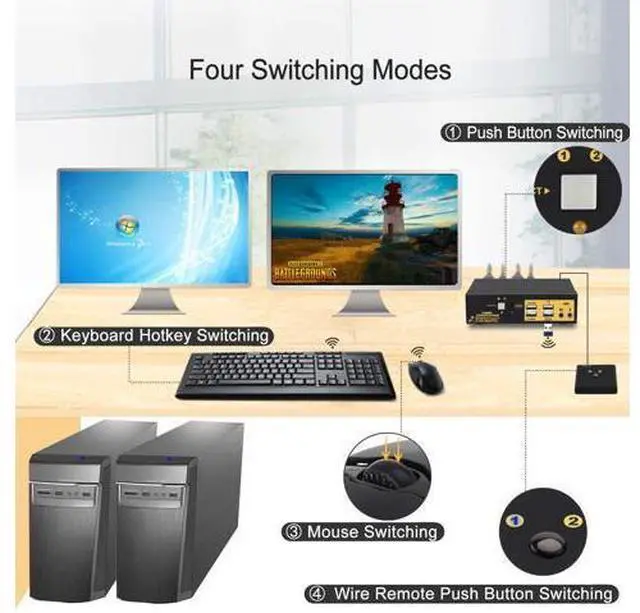
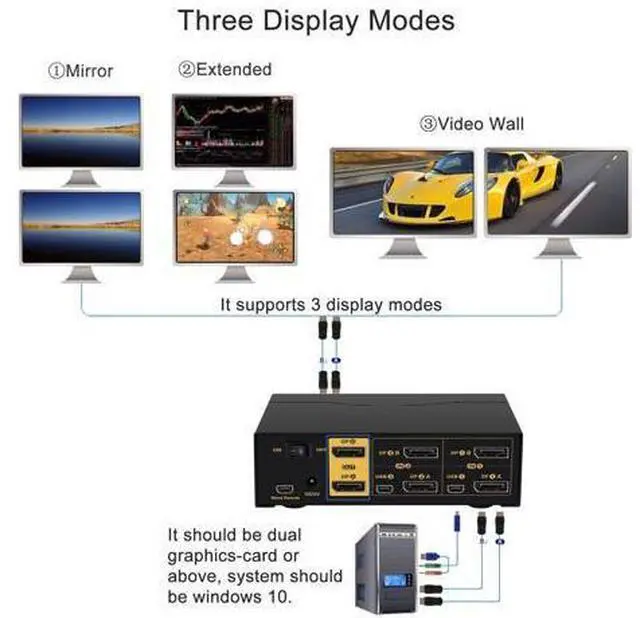
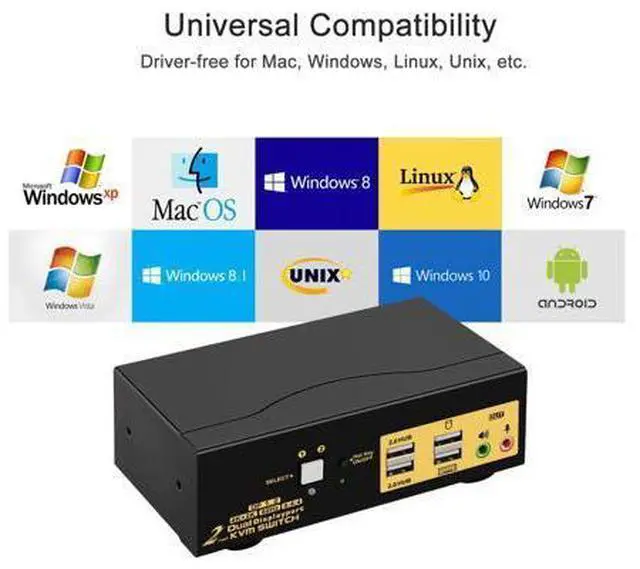
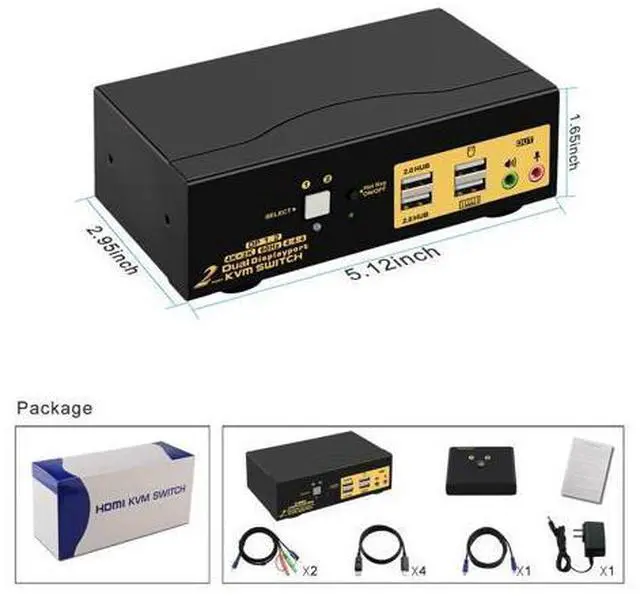
Displayport KVM 4K Dual Monitor KVM Displayport Switch 4K USB Display Port KVM Switches One USB set of keyboard, mouse and 2 monitor controls 2 multi graphic-card displayport interface computers. With audio and microphone output.
(Tips: this KVM switch is DP 1.2 60Hz version, it doesn't compatible DP 1.4 version, 100Hz, 120Hz, 144Hz devices). Metal body, not easy to slide. Installation Step;
1. Power off all devices;
2. Connect your computers to the KVM Switch by USB and displayport cables.
3. Plug your mouse and keyboard to correspondent USB mouse and keyboard port on front panel;
4. Connect your monitors to output port of the KVM switch by displayport cables;
5. Plug speaker or microphone into KVM switch if needed;
6. Turn on KVM switch;
7. Boot your computers.
Tips:
1. For MAC and Linux system, mouse/keyboard maybe out of control, you
can make this operate: click right [CTRL] 2 times, then click [F2], at last click [Enter]. (whole operate time should not over 2s), could solve the issue.
2. For the keyboard and mouse freeze, you
can make this operate: click right [CTRL] 2 times, then click [ESC] 3 times, at last click [Enter]. (whole operate time should not over 2s), could solve the issue. KVM Switch with Display Port Support HDCP 2.2, HDR10, compatible with all 16:9 widescreen and 21:9 ultrawide monitors. Max resolution up to 4096x2160@60Hz 4:4: 4, compatible downgrade resolution. KVM with DP Support auto detection, auto scan, waking up, with memory function in case of pow



 All Categories