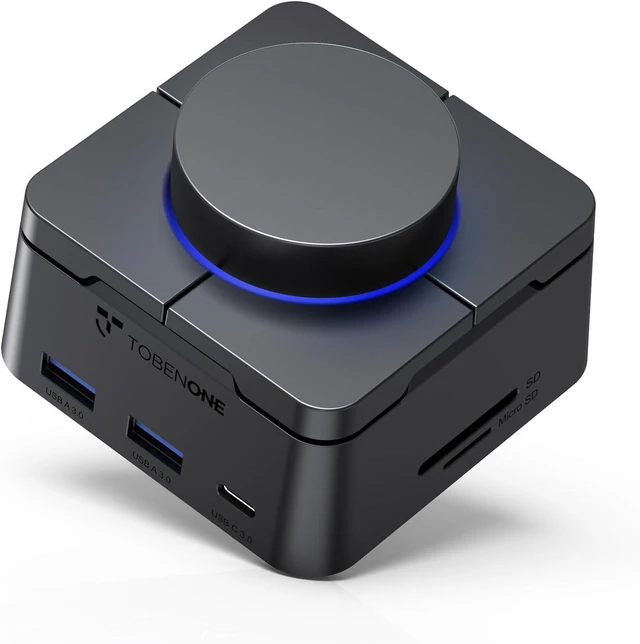
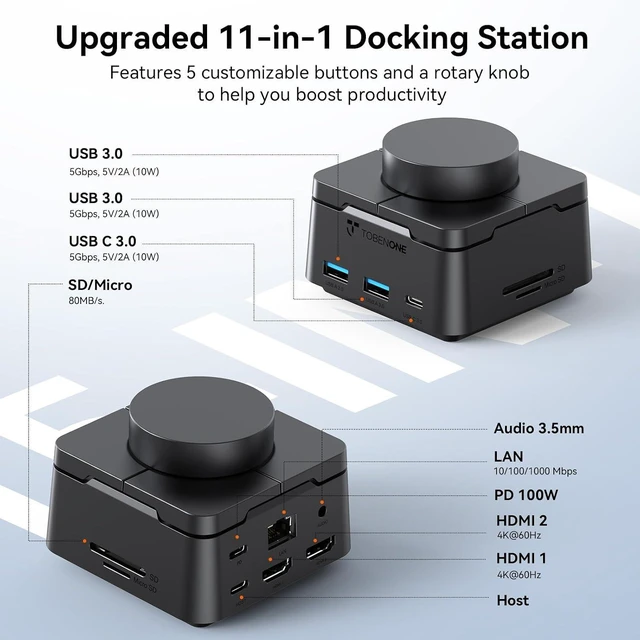
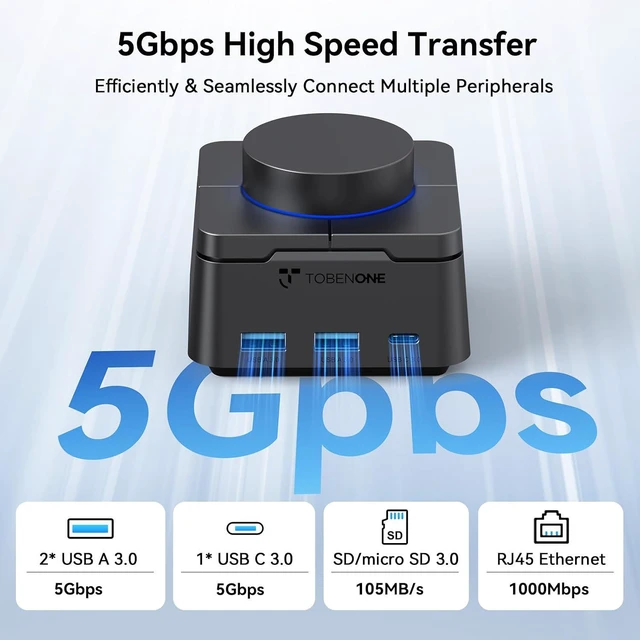
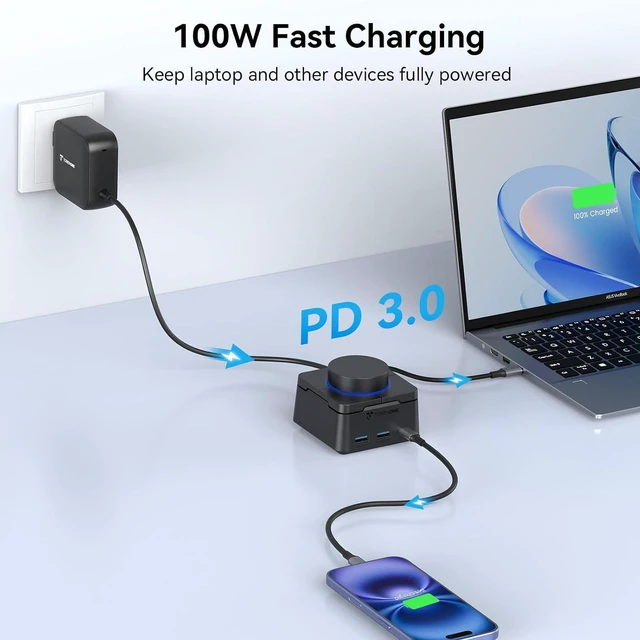
111-IN-1 USB C Hub25 Gbps USB C/A3100W Fast Charging4SD/Micro SD Card5RJ45 & 3.5mm Audio
1Your Desk. Your Rules2What's Included?324/7 Online Is TobenONE laptop docking station compatible with MacBook, Dell XPS, HP, Lenovo, and Surface laptops?
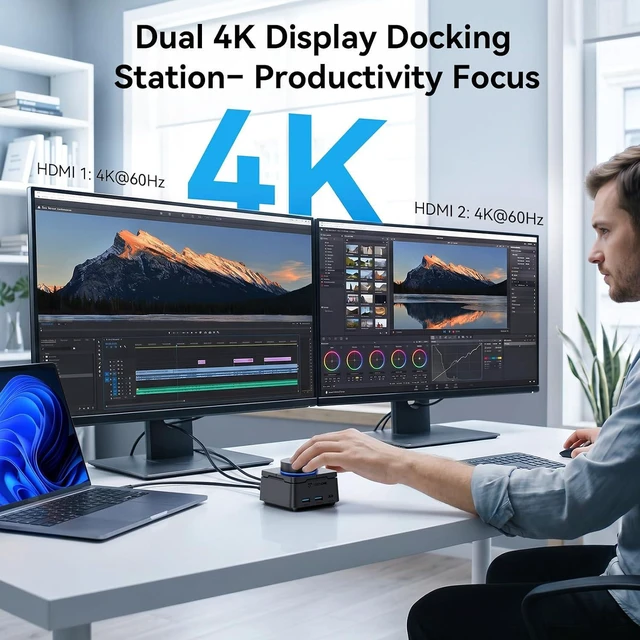
Yes! USB-C dock works with Windows 10/11 laptops (Dell, HP, Lenovo, Surface, etc.) and MacBooks. Windows: dual 4K@60Hz + 4 keys + knob. Mac: single 4K (mirrored), limited customization. DP Alt Mode required.
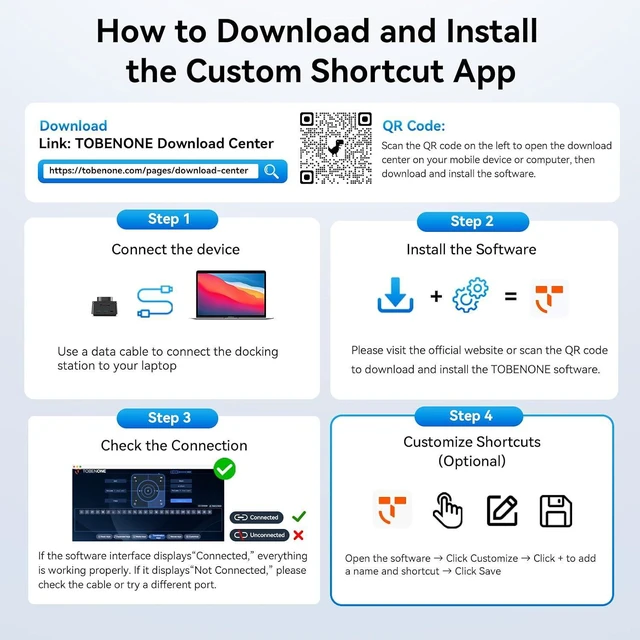
How do I program the 7 customizable shortcut keys and volume knob on this docking station?
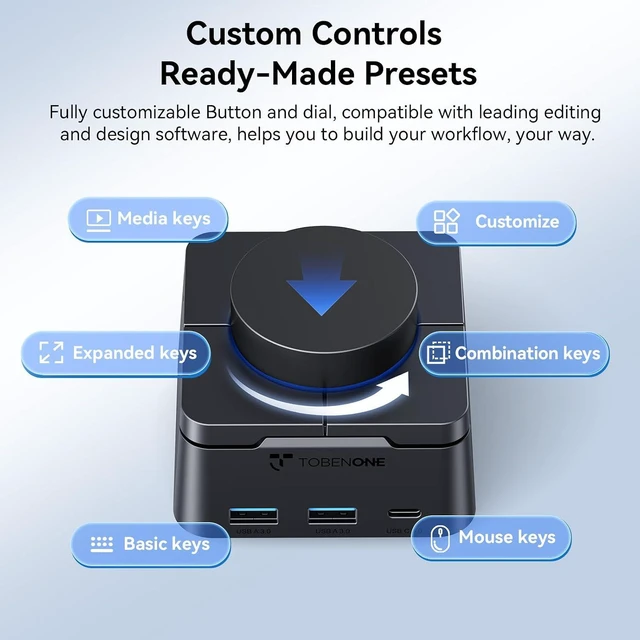
Easy! Download the free TobenONE app from our website or Smart Tag. Assign any function to 4 keys & volume knob (rotate/press). Choose 170+ presets or add custom. No coding. Windows only.
Do I need a driver for this dual HDMI docking station
No driver needed! TobenONE docking station is a plug-and-play USB-C docking station. Just connect it to your laptop's USB-C port and all ports work immediatelyHDMI monitors, USB-A/C data ports, Gigabit Ethernet, SD/TF card reader, and audio.
Why is my second monitor not displaying or only mirroring the first screen?
Usually due to no DP Alt Mode or Mac limits. Windows: set Extend mode (not Duplicate) & ensure DP1.4 MST for dual 4K. Mac: dual HDMI mirrors only. No signal? Check cables, restart, update drivers.
Does this docking station charge my laptop? Do I need to buy a separate power adapter?
Yes, it charges your laptop via a 100W USB-C PD (Power Delivery) port. However, a power adapter is not includedyoull need to use your laptops original USB-C charger with a power rating of 100W or higher, or purchase one separately.
Worlds 1st DIY Programmable Docking Station TobenONE 2026 New Release Is TobenONE laptop docking station compatible with MacBook, Dell XPS, HP, Lenovo, and Surface laptops?
How do I program the 7 customizable shortcut keys and volume knob on this docking station?
Do I need a driver for this dual HDMI docking station
Why is my second monitor not displaying or only mirroring the first screen?
Does this docking station charge my laptop? Do I need to buy a separate power adapter?