1Triple Display2Powerful 120W Charging3Detail Designs4Compatibility1Multiple USB Ports2Usage Scenarios3What's in the Box4Display Driver Why does my MacBook display a Screen Recording prompt after installing driver and connecting the hdmi docking station?
MacBook requires the "Screen Recording" function for the DisplayLink driver to work properly, and the driver does not store or record any data, pixels, or images
My macbook fail to recognize displaylink docking stations after waking up from sleep mode? What should I do?
1.First, it's suggested that you unplug and replug the host connection. 2. Try adjusting the hibernation setting of the laptop: System - Power - Power Options - Choose" when to tun off the display" -Put the computer to sleep - Choose '' Never".
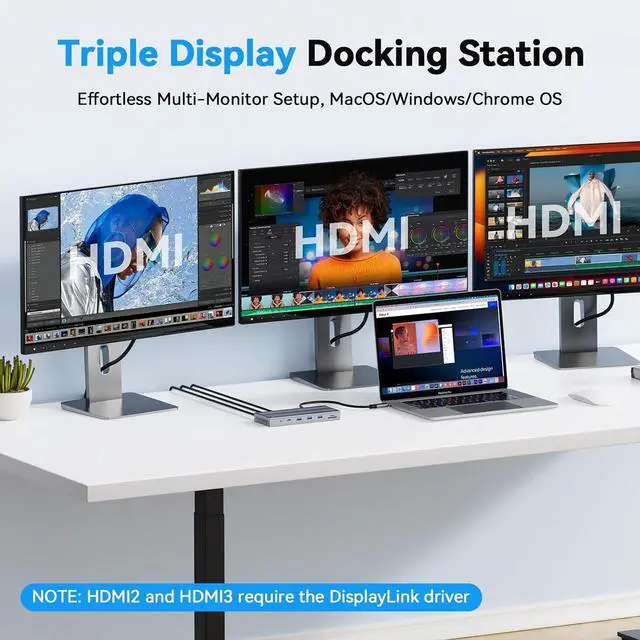
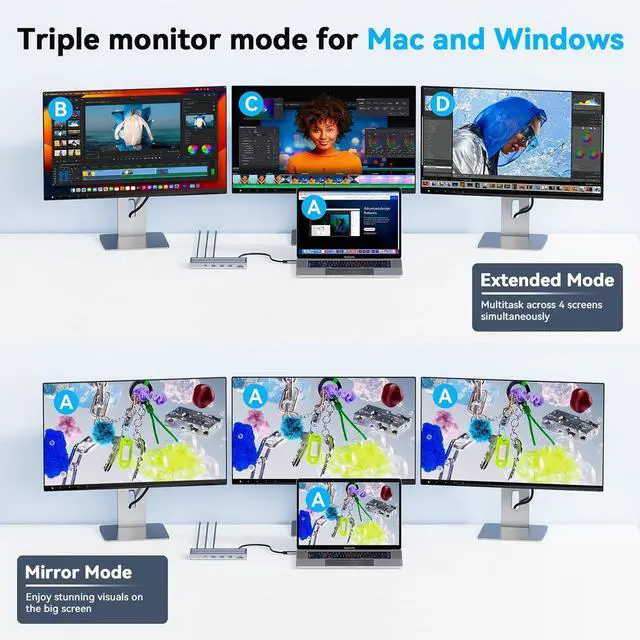
Why am I not getting 3 displays after connecting the universal docking station?
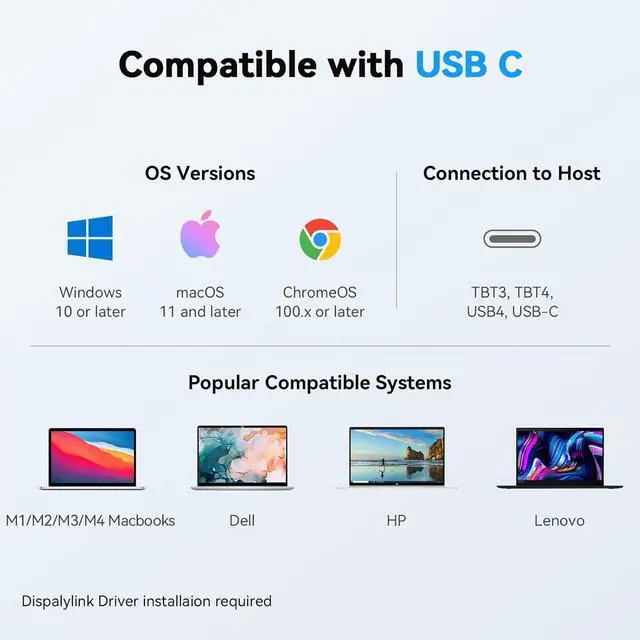
Please confirm that your laptop's USB-C port supports display and that DisplayLink is installed before use.
The usb docking station for laptop stop working. What should I do?
Please try the DisplayLink driver and disconnect all connections before reconnecting them. If the issue persists, contact client care for assistance.
How to install driver Do I need to install software to support triple monitor when using this USB C dock?
Why does my MacBook display a Screen Recording prompt after installing driver and connecting the hdmi docking station?
My macbook fail to recognize displaylink docking stations after waking up from sleep mode? What should I do?
Why am I not getting 3 displays after connecting the universal docking station?
The usb docking station for laptop stop working. What should I do?



 All Categories