Most Stable Connection on
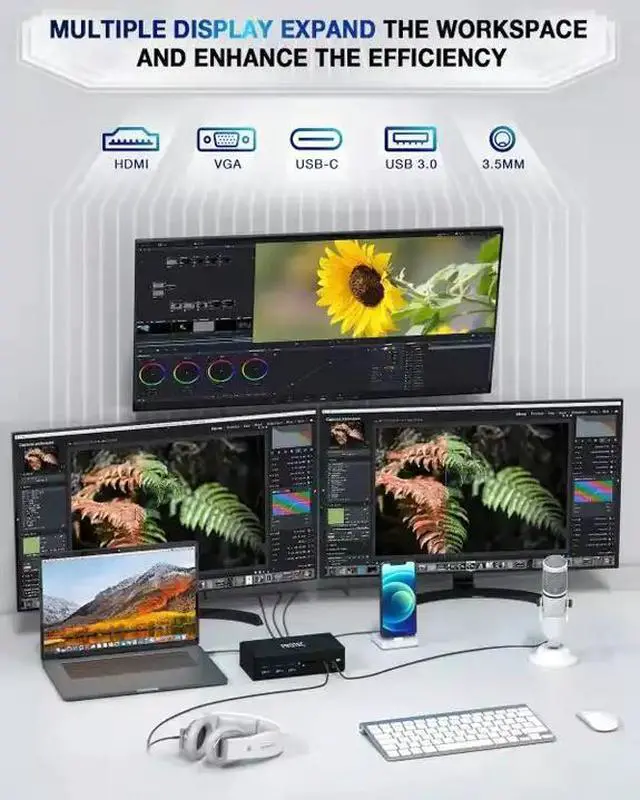
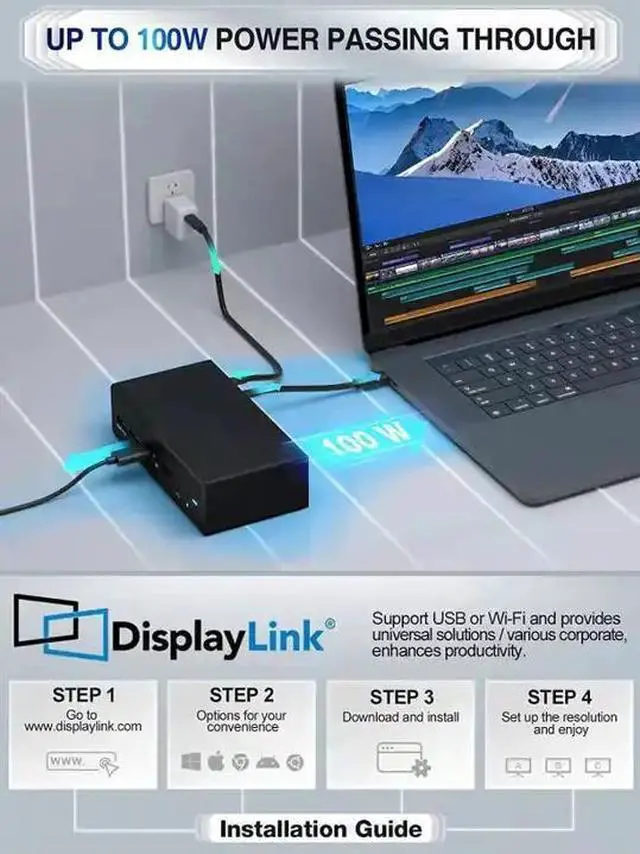
Earth: With DisplayLink, expanding your visual workspace has never been easier. It makes it easy to connect any display to any laptop.
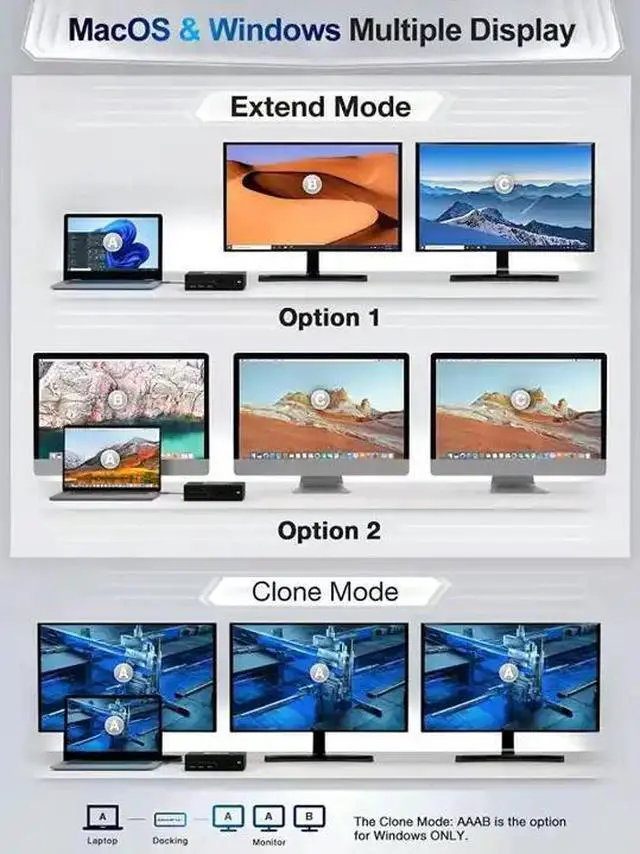
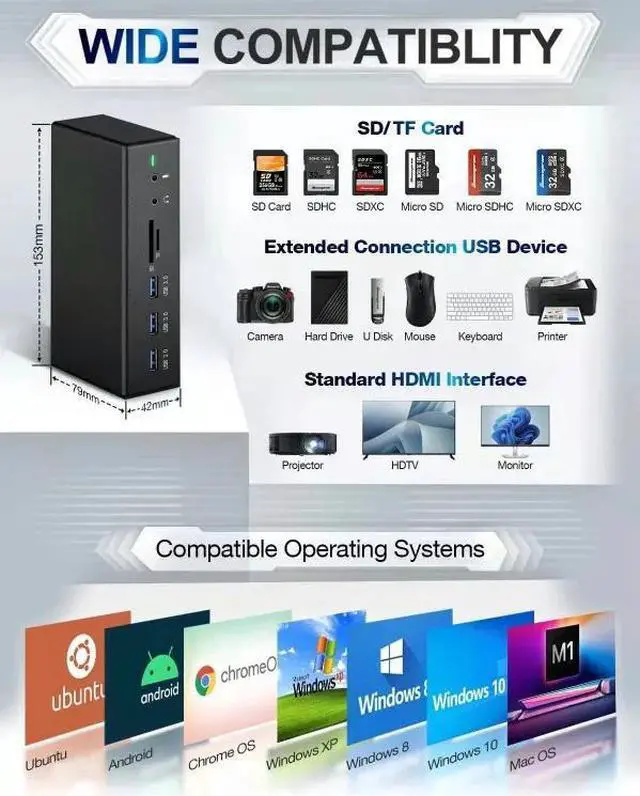
Multi-Task Achieve: Sockspree docking station compatible with Windows, macOS, Chrome OS, Android, Ubuntu, etc.,
Triple Display Docking Station: It comes with A USB 3.0 and USB C cable for different kinds of the host PC; provides triple display outputs and more.
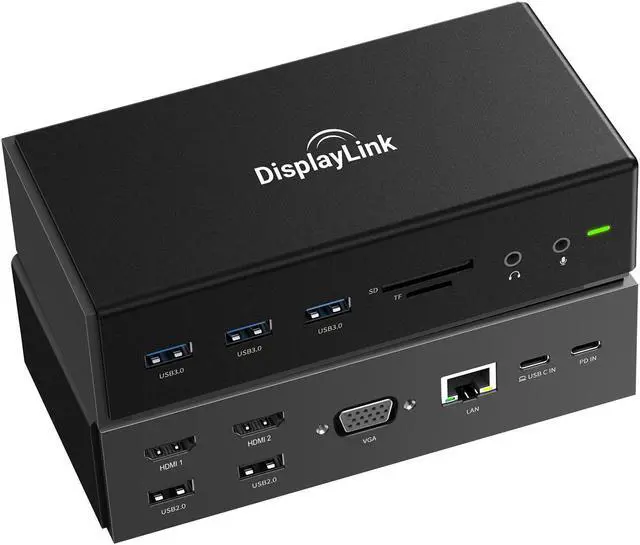
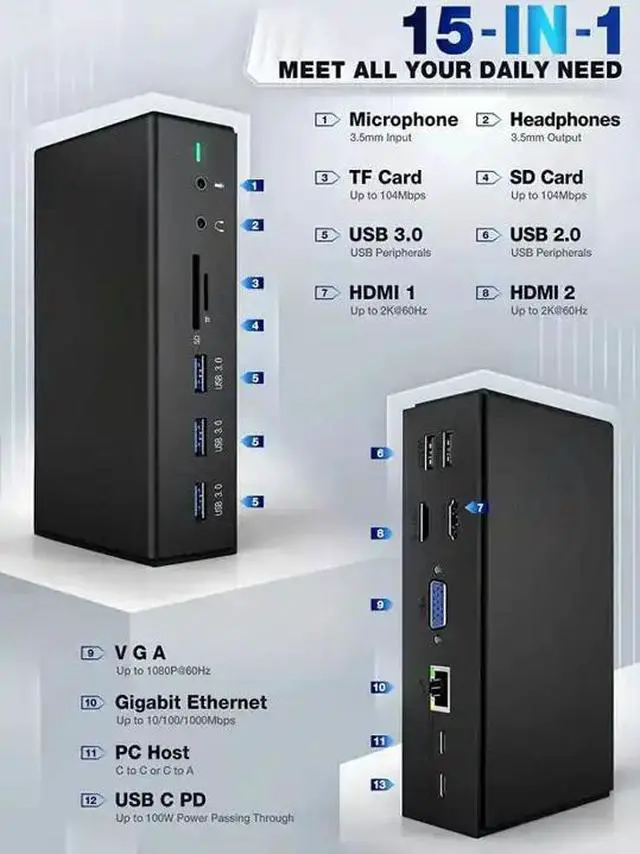
USB C Docking Station: HDMI, VGA, Gigabit Ethernet, 3.5 mm Headphone and Microphone jacks, TF/SD card slot, USB c data transfer, USB c 100W PD, three USB 3.0 ports, and Two USB 2.0 ports.
USB 3.0 Universal Laptop Docking Station: Provide up to 100W Power Delivery passing through via USB C port, offers multiple ways to get a high-speed charge for anything from laptops to phones and more.
DisplayLink DRIVE REQUIRED: Please download the drive from DisplayLink before use.
Compatible Operating Systems (partial list):
macOS Big Sur 11.0, Catalina 10.15, Mojave 10.14 or later | Windows 10, 8.1, 8, 7 or later | Android | Chrome OS
macOS Troubleshooting
With the arrival of the macOS Big Sur 11.0 & M1 chip, the operating system applies a stricter security policy to (any) software that requires kernel extensions aka kexts (kexts - think of it as a MacOS version of drivers). The Sockspree driver installation includes a system extension that is affected by this policy. As a result, the user now has to now explicitly enable/allow this system extension within Security & Privacy in system preferences (after installation and before the software is allowed to run).
MacOS Catalina 10.15 & macOS Big Sur 11.0: With multiple displays enabled you may experience issues with (multiple) screen recording.
Windows Troubleshooting
Q: The Sockspree docking station does not appear to work at all, has stopped working, or you receive the message "USB device not recognized" when connecting on Windows.
A: Laptop Docking station is compatible with specific Thunderbolt 3, Type C Gen2, USB-C or USB-A 3.0 Windows systems.
Support USB C DISPLAY OUTPUT:
Thunderbolt 3: 40 Gb/s
USB-C 3.1 Gen 2: 10 Gb/s
USB-C 3.1 Gen 1: (Support Power Delivery)
DOES NOT SUPPORT USB C DISPLAY OUTPUT:
× USB-C 3.1 Gen 1: 5 Gb/s (data transfer only)
Please ensure the Laptop has thunderbolt 3/USB-C 3.1 Gen 2/USB-C 3.1 Gen 1 (Support Power Delivery) /USB-A 3.0 before purchase.
FAQ:
Q1: Why can't connect the monitor? / HDMI or VGA doesn't work?
A1: a. Please download/update the displaylink driver before using.
b. Ensure sufficient power supply to connect external monitors.
c. Check the HDMI/VGA cable or monitor if can work properly.
Q2: When I plug in or plug out on this docking station, monitors go black for a few seconds and then recover? Is this normal?
A2: Due to the process of EDID (Extended Display Identification Data) communication protocol, it may blackout for a few seconds. This is normal behavior and the displays will recover within a few seconds, but the speed depends on the source device and monitor (1 minute at max).
Reminder:
1. Standard USB ports not recommended for charging USB devices.
2. Please remove the reminder on the product before using the product.
3. To ensure a stable connection, connect the power adapter for the laptop before using the printer/hard drive/SSD or other power consumption required products.
Package Content:
1*Universal Docking Station | 1*USB C to C/A cable | 1*User Manual



 All Categories