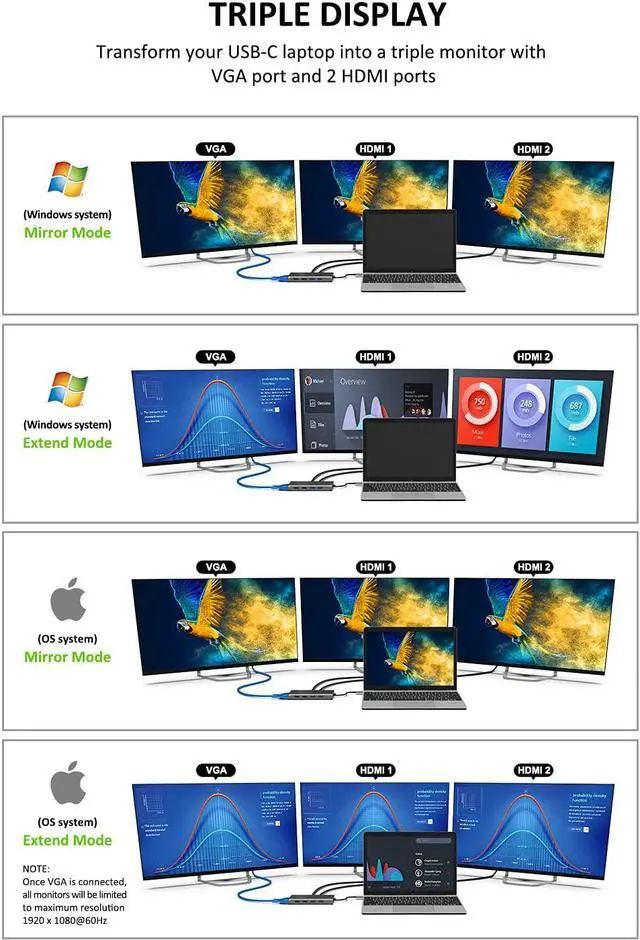
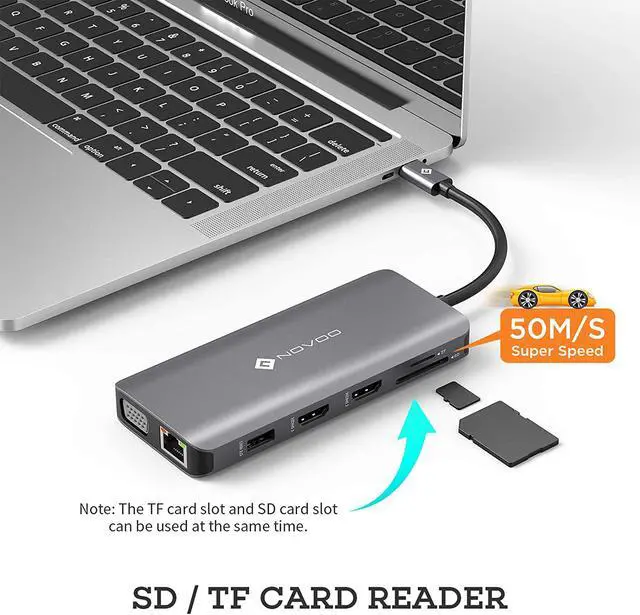
Triple display with Windows system
When connecting three displays at the same time, the resolution can only reach up to 1920*1080/60HZ. If you need, please click "Second screen only" to turn off the laptop screen after connecting.
Note1: Among the four screens (Displays and Computer), only three can display. There will be one that can not displayed (either Display or Computer)
For Apple computer users (MAC OS), displays are Mirror mode only.
Extend the display to other screens in up to 4K@30Hz with the Mac OS computer. Resolution will be less than 1080P@60Hz when use VGA.
Note1: Setting- About This Mac>Display>Arrangement>Mirror Displays
Note2: When your MAC OS needs to extend display, you need to click "Display" in Preferences, choose the Arrangement option, and then click "Cancel Mirror Displays"
Important Note:
HDMI resolution will be 1080P/60Hz when dual or triple display with VGA
For Apple computer users (MAC OS), It doesn't support MST.
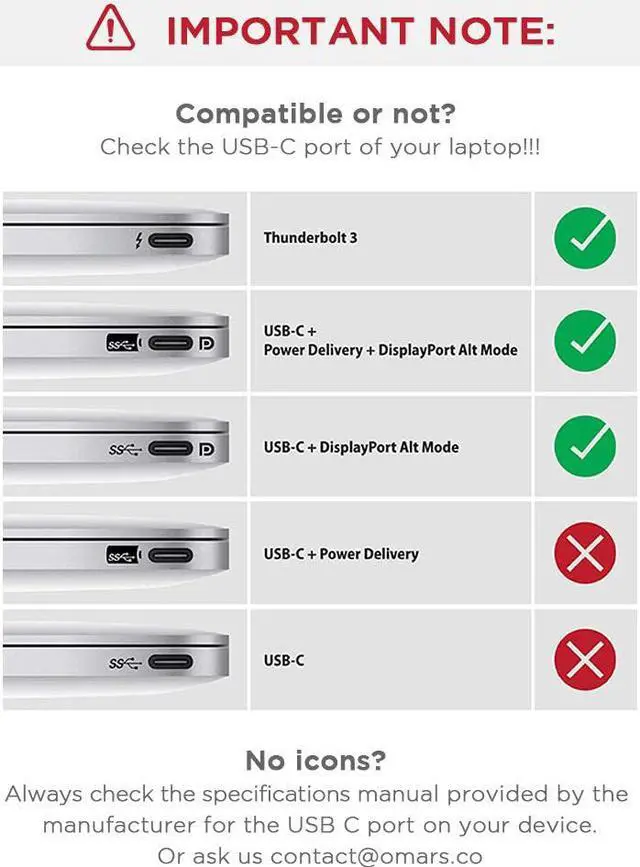
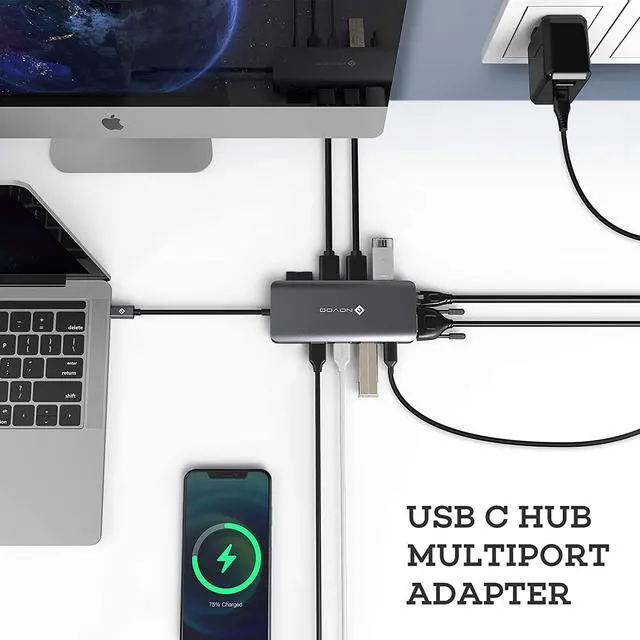
Please plug in the Laptop's power adapter to the USB-C Power Delivery port before connecting an external hard drive or multiple display purpose.
The Type C PD Charging port for power passing-thru only.
Do not plug in all ports at the same time because of the limited output power.
Power will be a community between all dock-connected USB C devices. For a fast charge result, please choose Adapter that is over 72W to charge.
EDID (Extended Display Identification Data) may blackout for a few seconds(1 minute at max, depends on Laptop and monitor) when data transfer; Please be patient wait for the data completed.
Windows 3 Different Displays (HDMI1+HDMI2)
Support Triple Extended Mode. Get our smart usb c hub to expand triple monitors. Work 3 times faster anywhere. Gives you the expansive workspace and flexibility to tackle any task. Support Triple Clone Mode.
Windows or MAC OS 2 Displays (HDMI1+HDMI2)
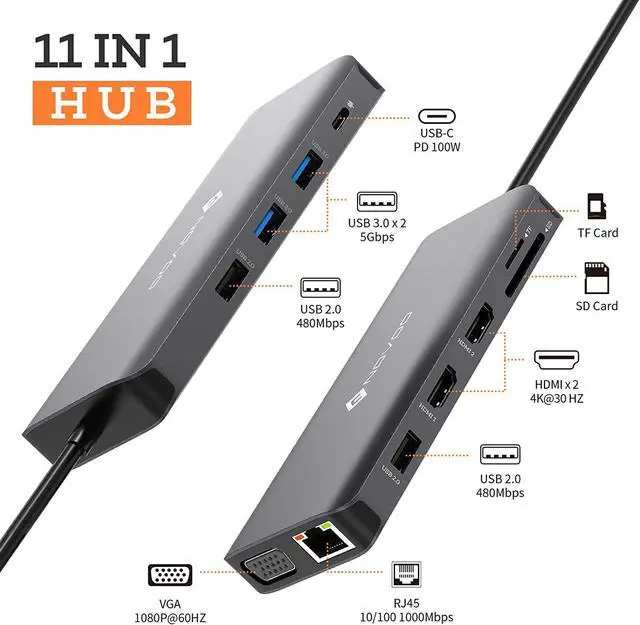
Dual 4K Vivid Output. Present you a dual Display (Mirror Mode/Extend Mode), which supports a single and dual HDMI display up to 4K(3840*2160@30Hz).
Windows or MAC OS Mirror Displays (HDMI1+HDMI2)
Supports Dual HDMI monitors up to 3840 x 2160@30Hz. Power your favorite 4K games or streaming entertainment with dual 4K monitors.
RJ45 Gigabit Ethernet Port
The 1000mbps RJ45 Gigabit Ethernet port on the usb c hub ethernet can be backward compatible with 100Mbps / 10Mbps RJ45 LAN. A 1G movie can be downloaded in minutes.
Note: If your MacBook is the first time to use the Ethernet port, the Macbook must be configured as follows:
Click “System Preferences” - “Network”, click “+” and select 10/100/1000 usb lan to create app (click app to show usb usb 10/100/1000 green lan, connected successfully ).