Get Ready with Below Points
Ensure that your laptops USB-C port supports the Power Delivery, DP Alt Mode and Data Transfer to access the full feature of this USB-C hub.
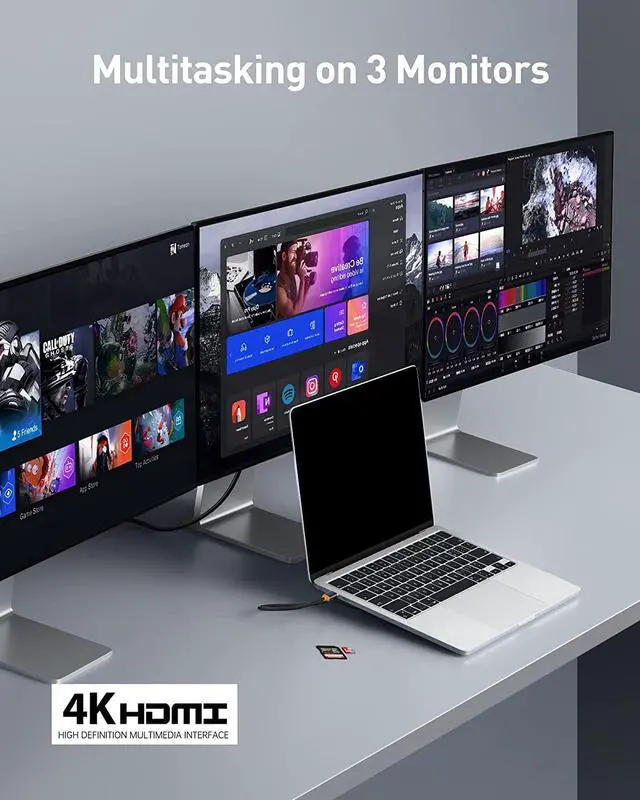
The laptop with AMD graphics card+DP1.4 protocol support extend up to 4 monitors, with intel graphics only extend up to 3 monitors.
Due to the limitation of Mac system, all external monitors will display the same content(such as A+B+B+B). 3 different screens can not be achieved.
When more external devices are connected through this hub, it is recommended to connect with power supply through the USB-C PD port.
For MacBook users, settings are required to use LAN ethernet port. Go to: System Preferences Network, click on + icon and selecting usb 10 / 100 / 1000 LAN to create an application
If the HDMI isnt stable when extending on monitor, ensure to firmly plug the HDMI cable and assure that the hub is powered through the USB-C port
This USB-C hub docking station much be directly plug to the USB-C port of your laptop. It may not work if plugged to a convert or other port adapters.
Some laptop interface have an over-discharge protection protocol. Please keep the PD power supply connected with docking station while using for a long time.
If you dont have enough knowledge about it, be free to reach our support team by providing your laptops brand and model so that we could help you out.
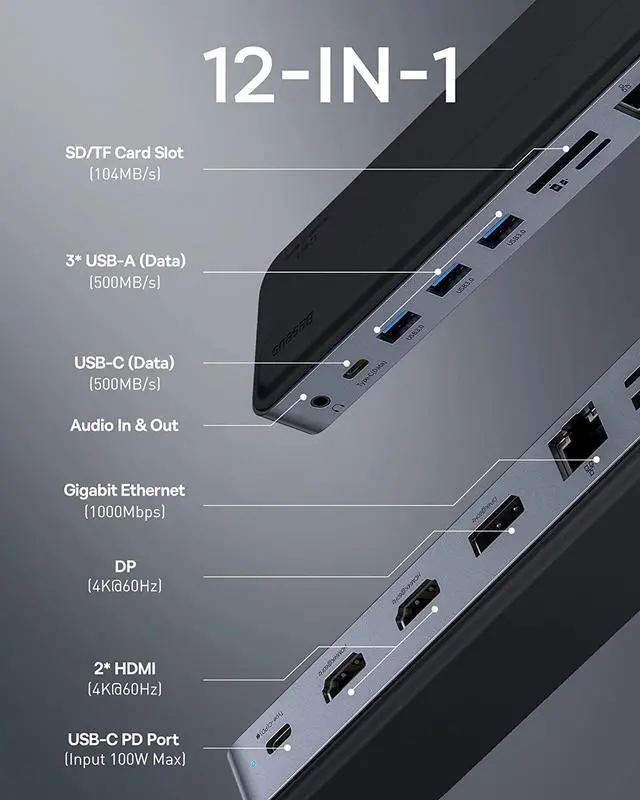
Port Specifications
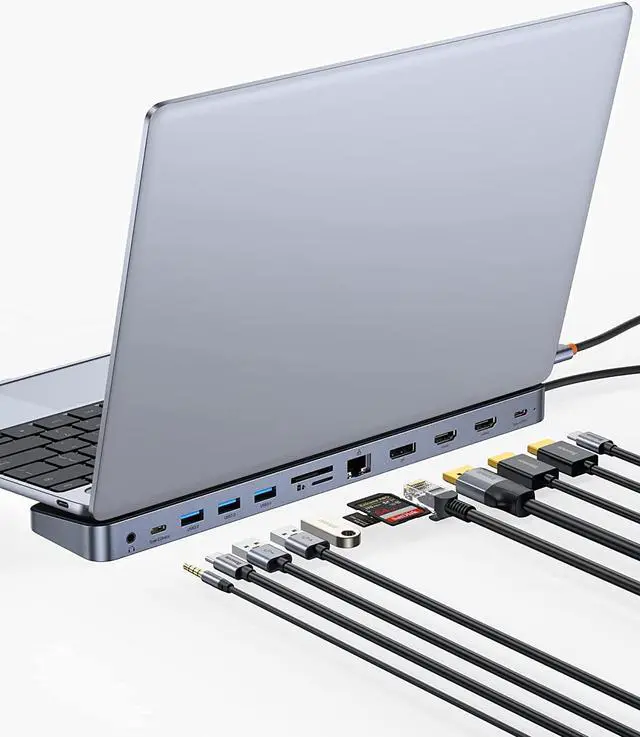
HDMI 1/HDMI 2/DP (resolution up to 4K@60Hz while laptop protocol is DP1.4)
3*USB-A 3.0 (500Mb/s)
1*USB-C 3.0 (500Mb/s)
SD/TF Card Reader (104Mb/s)
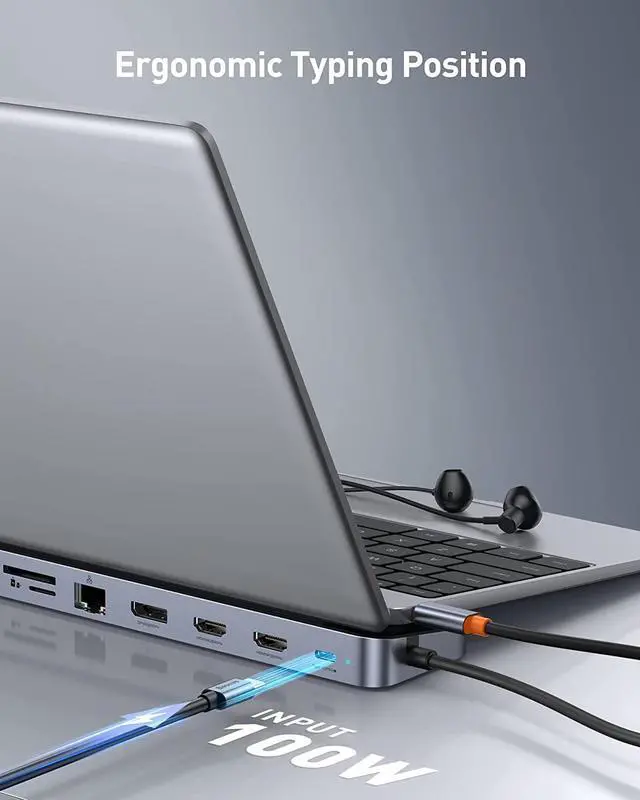
USB-C PD Charging Port (100w)
Gigabit Ethernet (1000Mbps)
3.5mm Audio
Pixel Perfect 4K60hz
The DP, HDMI 1, and HDMI 2 all 3 support 4K60HZ output when only any of them and the other 2 idled.
5Gpbs Fast Transmission
The PD USB-C port is rated for up to 100W output to fast charge your laptop, and all compatible USB-C devices.
3.5 mm Speaker & Headphone Port
A 3.5mm jack audio port is given allowing to connect your speaker or headphone to your laptop the classic way.
TF/SD Card Readers
Easily move files the old way from camera memory card or other devices to your laptop at 60Mbps; a backup when the Type-C data port is occupied.
PD 100W Fast Charging
The PD USB-C port is rated for up to 100W output to fast charge your laptop, and all compatible USB-C devices.
1000Mbps Fast & Stable Internet
The RJ45 internet port supports up to 1000Mbps internet speed allowing you to get the most out of your internet connection, yet backward compatible with 100/10Mbps internet speed.