Tobenone Dual Monitor Laptop Docking Station for M1 MacBook or USB C Laptops
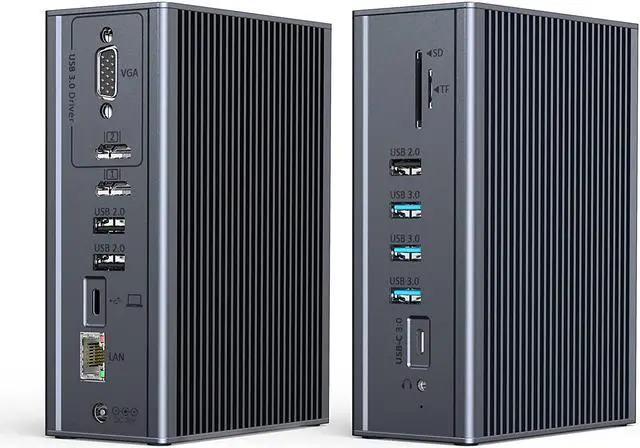
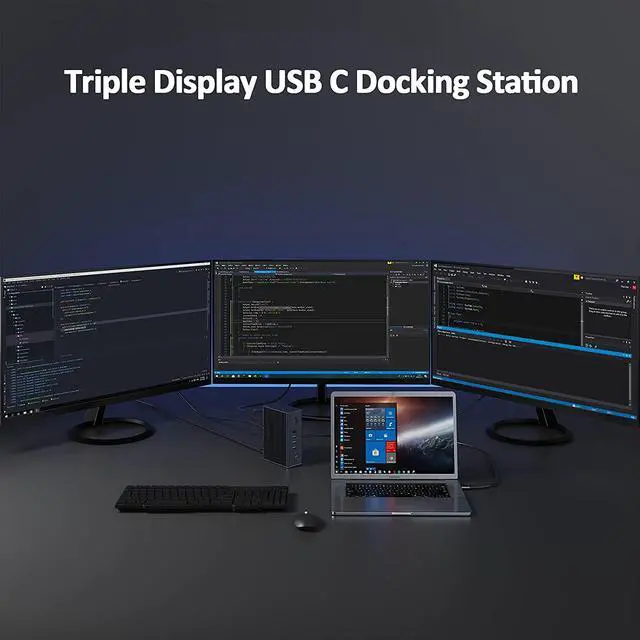
The USB C Dual 4K Docking Station allows you to add TRIPLE monitors via HDMI1/HDMI2/VGA port. By connecting one cable to your laptop, you gain 16 extra ports of connectivity, which will improve your work efficiency.
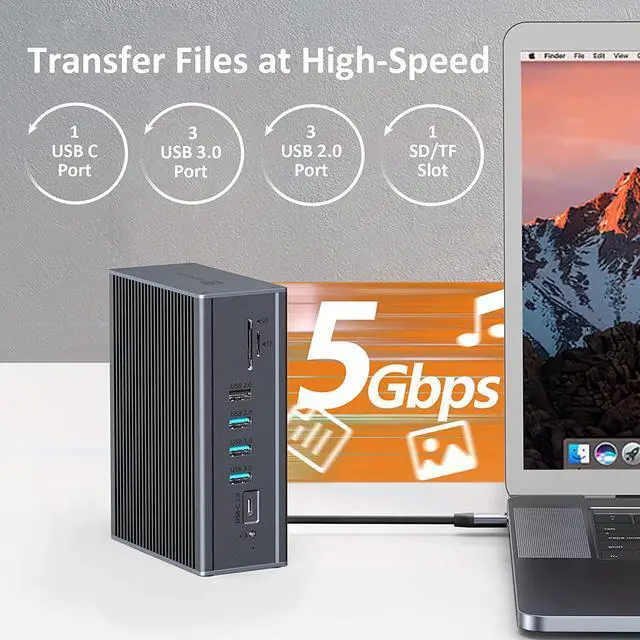
With 5 Gpbs data transfer speed,3 USB 3.0 ports and one USB C for you to transfer files in seconds. Extra USB2.0 Ports for you to connect wireless devices such as the wireless mouse.The built-in SD and TF slots support nearly all SD card formats and access to photos and other media quickly.RJ45 LAN port provides a stable and faster network connection for your daily, supports 10/100/1000Mbps speeds.
*Macbook Pro/Air/iMac with M1 chip can drive 2 or 3 monitors.
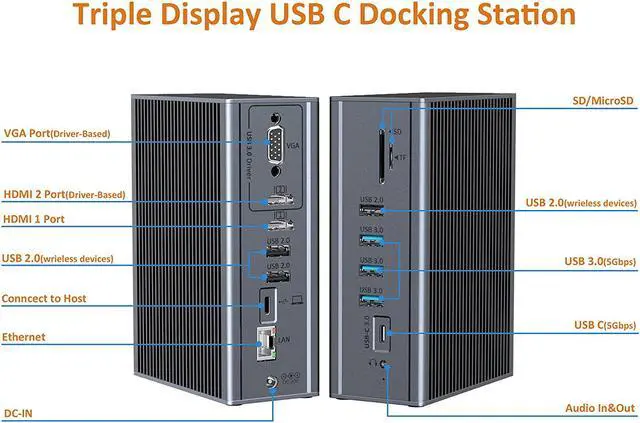
*The HDMI1 is plug and play via USB C Alt, and the HDMI2 and VGA port are work based on the USB3.0 driver.
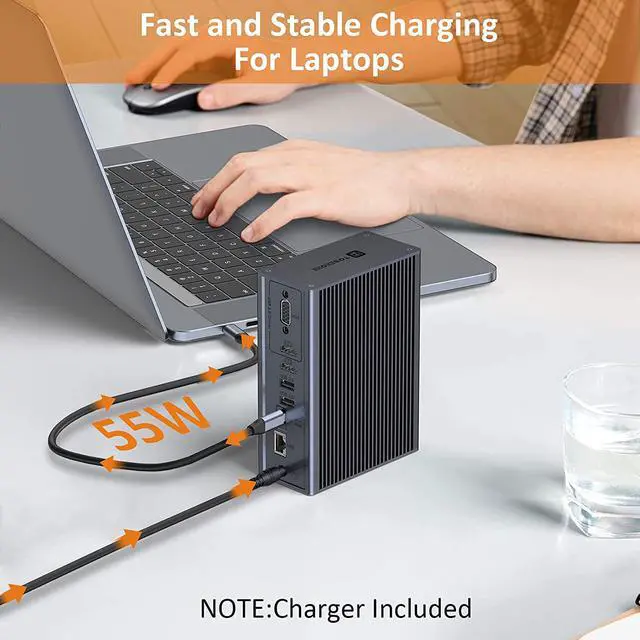
*This laptop USB C docking station dual monitor goes with a power supply for stable usage.
*Please install driver before use this laptop docking station
Ultra-Fast Data Transfer(5Gbps)
The universal docking station for laptops is equipped with one USB C and 3 USB 3.0 Ports with 5Gbps data transfer speed and you can transfer the data in a second.3 USB 2.0 Ports are better for mouse, keyboard or other low rate devices. Make the WIFI Connection more stable.
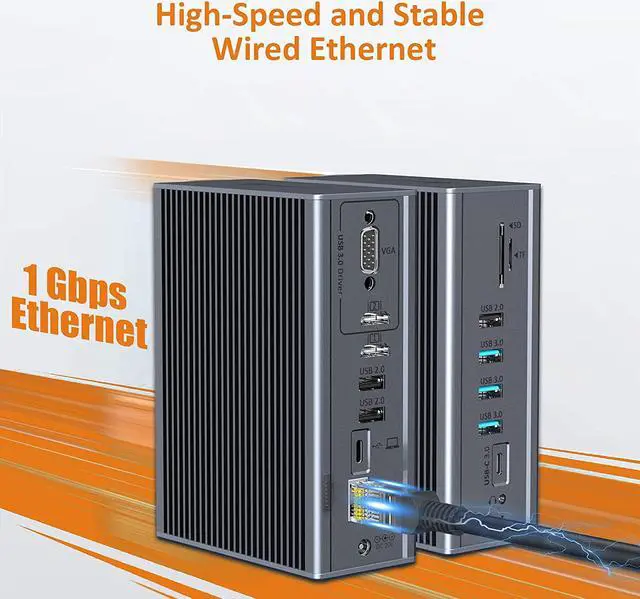
Max 1000Mbps Speedy Ethernet Port
RJ45 Gigabit LAN port definitely provides a stable and faster network connection for your ethernet, supports 10/100/1000Mbps speeds.So you don't have to worry about the instability of Wi-Fi with this dual monitor docking station.
Technical Specifications About Dual Monitor USB C Dock for Laptops
System requirement: USB-C(must support PD and DisplayPort) or Thunderbolt 3/4 Ports / supports Windows 10 and 8.1 / macOS 10.13.3 and earlier and some systems with ChromeOS.
Driver: Please download and install the driver before use
HDMI 1: USB C Alt-Mode | up to 4K UHD(3840*2160/60Hz), work separately while the source is DP1.4
HDMI 2: Driver-based | supports up to 2650*1440@60Hz
VGA: Driver-based | supports up to 1080P@60Hz
3* USB 3.0: uper speed data transfer, 5Gbps
3* USB 2.0: Data transfer, special for connect mouse and keyboard
USB Type C: Only for data transfer up to 5gbps
USB Type C:Connect to the laptop
SD/MicroSD: Data transfer up to 104mbs, cannot be used simultaneously
RJ45 Gigabit Ethernet: Auto supports up to 10/100/1000mbps
3.5mm Mic/Audio: For audio output/input
DC port: Charge the laptop through the DC Port