


Meet Your Seller

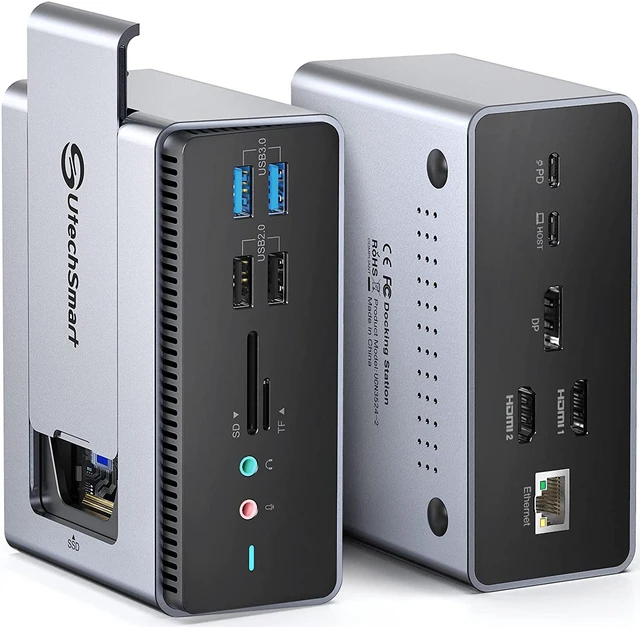
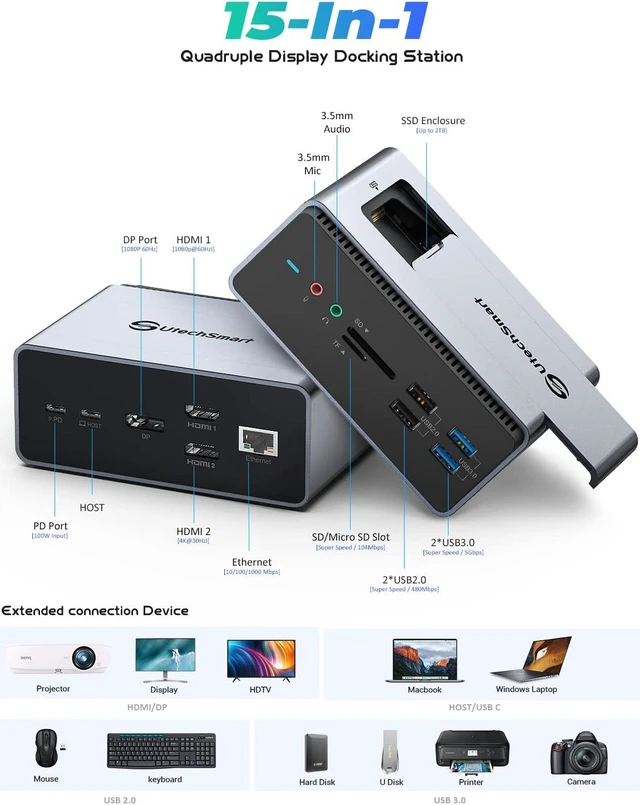
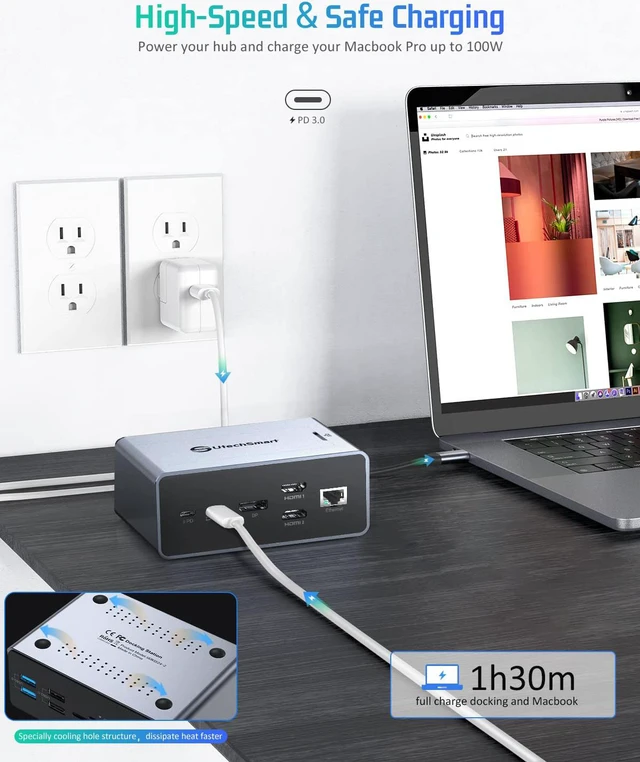


Docking Station, UtechSmart 15 in 1 Full Quadruple Display USB C Docking Station,Compatible with macOS&Windows,Thunderbolt 3 Dock with SSD Enclosure (2HDMI,DP, PD3.0,SD/TF,RJ45,Audio&Micro,USB Ports)
- Item #: 9SIV36AKE33927
- Mfr. Part #: KE-SXG3695
- UNSPSC: 43211602
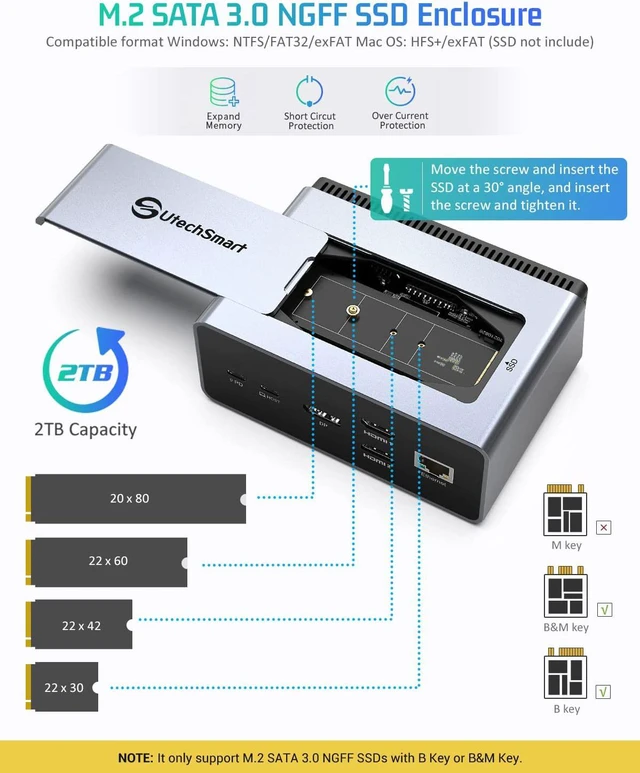
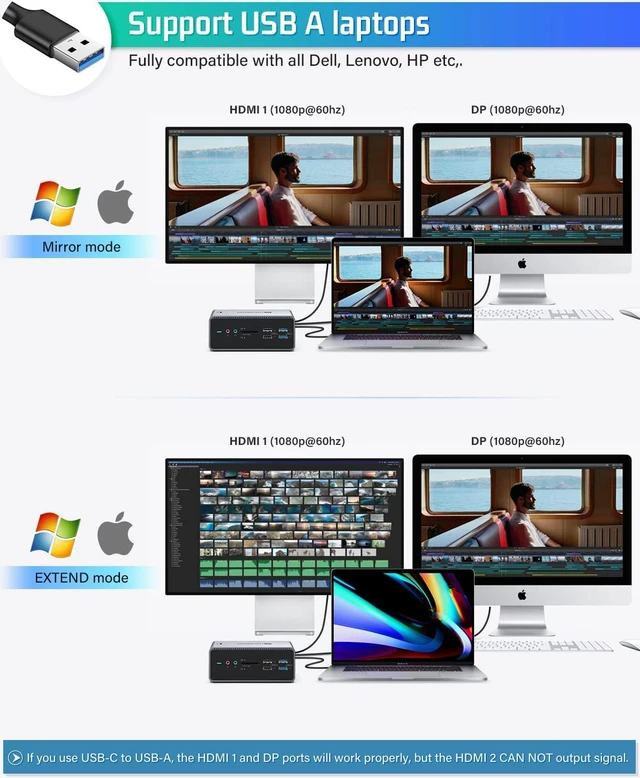
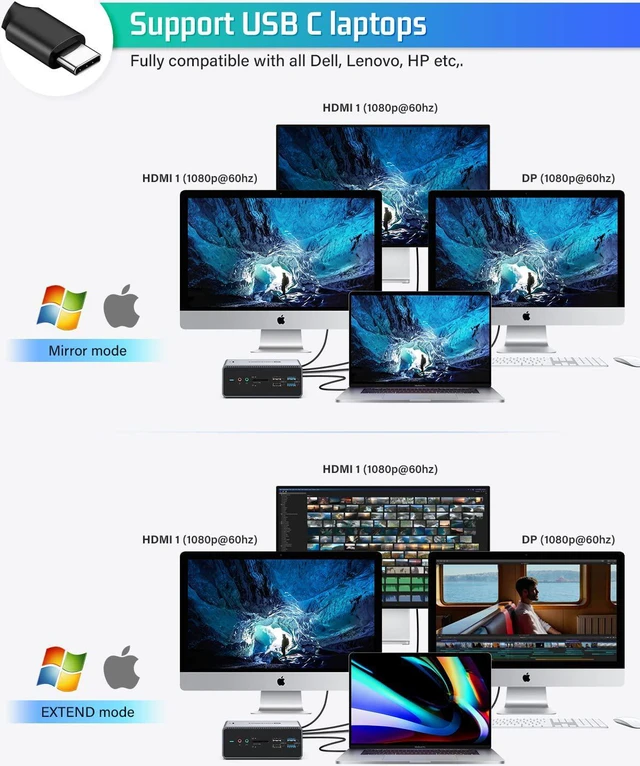
- Significant Breakthrough in Device Compatibility: Differing from previous designs, this time UtechSmart is launching a Docking Station that supports both USB Type C and USB A connections. This docking station is suitable for all kinds of laptops or computers, and it allows both macOS & Windows laptops to have quadruple display outputs. It is also equipped with an M.2 SATA SSD enclosure which makes it a great companion to simplify your work-from-home setup.
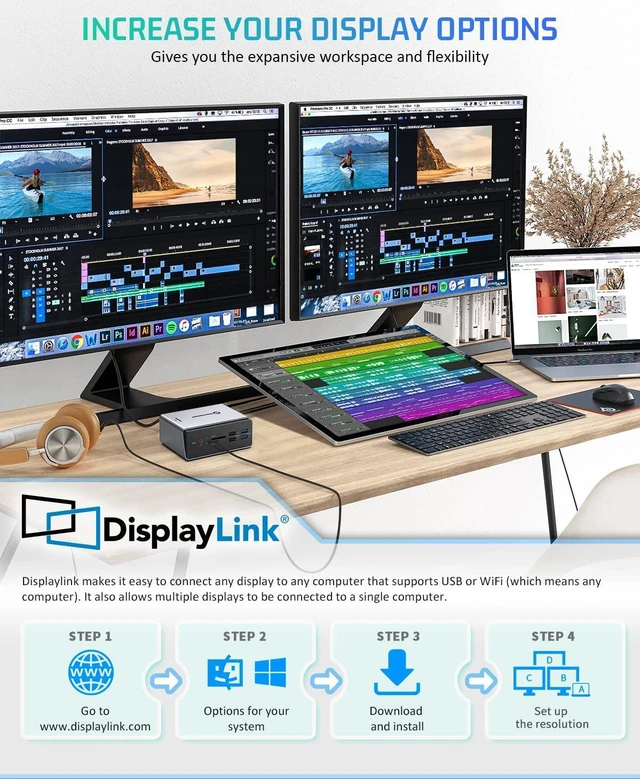
- Increase Your Display Options: With additional workspaces, your productivity will be greatly enhanced. This docking station is equipped with both a USB C TO USB C cord and a USB A TO USB C cord for your device in order to support Full Quad display on a wide range of macOS & Windows laptops. Incredibly, it can bypass the single display output limit of macOS and is even compatible with laptops that only have USB A ports. It can solve the common problem of one black screen or no MST function.
+
+
Overview
Specs
Reviews
Specifiction:
1*HOST
2*HDMI Ports & 1*DP Port
1* M.2 SATA SSD Enclosure
1*PD Port & 1*Ethernet Port
2*USB2.0 Ports & 2*USB3.0 Ports
1*SD & 1*TF Card Ports
1*3.5mm Audio & 1* Mic Jack
1*100CM USB C to USB C cord and 1*100CM USB C to USB A Cord
Compatible Operating Systems
macOS Big Sur 11.0, Catalina 10.15, Mojave 10.14 or later | Windows 10, 8.1, 8, 7 or later | Android | Chrome OS
Compatible Laptops : Compatible with most modern laptops and desktop like dell, hp, lenovo, macbook, MSI, ASUS, Acer ect.
Note: If you use USB-C to USB-A cable, the HDMI 2 CAN NOT output signal.
macOS Troubleshooting
With the arrival of the macOS Big Sur 11.0& M1 chip, the operating system applies a stricter security policy to (any) software that requires kernel extensions aka kexts (kexts - think of it as a MacOS version of drivers) . The UtechSmart driver installation includes a system extension that is affected by this policy. As a result, the user now has to now explicitly enable/allow this system extension within Security & Privacy in system preferences (after installation and before the software is allowed to run).
MacOS Catalina 10.15 & macOS Big Sur 11.0: With multiple displays enabled you may experience issues with (multiple) screen recording. For more details please contact UtechSmart support.
Windows Troubleshooting
While the majority of users should not experience any issues, that may not always be the case for every customer. Weve provided this helpful advice to assist any new users:
Issue: The UtechSmart USB C docking station does not appear to work at all, has stopped working, or you receive the message "USB device not recognized" when connecting on Windows.
Solution: Follow the steps below to try and diagnose if it is a hardware problem.
1. Is your device compatible? For more details please contact UtechSmart support.
2. Note: If your device comes with USB Type-C 3.1 Gen 1, ONLY HDMI2 will not output signals.
3. Make sure you have downloaded/updated your operating system to the latest drivers/version. If you need help, please contact UtechSmart support.
Warranty & Returns
Warranty, Returns, And Additional Information
Warranty
- Please contact the Seller directly for warranty information. Warranty information may also be found on the Manufacturer's website.
- CONTACT
Return Policies
- Return for refund within: 30 days
- Return for replacement within: 30 days
- This item is covered by Electronics World Return Policy
Manufacturer Contact Info
- For a directory of all our manufacturers, please click below.
- Manufacturers Directory
LOADING...