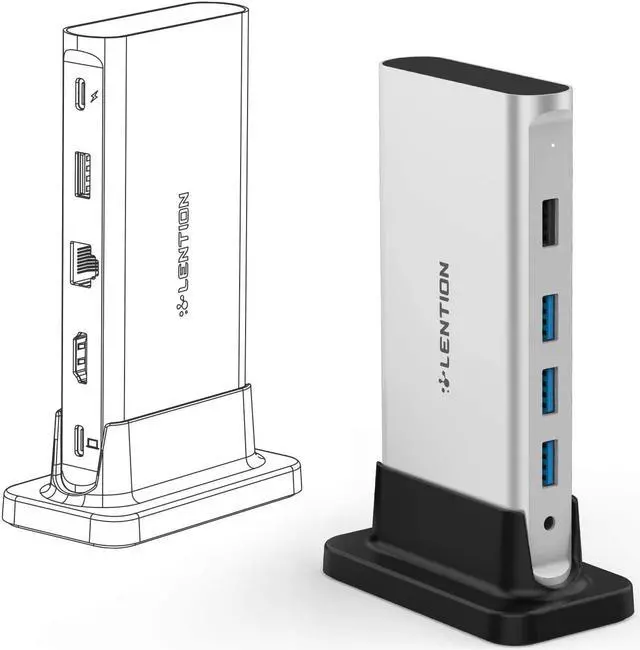
LENTION D53 9-IN-1 Universal Laptop Docking Station
Compatible Devices (Not a full list):
Laptops: (For devices with full-functional USB-C port and Thunderbolt 3 Port)
New MacBook Air & Pro 13/15/16 (With Thunderbolt 3 Port) / MacBook Pro & Air 2020 M1 / MacBook 12 / New iMac / iMac Pro
Dell XPS 13 / XPS 15 / Inspiron 13 7000 / Inspiron 15 7000 / Latitude
HP Spectre / Spectre X360 / ENVY / ENVY X360
Chromebook / Pixelbook / Pixelbook 2
Surface Book 2 / Surface Go
Lenovo Yoga 930 / 920 / 910 / 720
Please Note:
Not compatible with Apple Superdrive.
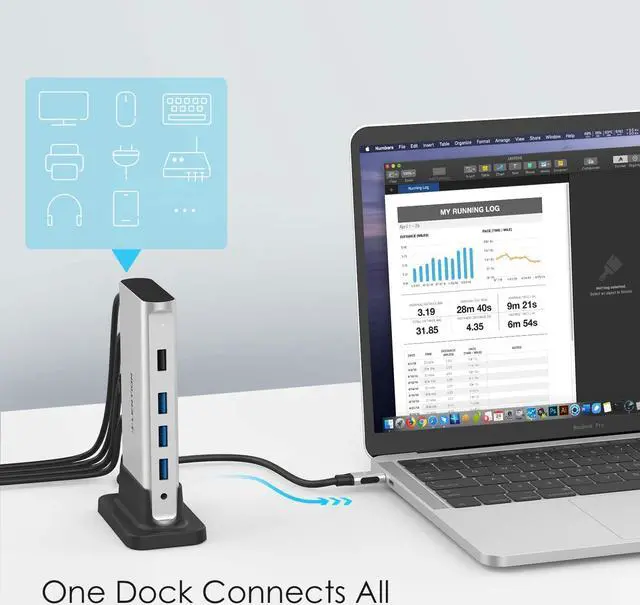
Connect your host device to the LENTION Docking through the affiliated LENTION USB-C Connection Cable before using. Third-party cables are not supported.
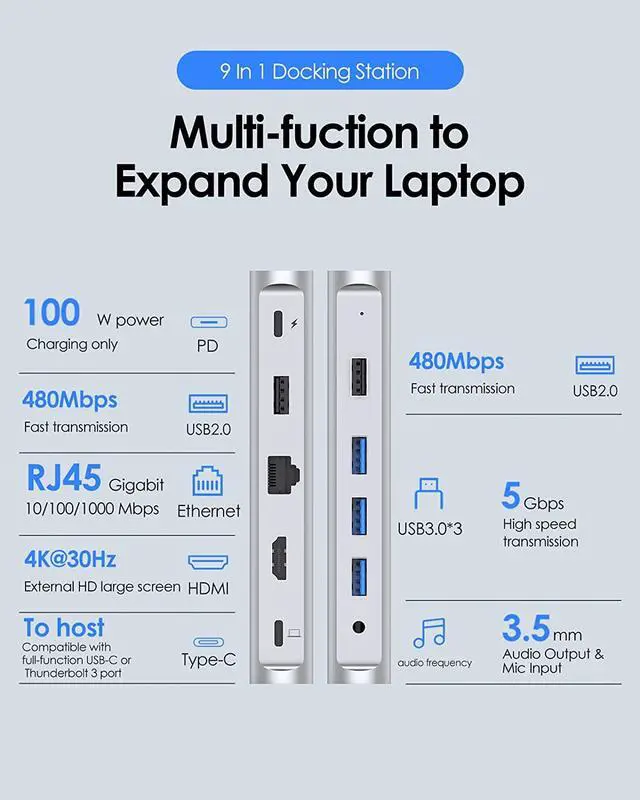
Use the supplied cable to connect to the USB-C port of the docking station with the laptop icon, and the other USB-C port with the lighting logo is the charging port.
Connect the charger to the PD before using other ports to ensure that the docking station works stably. The USB C PD Dock will withhold 10W of current. The actual charging power is the power of your PD power adapter minus the 10W required to be withheld for the dock.
RJ45 1000Mbps Ethernet
The PC docking station supports wired networks up to 1000Mbps. The multiport adapter USB C hub with Ethernet is perfect for viewing and downloading large files, watching movies
4K 30Hz Visual Feast
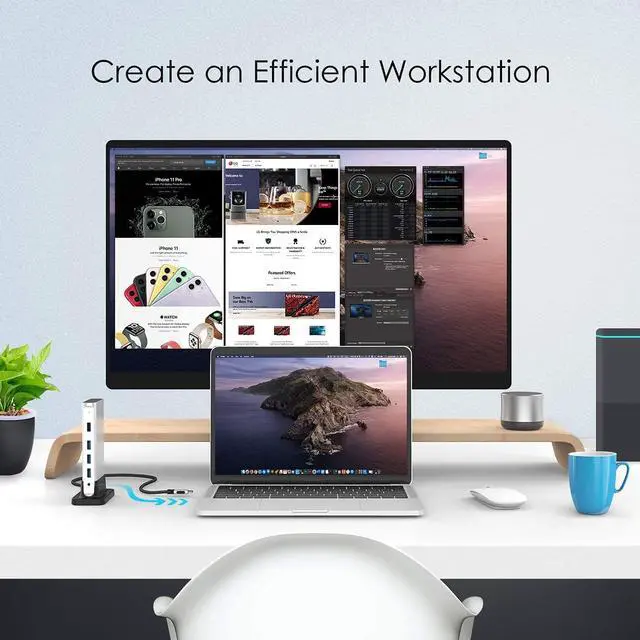
The computer docking station with HDMI supports mirror or extend the host laptop to TV, monitor, projection. Give you vivid 3D effect video Sync
100W USB C Power Delivery
The USB C hub power delivery not only provides power to the host USB C laptop but also provides extra power to USB peripherals for better stability
3.5mm Audio Port
The Type C Hub with 3.5mm audio port provides an ultra-real sound experience. Enjoy ultra-real sound & the crystal clear vivid image through HDMI
USB 3.0 Fast Data Transfer
Equipped with 3x USB 3.0 ports (up to 5Gbp/s) for ultra-fast data transfer. 2 x USB 2.0 speeds up to 480Mb/s, it allows you to connect a keyboard or mouse without any lag
Detachable and Portable
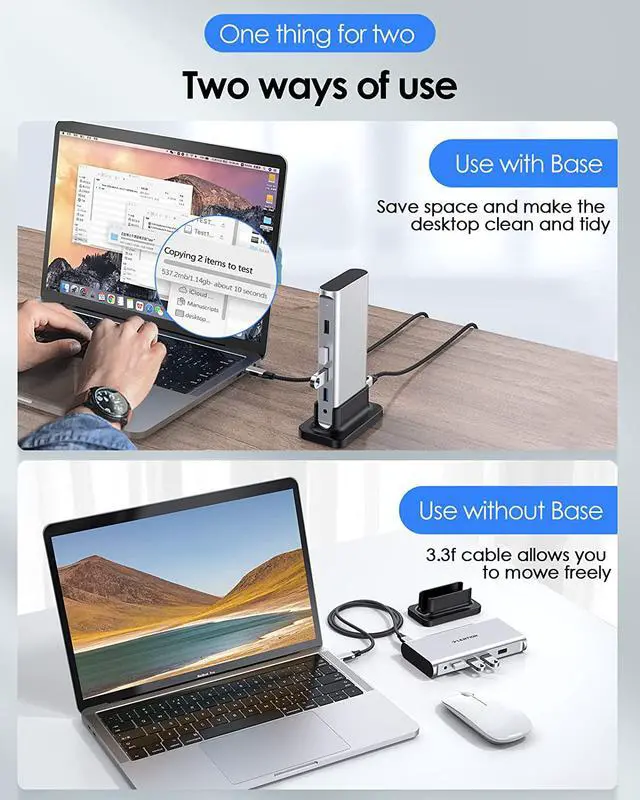
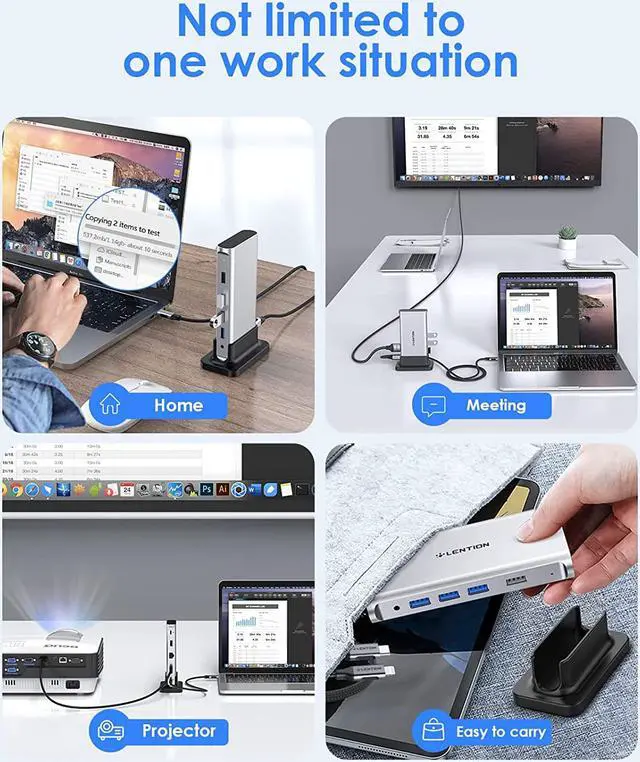
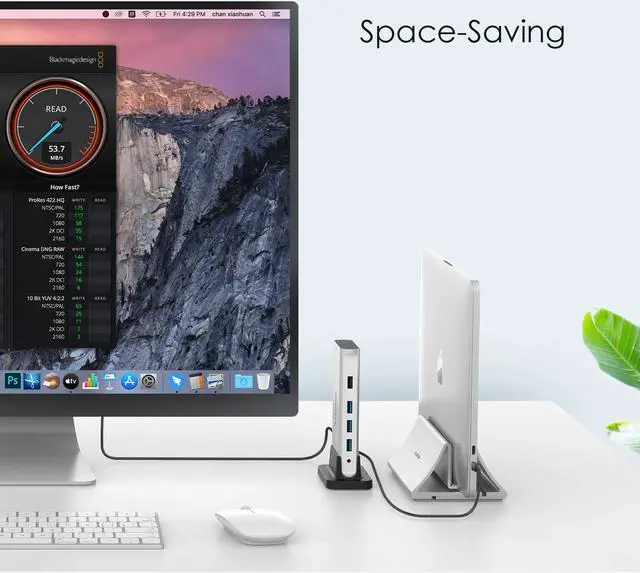
LENTION USB C docking station is detachable and lightweight in design. It is easy to carry and is the perfect solution for home, office, and travel use
Frequently Asked Questions About 9-IN-1 USB C Dock
1. Is this USB C docking station compatible with my laptop?
You can refer to your laptop's manual to check your USB C port. You can use our docking station only if the USB C port has three functions: Data Transfer, Video Display and PD Charging.
2. Why does the HDMI port not work?
You need to check: (a) whether the laptop supports DP ALT (b) the HDMI cable (c) the connected cable (d) whether the laptop and monitor have sufficient power supply
3. Why do some functions of the product not work after upgrading Macbook to Mac os system version 10.15.7 (MS os Catalina)? What should I do?
You can reinstall the system or upgrade to the latest system. To reinstall the system, please back up your data, then turn off your computer and press "Command+R". For the M1 laptop, you need to press and hold the power button until the prompt appears.
4. Why can't charging a laptop via the docking station reach that wattage as described on the details page?
The docking station will withhold 10W of current. The actual charging power is the power of your PD power adapter minus the 10W required to be withheld for the dock.
5. The docking station does not work after the laptop hibernates, what should I do?
You need to reconnect the docking station, otherwise it won't recognize any connected devices.