• $99.99
  • Free 30-day Returns
  • Ships from United States.
    Hot Seller

    Shipped by B-IN Electronics

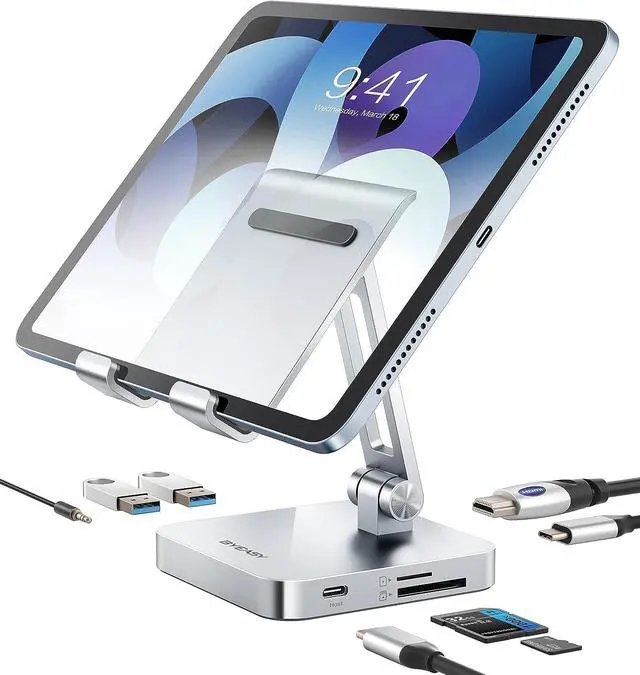
    USB C Hub with Stand, 7 in 1 Docking Station with 4K 30HZ HDMI, 3.5mm Audio Jack, 60W PD Charging, 2 x USB 3.0, SD/TF Card Reader, for iPad Pro 2021-2018/Macbook Pro 2017-2019

    • Item #: 9SIVB0EK5K9584
    • Mfr. Part #: BEH09CV17Z
    • UNSPSC: 43211602
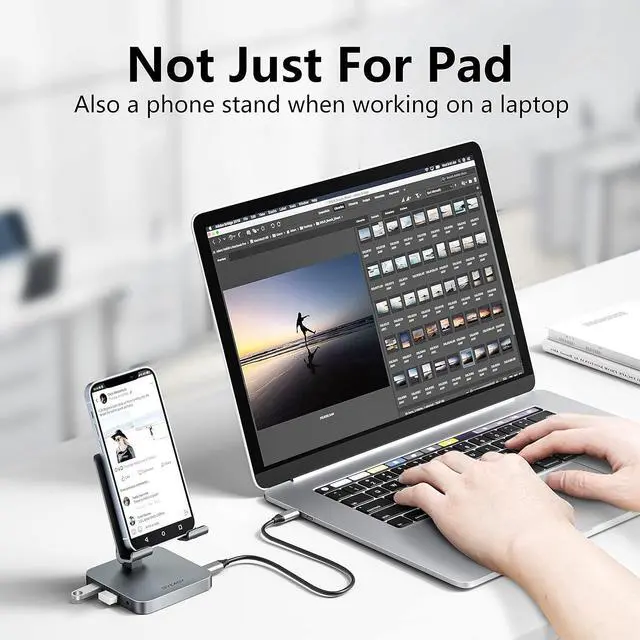
    • UNIQUE DESIGN: Usb c hub adapter and docking stand holder, the combined design frees your hands and quickly expands more possibilities for working and gaming. The sleek design of the docking station and a decrease of wires on your desk creates a more efficient and neat workspace to help increase your productivity.
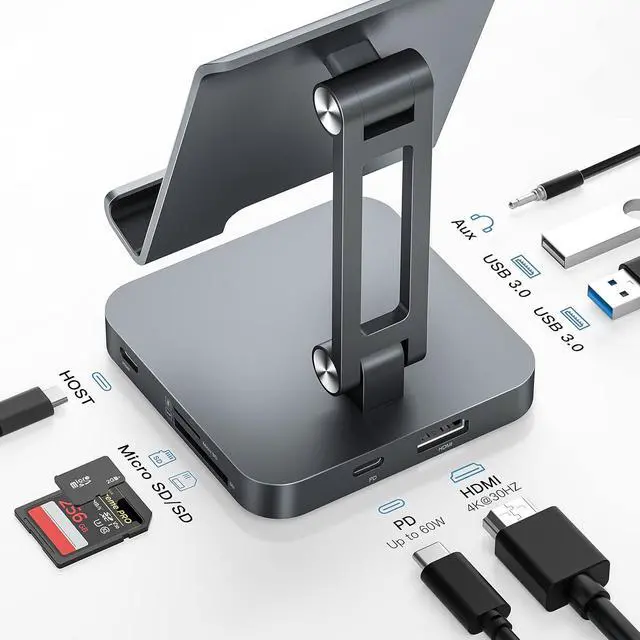
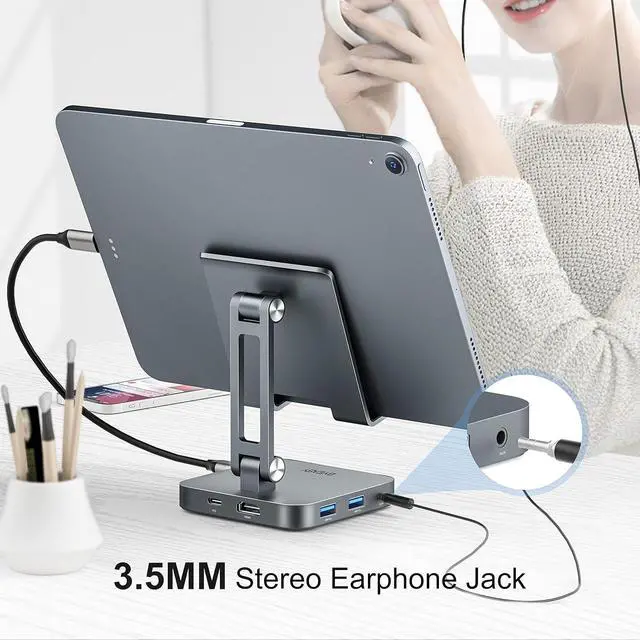
    • 7 IN 1 USB C HUB: This USB C hub for iPad Pro is equipped with 1x4K HDMI video outputs, 2xUSB 3.0, 1, SD/TF, 60W USB-C PD Charging, and 3.5mm Audio Jack. Byeasy USB C hub with 7 functional ports to meet your needs. Allowing you to connect a keyboard, mouse, USB driver, external Disk to your device. No need to install any drivers.
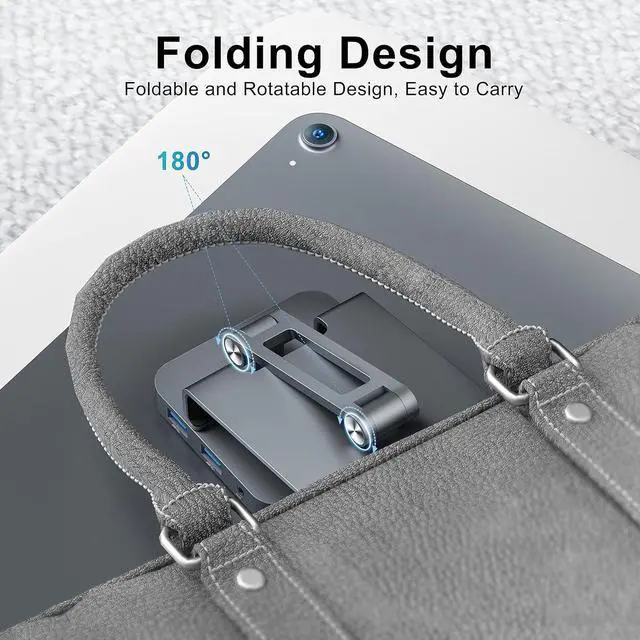
    • COMPACT SIZE: The stand is foldable and rotatable to adjust the angle of the view. The compact size helps to get rid of the troubles of the wires,allows you to improve work efficiency and productivity.
    +
    +
    Overview
    Specs
    Reviews
    HIGH-PERFORMANCE: Usb c hub's HDM port directly stream 4K 3840×2160 @30Hz, video to external monitor, or projector for a cinema-like visual feast. 60W power delivery allows devices fully charged in a short time; 2*USB 3.0 ports supports super faster data transfer up to 5Gbps, which is 10x faster than USB 2. 0 and allows you to transfer data in just seconds. By the way, 2*USB 3.0 can also connect keyboard, mouse, USB driver, external Disk to your device. No need to install any drivers.
    WIDELY COMPATIBILITY: iPad Pro 2021/2020/2018, iPad Air 2020, MacBook Pro 2019/2018/2017/2016, 2020 MacBook Air M1, MacBook Air 2018 etc. Usb c hub Docking station is designed for any host devices that has a full-featured USB C port, make sure your devices's USB C port. When you use the stand to hold your MacBook or heavy devices, please be carefully to adjust to the optimal angle to make sure it won't collapse.

    Warranty & Returns

    Warranty, Returns, And Additional Information

    Warranty

    • Please contact the Seller directly for warranty information. Warranty information may also be found on the Manufacturer's website.
    • CONTACT

    Return Policies

    Manufacturer Contact Info

    LOADING...