• $197.49
  • Free 30-day Returns
  • Ships from Hong Kong.
    Sold by haoyuzeshang

    Shipped by haoyuzeshang

    Minisopuru Triple Display Docking Station with Power Supply Laptop Charge, USB C Docking Station for MacBook Pro/Air M1 M2 & Windows, Laptop Docking Station with 3 HDMI,10Gbps USB C/A Data, Ethernet

    • Item #: 9SIVMNFKT48771
    • Mfr. Part #: DS806
    • UNSPSC: 43211602
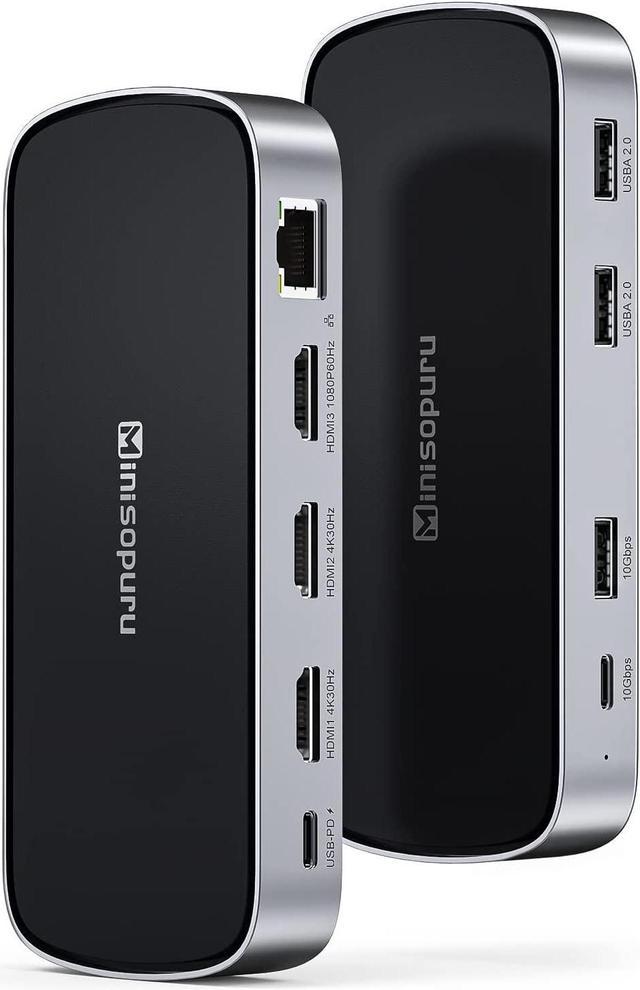
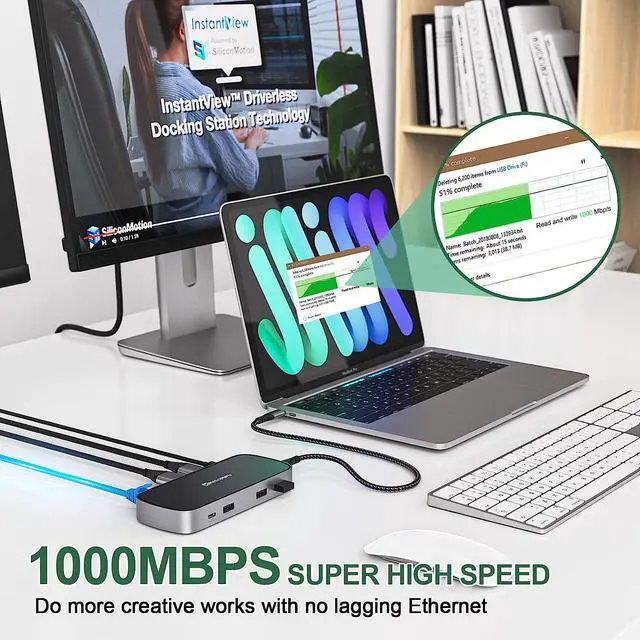
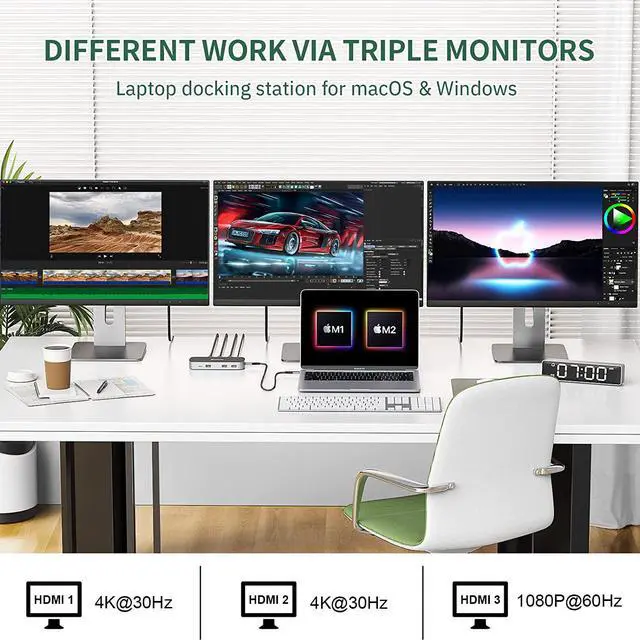
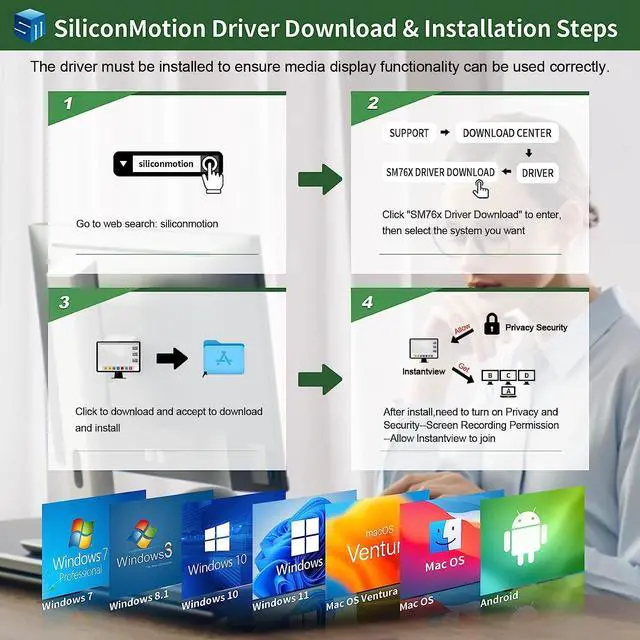
    • Unlock Triple Different Display for Mac/Windows:Minisopuru Docking Station equipped with three HDMI, just install InstantView driver and easily unlock three different displays for your MacBook, MacBook M1 M2, or other laptops with USB-C full-featured ports.Note: Must install the Instantview driver on your laptop to ensure proper media display functionality.
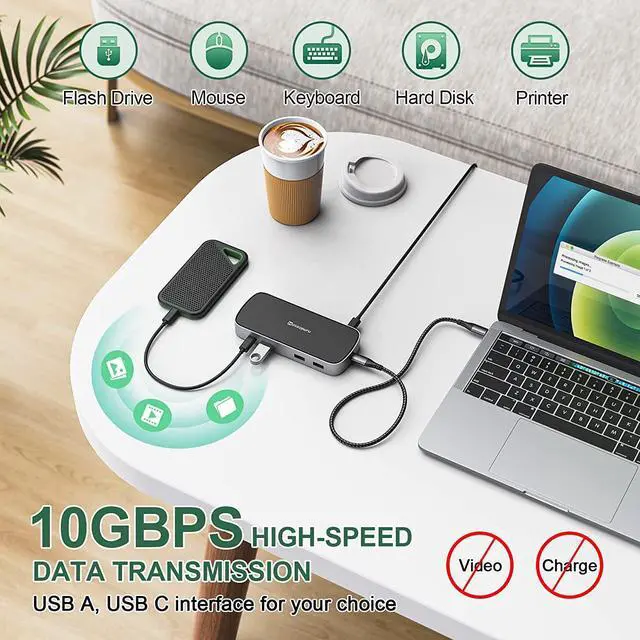
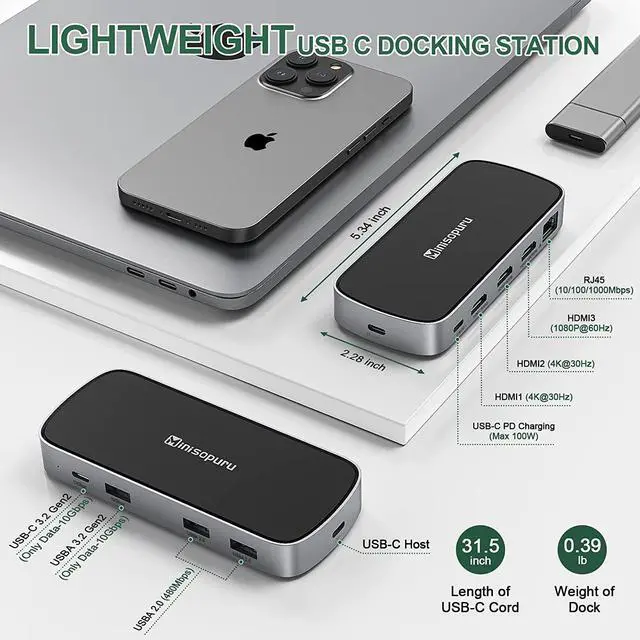
    • 9 IN 1 USB C Docking Station:Minisopuru triple display docking station expand your limited laptop port to 9 daily use ports: 3*HDM, 1* Max 100W PD3.0,1*Gigabit Ethernet,1*10Gbps USB C 3.2 Gen2,1*10Gbps USB A 3.2 Gen2, 2*USBA 2.0 ports. And the 3 HDMI docking station triple monitor is very light, only 0.39 pounds. It is very suitable for you to use in travel, business trips, at home, meetings, etc.
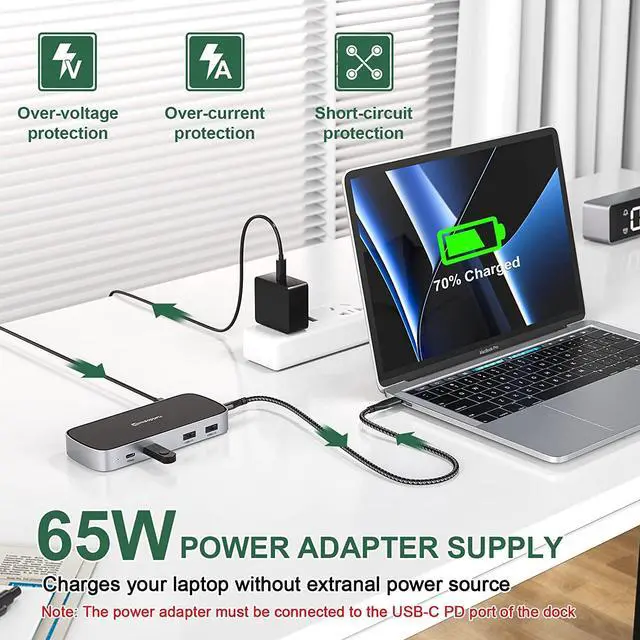
    • Fast Charge Your Laptop:The laptop docking station for MacBook Pro M1, and MacBook Air M2 goes with a 65W power supply for stable usage and fast charging your laptop.Note: The USB-C docking station must connect the DC power adapter
    +
    +
    Overview
    Specs
    Reviews
    Q1: Why does my MacBook Pro M1 install InstantView driver, HDMI ports still doesn't work?

    A1: For macOS, the app will require a screen recording permission, please: Apple Menu->System Preference-> Security & Privacy-> select "Privacy" tab->find" Screen Recording", check "macOS InstantView".

    If still not, please contact support@minisopuru

    Q2: Why doesn't netflix work?

    A2: Please
    note: The USB C docking station cannot play
    HDCP content(eg: some Netflix and YouTube paid content). When playing HDCP content, the video may not be played, the screen may turn black, and problems.

    Q3: Why can't I charge my mobile phones?

    A3: Please
    note: The USB-C PD interface of the Laptop docking station only supports charging the laptop.

    The USB-C/A interface only supports data transmission, not video output and charging.

    Q4: Is this docking station compatible with Dell XPS 13?

    Warranty & Returns

    Warranty, Returns, And Additional Information

    Warranty

    • Please contact the Seller directly for warranty information. Warranty information may also be found on the Manufacturer's website.
    • CONTACT

    Return Policies

    Manufacturer Contact Info

    LOADING...