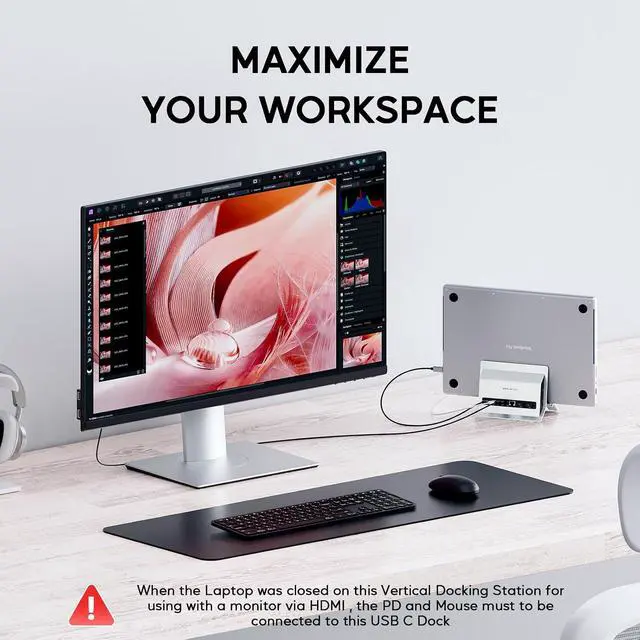
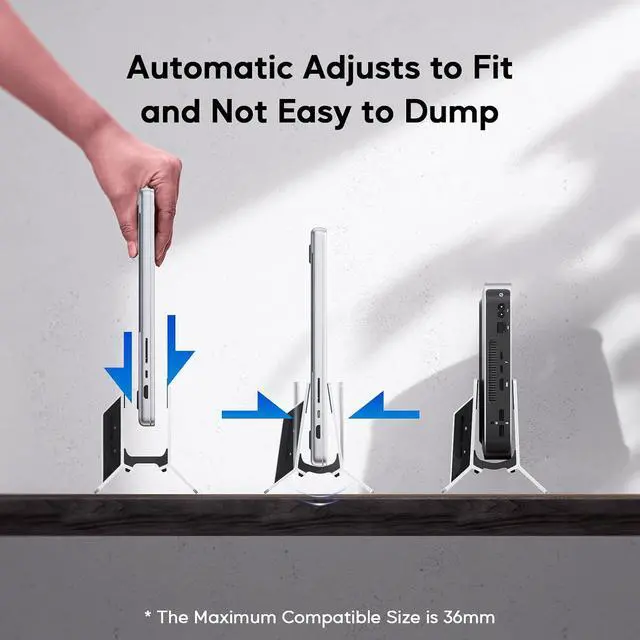
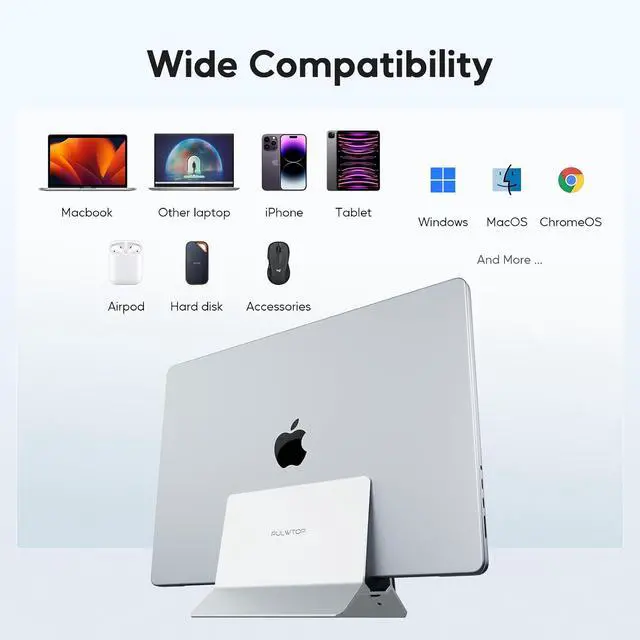
Vertical MacBook Docking Station, Docking Station for Mac mini with M.2 NVMe case for MacBook Pro/Air, 4K@60Hz HDMI, 2USB C 10Gbps, SD/TF, 100W PD, RJ45, 2 USB A for Windows Sliver
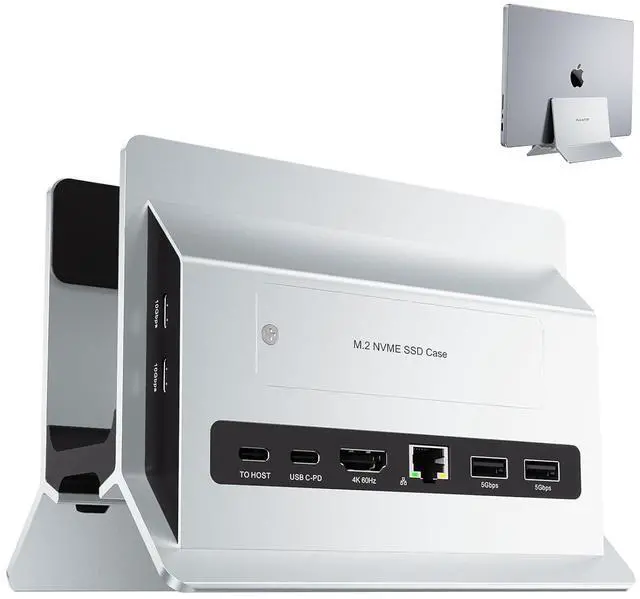
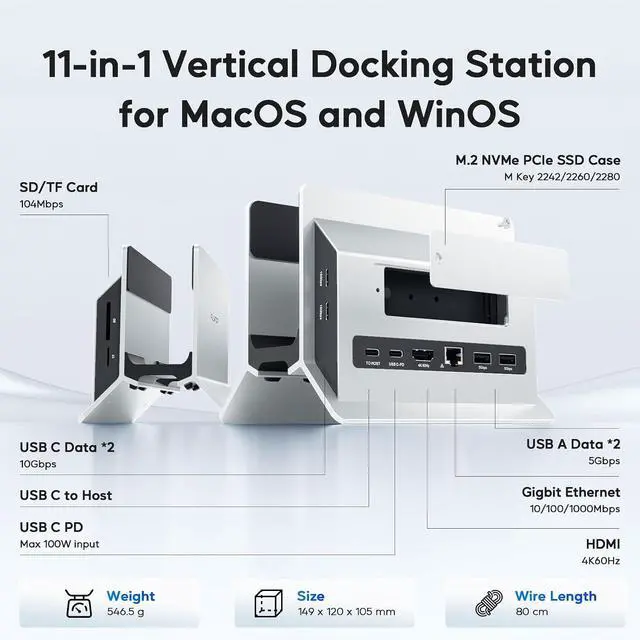
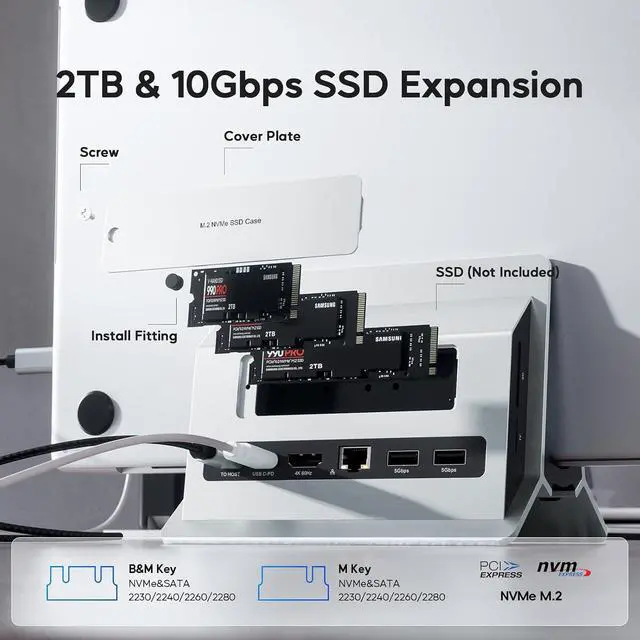
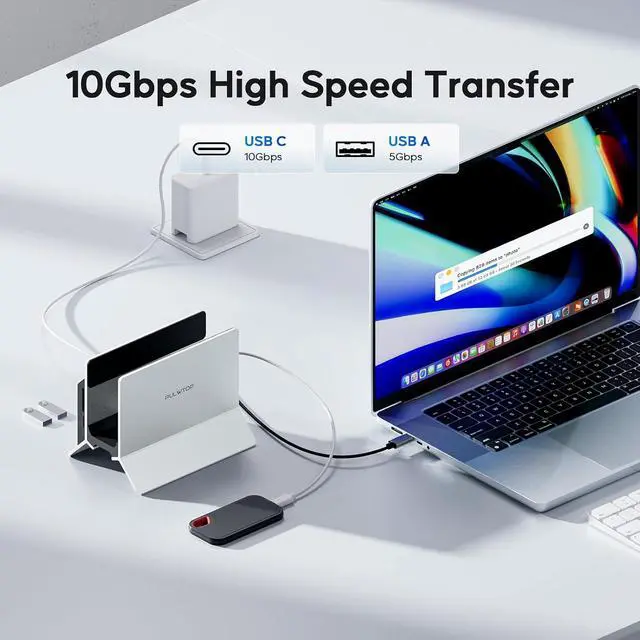
11 in 1 Laptop Docking Station: This laptop stand docking station for USB C laptop comes with 1 x 4K@60Hz HDMI for HD video output, 2 x USB 3.0, 2 x USB C 10Gbps, SD/ TF, RJ45 wired Gigabit Ethernet. Note: Please make sure the usb c port of your laptop support transfer data, video and charging. Does NOT support dual monitors. Please connect a power adapter of 65W or above.; Support M.2 SSD expansion: Mac Mini Dock supports SSD expansion, you can use this USB Hub to expand the external solid-state hard drive to meet the insufficient storage needs of Mac Mini/Macbook. The USB-C HUB supports M.2 PCIe NVMe SSD 16Gbps interface, compatible with M.2 NVMe SSD, 2230/2242/2260/2280 size M.2 SSD.NOTE: SSD is not included and PCIE SSD ONLY, not support SATA. It supports disks up to 4TB. Do Not compatible with mac mini m4. If your SSD is new, please format your NEW SSD into "exFat" or "apfs" format.; 4K HDMI HD Output: USB C hub HDMI port output up to 4K@60Hz, it can perfectly mirror or extend your screen to HDTV, monitor or projector, suitable for full HD movies, 3D video Games, office meetings and entertainment. Surf the web, watch video clips, transfer data, all in one. Bringing you vivid video synchronization.(Note that this product only has one HDMI port, so only one external monitor is supported); Super Speed Data Transfer Dock: This vertical docking station has 2 USB C 10Gbps port (not support video and charge) and 2 USB A 3.0 ports 5Gbps to transfer fileS. It allows
+
+
Overview
Specs
Reviews
Product description 11 in 1 Vertical Stand Docking Station 10 Gbps High Speed Transfer 4K@60Hz HDMI Display Modern Grip Design for Fast Heat Dissipation Multiple USB Ports - 2* USB C 10Gbps - 2* USB A 5Gbps
Learn more about the Detailed Specifications
Additional Information
First Listed on Newegg
July 22, 2026
There are no reviews yet.
Do you own this product?
Warranty & Returns
Warranty, Returns, And Additional Information
Warranty
Please contact the Seller directly for warranty information. Warranty information may also be found on the Manufacturer's website.