Please Note:
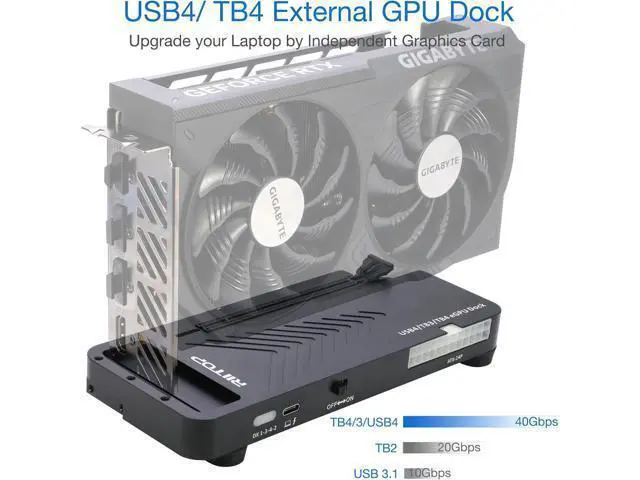
1. Please make sure your laptop owns Thunderbolt 4/3 or USB4 interface in bandwidth of 40Gbps. Otherwise, the eGPU Docking Station can not work.
2. Compatible with Mac OS 10.13. 4 and above, but can only support AMD Graphics Card, no driver need.
3. Not support NVIDIA on Mac OS.
Features: 40Gpbs USB4/TB4 eGPU
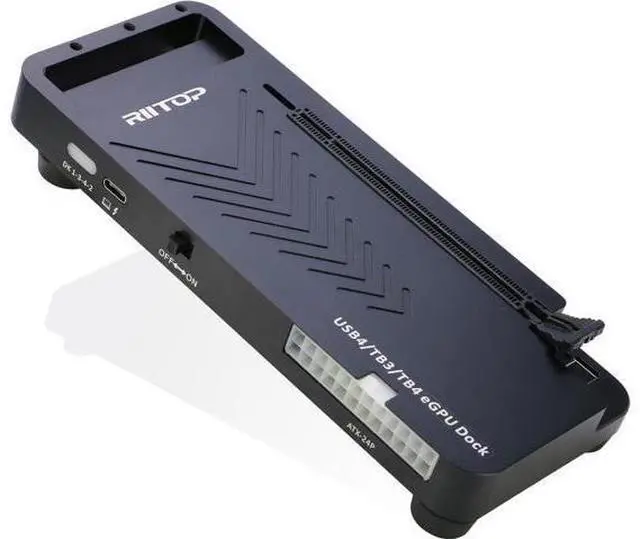
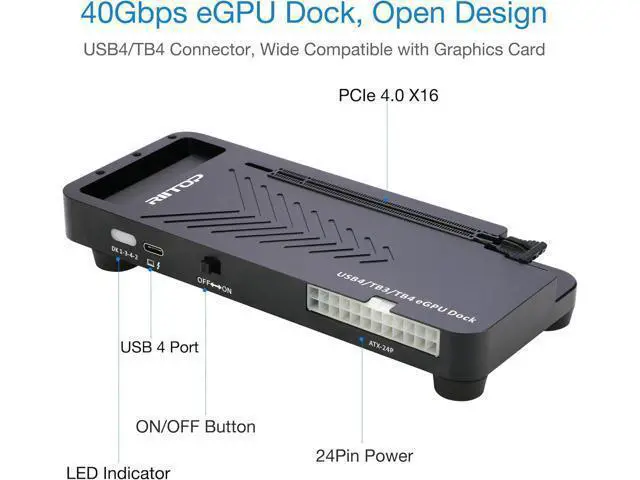
Dock: RIITOP USB 4.0 eGPU Docking Station Compensates for the performance limitations of graphics card on thin/ light or older laptops, gaming rigs and NUCs, which comes with Thunderbolt 3/4 or USB4-equipped devices. Supports the latest NVIDIA (RTX 50
Series: 5090 D/5080/5070 Ti/5070) and AMD (RX 7000 Series) GPUs, delivering high-performance graphics for AI Computing, cinematic experiences, large-scale rendering, video editing, gaming and creative workloads.
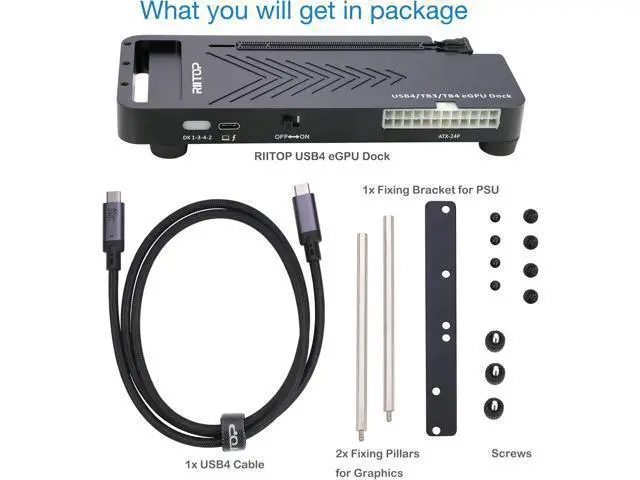
Hardware Requirement: 1x Available Thunderbolt 4 or Thunderbolt 3 or USB 4 Port on your laptop or any other device you want to connect, otherwise it can not be used; 1x ATX/SFX Power Supply. 1x PCIe 4.0 x16 Graphics card.
Easy to install:
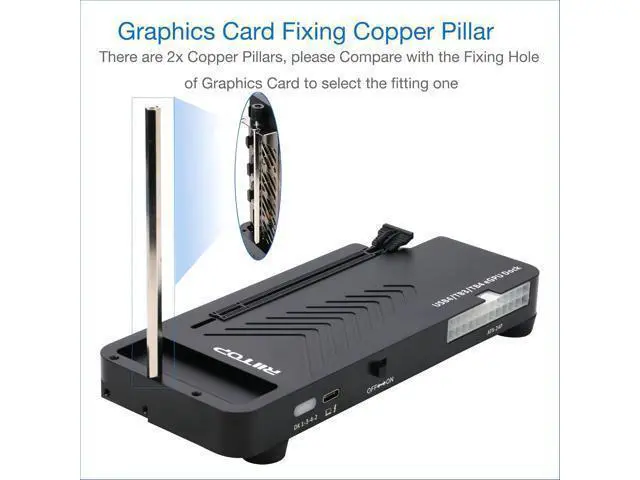
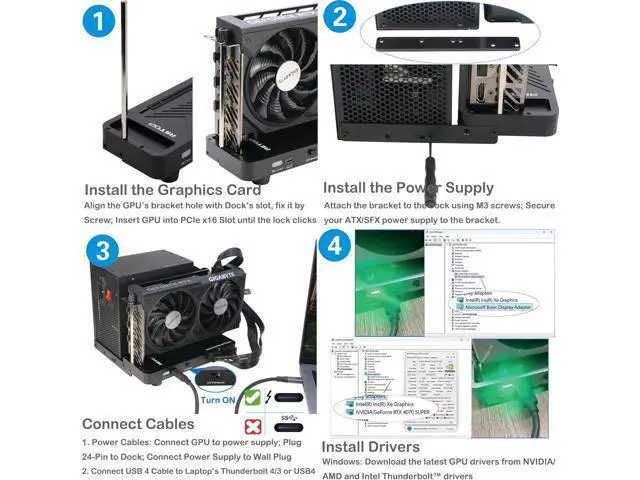
1. Install Graphics Card, and Fix it by the copper Pillar for Graphics Card.
2. Fix Power Supply by black Bracket.
3.
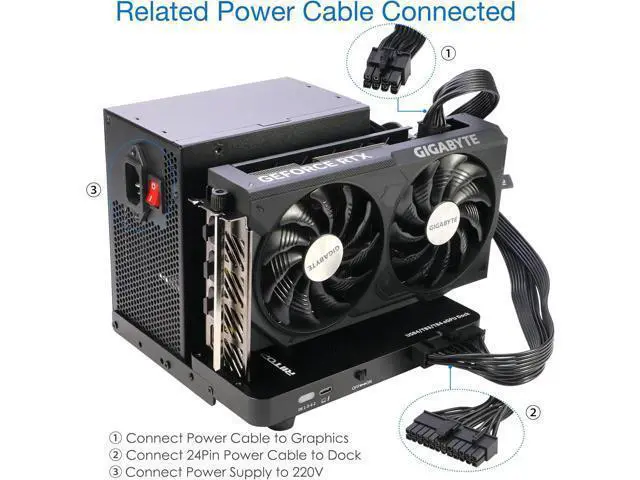
Connect the related cables: 24 Pin ATX Cable, USB 4 Cable and Video Cable for Monitor.
4. Turn on the "ON/OFF Button.
5. Install driver for the
Graphics Card(Please Note: Windows os also need to install the Thunderbolt controller Driver).
Wide Compatibility: Open design, No restrictions on graphics card size, Supports the most latest graphics card, suc