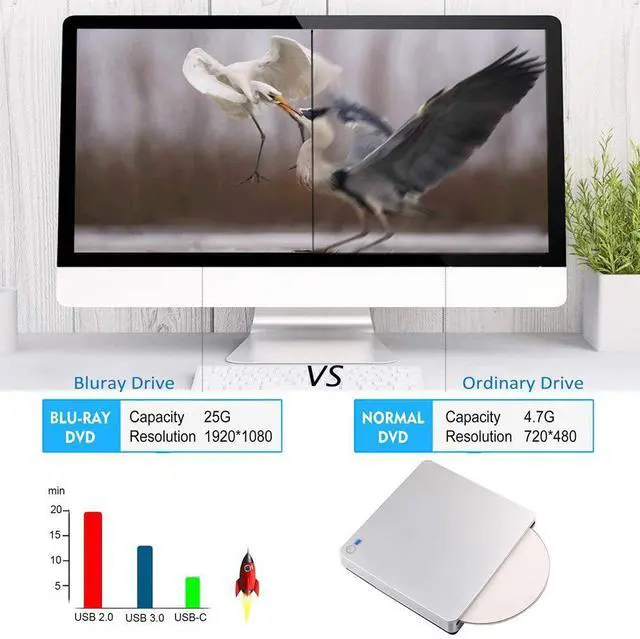
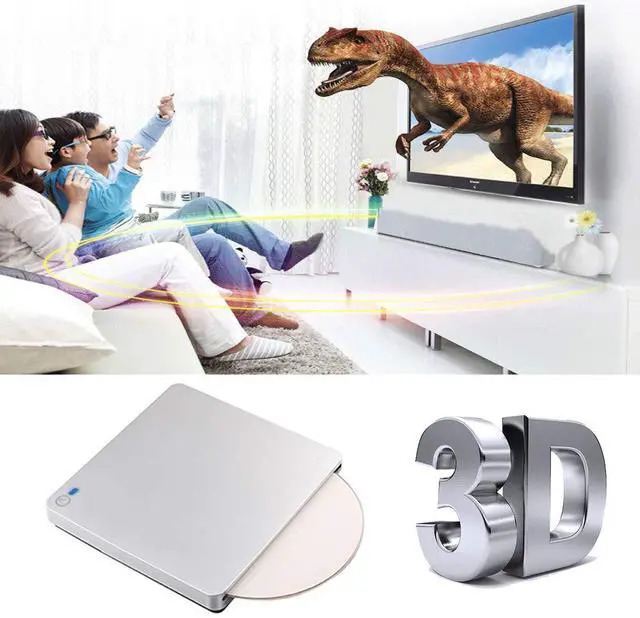
External 3D Blu Ray DVD Drive, USB 3.0 and Type-C Blu Ray CD DVD Drive Player Ultra Slim Slot-in CD DVD Burner with Smart Touch Compatible with Windows XP/7/8/10, Mac OS for MacBook, Laptop, PC
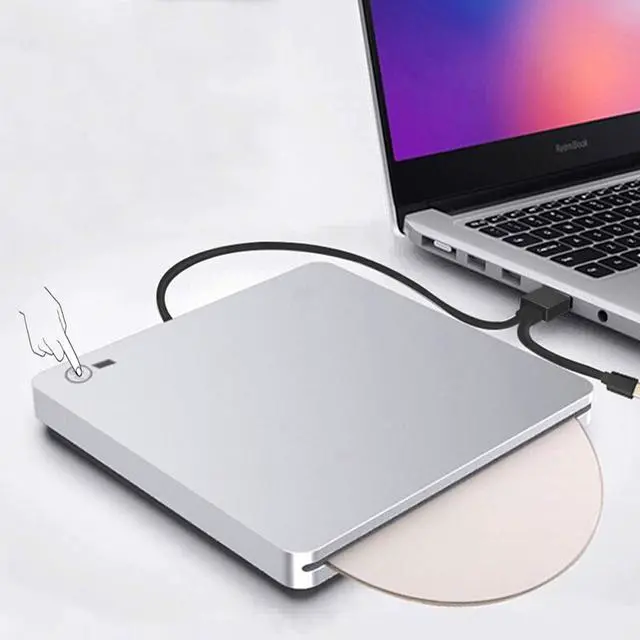
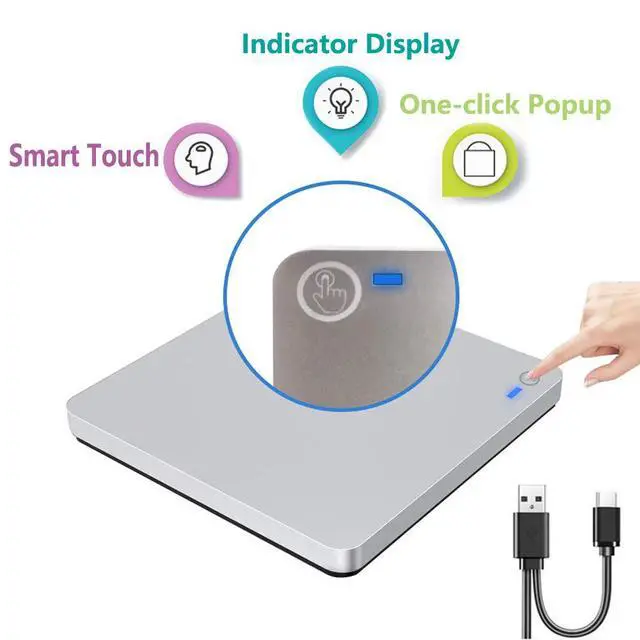
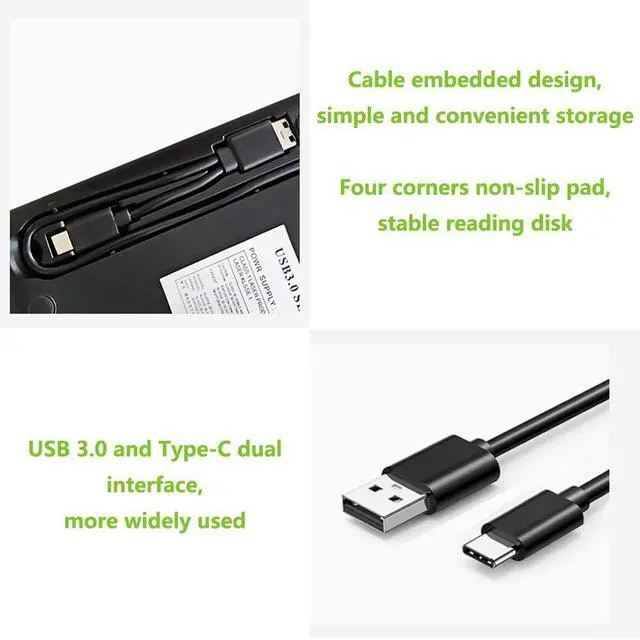
Easy to UseThe external blu ray drive can read CD,DVD and blu ray discs,just burn CD and DVD.Powered by USB 3.0 or TYPE-C, no separate power supply is required.The drive has a touch button help eject the disc,no need to install any drivers.It's also very quiet to use,inhaled Blu-ray drive, gently push, disc automatically inhaled.Plug the blu ray DVD drive into your computer USB3.0 or Type-C interface. Then you can enjoy the wonderful time.
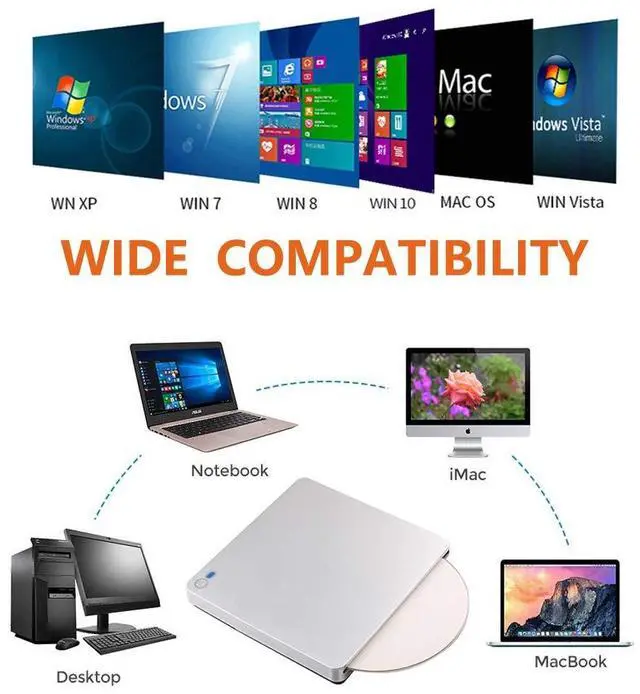
Widely CompatibleFeatured with USB 3.0 and Type-C interface,this blu ray drive can be used in laptops/ desktops/ Macbook.And compatible with Windows XP/7/8/10, all Version MAC OS 10 or below systems. Support 3D Player and blu ray movies.Make sure the playback software on your computer must support the Blu-ray format. Download the "Cyberlink BD&3D Advisor, start to perform testing, it will tell you a result if your computer support playing blu ray or 3D.
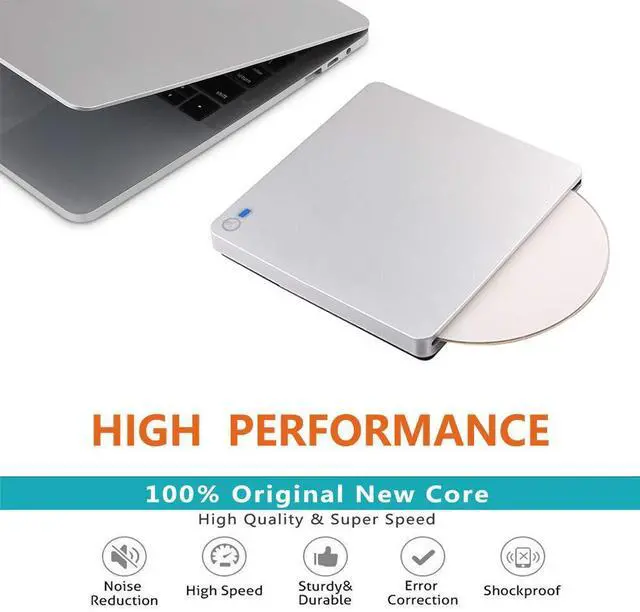
Supports High Speed Reading 3D Blu Ray DiscThe blu ray DVD drive read CD discs at up to 24x, DVD disc at up to 8x, and blu-ray disc at up to 6x.Player software on your computer also must support blu-ray format when playing blu-ray discs.We strongly recommend use professional software play this product,such as "PowerDVD" (windows system), "Macgo Blu-ray Player"(Mac user) or Leawo. [Player software is NOT included.]To play Blu-ray movies, you must download Blu-ray playback software.
+
+
Overview
Specs
Reviews
External 3D Blu Ray DVD Drive, USB 3.0 and Type-C Blu Ray CD DVD Drive Player Ultra Slim Slot-in CD DVD Burner with Smart Touch Compatible with Windows XP/7/8/10, Mac OS for MacBook, Laptop, PC
Learn more about the Detailed Specifications
Model
Brand
Xglysmyc
Type
external blu ray drive
Performance
Cache
2 MB
Details
Panel Color
Silver
Interface
usb3.0_c
Features
Features
Lightweight
Additional Information
First Listed on Newegg
August 07, 2026
There are no reviews yet.
Do you own this product?
Warranty & Returns
Warranty, Returns, And Additional Information
Warranty
Please contact the Seller directly for warranty information. Warranty information may also be found on the Manufacturer's website.



 All Categories