How to Connect the fitness tracker
(1)Download and install the “H Band” app in your phone.
(2)Open the “Location”of your phone.
Then Open the bluetooth of your phone and make sure it is on. (!!!Don’t connect the fitness tracker directly via the bluetooth,follow the next step).
(3)Enter the app->Click “Mine”->Click “Connect a device”->Find the Q18 bluetooth name then connect it successfully.
How to use the USB charging function
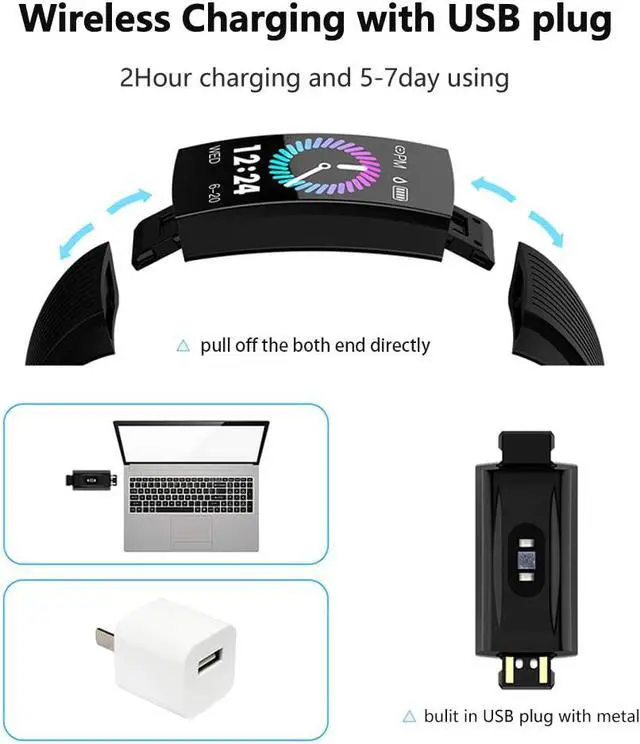
This fitness tracker is wireless USB charging. pull off the strap of the fit tracker ,then put the USB side into the USB charging port.
Warm tips:
(1)Use the correct side to charge(which side with metal material). when you use the correct side,it will vibrate and you can see the battery is charging.
(2)Please charge the fitness tracker for about 2 hours to make it be full cherged before the first use.
How to start monitor the Heart rate and blood pressure?
A: Auto monitor: "App"--"Q18"--"mine"---"Switch setting"-- open the two function
how to save the power? when you finished the sport, and close the manual sport mode
open Manual sport mode on fitness tracker: "fitness tracker" --"press enter" and exit sport mode ( hold 3second when on the Exit mark sign)
Remark: 1.the manual monitor data only show on fitness track, 2.Fitness tracker:Hold 3Second into secondary and third interface (enter or exit) ,hold 1second to enter next interface.
How to charger ?
1. please take off the band (refer for the video, )
2. find the end of metal material side.
3.try the end (metal material) to plug in USB port, try up and down two ways, which end plug in (the screen display battery logo), it means charging. if not, it's wrong.
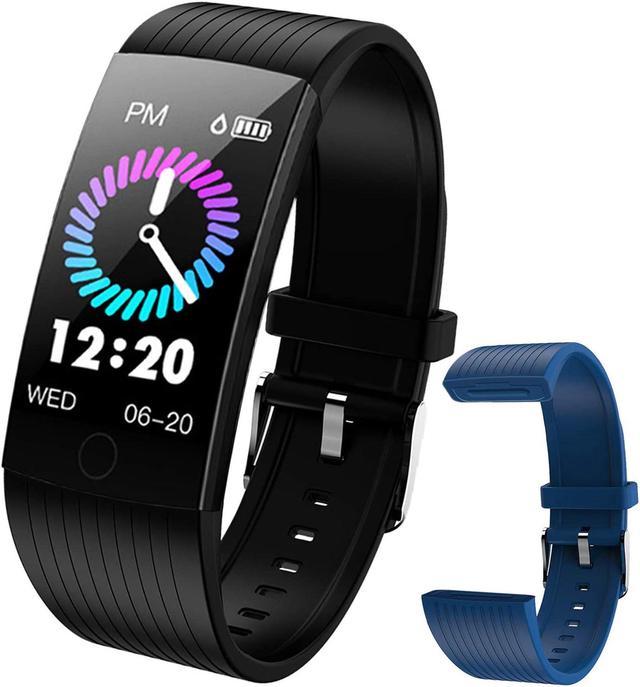
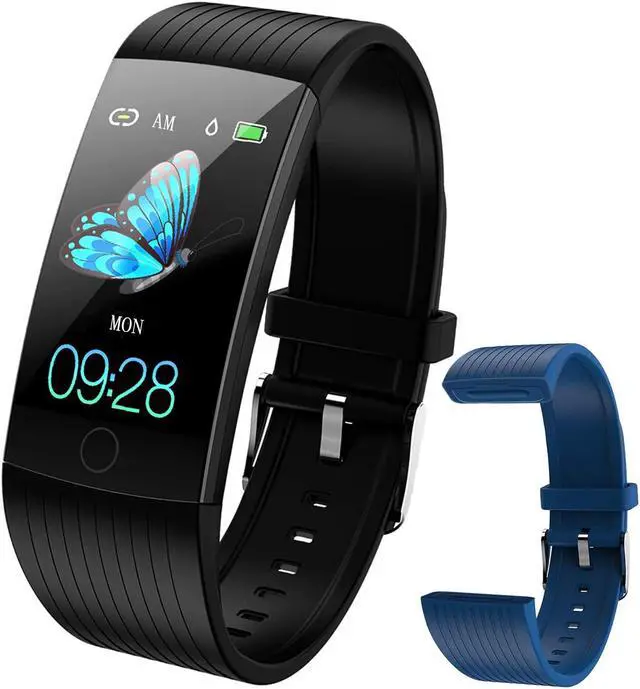
All about WELTEAYO 1.14 Inch Color Screen Sports Style Fitness watch
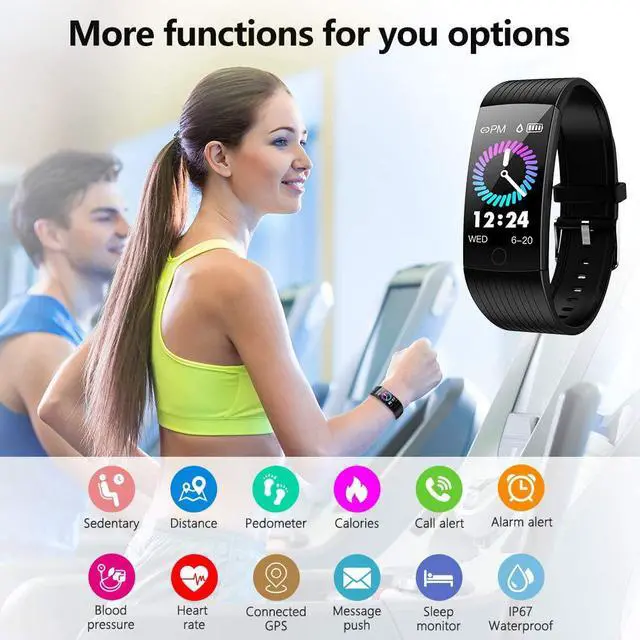
Main Functions
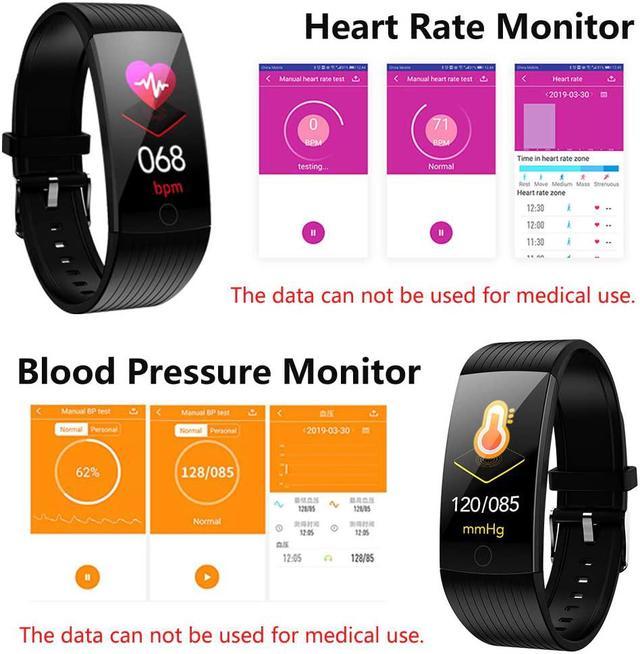
*Heart rate monitor function
*Blood Pressure Monitor function
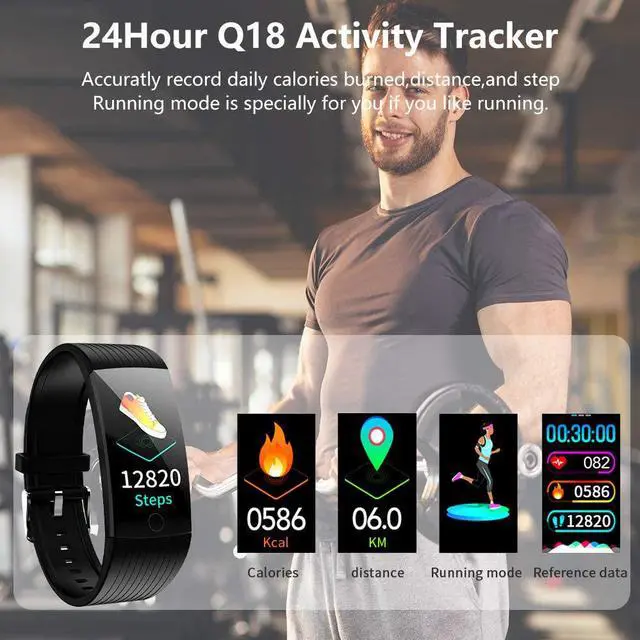
*Time,calories and distance display
*Pedometer watch to count your steps
*Sleep Monitor Function
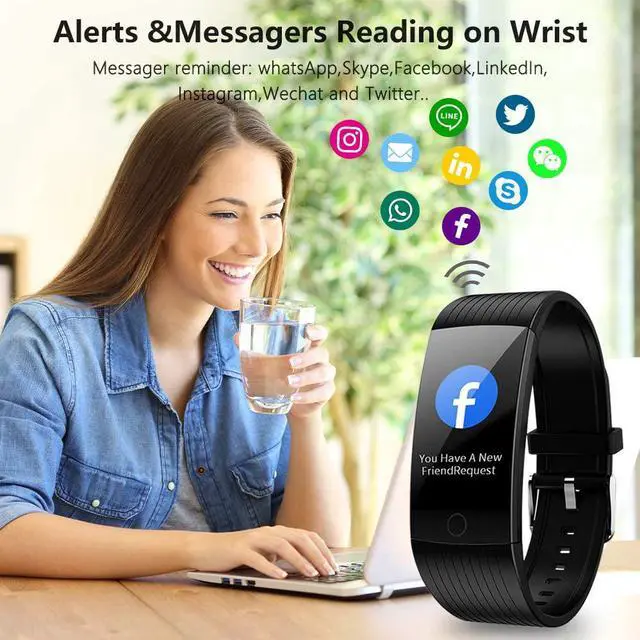
*Call & Messager Reminder function
(Facebook, WhatsApp, LinkedIn,
Instagram, and Twitter..)
*Find Phone Function
*Remote Camera Function
*Stopwatch function
All Day Time Activity Tracker &Connect GPS track the trace
Welteayo Q18 fitness tracker accurately record all-day activities, including the steps, calories consumed and distance walked.Under running mode, when the watch is connected to your smart phone, it uses the phone's GPS to track the traces of your distance
Heart Rate Monitor & Blood Pressure Test
The fitness watch's 24 real-time continuous heart rate/blood pressure function can help you to know your health condition.
Automatically Sleep Monitor in the Night
The smart watch also monitor your deep sleep time and light sleep time