Easy Find & Family Sharing with Google Find
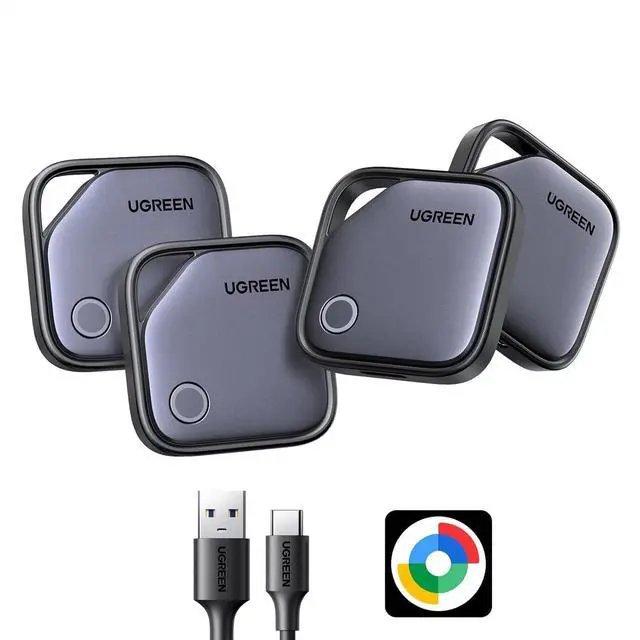
Hub App: Effortlessly pair the FineTrack G air tracker tags with your Android phone in just one tap. Using the Google Find Hub app (download required), you can easily add the tracker tags to your account to locate and keep track of your key, wallet, luggage, and other valuables. Besides Trackering item, you can also share your trackers location with family members, so everyone can help keep your belongings safe.
(Note: Compatible with Android 9.0 and above only, Not for iOS);
Smart Tracking Made Easy: Whether Bluetooth Air Tracker Tag is nearby or far away, locate it easily with the Find Hub app for Android. When within Bluetooth range, play a sound to quickly find the item tracker tag; when out of range, the Google Find Hub app will use the vast ecosystem of Android devices to provide the item finders latest location. Enjoy global tracking with Google Find Hub app without any subscription fees; Lost Item Alerts & Lost Mode: When your Android Tracker Tag moves out of range, the Google Find Hub app sends an lost alert with the last known location. If your item is confirmed lost, you can leave your contact information in Lost Mode and so nearby Android devices can remotely access it and help locate your tracker, making recovery quick and easy. (The above functions need to activate Lost Mode before use)



 All Categories